Choosing a Palette Before You Dither: Median Cut vs Octree vs k-means
The palette decides which colours a dither can use; the dither only decides where they land. How median cut, octree and k-means pick those colours, and where…
01/ ARTICLE
Color quantization chooses the palette before dithering runs, and that choice sets which colours can appear at all. The dither only decides where those colours land. Median cut, octree and k-means are the three common ways to pick them, and they differ in what they lose.
Median cut is the usual default, and a safe one for photos. Octree is built for memory and speed. k-means stays closest to the image but takes the longest. Below: how each works and where it breaks. The numbers come from published documentation, not from test renders of our own.
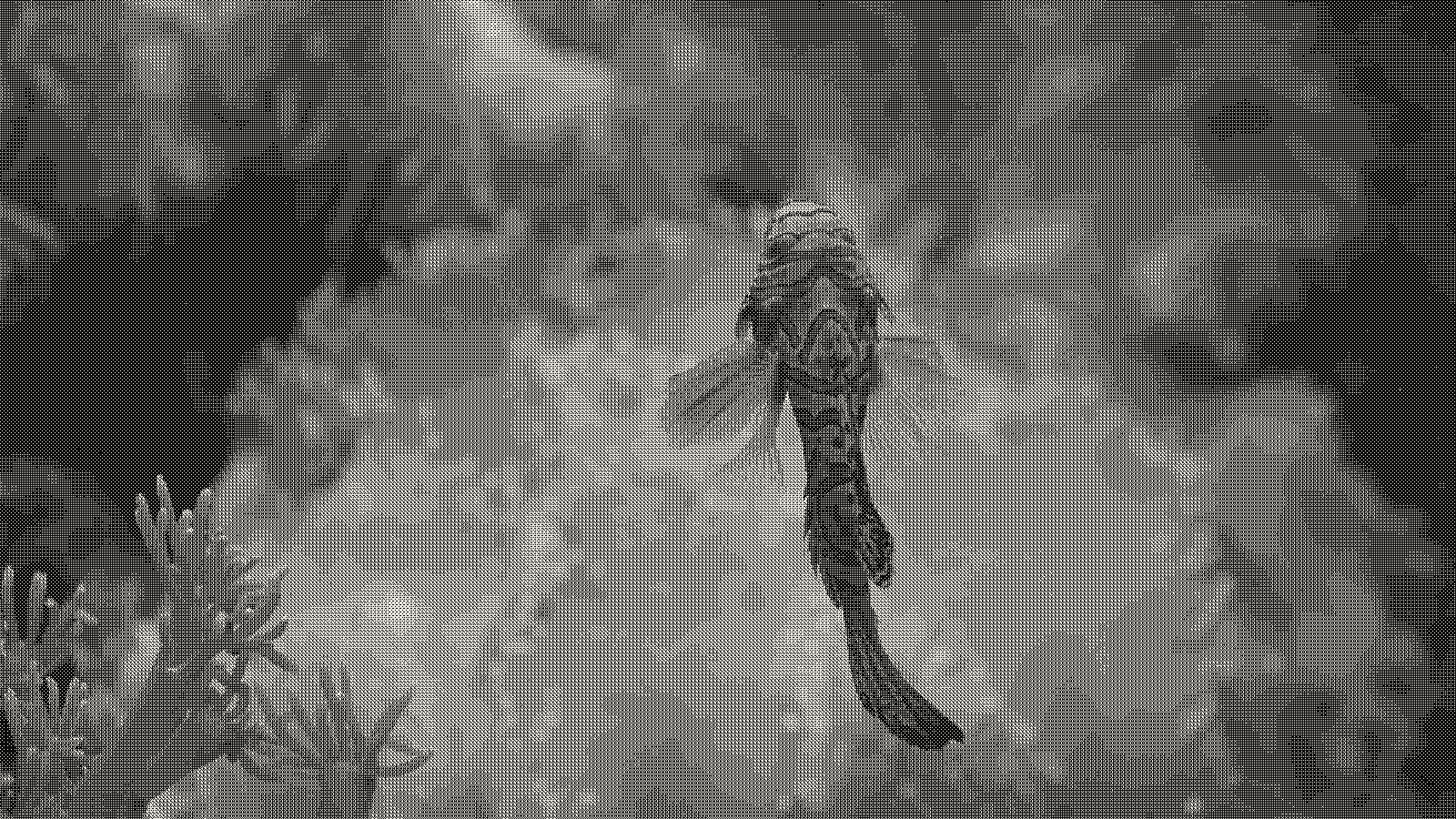 subject: mandarin fish · look: bayer · 4x4 matrix · threshold 0.50 · 1px · Image made with kott.io
What does color quantization do before a dither runs?
Color quantization is the process of reducing an image to a small palette of representative colours. Wikipedia's overview describes most standard methods as clustering points in three-dimensional colour space, then averaging each cluster into one palette entry. RGB is the usual space; Lab is also popular because Euclidean distance tracks perceived difference more closely.
Dithering then maps every pixel to that palette. In error diffusion, Leptonica's documentation explains, the error between a pixel and its nearest palette colour is passed to nearby pixels. That can raise mean square error, but it keeps the average colour of a small region close to the original.
One requirement is hard. Leptonica says accurate results need palette colours that span the colour space, so the image's RGB values fall inside their convex hull. A palette missing the bright end of the image cannot be rescued by any kernel.
How does median cut pick colours?
Median cut is a quantizer that recursively splits the pixels in colour space at the median of the widest channel, then averages each resulting box. Wikipedia's median cut article lists the steps for a 16-colour palette:
- Put every pixel in one bucket.
- Find the channel (red, green or blue) with the greatest range.
- Sort the pixels by that channel and split the bucket at the median.
- Pick the next bucket to divide and repeat until you have 16.
- Average each bucket to get the palette.
Paul Heckbert developed it in his 1980 Bachelor's thesis and published it in 1982, according to the colour quantization article. Because each box holds roughly equal pixel counts, Leptonica notes it does well in dense regions but can produce large colour errors in sparse ones. So a small bright accent, like one red flower in a green field, is the colour most likely to get averaged away.
Leptonica's modified version (MMCQ) shows what the tuning looks like. It moves the cut toward the centre of the larger side instead of the median, so small colour clusters get isolated and can reach the palette. It schedules splits with a priority queue, and it bases a fraction f of the splits on population and the rest on population times volume. Leptonica reports good results for f between 0.3 and 0.9, working on 5 bits per component.
How does octree quantization differ?
Octree quantization is a quantizer that builds a tree on the top bits of red, green and blue and prunes it until the leaves match the palette size. Gervautz and Purgathofer invented it in 1988. Each level has eight branches, one per combination of the next red, green and blue bit, and merging bottom-level nodes keeps memory bounded. That is its main advantage.
Precision is what you pay. The palette count is approximate, and Leptonica notes the result may contain fewer colours than requested. In its two-pass adaptive form Leptonica finds octree generally slightly better than median cut, and it keeps 64 colours in reserve so the whole colour space stays covered. Its octree levels run from 4 to 6; on a million-pixel image, Leptonica reports about 0.03 to 0.08 seconds without dithering, on a 3 GHz Pentium.
Is k-means worth the extra time?
k-means is a clustering method that moves palette colours toward the average of the pixels nearest to them, repeating until they settle. It was long considered unsuitable for quantization because of its computational cost and sensitivity to initialization. M. Emre Celebi's 2011 reassessment, summarised in the Wikipedia article, showed an efficient implementation outperforms a large number of other methods.
The sources disagree on speed, and both views are worth keeping. Leptonica calls k-means and LBG sensitive to initial conditions and too slow for colour quantization, which fits a library that wants a fast one-call result. If you're processing one image, a few extra seconds won't hurt.
At very small palettes there is another route. Spatial colour quantization (scolorq, published as a 1998 technical report) picks the palette and the dithering together. The same article says it pays off only up to about 16 colours. A reference list on Dithermark also points to Joel Yliluoma's positional dithering, which is designed for arbitrary palettes, so a hand-made palette works with ordered dithering too.
Which palette method should you pick?
Pick by what you can least afford to lose. The table sticks to what the sources above state.
| Method | Origin | Strength | Weakness | Pick it when |
|---|---|---|---|---|
| Median cut | Heckbert, 1982 | Equal pixel counts per box; strong in dense regions | Large errors in sparse colour regions | A photo with broad colour areas |
| Modified median cut | Leptonica (MMCQ) | Isolates small clusters; priority queue | Needs tuning of f (0.3 to 0.9 reported) | Accent colours matter |
| Octree | Gervautz and Purgathofer, 1988 | Bounded memory; fast | Approximate count, may return fewer colours | Speed matters, or you want a bounded tree |
| k-means | Reassessed by Celebi, 2011 | Close to the image, outperforms many methods when efficient | Cost and initialization sensitivity | One image, quality first |
| Spatial (scolorq) | Puzicha et al., 1998 | Palette and dither chosen together | Pays off only to about 16 colours | A tiny palette |
For the ffmpeg route to GIF, the same trade shows up in the palettegen and paletteuse flags, which are a quantizer and a dither applied in two steps.
What goes wrong with each method?
Median cut loses accent colours. A sparse region gets averaged into a neighbour, so a small saturated detail turns grey or muddy, and no dither algorithm will bring it back.
Octree can hand you fewer colours than you asked for. Ask for 16 and get 14, and your settings aren't wrong.
k-means depends on where it starts. Leptonica flags the initial-condition problem, so two runs from different starting palettes can settle on different results.
All of them share one trap with the dither that follows. If the palette does not span the image's colours, error diffusion keeps pushing error that has nowhere to go, and you get banding or blown highlights. Separately, dithering in encoded sRGB brightens mid-tones whichever palette you chose, which the linear-light fix covers.
Does the palette matter more than the dither algorithm?
It matters most when you cannot diffuse. Leptonica says that without dithering, non-adaptive palettes look poor on most images, while with error diffusion even simple methods render colours reasonably. So the palette is the bigger lever for ordered and threshold looks, and a smaller one under diffusion.
The mirror test is to hold the palette fixed and vary the pattern, as in the 4x4 vs 8x8 Bayer matrix comparison. Do both: fix the palette and change the matrix, then fix the matrix and change the quantizer, and compare at the same colour count.
Conclusion
Choose the palette first, because it fixes the colours the dither can use. Use median cut for photos with broad colour areas, a modified median cut or k-means when small accents matter, octree when speed and memory matter, and a spatial or hand-made palette at 16 colours or fewer. To try the pattern side on a colourful photo, open the Bayer dither in kott studio and vary the matrix at a fixed colour count.
Frequently Asked Questions
Do I need a good palette if I use error diffusion?
A better palette still helps, but diffusion forgives a lot. Leptonica's notes say that with error diffusion even simple methods render colours reasonably, while non-adaptive palettes look poor without it. Either way, the palette has to span the colours in the image.
Is k-means too slow for colour quantization?
It was long considered so, because of its cost and its sensitivity to initialization. Celebi showed in 2011 that an efficient implementation outperforms many other methods. Leptonica, which prioritises speed, still calls it too slow for its own use.
Why does octree return fewer colours than I asked for?
Pruning merges nodes until the tree fits, so the final count is approximate. Leptonica notes that the result may contain fewer colours than requested.
Images in this article were made with kott.io.
02/ OUT
Every setting described above is a real control. Open your own image and sweep it.
All journal entries