Why Dithering in sRGB Looks Too Bright, and the Linear-Light Fix
Dithering raw sRGB values makes mid-tones come out too bright, because a 50% checkerboard emits far more light than sRGB 0.5. Linearise first, then dither.
01/ ARTICLE
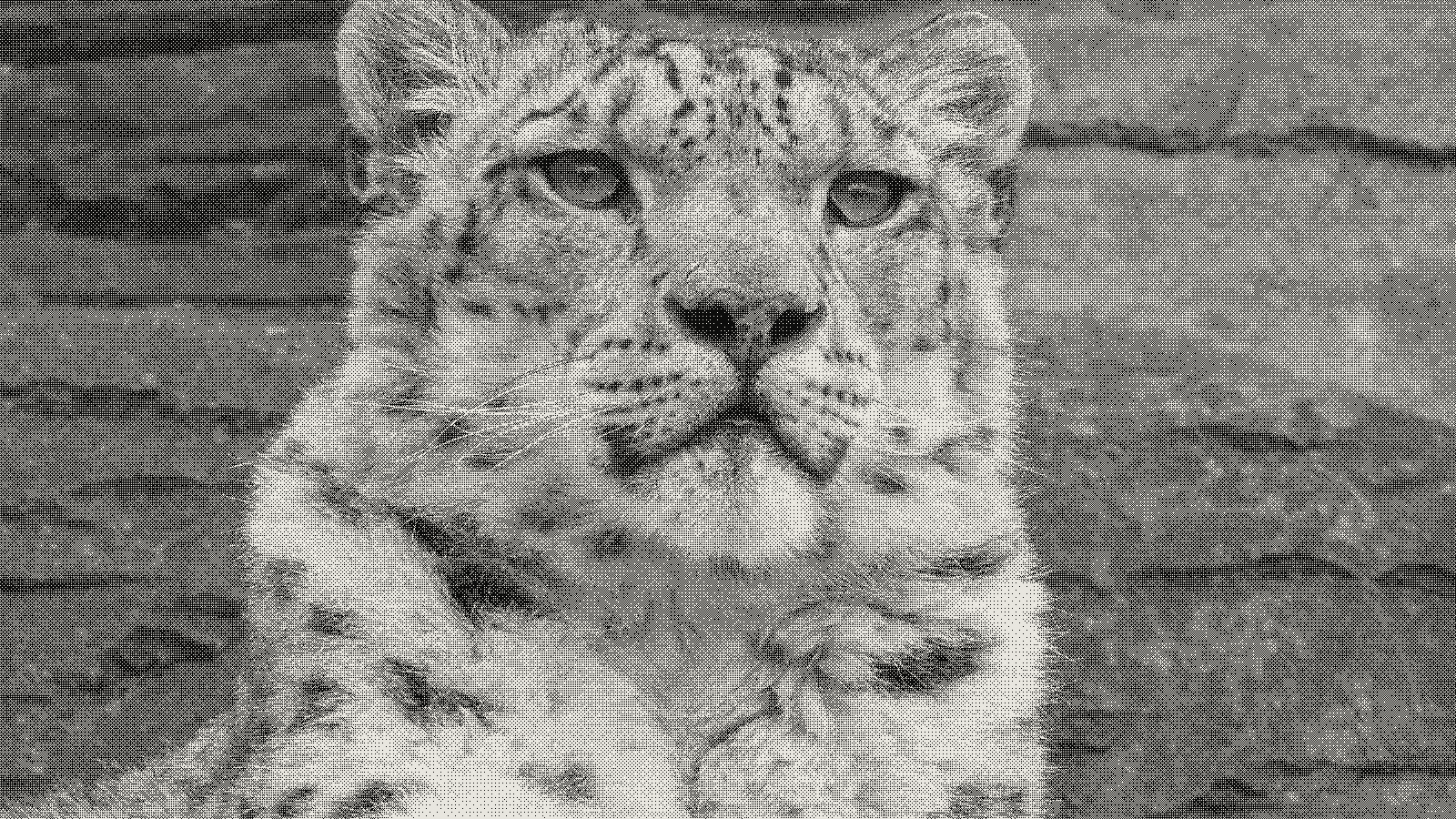 subject: snow leopard · look: bayer · 8x8 matrix · threshold 0.50 · 1px · Image made with kott.io
Why does a dithered gradient look too bright?
Dithering a gamma-encoded sRGB image directly makes the mid-tones come out too bright, not too dark. sRGB values are code values, and a display turns them into light on a curve, so a 0.5 pixel does not carry half the light of white. Surma's dithering write-up shows the symptom on a gradient test: "the dithered gradient gets bright way too quickly."
Gamma-correct dithering is dithering done on linear-light values instead of gamma-encoded sRGB values. The fix is one extra step before the dither and one after. You can see the difference on a plain black-to-white ramp.
Obrhubr's colour-dithering post makes the same call: "dithering in sRGB directly will produce results that are too bright." If your dither looks washed out in the mid-tones, check this first.
What does a 50% checkerboard actually emit?
A 50% black and white checkerboard emits half the light of full white, which is 0.5 in linear light. That is about 0.735 when written back as an sRGB value, far brighter than the 0.5 the source pixel asked for.
Dithered output has only two values, 0 and 1. The eye averages them, so the share of white pixels sets the amount of light. Keep the average of the encoded values and you get the wrong amount of light, because the encoded average isn't the light average.
The cause is the encoding. Per Wikipedia's sRGB article, gamma encoding places digital values closer together near black and further apart near white. Obrhubr gives the practical version: "the difference in brightness going from 10 to 20 is not the same as from 100 to 110."
The table below uses the sRGB formulas from Wikipedia. The numbers are our own calculation, rounded to three decimals.
| Source pixel (sRGB) | Light it should emit (linear) | Naive 1-bit dither emits, shown as sRGB |
|---|---|---|
| 0.25 | 0.051 | 0.537 |
| 0.50 | 0.214 | 0.735 |
| 0.75 | 0.523 | 0.881 |
The naive column is the case where the share of white pixels equals the encoded source value. The mid-tones carry the largest error. The quarter-tone comes out more than twice too bright in encoded terms.
How do I dither in linear light?
Decode the sRGB image to linear light, run the dither on those values, then encode the result back to sRGB. Both sources give this as the remedy: obrhubr says "before dithering, we need to linearise the image," and Surma says that with the conversions in place dithering produces more accurate results.
The sRGB decode, for a channel value b between 0 and 1 (from Wikipedia):
- If
b <= 0.04045, linear isb / 12.92. - Otherwise linear is
((b + 0.055) / 1.055) ^ 2.4.
The encode runs the other way:
- If
b <= 0.0031308, sRGB is12.92 * b. - Otherwise sRGB is
1.055 * b ^ (1 / 2.4) - 0.055.
For colour images that you turn grey first, obrhubr uses the luminance weights 0.2126 R + 0.7152 G + 0.0722 B, applied to the linear values. Here is an illustrative threshold version in JavaScript, written for this article, not taken from either source:
const toLinear = b => b <= 0.04045
  ? b / 12.92
  : Math.pow((b + 0.055) / 1.055, 2.4);

// pixel is an sRGB value in 0..1; threshold is in linear light
const dither = (pixel, threshold = 0.5) =>
  toLinear(pixel) > threshold ? 1 : 0;
For a pure black and white result the output is already 0 or 1, so the final encode changes nothing. The gain comes entirely from decoding before the comparison. The encode step matters when the output keeps intermediate levels, such as a multi-colour palette.
Ordered and error-diffusion methods work the same way, since they all compare or accumulate pixel values. If you are choosing a pattern, our guides to the 4x4 versus 8x8 Bayer matrix and to stippling versus dithering with blue noise cover the threshold side.
The simplified 2.2 power is a common shortcut. Wikipedia says the sRGB function is "quite close to" a 2.2 power and calls the difference almost imperceptible, but warns that mixing the two conversions in one pipeline can create visible seams. Pick one pair and use it for both directions.
Why does Atkinson still come out dark?
Atkinson dithering is an error-diffusion method that spreads only 6/8 of each pixel's quantisation error to its neighbours. The other 2/8 is thrown away, so the output runs darker than the source even when you linearise correctly.
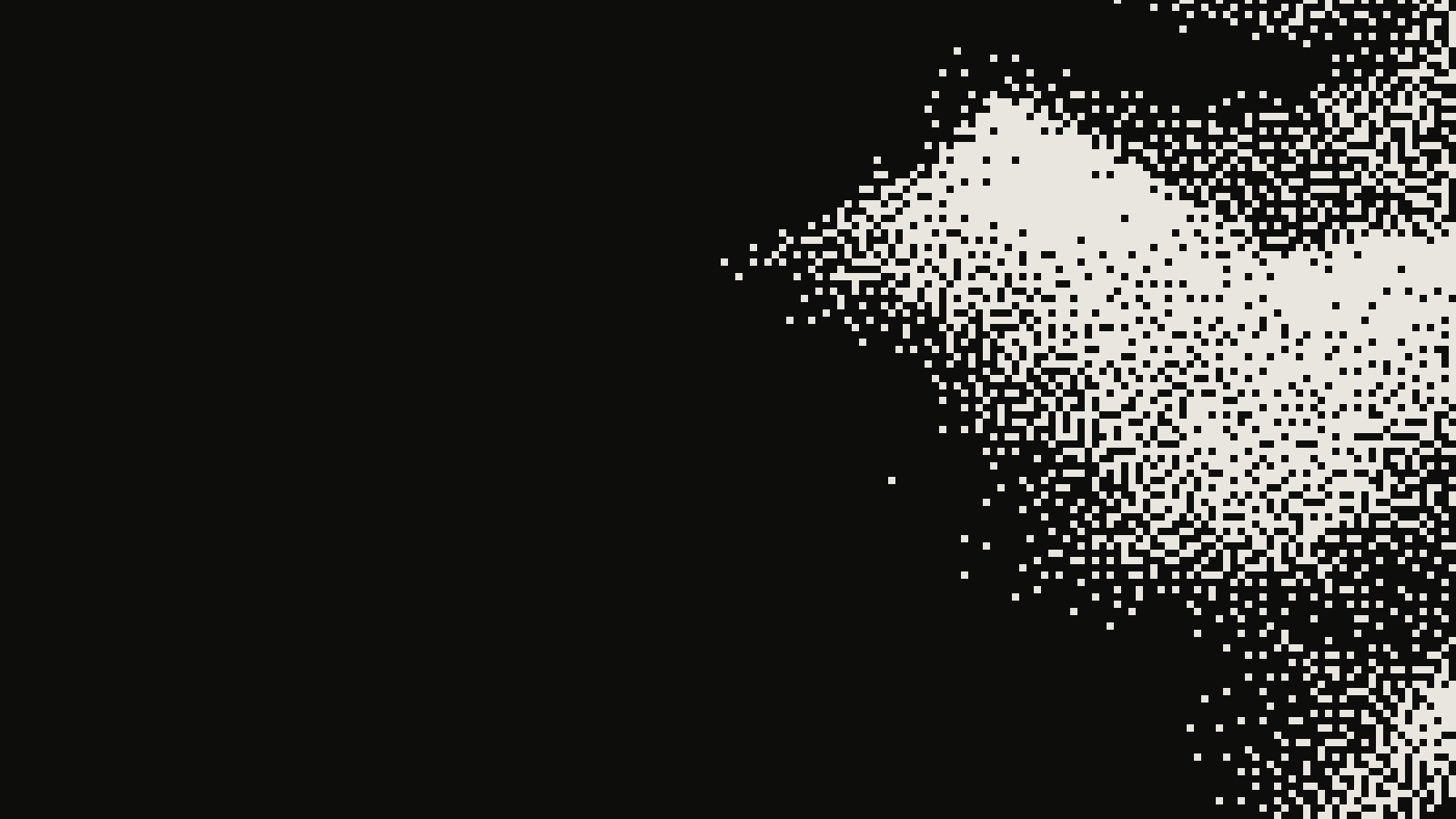 subject: greek statue · look: atkinson · threshold 0.50 · 2px · centre crop enlarged 4x, nearest-neighbour · Image made with kott.io
Obrhubr puts it this way: using Atkinson "results in an image that is too dark, as only 6/8th of the error are diffused," and the missing 2/8 makes darker greys disappear. Floyd-Steinberg diffuses the full error and, per the same post, doesn't behave badly in linear space.
So a too-dark Atkinson result and a too-bright naive result are two separate problems. Linearising fixes the second. It can't bring back the tone Atkinson discards, and on a photograph that loss shows in shadows and skin tones. If you want the mid-tones to match the source, check an error-diffusion method that diffuses all the error, then decide whether you want Atkinson's punchier contrast anyway.
What else shifts brightness after the dither?
Three things can still shift a finished dither's brightness, all from the same obrhubr post.
- Scaling. Resizing with anything other than linear interpolation can distort the pattern, so dither at the final size.
- Display gamma. A monitor with wrong gamma makes a correct dither look wrong, and phones are often the worst offenders. Check on a display with sRGB gamma of 2.2, at full resolution, one image pixel to one screen pixel.
- Lossy export. Save dithered images as PNG, BMP or GIF. Compression artefacts damage the pattern, as we cover in why dithered images break under JPEG and video compression.
After dithering, apply gamma correction before exporting, as obrhubr's summary advises.
How do I check my own dither for this?
Dither a black-to-white ramp and compare the middle of the result with the source at 1:1 on an sRGB display. If the dithered ramp reaches mid-grey well before the source does, the algorithm is working on encoded values.
Record the settings so the test is repeatable: algorithm, threshold, matrix size and whether the input was decoded to linear first. Run the ramp once with the decode and once without, and the difference is the table above in picture form. To try it on a photograph, open the Bayer dither in kott studio and compare the mid-tones against your source at the same settings.
Frequently Asked Questions
Does dithering in sRGB make an image too bright or too dark?
Too bright in the mid-tones. A threshold on encoded values puts half the pixels white for a 0.5 input, which emits 0.5 linear light, while the source pixel meant about 0.21.
Do I need to linearise before every dither algorithm?
Linearise before any algorithm that compares or accumulates pixel values. The sources cover threshold and error-diffusion dithering; run the ramp test above on your own algorithm to confirm.
Is gamma 2.2 close enough to the sRGB curve?
Wikipedia calls the sRGB function quite close to a 2.2 power and the difference from the simplified version almost imperceptible. Pick one and use it for both the decode and the encode, because mixing the two can show seams.
Why is my Atkinson dither still darker than the original?
Atkinson diffuses only 6/8 of the error, so some tone is dropped and the result runs dark. Linearising fixes the gamma error, not that loss.
Images in this article were made with kott.io.
02/ OUT
Every setting described above is a real control. Open your own image and sweep it.
All journal entries