Preparing Photos for a 7-Colour E-Paper Display: Dithering for the 600x448 Panel
A 7-colour e-paper panel shows one of seven inks per pixel at 600x448, so a photo only renders through dithering. The crop, tone, palette and dither steps…
01/ ARTICLE
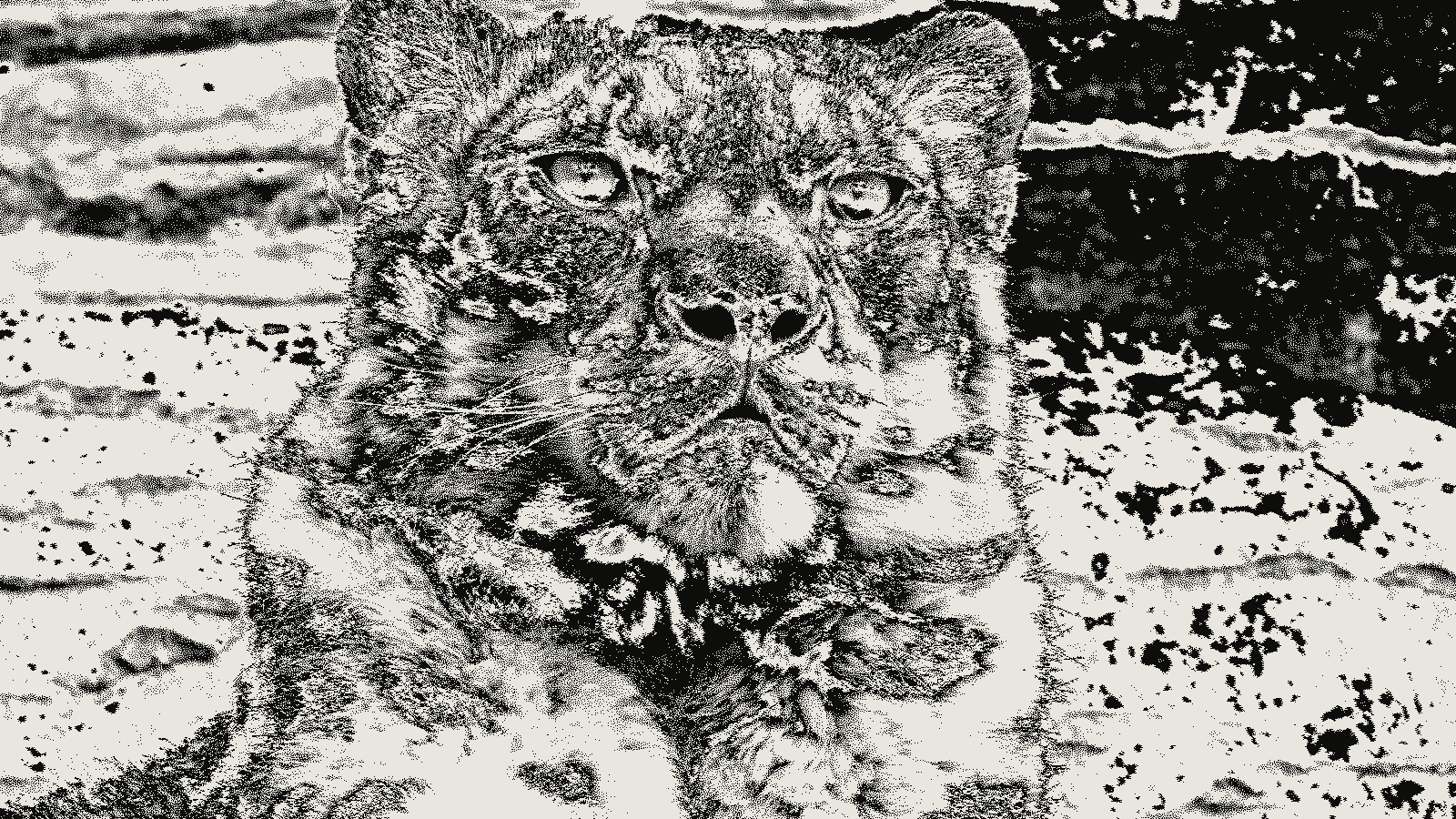 subject: snow leopard · look: floyd-steinberg · threshold 0.50 · 1px · Image made with kott.io
What can the 600x448 panel actually show?
A 7-colour e-paper panel is a display where every pixel is one of seven fixed inks and nothing in between. On the Waveshare 5.65 inch module those inks are black, white, green, blue, red, yellow and orange, at 600 x 448 pixels. A photo only appears on it if you convert the photo to those seven colours first, and the conversion is a dither.
The table lists what Waveshare publishes for the module and what each fact means for the file you make.
| Panel fact | Value | What it means for your file |
|---|---|---|
| Resolution | 600 x 448 | Crop and resize to exactly this size |
| Active area | 114.9 x 85.79 mm | Roughly 4:3, so a 4:3 crop wastes nothing |
| Pixel pitch | 0.1915 mm | Dither grain is visible up close, so judge the result at arm's length |
| Colours | Black, white, green, blue, red, yellow, orange | No greys, no gradients, only mixtures |
| Data format | 4 bits per pixel, two pixels per byte | Your converter writes colour indices, not RGB |
| Full refresh | About 33 s, with flicker | Waveshare calls the flicker normal. Plan for a still image, not animation |
Those are Waveshare's figures. The refresh time is labelled experimental on the same page, so treat it as a ballpark.
Why does the panel force Floyd-Steinberg?
Floyd-Steinberg dithering is an error-diffusion algorithm that picks the nearest allowed colour for each pixel and pushes the leftover error onto pixels not yet processed. Per Wikipedia, it scans left to right and top to bottom, sending 7/16 of the error to the pixel on the right, 3/16 below-left, 5/16 below and 1/16 below-right.
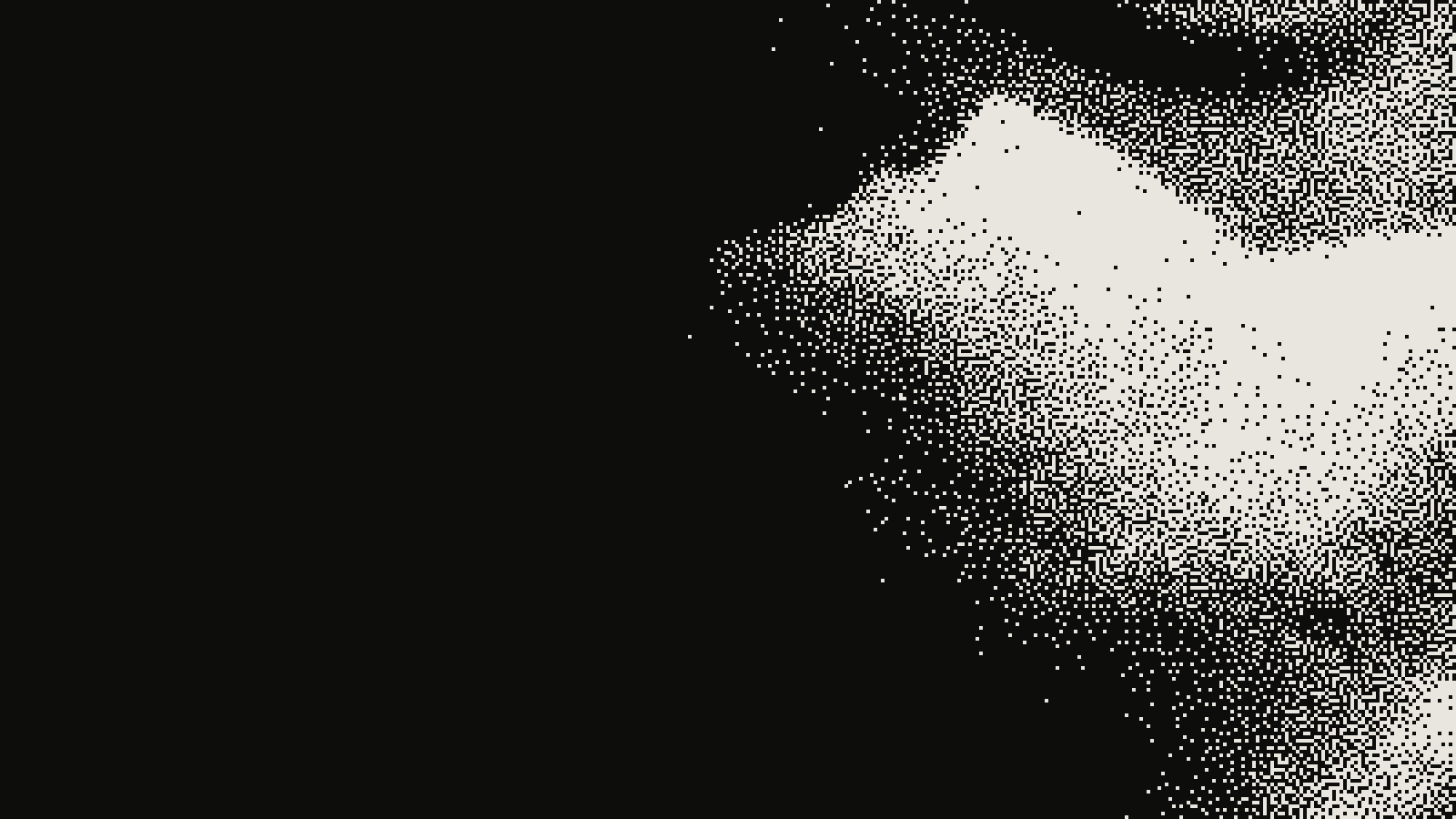 subject: greek statue · look: floyd-steinberg · threshold 0.50 · 1px · centre crop enlarged 4x, nearest-neighbour · Image made with kott.io
Waveshare recommends it for this panel, and epaper-dither, a command line tool for the 5.65 inch module, uses it to dither to the panel's palette. You can see why when you skip it. If you snap every pixel to its nearest ink with no error diffusion, a smooth sky or a cheek becomes a few flat blocks of one colour with hard edges between them. Diffusion trades those blocks for fine grain, and the eye averages the grain back into a tone.
Two details from the same Wikipedia page matter in practice. A serpentine scan, which reverses direction on alternate rows, is a common variant of the algorithm. And the page says values should be linearised before processing rather than diffused in raw sRGB. If your converter lets you choose, ask which one it does.
How do I prepare the photo before dithering?
Do the geometry first, then the tone. Dithering amplifies whatever you feed it. Fix the picture before the palette sees it.
- Crop to the panel's shape. The active area is 114.9 x 85.79 mm, close to 4:3. Crop to 600:448 in your editor so nothing is stretched.
- Resize to exactly 600 x 448. epaper-dither skips any file that is not 600 x 448, so a 601 pixel width means no output at all.
- Fix tone and saturation. Seven inks cover a narrower range than a photo, so compress the dynamic range to fit, and raise saturation before the colours are snapped. The epaper-image-convert tool ships presets for this: Balanced compresses the range to the display's luminance range, Dynamic adds an S-curve and contrast, Vivid pushes saturation, Soft lowers contrast for subtle gradients. Its manual exposure, saturation and contrast multipliers run from 0.5 to 2.0, and its examples use exposure 1.1 to 1.2 and saturation 1.4. The page does not say those values are optimal, so start there and adjust by eye.
- Dither to the palette. Use Floyd-Steinberg against the panel's seven colours.
- Preview, then convert. Check the dithered picture before you write the file the panel reads.
Skipping step 3 is the usual mistake. A flat, low-contrast photo dithers into a muddy field of black and white speckle, because few pixels land near the saturated inks.
Which palette values should the dither use?
Dither against the colours the panel actually shows, not the colours in the driver's file. epaper-image-convert keeps two sets of RGB values per palette: a theoretical set that the display driver expects in the output, and a perceived set that describes how the inks look on the panel. Its README gives pure red as an example, where (255, 0, 0) may appear closer to (135, 19, 0).
The algorithm matches pixels using the perceived palette, then writes the theoretical values to the file. If you match against pure RGB instead, the dither believes red is brighter and more saturated than it is, and every tone it builds from red comes out too dark.
We aren't printing seven RGB values here, because none of the sources we checked lists a measured set for this panel. Take them from your converter's palette definition, or measure your own panel under your own light.
Which dither algorithm should I pick for a fixed palette?
Start with Floyd-Steinberg, which is what Waveshare recommends. Converters also offer Stucki, Burkes and Sierra, which spread the error over more neighbours, so you can compare them on a photo you care about. Ordered dithers and blue-noise dithers give a regular, even texture and suit flat graphics, logos and screenshots better than photographs. That last point is our judgement from how the methods behave, not a figure from the sources above.
For related palette work, the same logic applies to GIF export dithering settings and to palette-aware dithering in ffmpeg: a fixed palette decides the look, and the dither decides how smoothly you reach it.
How do I preview the result before sending it to the panel?
Run the dither on your computer and look at the picture, because a full refresh takes about 33 seconds and flickers. epaper-dither has a -p flag that writes a PNG preview so you can check the dithering without the display.
You can also judge the look in the kott dither tool. kott's palette dither effect accepts between 2 and 8 colours, so it can show a 7-colour treatment. Know its limits. It's a visual approximation: kott does not ship a Waveshare panel preset and does not write the panel's byte format. Its separate e-ink effect is a four-grey blue-noise look with ghosting, not a 7-colour panel simulation. Use kott to settle crop and tone. Let a panel converter produce the final file.
What file format should I hand to the converter?
Hand it a lossless file such as PNG. A dithered picture is made of single-pixel decisions, and lossy compression moves those pixels, as covered in why dithered images break under JPEG. Dither last, from a clean source, and keep the result lossless. Waveshare's own Photoshop workflow ends in a 24-bit BMP for the same reason, and its sample uses an 800 x 480 canvas, which does not match this module. Use 600 x 448.
What is the short version?
Crop to 600:448, resize to exactly 600 x 448, lift the tone and saturation, dither to the perceived palette with Floyd-Steinberg, and preview as a lossless PNG before you flash the panel. To judge the crop and tone first, open the palette dither effect in the kott studio with 7 colours.
Frequently Asked Questions
What resolution should photos be for a 5.65 inch 7-colour e-paper display?
600x448 pixels. Waveshare lists that as the panel resolution, and epaper-dither skips any input that is not exactly that size, so crop and resize first.
Which colours can a 7-colour e-paper panel show?
Black, white, green, blue, red, yellow and orange, one per pixel. Everything else, including skin tones and greys between black and white, is a spatial mix of those seven.
Is Floyd-Steinberg the best dither for e-paper?
Waveshare recommends it for this panel and it is the algorithm epaper-dither uses. Converters also offer Stucki, Burkes and Sierra error diffusion, so treat Floyd-Steinberg as a sound default rather than the only option.
Can kott preview a 7-colour e-paper panel?
kott can approximate the look with its palette dither effect at 7 colours, but it does not ship a Waveshare panel preset or export the panel's byte format. Use it to judge the look, then run a panel converter for the final file.
Images in this article were made with kott.io.
02/ OUT
Every setting described above is a real control. Open your own image and sweep it.
All journal entries