Why Error Diffusion Makes Worms, and How Serpentine Scanning Fixes It
Worms are the wavy lines Floyd-Steinberg leaves in flat tones. Serpentine scanning reverses every second row and reduces them. Here is what it fixes, what it…
01/ ARTICLE
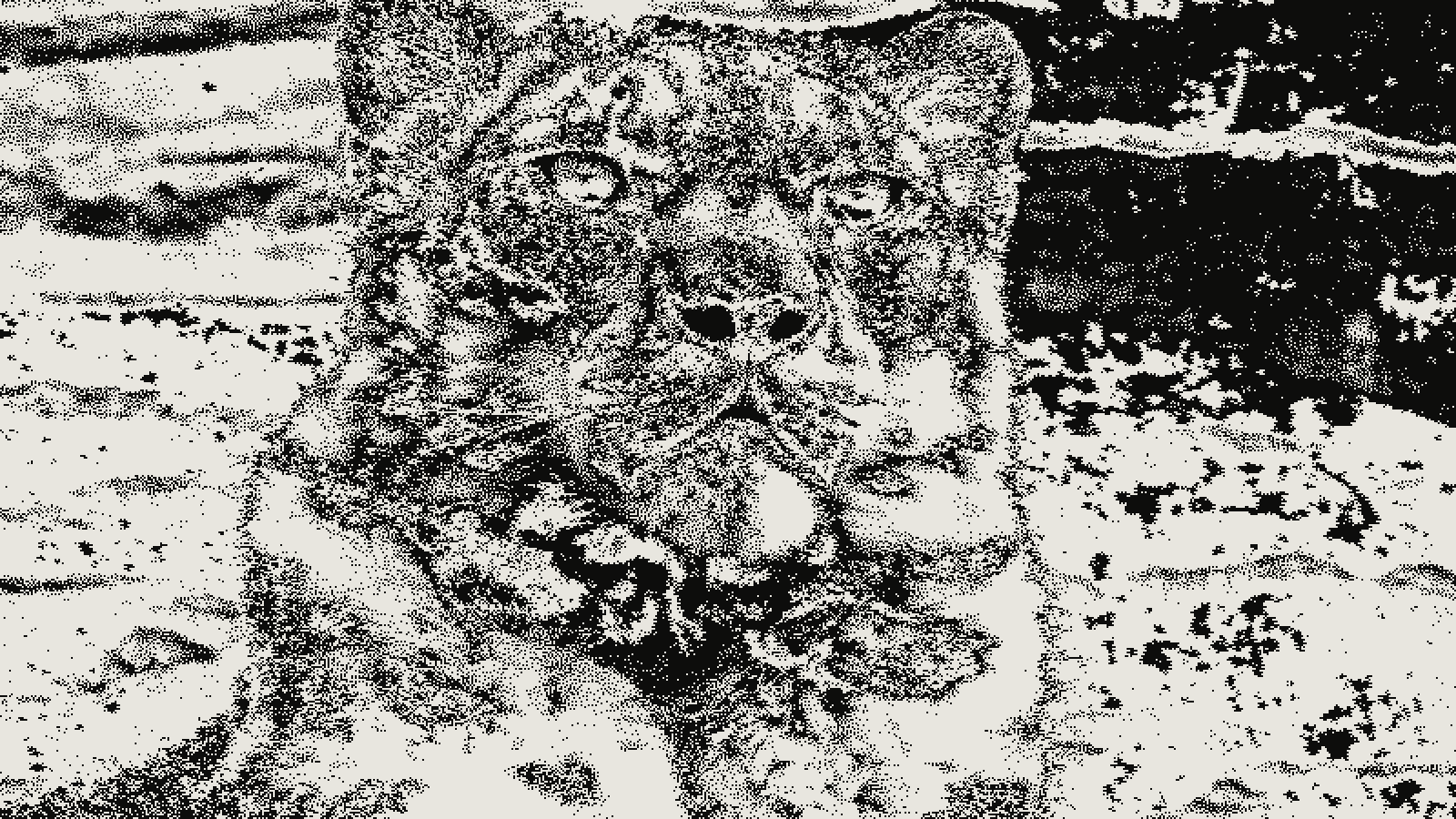 subject: snow leopard · look: floyd-steinberg · threshold 0.50 · 2px · Image made with kott.io
What are worm artifacts in error diffusion?
Worm artifacts are the wavy, snake-like lines that error diffusion leaves in flat light or dark tones. Sam Hocevar's libcaca study says it plainly: the major problem with Floyd-Steinberg is the worm artifacts it creates. Serpentine scanning, which reverses the scan direction on every second row, reduces them but does not remove them.
Worms show up where the image has little detail to hide them: a pale sky, a grey wall, a soft shadow. The libcaca test image is a flat grey of 0.9, so a flat patch is the first place to look in your own work.
How does Floyd-Steinberg pass the error along?
Floyd-Steinberg dithering quantizes one pixel at a time and pushes the rounding error onto neighbours that have not been quantized yet. Wikipedia describes the scan as left to right, top to bottom, with the error leaving only to pixels not yet processed. In the standard layout the four weights are:
- 7/16 to the pixel on the right
- 3/16 to the pixel below and to the left
- 5/16 to the pixel directly below
- 1/16 to the pixel below and to the right
Floyd and Steinberg found those numbers by trial and error. They wanted a region of density 0.5 to come out as a checkerboard, and it does. A 50% grey dithers to alternating black and white pixels.
Why does error diffusion depend on scan order?
Error diffusion is an area operation, so the output at one pixel changes what happens at others. Wikipedia notes that this needs buffering and makes parallel processing harder, unlike an ordered dither where every pixel is decided on its own. If you want the wider picture of how halftone and dithering differ, that post covers it in one sentence.
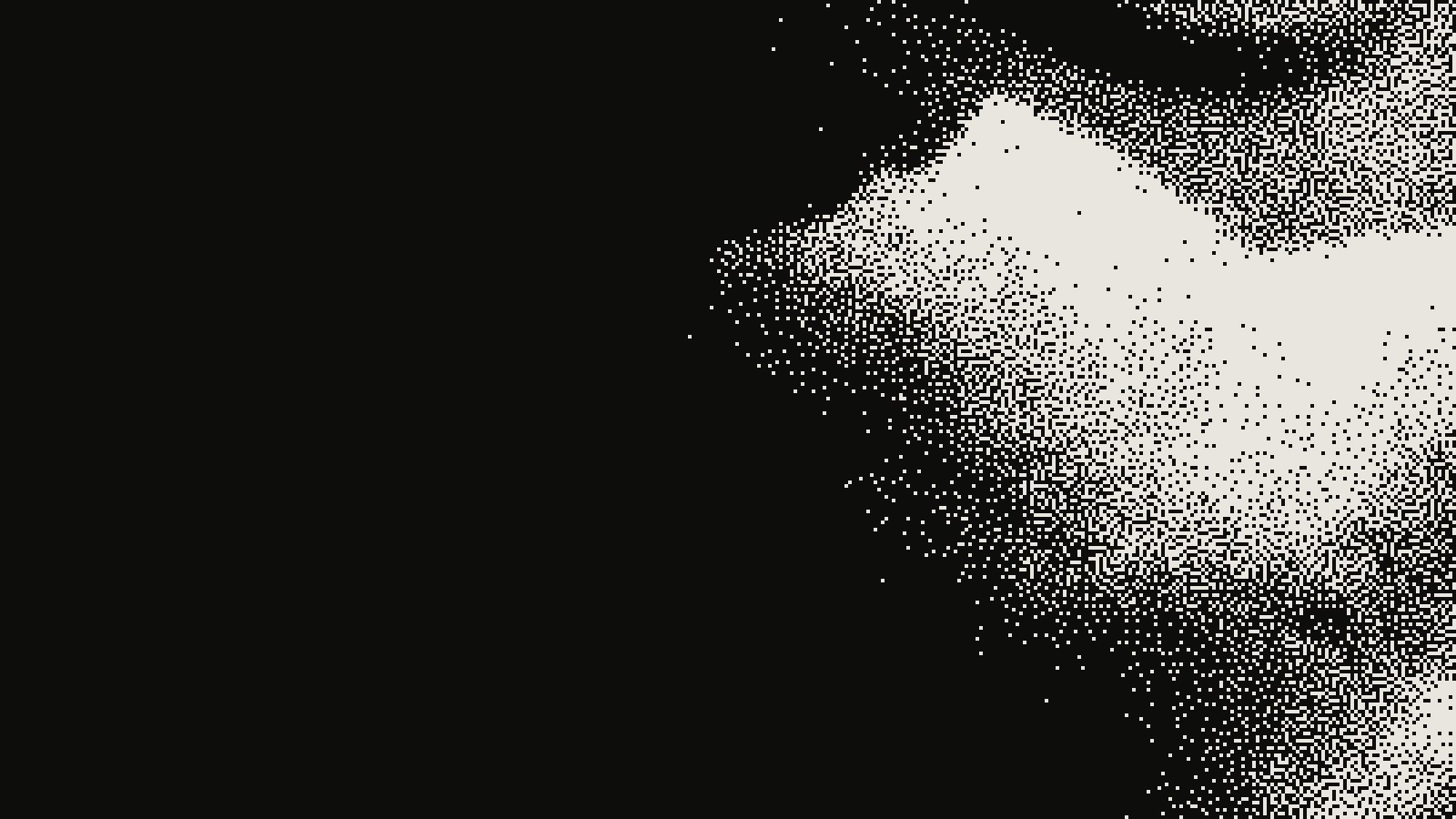 subject: greek statue · look: floyd-steinberg · threshold 0.50 · 1px · centre crop enlarged 4x, nearest-neighbour · Image made with kott.io
The libcaca study gives the rule that matters here: once a pixel has been processed, standard error diffusion methods do not go back. So the order you visit pixels in is part of the algorithm. Ordered dithering ignores order; error diffusion cannot.
With a plain raster scan, every row runs left to right and pushes error the same way. Serpentine scanning changes exactly that.
What does serpentine scanning change?
Serpentine scanning reverses every odd row so it is parsed right to left. Wikipedia lists the same technique under two names, serpentine scanning and boustrophedon transform dithering. A reversed row needs a mirrored kernel, so the error still goes to unvisited pixels. kott's export code states this in a comment: alternate the row direction and mirror the horizontal taps.
The libcaca author tested it on a flat grey 0.9. Most of the worm artifacts disappeared or were highly reduced. On a natural image the gain was small: only a very close look showed the difference from standard Floyd-Steinberg, though a few artifacts did go away.
To reproduce the test in kott®:
- Open the SERIAL DIFFUSION effect and set KERNEL to FLOYD.
- Keep THRESHOLD at 0.5 and PIXEL at 1.
- Feed it a flat grey ramp, then toggle SERPENTINE between OFF and ON. kott's default is ON.
- Zoom to 100% and compare the grey patches, not the whole frame.
How do raster, serpentine and larger kernels compare?
The sources describe the options this way. Cells that no source states are left out on purpose.
| Method | Scan | What the sources say |
|---|---|---|
| Floyd-Steinberg, raster | Every row left to right | Worm artifacts are its major problem |
| Floyd-Steinberg, serpentine | Odd rows right to left | Most worms gone on flat 90% grey; small gain on a photo |
| Jarvis, Judice and Ninke | Not stated | Three-row kernel with divisor 48, spreads error to more pixels |
| Atkinson | Not stated | Propagates only 3/4 of the error |
| Ostromoukhov | Serpentine | Variable coefficients, blue-noise characteristic, did not gain wide adoption |
For the fewest worms, test serpentine plus a larger kernel first. Run it on your own image, because the sources differ on how much each step helps.
What does serpentine scanning not fix?
Serpentine scanning reduces worms and leaves other problems alone. The gain on a natural photograph is subtle, so don't expect it to rescue a bad conversion. The error accounting also still has to be precise: Wikipedia says values should be linearized first rather than dithered directly in sRGB, and that rounding errors should not be allowed to affect the result. The linear-light fix is a separate step from scan order, and skipping it can make a dither look wrong whatever direction you scan.
Which other fixes beat worms?
Three other routes come up in the sources. A larger kernel such as Jarvis, Judice and Ninke spreads the error to a wider neighbourhood. The Shiau-Fan matrices were designed to reduce the artifacts usually seen with Floyd-Steinberg. Ostromoukhov's variable coefficients give pretty good results with serpentine parsing, according to the libcaca study.
If worms bother you more than the error-diffusion look itself, a threshold-matrix dither avoids the problem entirely. The blue-noise look is the closest in grain, and the Game Boy Camera filter shows what an ordered dither does with four tones.
Conclusion
Worms come from error diffusion visiting pixels in one fixed direction and never going back. Reversing every second row, with the kernel mirrored, reduces them most on flat tones and only slightly on busy photos. Turn serpentine on, try a larger kernel if worms remain, and judge the result on a flat ramp at 100%.
Try it with the same settings: open SERIAL DIFFUSION in kott, kernel FLOYD, serpentine OFF then ON.
Frequently Asked Questions
What are worm artifacts in dithering?
Worm artifacts are wavy, snake-like lines that error diffusion leaves in flat light or dark tones. The libcaca study calls them the major problem with Floyd-Steinberg.
Does serpentine scanning remove worms completely?
No. In the libcaca test on a flat 90% grey, most worm artifacts disappeared or were highly reduced. On a natural photo, only a very close look showed the difference from standard Floyd-Steinberg.
Is serpentine scanning the same as boustrophedon dithering?
Yes. Wikipedia describes both names as alternating the horizontal scan direction between lines.
Do I have to change the kernel when a row runs right to left?
Yes. The horizontal taps are mirrored so the error still lands on pixels that have not been processed yet. kott's export code does this on reversed rows.
Images in this article were made with kott.io.
02/ OUT
Every setting described above is a real control. Open your own image and sweep it.
All journal entries