Video to GIF With ffmpeg: The palettegen and Dither Flags That Decide Quality
A GIF has 256 colours, so quality comes down to which 256 and how the rest are dithered. Here are the exact ffmpeg palettegen and paletteuse flags, the…
01/ ARTICLE
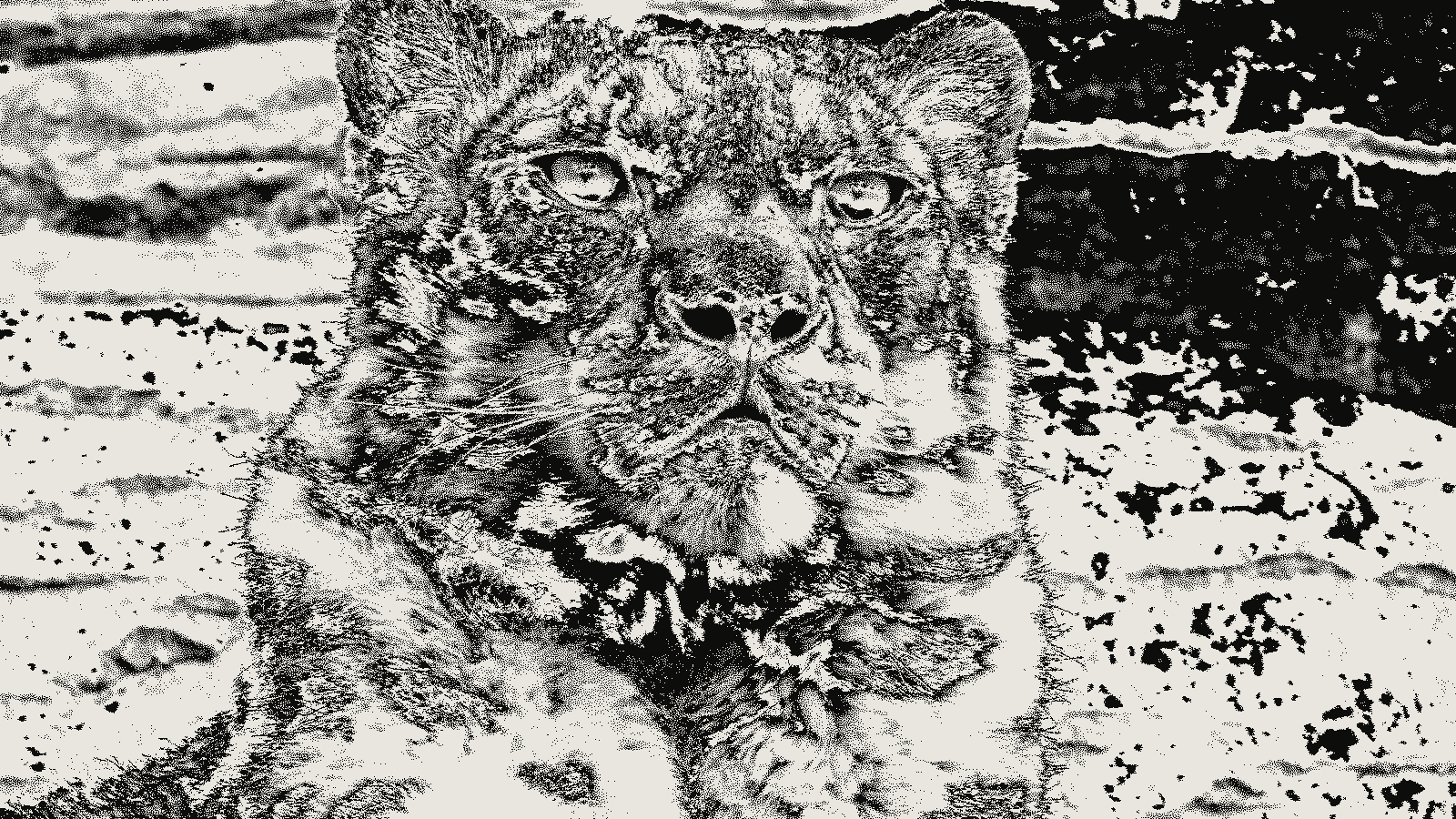 subject: snow leopard · look: sierra · threshold 0.50 · 1px · Image made with kott.io
Why does ffmpeg's default GIF look like mud?
Because a GIF holds only 256 colours per palette, and a one-pass ffmpeg -i in.mp4 out.gif doesn't build that palette from your clip. It uses a generic one, so gradients band and skin tones speckle. The fix is two filters, palettegen and paletteuse, which build a palette from your footage and then map every frame onto it.
The palette decides which 256 colours you get. The dither decides how the colours you lost get faked. Those two choices move quality the most, and each is a single flag. If you want to see what a dither mode does to a still before you touch ffmpeg, the dither tool runs the same families on an image.
How do palettegen and paletteuse work together?
paletteuse is the ffmpeg filter that maps each frame onto a fixed palette, using a dither mode to hide the colours that palette lacks. palettegen is its first half: it reads the video and writes the palette as a PNG. Both filters arrived in FFmpeg 2.6, per the filter author's walkthrough.
The two-pass command from that walkthrough, with the same filter chain in both passes:
ffmpeg -v warning -i in.mp4 -vf "fps=15,scale=480:-1:flags=lanczos,palettegen" -y palette.png
ffmpeg -v warning -i in.mp4 -i palette.png -lavfi "fps=15,scale=480:-1:flags=lanczos [x]; [x][1:v] paletteuse" -y out.gif
The walkthrough uses fps=15,scale=320:-1:flags=lanczos; the 480 width here is just a size to adjust. Put fps and scale before palettegen so the palette is built from the pixels that actually ship. A palette made at full resolution wastes colours on detail the scale step throws away.
One default to know: palettegen reserves one entry for transparency, so you get 255 colours, not 256 (reserve_transparent, on by default). max_colors lowers the count; unused entries are black.
What does stats_mode change?
stats_mode controls which pixels count when palettegen tallies colours. It has three values, and full is the default.
- full counts every pixel of every frame.
- diff counts only the part that differs from the previous frame. Use it when the background is static and the subject moves, so the palette favours the moving part. The walkthrough notes the trade: a text fade-out improved, with dithering glitches in the sky.
- single builds a new histogram for each frame.
single only pays off when paletteuse matches it. paletteuse=new=1 takes a new palette for each output frame, so the pair is palettegen=stats_mode=single and paletteuse=new=1. Per-frame palettes follow each frame's colours more closely; the cost is a bigger file, which is my expectation rather than a measured figure. If your problem is the dither pattern shimmering from frame to frame, keeping the pattern stable across video frames covers why.
For a static background, paletteuse=diff_mode=rectangle reprocesses only the changing rectangle, which limits error diffusion to the area with motion and can speed up the encode.
What does bayer_scale actually do?
bayer_scale is the knob that sets how coarse the ordered-dither pattern is when you pick dither=bayer. It is an integer from 0 to 5, default 2, and paletteuse ignores it for every other dither mode.
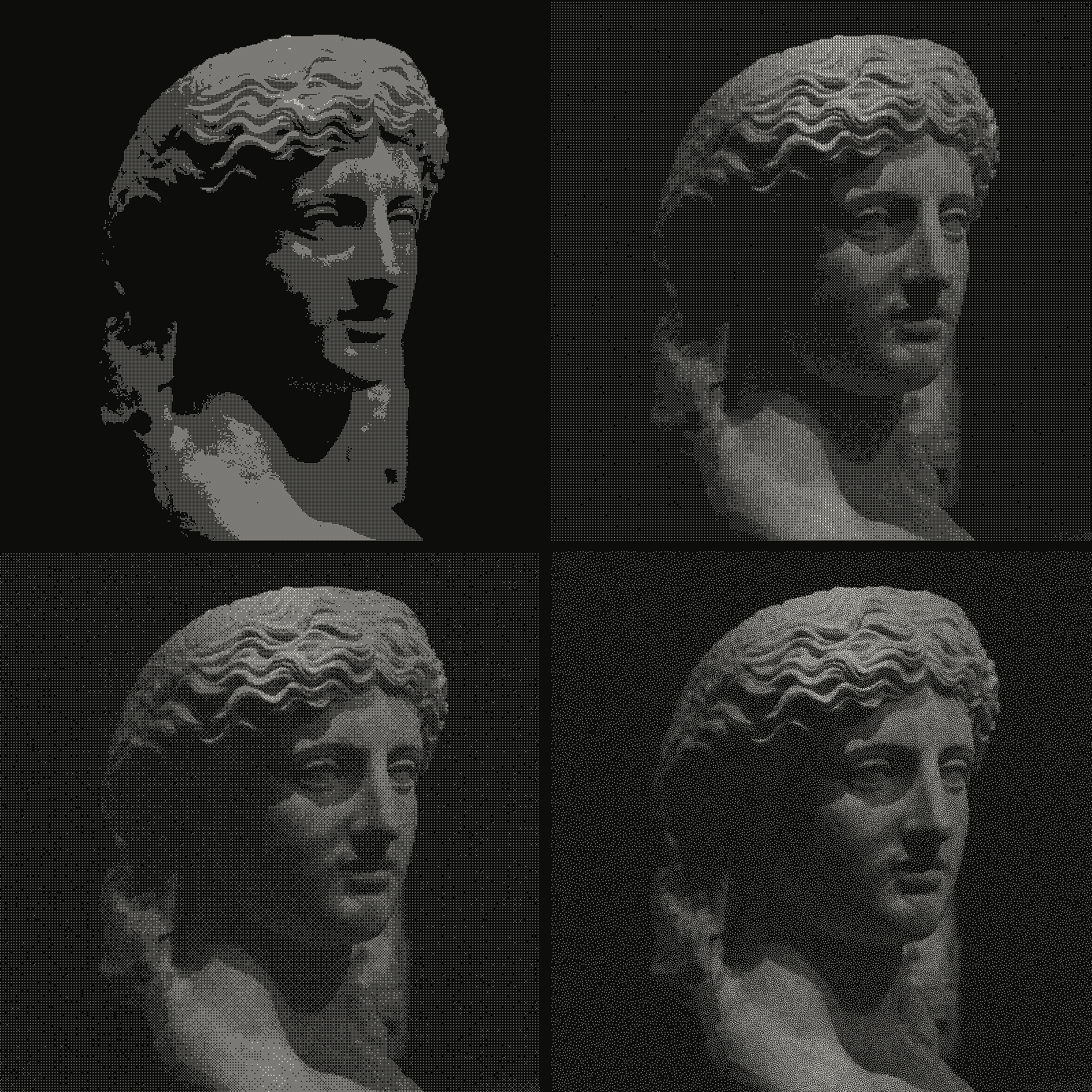 subject: greek statue · look: bayer · threshold 0.50 · 1px · reading order: 2x2 matrix / 4x4 matrix / 8x8 matrix / blue noise matrix · Image made with kott.io
The tradeoff is stated in the docs: lower values make the crosshatch more visible with less banding, higher values hide the pattern but show more banding. At 0 you get an obvious screen with smooth tones. At 5 the pattern goes quiet and gradients show visible steps.
paletteuse=dither=bayer:bayer_scale=3
Bayer is ordered dithering, so it is deterministic: the same pixel value always lands on the same threshold. Error diffusion modes push error into neighbouring pixels, so their output can change from frame to frame as the picture changes. For the matrix itself, 4x4 versus 8x8 Bayer shows how the grid size changes the look.
Which dither mode should you pick?
sierra2_4a is the default. The other values are bayer, heckbert, floyd_steinberg, sierra2, sierra3, burkes, atkinson and none.
The only size comparison I have is the filter author's, on one still image whose original JPG was 31.82K. It is one image, so read it as a ranking of cost on that image, not a prediction for your clip.
| Dither | Type | GIF size on that image | Pick it when |
|---|---|---|---|
| none | no dither | 73.10K | flat-colour art, logos, UI captures |
| sierra2 | error diffusion | 89.98K | photo content where size matters |
| floyd_steinberg | error diffusion | 101.78K | a familiar, well-tested look |
| bayer, bayer_scale=3 | ordered | 103.11K | motion where you want a fixed pattern |
| sierra2_4a (default) | error diffusion | 109.60K | photographic footage, no tuning |
| bayer, bayer_scale=2 (bayer default) | ordered | 118.80K | a visible but even crosshatch |
| bayer, bayer_scale=1 | ordered | 132.80K | a deliberate screen look |
Two things stand out. The default isn't the smallest error-diffusion option on that image; sierra2 came out lighter. And turning dithering off saved the most bytes, at the price of the smooth gradients dithering exists to protect. The "pick it when" column is my judgement, not a test result.
For photographic footage I'd start with the default. For screen recordings and flat graphics, try none, or bayer with bayer_scale=3. If you are already tuning stills, the Photoshop side of this is in GIF export settings that avoid banding; that path works on a single image, while the ffmpeg path can build a palette from the whole clip.
How do you test a dither mode before you encode a whole clip?
Cut a short sample and run both passes on it with identical flags. Put -ss and -t before -i in both commands, as the walkthrough suggests, so the palette and the GIF come from the same few seconds:
ffmpeg -v warning -ss 3 -t 2 -i in.mp4 -vf "fps=15,scale=480:-1:flags=lanczos,palettegen=stats_mode=diff" -y palette.png
ffmpeg -v warning -ss 3 -t 2 -i in.mp4 -i palette.png -lavfi "fps=15,scale=480:-1:flags=lanczos [x]; [x][1:v] paletteuse=dither=bayer:bayer_scale=3:diff_mode=rectangle" -y test.gif
Change one flag per run, compare the file sizes and look at a gradient and a face in the output. To preview how a dither family treats one frame, try it in the kott® studio.
What's the short version?
Build the palette from your clip with palettegen, apply it with paletteuse, and pick stats_mode by whether the background moves. Choose the dither by content: error diffusion for photographic footage, Bayer with a bayer_scale of 0 to 5 when you want a fixed pattern, none for flat colour. Then check file size on your own footage, because the numbers above come from one image.
Frequently Asked Questions
What is the default dither in ffmpeg's paletteuse?
sierra2_4a, a lighter Sierra v2 error-diffusion variant that spreads error over 3 pixels instead of 7. Pass dither=bayer, floyd_steinberg, sierra2, sierra3, burkes, atkinson, heckbert or none to change it.
What range does bayer_scale take?
An integer from 0 to 5, default 2, and only when dither=bayer. Lower values show a more visible crosshatch with less banding; higher values hide the pattern but band more.
Do I need two passes to make a good GIF with ffmpeg?
For a palette built from your clip, yes. palettegen writes palette.png from the video, then paletteuse reads it as a second input. A single pass uses a generic palette instead. With palettegen stats_mode=single and paletteuse new=1 you can switch to a palette per frame.
Why is my GIF larger with dithering on?
Dither noise breaks up flat areas that compress well. On the filter author's single test image, dither=none came out at 73.10K and the default sierra2_4a at 109.60K. That is one image, not a rule, so test your own clip.
Images in this article were made with kott.io.
02/ OUT
Every setting described above is a real control. Open your own image and sweep it.
All journal entries