Godot 4 Dither Shader: How to Fix the Screen-Space Crawl
A screen-space dither shader crawls because its Bayer pattern is keyed to pixel position. Here's the Godot 4 world-space fix, in code.
01/ ARTICLE
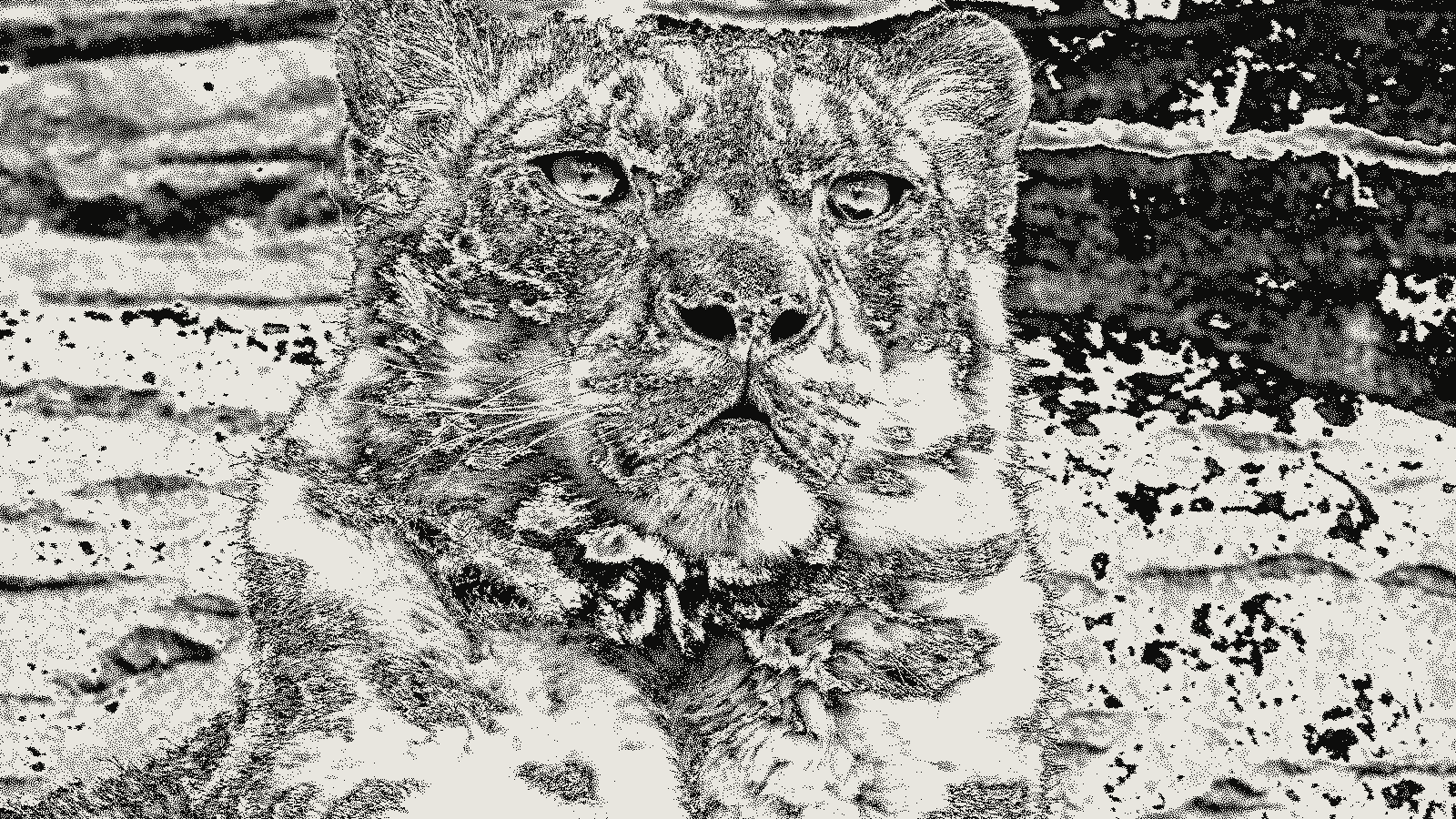 subject: snow leopard · look: atkinson · threshold 0.50 · 1px
Why does the crawl happen in the first place?
Here's the short version: a screen-space dither shader breaks the moment the camera moves, because it indexes its threshold pattern by pixel position on the screen — not by anything happening in the 3D scene. Sample a Bayer texture using FRAGCOORD, and a given screen pixel always gets the same threshold. So as the camera pans, objects slide underneath a pattern that never moves. That's the crawl.
You can watch this happen in the wild in samuelbigos' Godot dither shader. The author says it outright: the pattern "is statically mapped to screen space, which means when objects or the camera moves, the dither pattern will stick to screen space and not world space." Not a bug in that project. Just what screen-space sampling does, by definition.
So why sample in screen space at all? Because ordered dithering — a fixed threshold matrix, as opposed to error-diffusion methods like Floyd-Steinberg — is stateless and cheap. Each pixel looks up its own threshold independent of its neighbors, which is exactly why it runs fast on a GPU. kott's breakdown of Obra Dinn's dither style gets into why Lucas Pope picked an 8×8 Bayer matrix over error diffusion for that same reason. The catch is the one this article exists to solve: a pattern that's cheap because it's screen-locked is also, by construction, going to crawl the instant anything in the scene moves relative to the screen.
The world-space fix — what actually changes
The fix: stop indexing the Bayer texture by screen pixel, and index it by something that moves with the scene instead — world position, or the mesh's own UV coordinates. Do that, and the Bayer cell a given point on an object shows depends on where that point sits in the world, not where it happens to land on screen this frame.
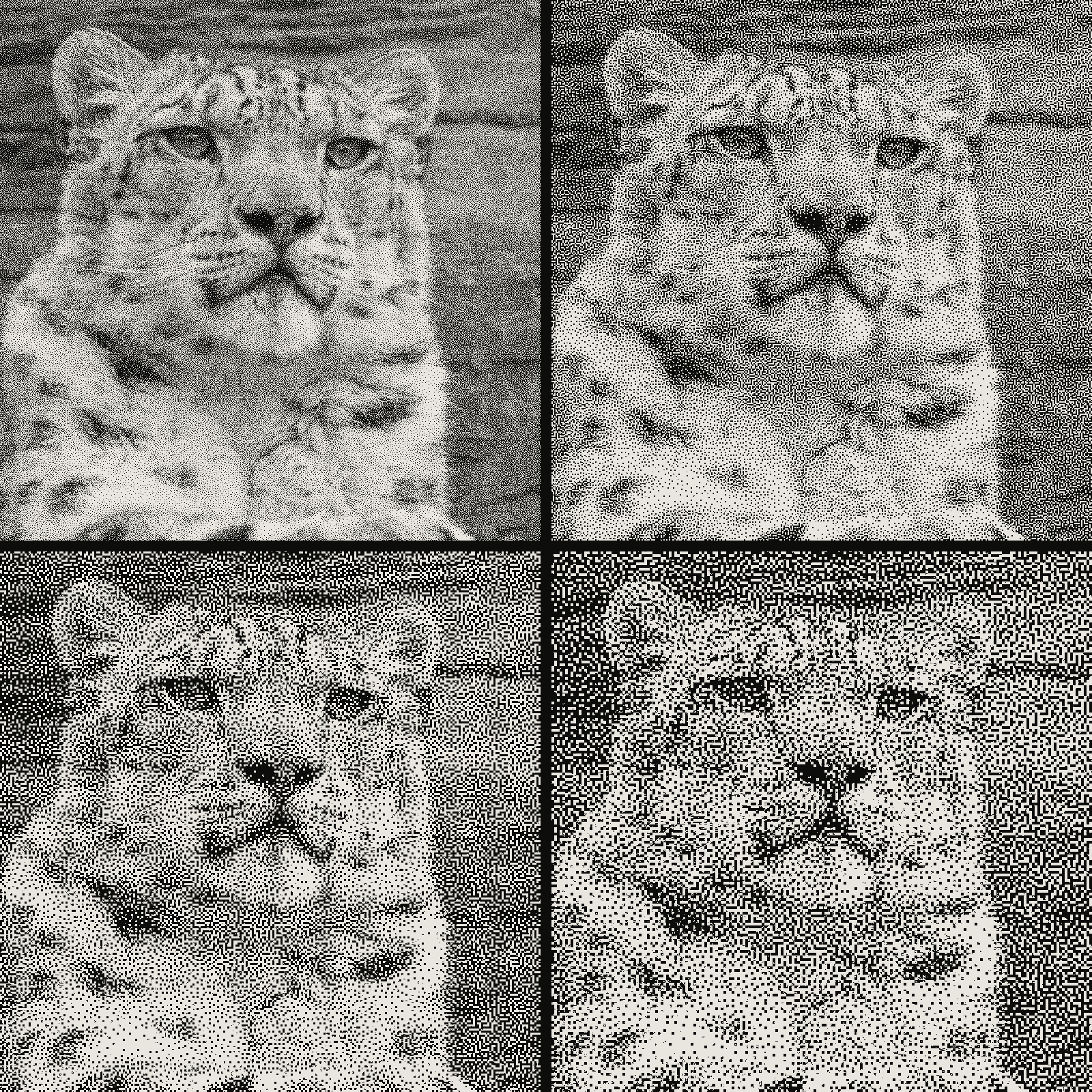 subject: snow leopard · look: blue-noise · threshold 0.50 · reading order: 1px / 2px / 3px / 4px
It's the same fork in the road Donitzo's godot-color-dither exposes directly. Regular spatial shaders sample in local space, so the dither follows the mesh. Postprocessor shaders sample in screen space, so the pattern stays fixed on the viewport no matter what's underneath it. Pick one or the other — nothing here does both at once.
One flat sentence worth writing down: a Bayer matrix is a fixed threshold grid used to decide, per pixel, whether a value rounds up or down when reducing color depth.
Pinning the pattern to world position doesn't pin it to camera rotation, though. A 2D threshold texture mapped onto 3D geometry still shifts which texel lands where as the viewing angle changes — you've killed translation crawl, not rotation swim. Want a cheaper middle ground without touching the sampling math? Donitzo's shader exposes pixel_offset and alpha_pixel_offset uniforms you can drive from a script every frame, nudging the screen-space pattern to track camera movement without switching to true world-space sampling. Costs you a per-frame uniform update instead of a shader rewrite.
How do you write the fix in Godot 4?
Start with the baseline screen-space version, for contrast. It's a canvas_item shader on a full-screen rect, sampling the backbuffer and thresholding against a repeating Bayer tile keyed to FRAGCOORD:
shader_type canvas_item;

uniform sampler2D screen_tex : hint_screen_texture, filter_nearest;
uniform sampler2D bayer_tex : filter_nearest, repeat_enable;
uniform float cell_size = 4.0; // pixels per bayer cell, at 1x

void fragment() {
    vec4 scene_color = texture(screen_tex, SCREEN_UV);
    float luma = dot(scene_color.rgb, vec3(0.299, 0.587, 0.114));

    vec2 pattern_uv = FRAGCOORD.xy / (cell_size * 8.0); // 8x8 tile, repeat_enable tiles it
    float threshold = texture(bayer_tex, pattern_uv).r;

    COLOR = vec4(vec3(step(threshold, luma)), scene_color.a);
}
Swap the index from FRAGCOORD to world position, and the crawl stops. The trade-off: you're now writing a spatial shader per material instead of one global post-process pass.
shader_type spatial;
render_mode unshaded;

uniform sampler2D bayer_tex : filter_nearest, repeat_enable;
uniform float world_scale = 0.25; // bayer cells per world unit — tune to your scene scale

void fragment() {
    vec3 world_pos = (CAMERA_MATRIX * vec4(VERTEX, 1.0)).xyz;
    vec2 pattern_uv = world_pos.xz * world_scale;
    float threshold = texture(bayer_tex, pattern_uv).r;

    float luma = dot(ALBEDO, vec3(0.299, 0.587, 0.114));
    ALBEDO = vec3(step(threshold, luma));
}
The setting that actually bites people: world_scale has to match your scene's real scale, or the dither cells read as way too coarse on small props and disappear entirely on large ones. Start at 0.25 — a bayer cell roughly every 4 units — and adjust per scene. There's no universal number here. It depends on your unit scale and how close the camera gets.
What Bayer matrix size should you use?
| Bayer size | Pattern visibility | Best for |
|---|---|---|
| 4×4 | Strong, blocky, the crawl (where present) is most obvious | Deliberately coarse, retro 8-bit looks |
| 8×8 | Balanced — visible dither texture without reading as noise | Default choice; what Return of the Obra Dinn used |
| 16×16 | Smooths out fast; starts to lose the "dithered" read entirely | Subtle banding reduction, not a dither aesthetic |
| Blue noise | No repeating grid at all | Least noticeable residual crawl if you're staying screen-space |
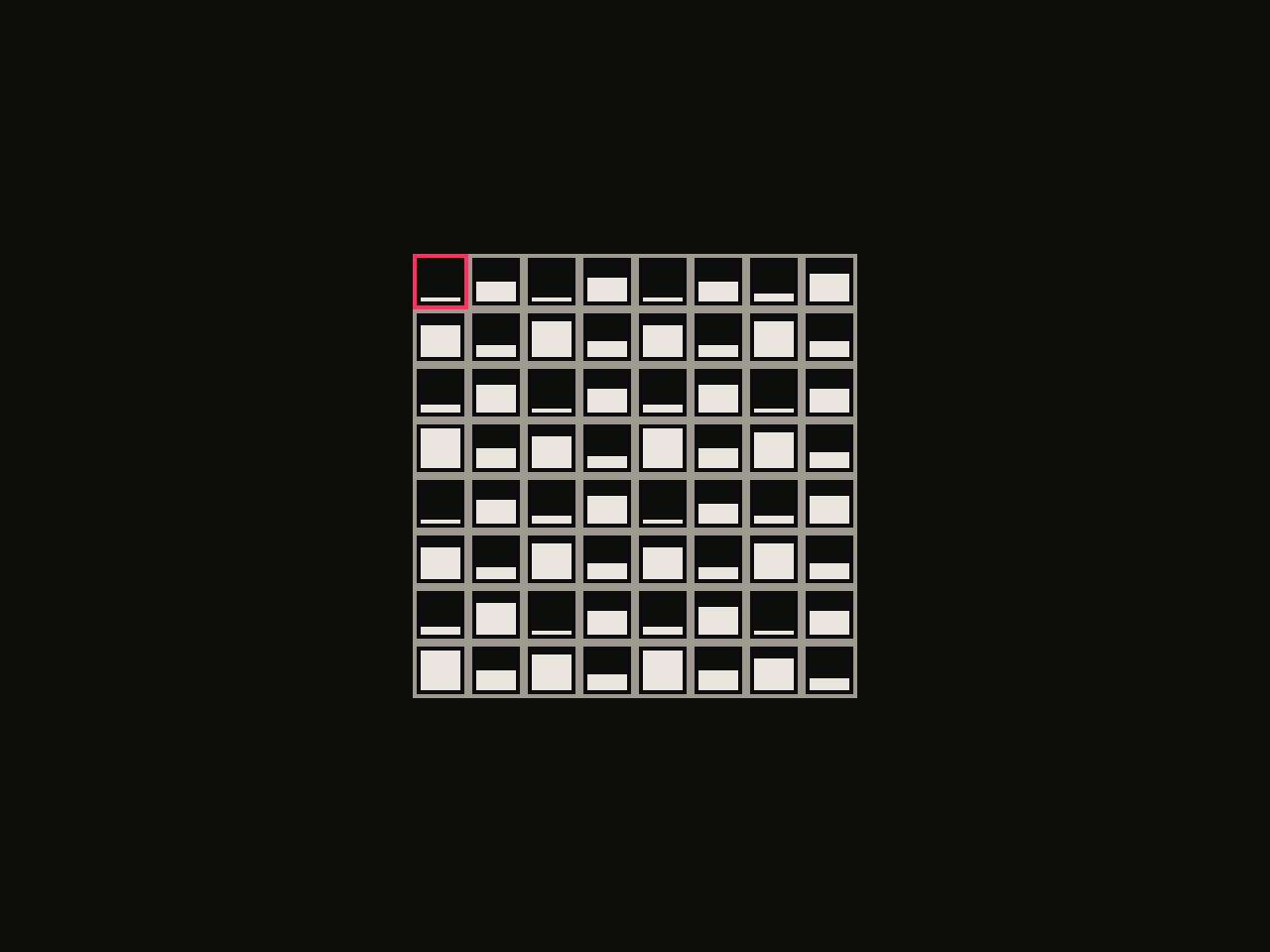 diagram · 8x8 Bayer threshold matrices; bar height is each cell's threshold rank; outlined cell: the first threshold · seed 8801
Larger matrices don't just look smoother for no reason. Surma's Ditherpunk breakdown walks through why: a Level-n Bayer matrix is 2^(n+1) × 2^(n+1), and the higher the level, the more threshold values brightness gets distributed across — which is literally what smooths the pattern out. One side effect: a uniform Bayer matrix biases the image slightly lighter than the source. Invert the comparison (threshold > 1.0 - value) if you need it biased dark instead.
Want to test matrix sizes against your own art before committing one to the shader? kott's dither tool runs the same Bayer thresholds live against an image, which makes it easy to eyeball 4×4 against 8×8 before wiring either into GDShader.
Is there a cheaper workaround than a full rewrite?
Sometimes, yes — don't touch the shader at all if the camera never translates. A fixed-angle isometric or puzzle-game camera (notably not the kind Obra Dinn itself uses) never triggers translation crawl in the first place, because the screen-space pattern and the geometry underneath it never move relative to each other.
If the camera does move, and a full spatial-shader rewrite is more than the scene needs, Donitzo's per-frame pixel_offset uniform is the middle path described above. Bolt it onto an existing screen-space shader rather than rewriting the sampling logic from scratch.
One more thing worth separating out: if the crawl itself isn't really the problem — if it's more that the pattern reads as repetitive block noise — that's a different fix. Swap the Bayer texture for a blue-noise texture instead, covered in kott's stippling vs. dithering piece. It breaks up the visible grid without changing where the pattern gets sampled from.
Frequently Asked Questions
Does world-space dithering cost more performance than screen-space?
Marginally. Sampling the Bayer texture by world position or object UV instead of fragcoord adds one varying and a texture lookup you were already doing, so on GPU the cost difference is negligible at 1080p/60fps. The real cost shows up if you use the pixel-offset workaround instead of true world-space sampling, since that means a script writing to the shader every frame.
Will world-space dithering fix the crawl completely?
No. It trades one artifact for another. Pinning the pattern to geometry removes translation crawl, but the pattern still swims under camera rotation and heavy perspective change, because a 2D threshold texture can't stay both screen-aligned and depth-correct at once. Lucas Pope's Obra Dinn solution, projecting the pattern onto a camera-centered cube, reduces this further but doesn't eliminate it under fast rotation either.
Can you use a CanvasItem shader instead of a full-screen post-process shader for this?
Yes, and it sidesteps the problem differently. A CanvasItem or spatial shader applied per-mesh samples in local or UV space by default, so the dither naturally follows the object. The trade-off is you lose the single full-screen pass: you're dithering per-material now, which means adding the effect to every shader in the scene instead of one global post-process.
Where to go from here
The crawl isn't a bug to go hunting for. It's the direct result of indexing a threshold pattern by screen position, and the fix is always some version of indexing by something else instead — screen-space if your camera holds still, world-space or per-mesh if it doesn't, a per-frame offset uniform if you want something in between without a rewrite.
Dial the settings above — Bayer size, threshold, world_scale — against your own scene before locking them into the shader. Test them live first in kott's dither studio with the effect already loaded, then carry whatever numbers hold up into your GDShader.
02/ OUT
Every setting described above is a real control. Open your own image and sweep it.
All journal entries