Halftone Effect in After Effects Without a Plugin: CC Ball Action Settings
You can make a halftone in After Effects with CC Ball Action, Camera Lens Blur and Levels. Here is the chain, the values two tutorials use, where it breaks…
01/ ARTICLE
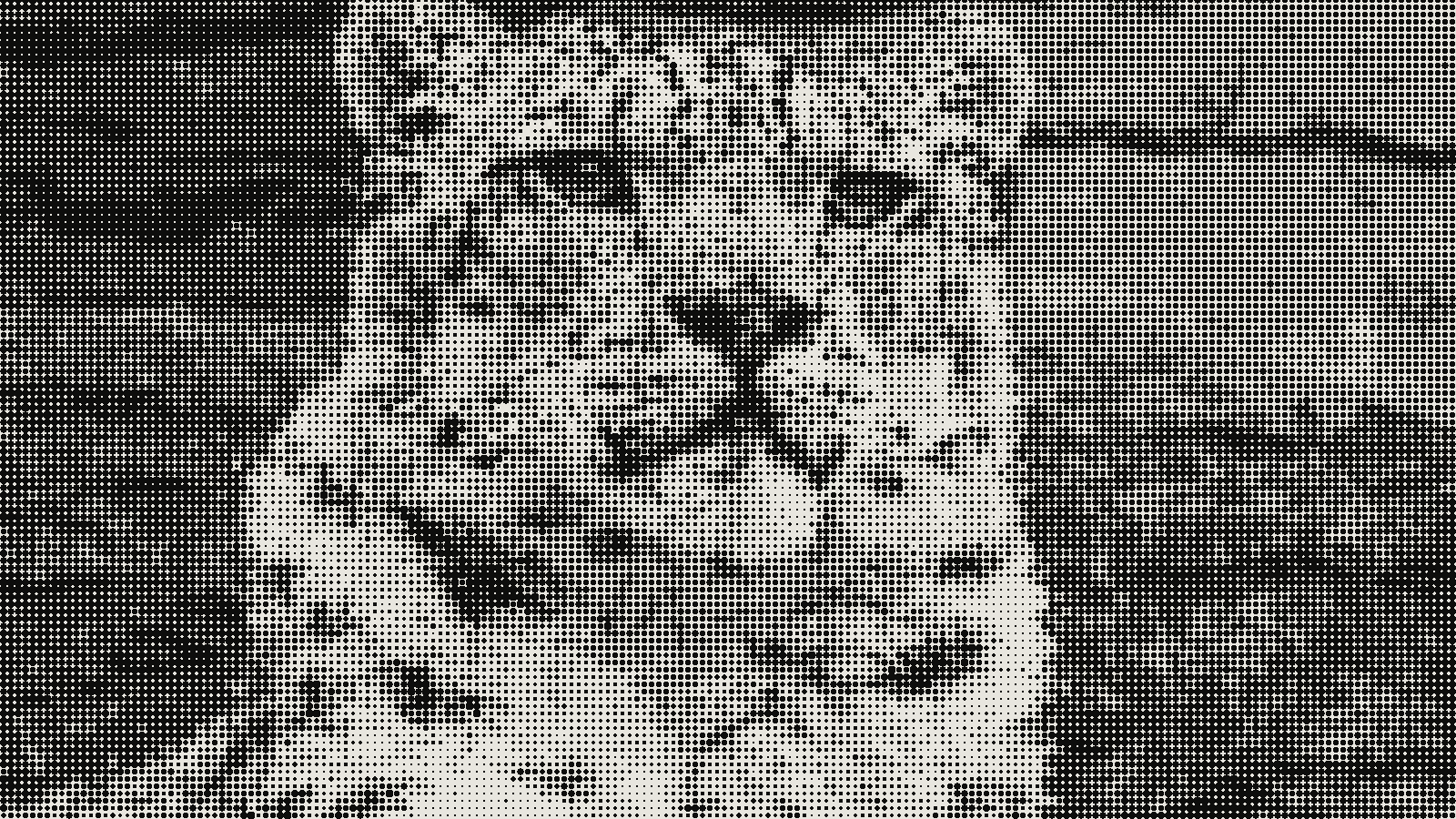 subject: snow leopard · look: halftone · cell 8px · angle 45° · shape circle · Image made with kott.io
Can you make a halftone in After Effects without a plugin?
Yes. You build it from three effects that ship with After Effects: CC Ball Action for the dot grid, Camera Lens Blur to make dot size follow the footage's brightness, and Levels to harden the result into clean dots. It works. It's also a manual stack across several layers, and the tutorials that describe it start from different numbers.
This guide is for a designer who wants the look in a comp today. You get the chain in order, the values two published tutorials use (Boris FX and Filmora), what breaks, and when a plugin is the better call. Every number below belongs to one of those tutorials, not to Adobe.
What is a halftone, and what does After Effects need to fake one?
A halftone is a reprographic technique that simulates continuous tone with dots that vary in size or spacing, as Wikipedia's halftone entry puts it. The common version, amplitude modulated (AM) screening, is a regular grid of dots whose size changes with tone. If you are unsure how that differs from dithering, halftone and dithering are covered side by side in a separate piece.
After Effects has no dot-screen effect in the stack this method uses, so you fake it. You make a grid of identical dots, then shrink or grow each dot based on how bright the footage is underneath. The grid comes from CC Ball Action and the brightness link comes from a blur map.
How do you build the dots with CC Ball Action?
Start with the grid, then connect it to the footage.
Set up the comp and the dot grid
Make a white solid called "background" and a second solid for the dots. On the dots solid, apply Effect > Simulation > CC Ball Action. Boris FX sets Ball Size to about 18-20 for smaller dots with spacing about 5. Filmora works in a 1920x1080 comp with Ball Size 30 and Grid Spacing 5, then adds Channel > Invert and changes the ball colour from white to black.
CC Ball Action is listed by Adobe among the third-party simulation effects that ship with After Effects. Adobe's February 2024 release notes mention a rearranged set of Ball Action controls, so your Effect Controls panel may not match an older screenshot.
Drive dot size from the footage
Pre-compose your footage and hide it. On the grid layer, apply Effect > Blur & Sharpen > Camera Lens Blur, set the Blur Map Layer to that pre-comp, and switch the source dropdown to "Effects & Masks". Boris FX then ticks Invert Blur Map. Filmora does the inversion differently: it duplicates the footage pre-comp and applies Channel > Invert to the duplicate before using it as the map.
Both routes aim at the same result: dark areas of the picture produce big dots, light areas small ones. Pick one and judge it on your footage. If the dots grow where the image is bright, you've inverted the wrong thing.
What settings turn the blur into hard dots?
The blur map gives you soft, overlapping blobs. Levels turns them into discrete dots. This is Filmora's chain, at 1920x1080, in the order the tutorial gives it:
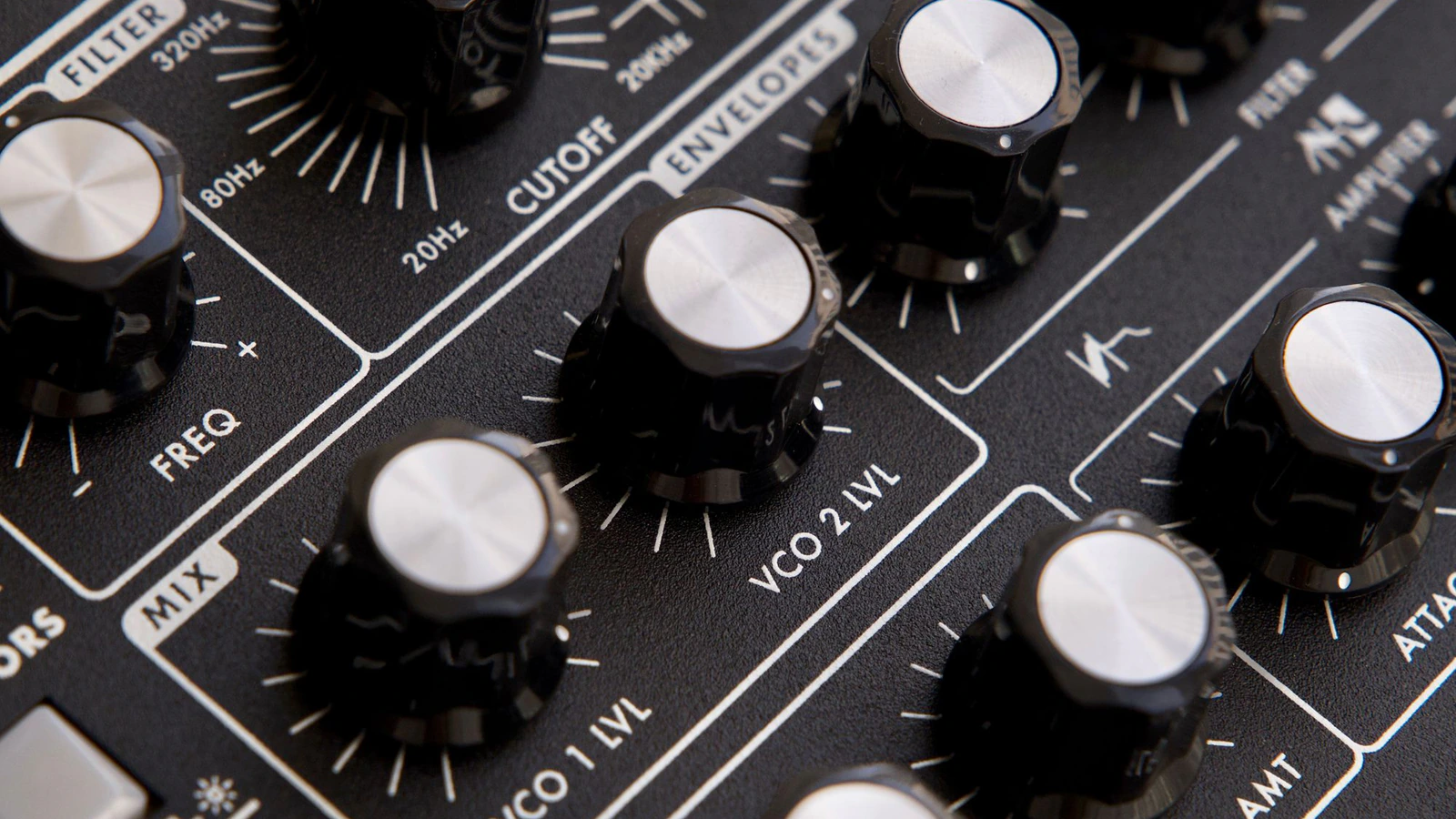
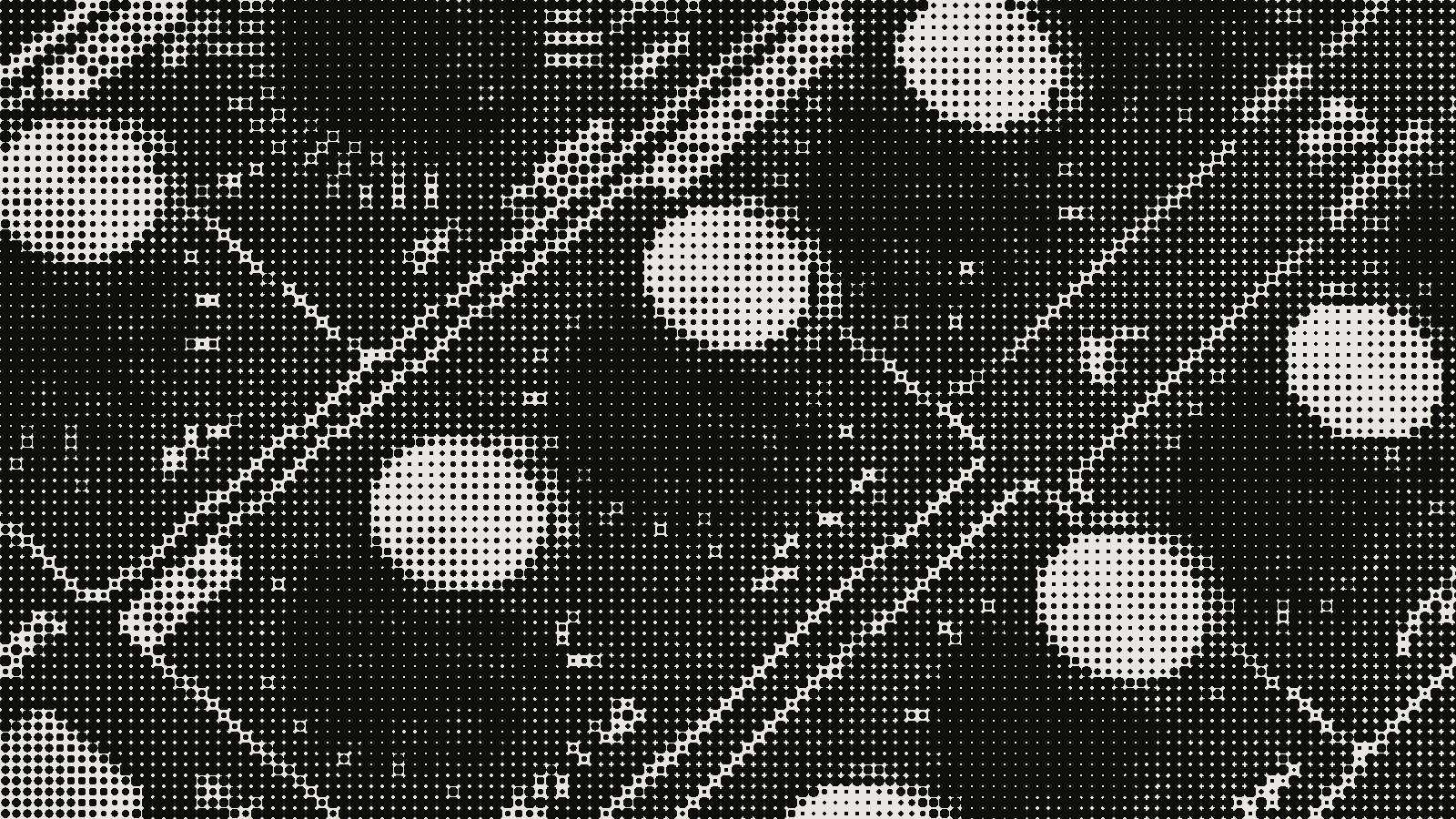 subject: synth knobs · look: halftone · cell 12px · angle 45° · shape circle · first image: the source, second: the render · Image made with kott.io
- Levels on the grid layer, channel set to Alpha, Input Black 45, Input White 50.
- Gaussian Blur, Blurriness 5.
- A second Levels, channel Alpha, Input Black 50, Input White 100.
- The original, non-inverted footage placed above the grid at 18% opacity so the picture still reads.
Boris FX takes a lighter route: it raises Levels Input Black until the lighter dots turn dark, adds Curves to the pre-comp to darken the shadows, and uses Gaussian Blur to soften the image and dots. It describes its numbers as starting values to adjust per footage.
Treat all of these as untested outside the comps they were written for. Filmora's tutorial gives no notes on how the values scale to another resolution, and it does not explain why the blur map uses "Effects and Masks". If you work at 4K, expect to rebuild the Ball Size and Grid Spacing numbers rather than copy them.
Where this goes wrong. Soft, smeared dots mean the Alpha Levels range is too wide. Dots that merge into a solid mass in the highlights mean the grid is too tight for the Ball Size. Dots that look right in one clip and wrong in the next usually mean the footage's contrast differs, so adjust Curves on the pre-comp before touching the grid.
Where does the built-in stack fall short?
It's manual. Boris FX notes that the method stacks several effects across multiple layers and offers no preset library or colour-scheme options. None of the tutorials describe a screen-angle control, which matters if you want a print look: halftone screens at the wrong angles produce halftone moire when combined, and rotating them relative to each other is how printers reduce it.
| CC Ball Action stack | BCC Halftone (Boris FX) | |
|---|---|---|
| Effects needed | CC Ball Action, Camera Lens Blur, Levels, Gaussian Blur, often Curves | One effect |
| Setup | Several layers and pre-comps | Apply to the layer; defaults give black and white |
| Colour modes | None described | RGB, CMY, CMYK, B&W |
| Dot shape | Round balls | Circle, Square, or lines for scanlines |
| Presets | None | FX Browser presets |
| Blur controls | Camera Lens Blur and Gaussian Blur you add yourself | PreBlur and PostBlur |
| Blend with original | Manual opacity layer | Mix with Original, can be animated |
For a one-off black and white halftone on a clip, the built-in stack is fine and costs nothing extra. For colour schemes, quick variations or many shots, it is the slower route.
When is the plugin worth it?
BCC Halftone sits in Boris FX's BCC Art Looks category in Continuum. Its controls, as Boris FX lists them, include HT Scale for size, HT Aspect for stretch, HT Smoothing to reduce noise, Low and High limits for the range of dot sizes, Brightness and Contrast, and Paper Color set to Automatic, Color or Transparent. Transparent creates an alpha channel, which the manual stack has no direct equivalent for.
A note on sourcing: Boris FX makes the plugin, so its blog is a fair source for what the plugin does and an interested party on whether you need it. The built-in method it describes matches Filmora's, so the free route isn't a straw man here.
If the look you are after is a different video treatment altogether, such as displaced pixel streaks, that is a separate technique covered in pixel sorting in After Effects.
Is there a faster way to halftone a still image?
If you only need stills, a stack this long is more work than the job needs. Photoshop's Color Halftone filter is one comparison point, and a dedicated tool is another. Build and preview the look in kott® studio, where a halftone with 8px cells at a 45 degree angle is a quick starting point, then bring the result into your comp as an image if the motion work needs it.
For halftoning moving footage inside a comp, the After Effects chain above is still the method this article covers.
Frequently Asked Questions
Does After Effects have a built-in halftone effect?
Not as a single effect in the route this article covers. The no-plugin method builds one from CC Ball Action, Camera Lens Blur and Levels, as two tutorials describe. BCC Halftone from Boris FX does it in one effect.
What Ball Size and Grid Spacing should I use for a CC Ball Action halftone?
The two tutorials start in different places. Boris FX suggests a Ball Size of about 18-20 with spacing about 5. Filmora uses Ball Size 30 and Grid Spacing 5 on a 1920x1080 comp. Both treat the numbers as starting points to adjust for your footage.
Why does my halftone look blurry instead of crisp dots?
The blur map softens the dot edges, and the Levels pass on the alpha channel is what hardens them. Filmora's tutorial moves Input Black and Input White close together on Alpha, then applies a Gaussian Blur of 5 and a second Levels. If your dots stay soft, tighten that range.
Can I make a CMYK halftone without a plugin?
The tutorials describe no CMYK or screen-angle control in the built-in stack. Boris FX lists RGB, CMY, CMYK and B&W color schemes for BCC Halftone, so a colour halftone is the clearest case for the plugin or a dedicated tool.
Images in this article were made with kott.io.
02/ OUT
Every setting described above is a real control. Open your own image and sweep it.
All journal entries