Vector Halftones in Inkscape: Dots a Screen Printer Can Actually Output
Inkscape has no halftone filter. Build real vector dots with Tiled Clones, turn mesh count into LPI and columns, and run a pre-film checklist.
01/ ARTICLE
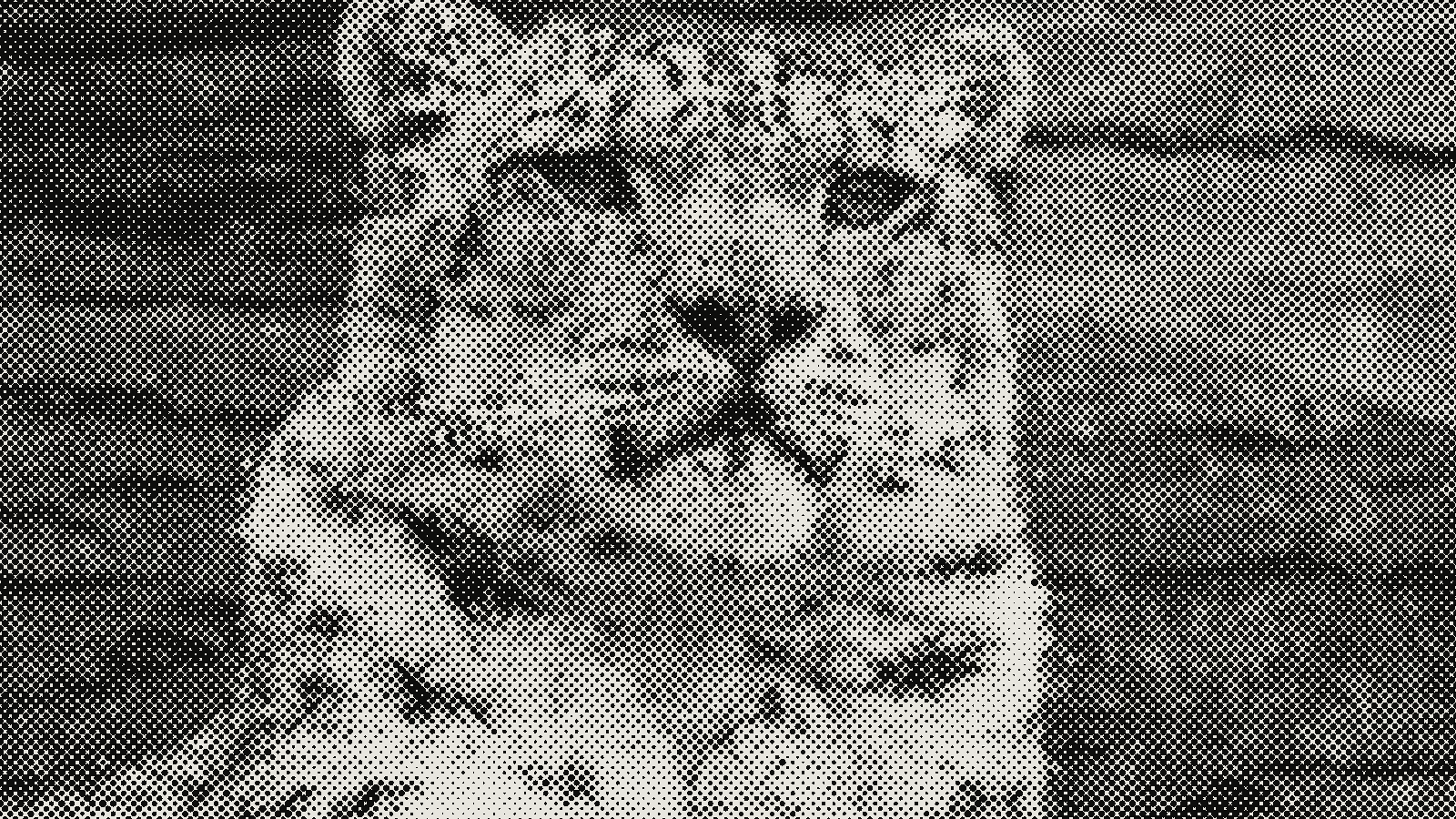 subject: snow leopard · look: halftone · cell 8px · angle 0° · shape circle · Image made with kott.io
How do you make a vector halftone in Inkscape for screen printing?
Inkscape has no native halftone filter, so you build one. Go to Edit > Clones > Create Tiled Clones, with the Trace tab set to scale a dot by the brightness under it. The result is a grid of circle paths, and a screen printer can output paths at any film size without the dots going soft.
A vector halftone is a grid of dot shapes whose size varies with tone, stored as paths instead of pixels. That matters for print-makers because a raster halftone is locked to the resolution it was made at, while paths are re-rendered cleanly by whatever RIP or film printer you send them to. This guide is written for the print maker who has a file to get onto a screen.
What does a screen printer need from the halftone file?
Three numbers decide whether the dots hold on the screen: LPI, angle and dot gain. Settle them before you build anything.
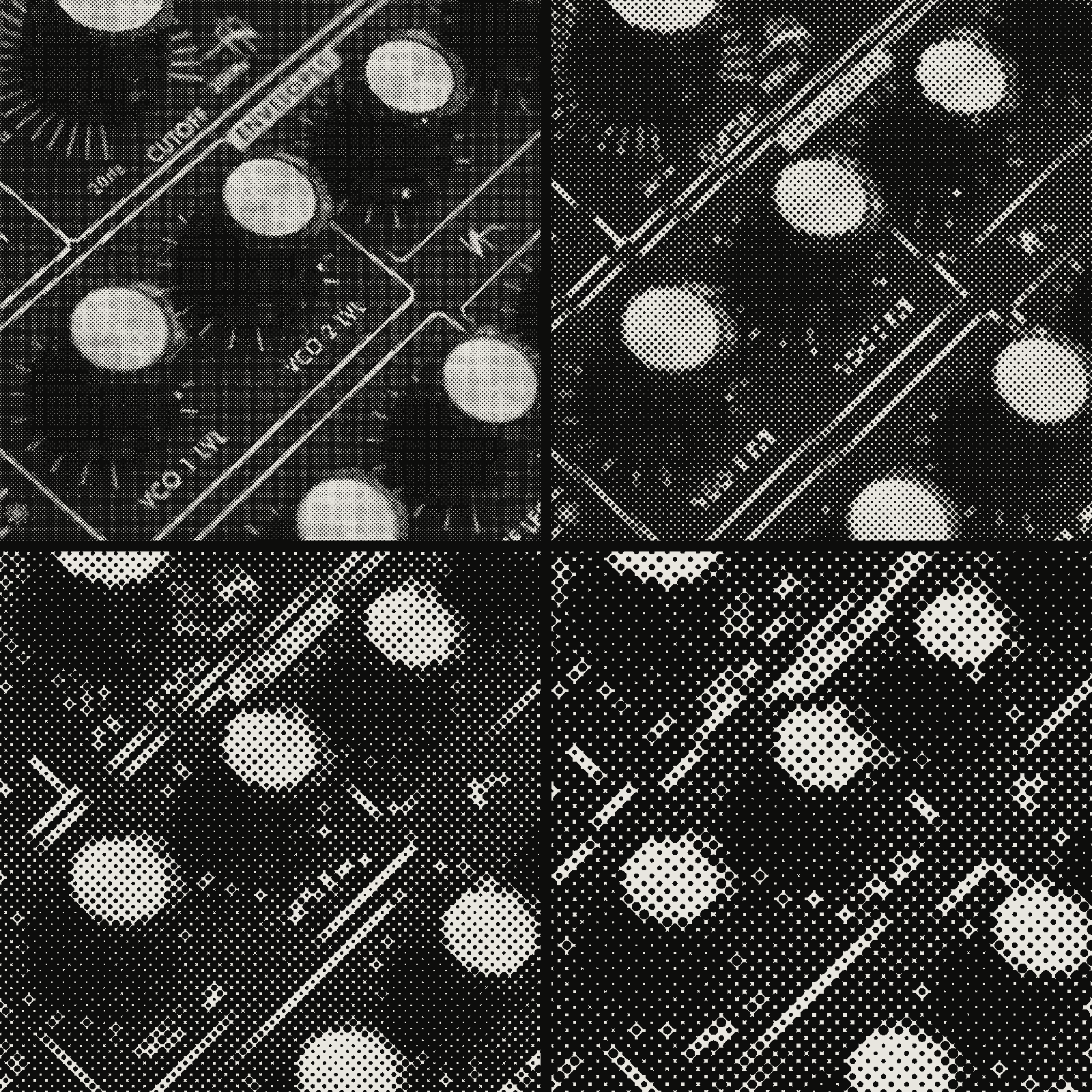 subject: synth knobs · look: halftone · angle 0° · shape circle · reading order: cell 4px / cell 8px / cell 12px / cell 16px · Image made with kott.io
LPI from mesh count. Divide the mesh count by 5 to get a workable LPI, so a 160 mesh screen takes 32 LPI. Dividing by 4 gives 40 LPI for the same screen, but the guide warns the dots get smaller and harder to hold.
Angle. The same source says dots at 0, 90, 180 or 270 degrees won't print properly against the mesh, and 45 degrees gives up significant detail. It recommends an angle that bisects the mesh, 22.5 degrees, so dots land between threads. The full angle and mesh math is in Halftone Moire in Screen Printing.
Dot gain. Ink spreads on every job. Printers typically compensate with about 30% dot gain when adjusting artwork, so plan your 50% midtone dots lighter than they'll print.
From LPI to columns. Tiled Clones asks for rows and columns, not LPI. The conversion is plain arithmetic: columns = print width in inches x LPI. A 10 inch wide print at 32 LPI is 320 columns, and a 7 inch tall print is 224 rows. Build the Inkscape document at final print size, not at screen size, or this arithmetic stops meaning anything.
How do you make a vector halftone with Tiled Clones?
Do these steps in order. The method comes from Logos By Nick's Inkscape halftone guide, and the order matters.
- Create a document at your final print dimensions.
- Draw a rectangle over the whole canvas and fill it with a linear gradient from black to white. Black becomes the largest dots, white the smallest.
- Open the Layers panel (Layer > Layers & Objects, Ctrl+Shift+L). Lock the gradient layer, then add a new layer above it.
- On the new layer, draw one small black circle in the top-left corner with the Circles & Ellipses tool (E).
- Select the circle and open Edit > Clones > Create Tiled Clones. Set your rows and columns from the LPI arithmetic above.
- Open the Trace tab and set: Trace drawing under clones on; pick Color (not Opacity); apply the value to Size only; Width, height set to your document dimensions; Use saved size and position on.
- Click Create. When it finishes, hide the gradient layer.
To halftone a photo instead of a gradient, put the image under the clone layer in place of the gradient. Marko Oze's Inkscape tutorial uses the same Trace tab with Color picked, and points out the Invert option under "Tweak: the picked value", which swaps shadows and highlights if your dots grow in the wrong direction. High-contrast sources give clearer results.
The original circle stays linked to every clone. Edit its size or shape and the whole pattern follows. That's the fastest way to adjust overall dot size for dot gain.
What breaks with Tiled Clones, and why?
Four things go wrong most often.
Large areas stall the machine. Tiled Clones is resource-intensive, and the cost grows with the area traced. The advice is to trace as small an area as possible, or build the halftone in sections and combine them. For a poster, work in tiles and join them at the end.
A skipped setup step silently breaks the trace. Commenters on the same guide report that skipping steps such as locking the gradient layer or setting the circle's initial fill stops it working. In Inkscape 1.4 and later the Layers panel changed, and you drag layers to set stacking order. Behaviour also differs between Windows and Linux.
Clones scatter across the canvas. If the dots spread wider than the image, uncheck "Use saved size and position of the tile", as the Marko Oze tutorial suggests.
The grid is square and unrotated. Tiled Clones lays dots out on an axis-aligned grid, which is the 0 degree case a screen printer warns against. Rotating the finished dot group to the mesh-bisecting angle is the obvious fix. The sources above don't test it in Inkscape, so pull a proof on your own mesh before a full run.
Can Trace Bitmap make halftone dots, and when is raster the better choice?
Path > Trace Bitmap converts a raster halftone into paths. Use it when someone hands you a bitmap halftone and you need vectors from it. Brightness Cutoff turns pixels above or below a 0 to 1 threshold into black or background. Single scan is fast; multiple scans suit multi-colour work. Very large bitmaps are a known problem, with the trace function struggling on a 29059 x 20455 pixel image.
| Method | Dot control | Output | Main failure |
|---|---|---|---|
| Tiled Clones with Trace | Dot size follows tone; edit one dot to change all | Circle paths | Resource-heavy on large areas |
| Trace Bitmap on a raster halftone | Whatever the bitmap holds | Traced paths | Big bitmaps stall; edges follow pixels |
| Raster halftone, no tracing | Set in the generating tool | Pixels | Locked to its resolution |
If the film printer takes a high-resolution bitmap anyway, a raster halftone from a dedicated tool is faster. Best Free Online Halftone Generators, Tested Against a Real Print Job compares them.
How do you check the file before film output?
Run this checklist on the finished file:
- The dots are paths, not an embedded image.
- The document is at final print dimensions.
- LPI equals mesh count divided by 5 (or by 4 if your darkroom can hold fine dots).
- Dot angle is set to bisect the mesh, and a proof has been pulled.
- Dot size has been adjusted for roughly 30% dot gain.
- The artwork is pure black on white, one ink per film.
For the 1-bit side of getting a file to press, see Preparing a 1-Bit File for Risograph.
To preview halftone dot sizes and angles before you build the vector version, open kott studio with the halftone look preloaded.
Frequently Asked Questions
Does Inkscape have a built-in halftone filter?
No. Inkscape has no native halftone feature. The vector route is Edit > Clones > Create Tiled Clones with the Trace tab, which scales a dot by the brightness under it.
What LPI should I use for a 160 mesh screen?
Divide the mesh count by 5, so 32 LPI for 160 mesh. Dividing by 4 gives 40 LPI, but the dots are smaller and harder to hold on press.
What angle should the dots be at?
Screen printing guidance is an angle that bisects the mesh, 22.5 degrees. Dots at 0 or 90 degrees print badly against the threads and 45 degrees loses detail.
Why does my Tiled Clones halftone freeze Inkscape?
Tiled Clones is resource-intensive on large areas. Trace a smaller area, or build the halftone in sections and combine them.
Images in this article were made with kott.io.
02/ OUT
Every setting described above is a real control. Open your own image and sweep it.
All journal entries