Live ASCII Art for VJ Sets: What Runs in Real Time and What Doesn't
A converter that prints one ASCII image can't run a live set. Here is which renderers redraw a camera or video feed as characters every frame, how they reach…
01/ ARTICLE
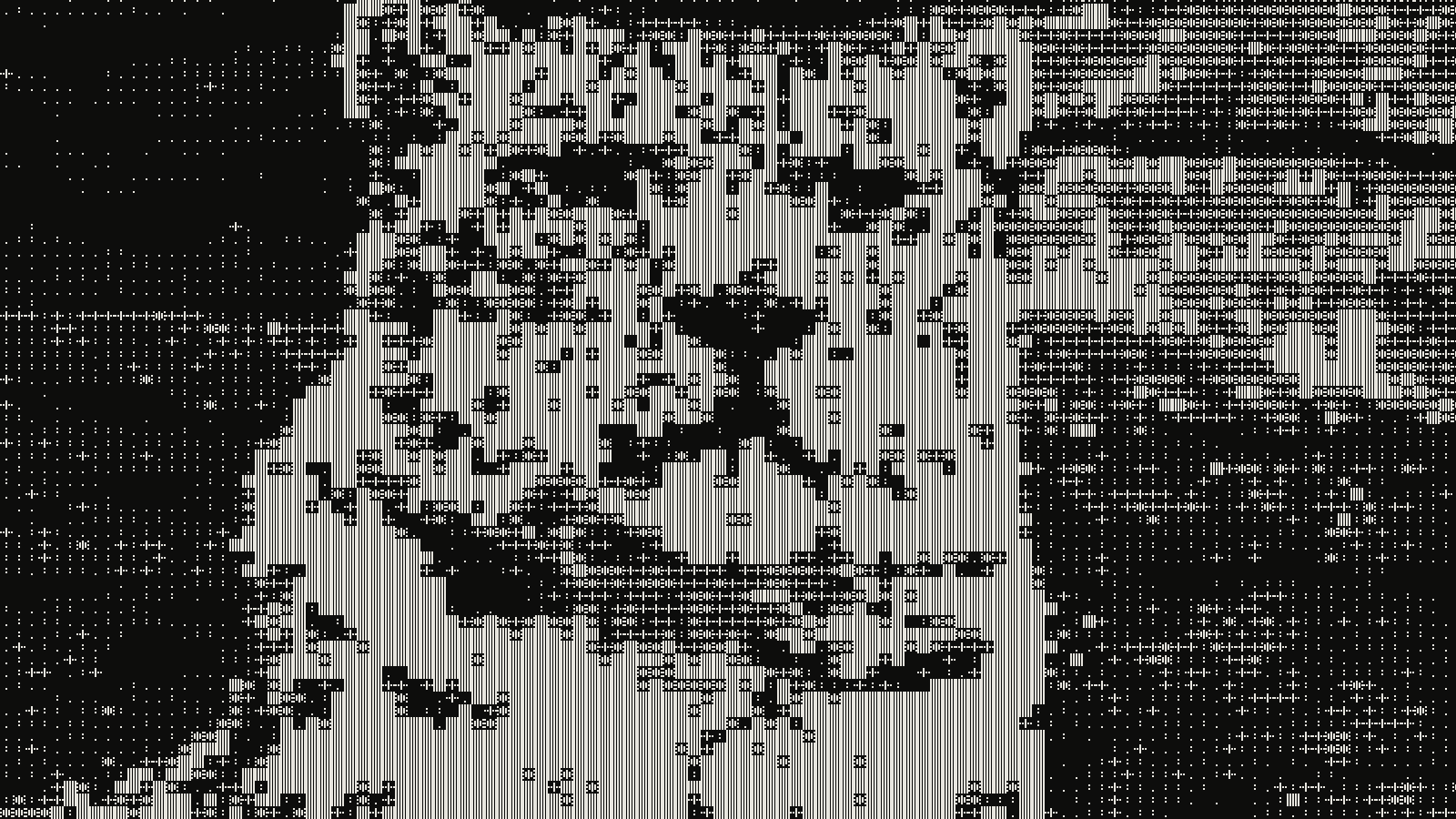 subject: snow leopard · look: ascii · cell 14px · contrast 2.2 · Image made with kott.io
Why can't a static ASCII converter run a live set?
Live ASCII art is a character-grid render of a moving source, redrawn on every frame. A converter that prints one picture and exits is a different tool.
ascii-image-converter is a good example of the second kind. It is a Go command-line program that takes JPEG, PNG, BMP, WEBP, TIFF and GIF files, image URLs or piped input, and prints the result to the console. Its flags cover colour (--color, --grayscale, --negative), braille output (--braille), dithering (--dither), size (--dimensions, --width, --height) and a custom character ramp (--map). Its README describes none of video, webcam or streaming input. You run it, it prints once, and it's done.
That makes it useful before the show and useless during it. Keep it for stills and ramps you prepare in advance.
Can you run live ASCII in a terminal?
Yes, and it's older than most VJ gear by decades. According to Wikipedia's ASCII art article, animated ASCII began around 1970 with VT100 terminal animations that used cursor movement and erasing to create motion. For video, MPlayer, VLC and mpv can render footage as ASCII through AAlib (black and white) or libcaca (colour), and the same article notes tools that convert streaming video into text symbols.
Two things to know before you plan a set around a terminal:
- The grid needs a fixed-width font. ASCII art relies on one, such as Courier or Consolas, so the characters line up. A proportional font breaks the picture.
- A terminal window is a screen, not a clean output. You still have to get it onto a projector or into your mixing software. That is where the dedicated VJ tools below earn their place.
If you want to push terminal rendering further, our piece on chafa's symbol classes and colour modes covers which combinations stay readable.
Which live ASCII tools exist for VJs?
Two projects are built for this job, and the terminal players and converter sit beside them for comparison. Every cell below comes from the project's own page, so check the repositories for changes.
| Tool | Where it runs | Live input | Audio | Getting it out | Caveat |
|---|---|---|---|---|---|
| ASCII VJ Remix | Native desktop: Apple Silicon macOS, Windows, Linux | Cameras, multi-camera mixes, videos, live feeds | Microphone/input, audio files, supported system audio paths | Pop Out to another display; NDI or Syphon at 720p/1080p, 30/60 fps | Windows installers are described as unsigned previews |
| Virtual VJ | Browser, one HTML file with WebGL2 shaders | Webcam or video input | Mic/line-in beat detection, manual BPM with tap tempo | Extend your desktop to the projector; four-corner keystone | Listed for Chrome or Edge on Windows |
| mpv, VLC, MPlayer | Terminal or player window | Video files and streams | None described | The player window | Black-and-white (AAlib) or colour (libcaca) text only |
| ascii-image-converter | Command line | None, files and URLs only | None | Prints to console or saves an image/text/GIF file | No live mode |
Pick ASCII VJ Remix if you need to hand frames to another app, since NDI and Syphon are video-sharing routes that other apps can receive. Pick Virtual VJ if you want something running in a browser tab with no install and your set is closer to a DJ-booth visual than a mapped installation. Neither replaces a full VJ suite such as Resolume or TouchDesigner; they are the ASCII layer you feed into one.
ASCII VJ Remix's controls include palettes, ordered dithering, multilingual glyphs and custom character ramps, plus presets, saved playlists and crossfades. Virtual VJ lists 47 styles with ASCII among them, next to digital rain, glitch and VHS.
How does a live ASCII renderer react to music?
Both tools listen. Virtual VJ offers a BPM-synced strobe whose knob runs from off to one bar down to 1/32, locked to the beat. It gets the tempo from mic or line-in beat detection, or from a manual BPM with tap tempo, and MIDI Learn lets you map any pad, knob or fader.
ASCII VJ Remix takes audio from the microphone or an input, from audio files and from supported system or display audio paths. Its page says media and audio analysis stay local unless you turn a video output on.
For how this class of software compares more broadly, see audio-reactive visualizer software compared.
How do you get live ASCII onto a projector or LED wall?
The sources describe three routes:
- Second display. ASCII VJ Remix has a native Pop Out to another display. Virtual VJ expects you to extend the desktop (on Windows, Win + P) so the projector becomes a second screen.
- NDI or Syphon. ASCII VJ Remix can share one video output at 720p or 1080p and 30 or 60 fps. Sharing is off at launch, so turn it on and confirm the receiving app sees it. The page describes 1080p60 as a performance target, not a guarantee.
- Keystone. Virtual VJ lets you drag four corners to fit a tilted projector, and the
Gkey toggles the keystone grid.
If the output then goes through a mapping tool, a MadMapper setup that survives load-in shows the order to build it in.
What goes wrong with live ASCII on stage?
These failure modes come from what the projects say about themselves, plus one physical limit.
- The target frame rate is a target. ASCII VJ Remix calls 1080p60 a performance target. Test your own machine at the resolution and frame rate you plan to send.
- Sharing starts off. An NDI or Syphon output that you forgot to enable looks like a dead source in the receiving app.
- Unsigned or platform-limited builds. The Windows installers for ASCII VJ Remix are described as unsigned previews, and Virtual VJ lists Chrome or Edge on Windows. Check this on the machine you will play from, not the one you built the set on.
- Projector not extended. For Virtual VJ the projector only works once the desktop is extended.
- Glyphs against pixel pitch. A character grid is a repeating pattern, and a repeating pattern can interfere with an LED wall or a camera sensor. Why your visuals moire on the LED wall explains the mechanism. Larger cells and a pre-show look at the real wall are the practical defence.
- Wrong font in a terminal. A proportional font misaligns the grid.
A short pre-show check: output enabled, second display or NDI source visible in the receiving app, frame rate held at the planned resolution, and the grid inspected on the real screen.
Which pieces of a live set can you prepare in advance?
Plenty. Stills, short loops and character ramps can all be built ahead of time and fed in as sources. With ascii-image-converter you can design a ramp with --map, try --braille for finer detail, and save the result with --save-img, --save-txt or --save-gif (the GIF export is marked experimental). You can also preview the same kind of conversion in kott's ASCII tool and see how density and character choice change the picture before you commit.
Conclusion
A live source needs a live renderer. Converters that print once are for prepared material, terminal players give you text video in a window, and ASCII VJ Remix and Virtual VJ are the two sourced tools that take a camera or video feed, react to audio and have an output path to a projector. Whichever you pick, test the output route and the frame rate on the real machine before doors open.
Try the look first in the kott studio ASCII effect and carry the settings into your live tool.
Frequently Asked Questions
Can I use ascii-image-converter for a live VJ set?
Not as a live source. Its README describes converting files and URLs and printing the result once, and it mentions no video, webcam or streaming mode. Use it to prepare stills ahead of the show.
Does ASCII video need a special font?
It needs a fixed-width font, as ASCII art in general does, so the characters stay on a grid. A proportional font breaks the picture.
Can a terminal play video as ASCII?
Yes. MPlayer, VLC and mpv can render video as ASCII through AAlib (black and white) or libcaca (colour).
How do I send live ASCII to a projector?
ASCII VJ Remix can pop its output out to another display and share video over NDI or Syphon. Virtual VJ runs in a browser, and you extend the desktop to reach the projector.
Images in this article were made with kott.io.
02/ OUT
Every setting described above is a real control. Open your own image and sweep it.
In kott, the beat, the bass or an EQ band you define can move any control of any effect: how the audio routing works.
All journal entries