Sending a Stippled Image to a Pen Plotter: Voronoi Dots and TSP Paths
A pen plotter follows paths, not pixels, so a dithered raster has to become stipple dots or one continuous TSP line first. The StippleGen settings, plot times…
01/ ARTICLE
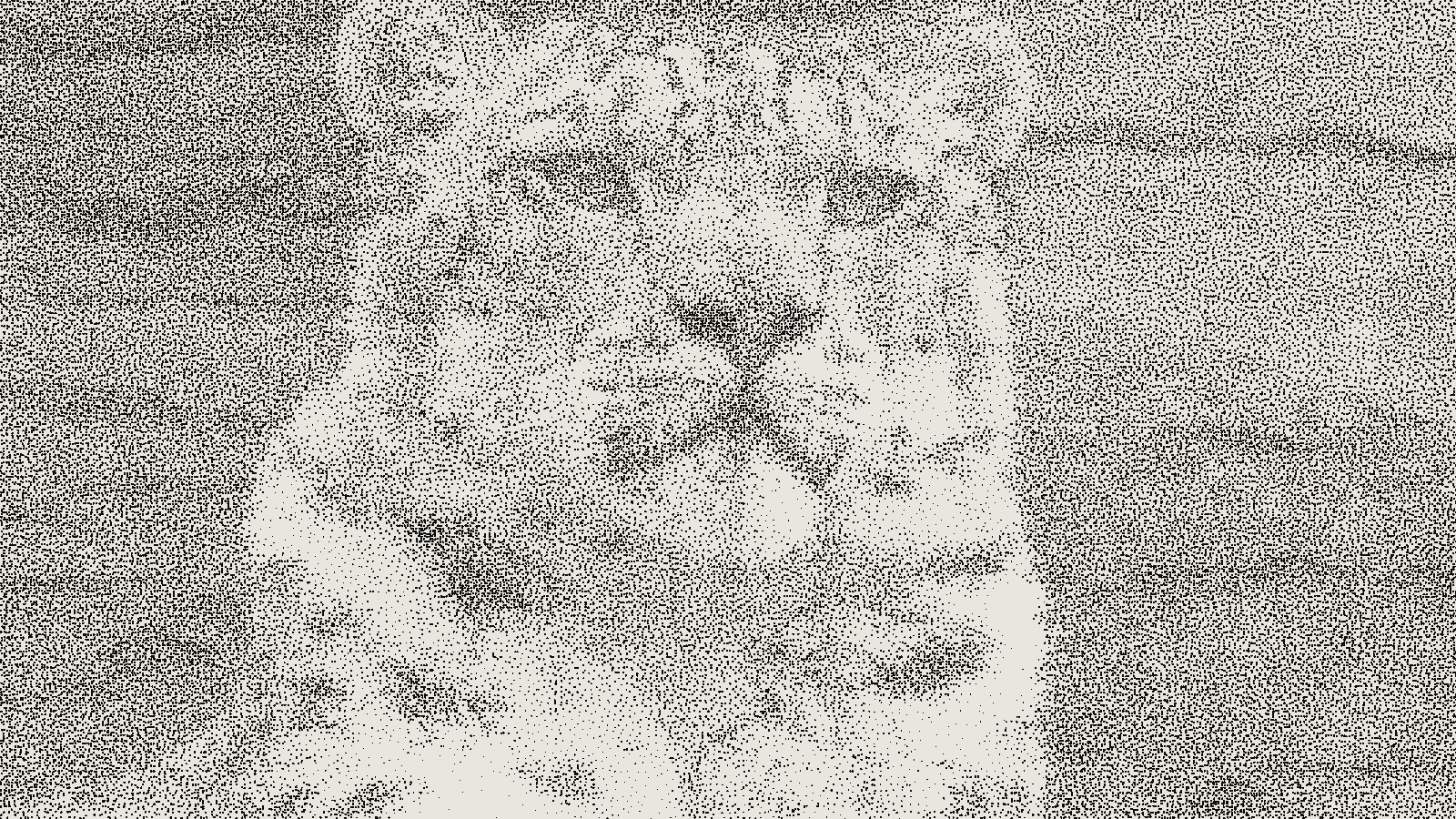 subject: snow leopard · look: stipple · scale 3px · threshold 0.50 · dot size 1.3 · Image made with kott.io
Can you send a dithered image straight to a pen plotter?
No. A pen plotter follows vector paths, so a raster dither has to become dots or lines before it can be drawn. A 1-bit dither is a grid of black and white pixels, and plotting each black pixel as its own pen drop turns one image into tens of thousands of lift-and-drop moves. The route that works is to convert the image to stipples placed by weighted Voronoi relaxation, and then, if you want, to join those stipples into a single path.
Weighted Voronoi stippling is a method that places dots so that their density follows the tones of an image, dense where it is dark and sparse where it is light.
The pixel route fails for a mechanical reason. The Evil Mad Scientist TSP art page says pen plotters such as the Eggbot excel at drawing long, continuous paths and are weaker at thousands of small fills. A plotter also can't vary line thickness, as Matt Widmann's survey of raster plotting puts it, so tone has to come from how many marks you draw, not how heavy they are. If you've only worked with screen output, the difference between stippling and dithering is the place to start. Plotting is a physical output with the same kind of constraint you meet in choosing a dither mode for laser engraving.
Which plotter method fits your image: stipples, TSP path or hatching?
Pick by what you want the pen to do. Stipples and a TSP path come from the same stipple set, so you can generate once and decide later. The table lists the options the sources describe.
| Method | What the pen does | Pen lifts | Tone comes from | Pick it when |
|---|---|---|---|---|
| Stipple dots | Draws a small circle at each point | One per dot | Dot density (and optional dot size) | You want visible round dots |
| TSP path | Draws one continuous line through every stipple | Little or none | Path density | Plot time and pen wear matter |
| Line density (hatching, flow lines) | Draws many separate lines, closer together in darks | One per line | Line spacing | The image suits linework |
| Line deviation | Wobbles one line sideways in dark areas | Few | How far the pen is deflected | You want a squiggle look |
The last two rows are other tools' territory. Widmann lists cross-hatching, the vpype flow imager, SquiggleDraw and Drawing Bot V3, which supports multiple pens for colour. If your subject is a portrait with strong edges, hatching may beat stipples. This guide covers the stipple and TSP route because it is the direct continuation of a dither.
How does weighted Voronoi stippling turn a photo into dots?
It starts with random points and nudges them until their density matches the image. StippleGen credits Adrian Secord's algorithm, which uses an iterative relaxation process to optimize a weighted Voronoi diagram. Each generation, every point moves to the weighted centroid of its Voronoi cell. The weight is the image tone, so cells in dark areas stay small and crowded, and cells in light areas grow.
That centroid step is Lloyd's algorithm. Wikipedia's entry on Lloyd's algorithm describes it as alternating between computing a Voronoi diagram and moving each site to the centroid of its cell, with the centroid weighted by a density such as a reference image's tone. Each pass spreads the points more evenly. In practice it can converge slowly, so implementations stop once points move less than a set threshold.
For settings, StippleGen's page says drawings start to look reasonably good after around 40 generations. Treat that as a floor, not a magic number. If the dots still look clumped or lined up in rows, let it run longer before you export. The even-but-irregular spacing this produces is the same property that makes random dots behave differently from a halftone rosette.
What StippleGen settings should you use?
Start with the defaults. Change one thing at a time. These values are from the StippleGen page, version 2.31.
- Stipple count: defaults to 2,000 and adjusts up to 10,000. Pressing
xraises the maximum to 50,000, though the page makes no performance guarantee at that size. - Stipple colour: black dots on white, or white dots on black. Changing it restarts the calculation.
- Min dot size and dot size range: dot diameter can scale with image density. The page notes human-drawn stipples tend to have a range not much above 3 to 4.
- White cutoff: hides stipples in very low-density regions. It labels this "Black Cutoff" for white-on-black. It affects the output files, so set it before you export.
- Image BG and Cells views: display only. They don't change the output.
Plot time follows the count. The page says the Eggbot can plot about four stipples per second, so a 2,000-stipple drawing can take as little as ten minutes. Doubling the count roughly doubles that, so a 10,000-stipple plot is on the order of 40 minutes by the same arithmetic.
Export is SVG: one file with the points as circles, another with the TSP path as a single set of joined lines. The files are Inkscape SVG, "Eggbot-ready", in a 3200 by 800 pixel document, and can be re-saved as PDF. The page is written around the Eggbot. It does not describe AxiDraw settings, so check your own plotter's software for page size and speed before you trust the document size.
How do stipples become one TSP path?
The stipples become cities in a Travelling Salesman Problem, and the route that visits each once is the line you plot. The TSP art page says the result reproduces an image's tonal quality with a single, continuous path, with more path segments in dark areas and fewer in light ones. An optimal path has no crossing segments, which StippleGen notes too.
You don't need the exact optimum. The same page says even fast approximate answers work well for TSP art, and its Mona Lisa example was solved with linkern from the Concorde package, on stipples from Adrian Secord's stippler. In StippleGen you start the calculation by pressing Pause, which connects the stipples into one path. The method was first developed by Robert Bosch, and later applied to stippled images by Bosch and Craig S. Kaplan.
The payoff comes at the plotter. StippleGen says TSP paths are advantageous because little or no time is spent raising and lowering the tool. Even for plain stipple output, it says ordering the points this way will dramatically reduce plotting time.
What goes wrong when you plot stipples?
Most failures trace back to pen lifts, or to settings you locked in before export.
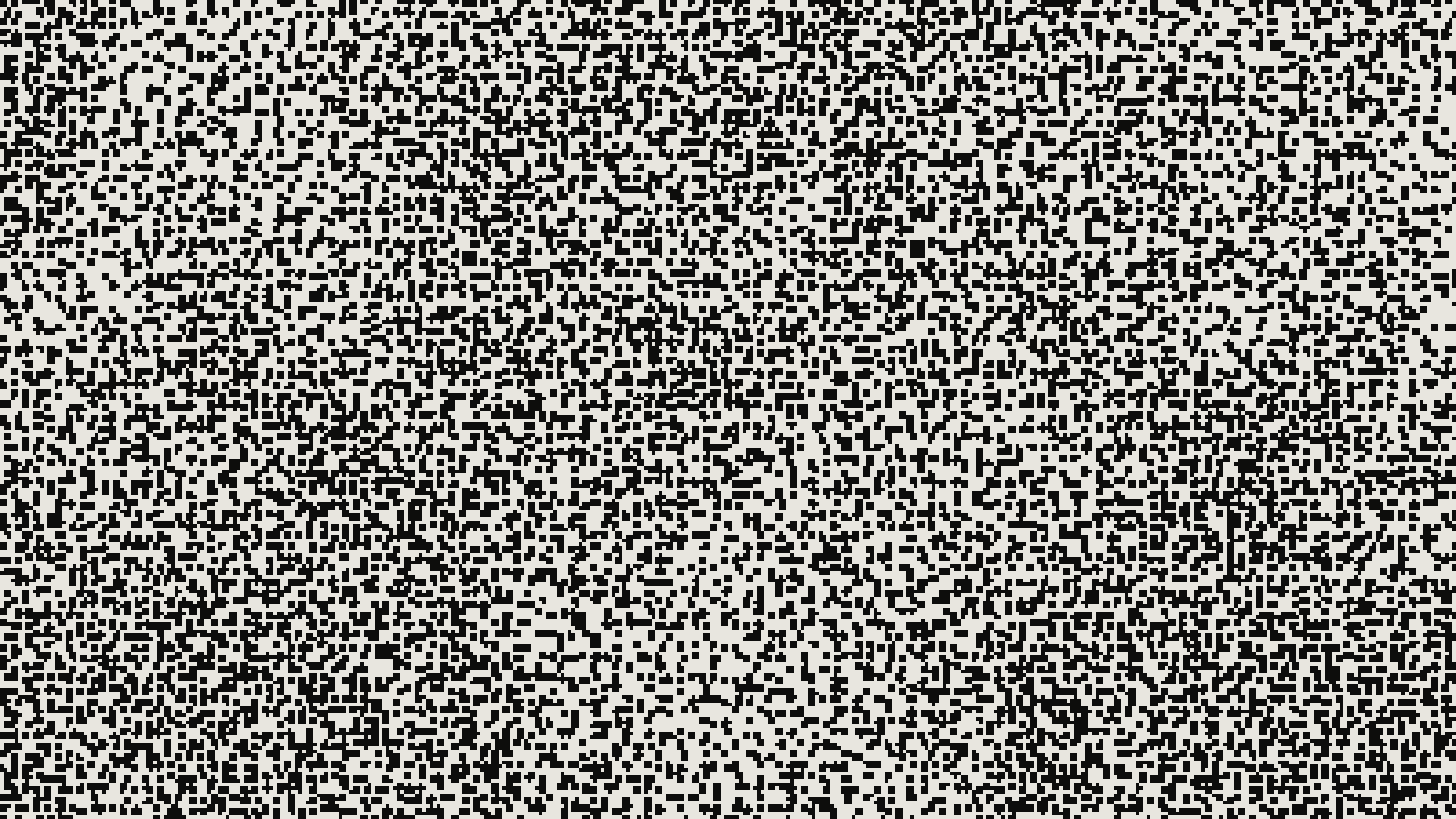 subject: bull · look: stipple · scale 3px · threshold 0.50 · dot size 1.3 · centre crop enlarged 4x, nearest-neighbour · Image made with kott.io
- Pen up and down time dominates. The TSP page says stippling is slow because of frequent pen up and down operations. A plot of thousands of dots spends more time moving the pen than drawing.
- The pen tip mushrooms. The same page says the tip of the drawing pen can mushroom out after many pen-down operations. Its fix is to set a reasonable pen lowering speed in the Timing tab of the Eggbot Control extension. A TSP path avoids most of the problem because the pen stays down.
- White cutoff too high or too low. A high cutoff drops the lightest stipples, so highlights go blank. A low one leaves isolated dots in near-white areas that cost pen moves and add noise. Because it affects the output files, you can't fix it after export.
- Too few generations. Exporting before the relaxation settles gives uneven dot spacing. The page's rough guide is around 40 generations.
- Crowded darks. Count controls how much tone range you get. If dark areas merge into a solid blot at your pen width, lower the count or the dot size range, because the pen can't draw a mark smaller than its tip.
Physical output punishes the same mistakes print does. If you're also sending 1-bit artwork to a large format printer, the lesson is the same: check what the output device can actually resolve before you commit the file.
How do you check the tone before you plot?
Preview the density as a raster first, then generate the paths. Open your image in the kott studio with the stipple look and judge whether the contrast reads: where the darks fill in, and whether the highlights hold detail. kott previews the look as pixels. It does not generate plotter paths or SVG for a plotter, so use StippleGen for the actual stipples and TSP route, and treat the kott preview as a quick tone check before you spend plotting time.
Frequently Asked Questions
Can a pen plotter print a dithered PNG?
Not as pixels. A plotter follows vector paths, so the raster has to become dots or lines first. Treating every black pixel of a 1-bit dither as a pen drop would mean far more pen moves than any plot can afford.
Stipple or TSP path: which should I plot?
Plot the TSP path when time or pen wear matters, because it is one continuous line with little or no pen lifting. Plot stipple dots when you want visible round dots and can accept the extra pen up and down time.
How many stipples should I use?
StippleGen defaults to 2,000 and its slider goes to 10,000. At about four stipples per second on an Eggbot, 2,000 stipples can take as little as ten minutes.
Does stippling wear out the pen?
It can. The Evil Mad Scientist wiki warns that the pen tip can mushroom after many pen-down operations, and suggests a reasonable pen lowering speed in the Timing tab of the Eggbot Control extension.
Images in this article were made with kott.io.
02/ OUT
Every setting described above is a real control. Open your own image and sweep it.
All journal entries