The VHS Glitch Look, Reverse-Engineered With Real Tape Artifacts
Most VHS tutorials fake it with one channel-shift and a grain overlay. Here's what causes chroma bleed, tracking error and dropout, with real settings for each.
01/ ARTICLE
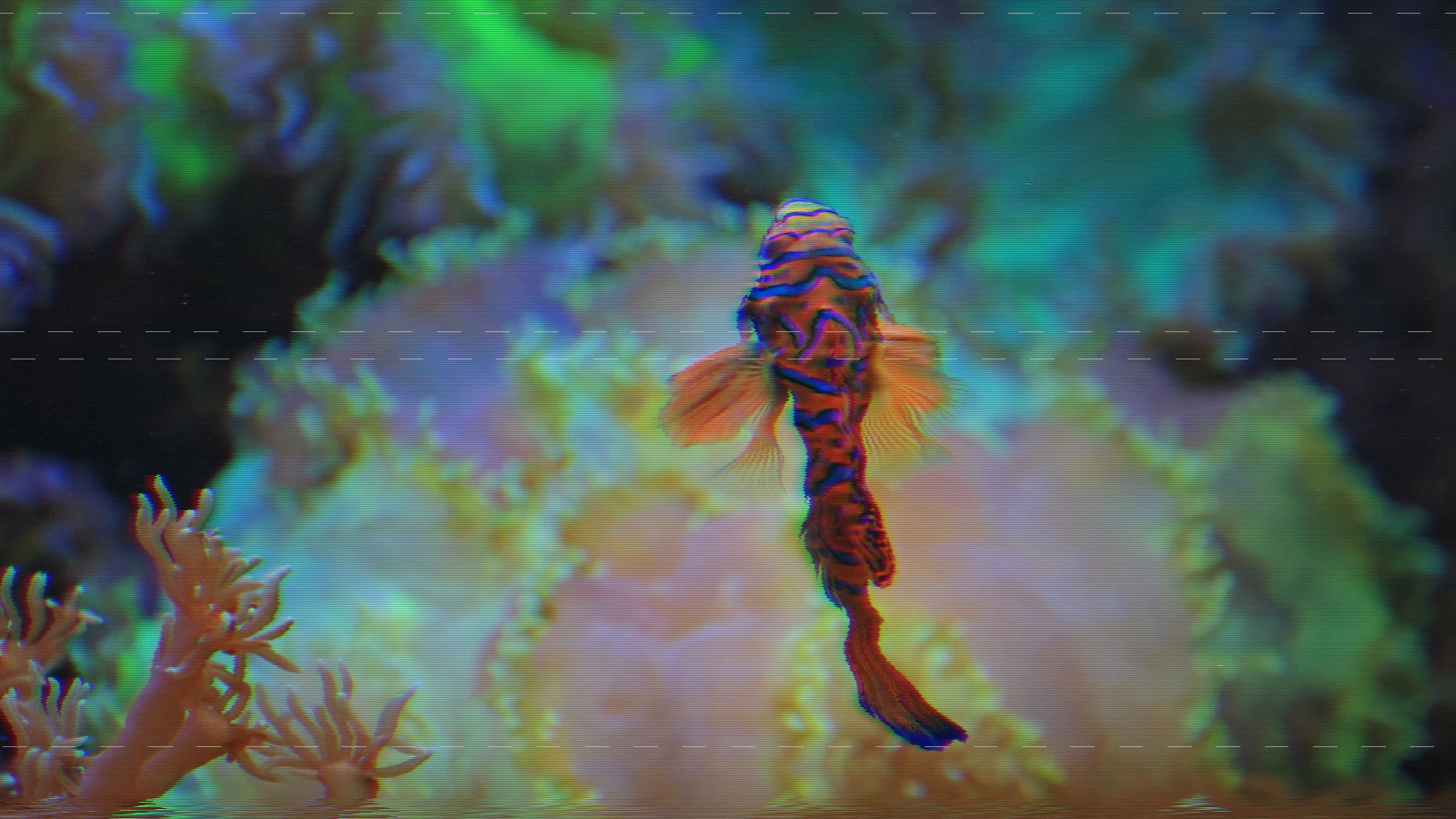 subject: mandarin fish · look: vhs-tape · chroma bleed 3px · tracking 0.5 · Image made with kott.io
What causes the VHS glitch look?
The VHS look is four separate, physically distinct faults, not one filter. Color-under chroma bleed. Tracking error. Head-switching noise. Dropout. Each has its own cause and its own visual signature, and treating them as one blended "VHS grain" is why most reproductions fall apart the moment anything in the frame moves.
Color-under chroma is the biggest one. VHS doesn't record color at full bandwidth; it down-converts the NTSC color subcarrier from 3.58 MHz to roughly 629 kHz, keeping it separate in frequency from the FM luma carrier so the two don't interfere on tape. That down-conversion is why color resolves at a fraction of luma's sharpness, and why it smears sideways instead of holding an edge. Chroma bleed is a bandwidth problem, not a dirt-on-the-lens problem.
Tracking error is a geometry fault. The spinning head has to follow a helical path laid down at record time, kept on-track by a control-track of reference pulses along the tape's lower edge. Tape stretch, wear, or a misadjusted servo moves the head off that path, and the picture tears and rolls until tracking catches back up. It's an event, not a constant hum.
Head-switching noise shows up because two heads hand off mid-frame on a striped, discontinuous scan path. Video can hide the switch point inside the invisible vertical retrace, so the noise band stays confined to roughly the bottom edge of the visible picture instead of spreading across the whole frame.
Dropout is the odd one out. A flake of missing oxide or debris breaks head-to-tape contact for a few lines, and the head reads nothing. That reads as a sharp, discrete burst, bright or black, not a gradual fade. It has nothing to do with tracking or chroma.
Why do most VHS effect tutorials look fake?
Open any popular Premiere, After Effects, or Photoshop "VHS glitch" tutorial and the method is almost always the same: shift the red and blue channels a few pixels apart, then drop a pre-rendered grain-and-scanline overlay video on top at reduced opacity. It's fast, and on a thumbnail it reads fine as "old tape." Then the footage moves, and it falls apart, because the overlay's grain, roll, and noise bursts are baked in. They don't react to what's actually in the shot.
That shortcut treats VHS degradation as one texture. Real decode tooling disagrees. vhs-decode, a project built to recover clean video from raw VHS RF capture, ships separate correction flags for dropout (--doDOD), chroma-on-luma crosstalk (-ct), and interference noise (--notch). Three different signal faults, each needing its own fix, because each comes from a different physical cause. If a recovery pipeline has to treat them separately to remove them, a reproduction has to treat them separately to add them back convincingly.
The same lesson shows up one glitch family over, in the real pixel-sorting method: the technique that actually resembles the source phenomenon beats the one-filter shortcut, every time, once the footage starts moving.
How do you reproduce real chroma bleed and luma/chroma desync settings?
Chroma bleed isn't a single RGB channel-shift. It's a horizontal, multi-tap smear, because a down-converted color-under signal loses high-frequency detail and spreads sideways rather than shifting as one clean block. kott's shared VHS model builds it from a 6-tap weighted horizontal sample per color channel, offset further by a separate luma/chroma desync value, and confines the whole thing to the x-axis. Real chroma bleed never moves vertically, so if your reproduction does, it's wrong.

 subject: neon street · look: vhs-tape · chroma bleed 8px · tracking 0.5 · first image: the source, second: the render · Image made with kott.io
Here's what that looks like in real numbers across kott's VHS family:
| Effect | Bleed (px) | Desync | What it's biased toward |
|---|---|---|---|
| VHS | 2.5 | — | per-line jitter + simple RGB bleed, the lightest of the five |
| VHS TAPE | 3.0 | 0.4 | the full analog-tape model, balanced across every fault |
| VHS TRACKING | 3.5 | — (fixed at 0.5 internally) | a hard, transient vertical-hold slip |
| VHS DROPOUT | 2.0 | — (fixed at 0.4 internally) | sparse full-line white dropouts plus tape decay |
| VHS STREAK | — | — | 1-D horizontal error diffusion, no bleed param at all |
Start at 2.5–3px for a clean-tape look. Push toward 8px, kott's maximum, only for an end-of-tape, barely-watchable dupe. Past that range the effect stops reading as bandwidth loss and starts reading as a broken signal.
Failure mode: push bleed or desync too far and chroma stops smearing. It separates into visible double edges instead, a distinct red fringe on one side of high-contrast lines and blue on the other. Real color-under bleed never produces a hard double edge; it produces a soft wash. If you can count two separate color fringes, you've overshot what a real tape ever did.
Which VHS effect do you use for a tracking error, a dropout, or a streak?
kott doesn't ship one VHS effect with a dozen knobs. It ships five, each biased toward a different fault, so you reach for the one that matches what you're actually trying to reproduce instead of fighting one effect's defaults.
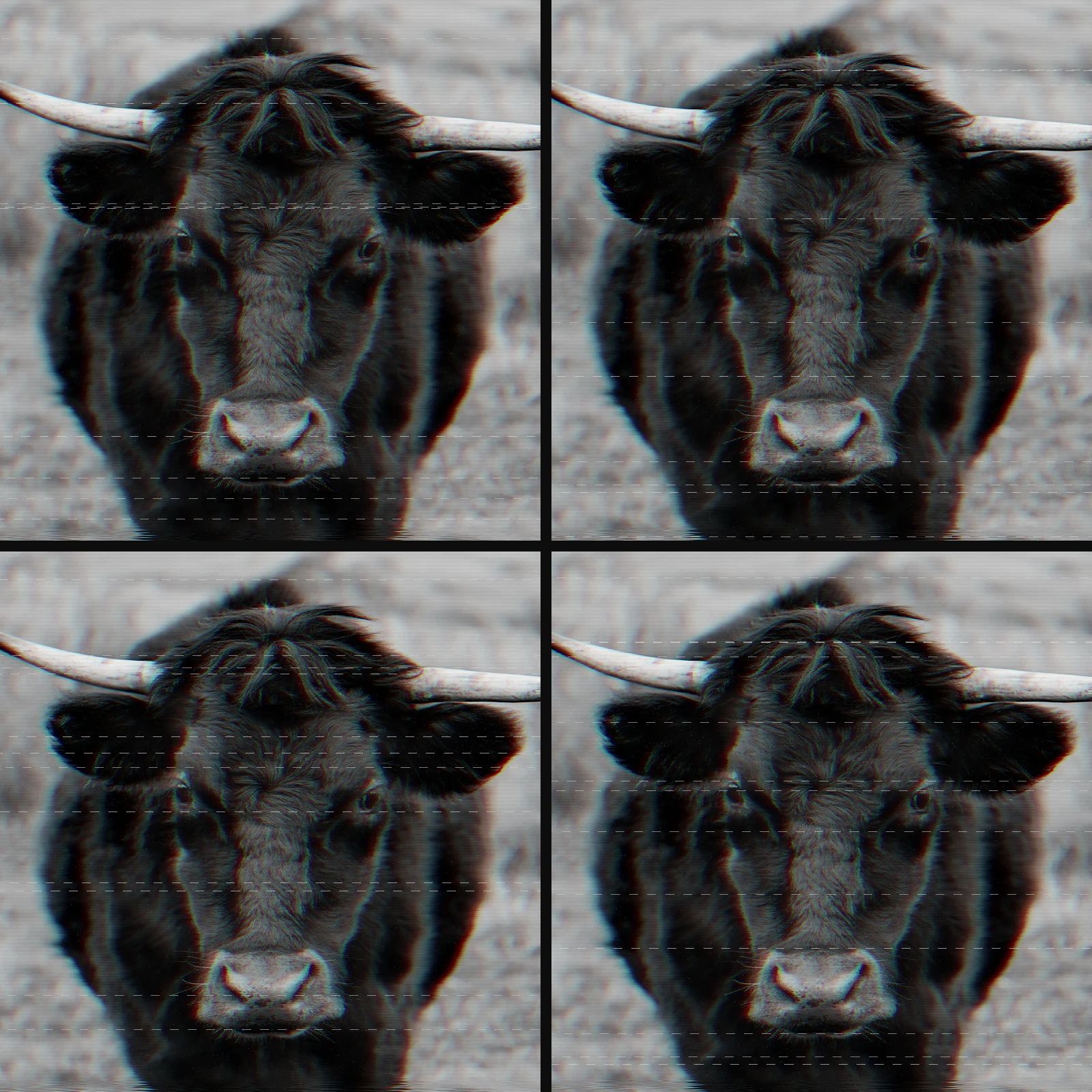 subject: bull · look: vhs-tape · chroma bleed 3px · tracking 0.5 · reading order: / / / · Image made with kott.io
VHS TRACKING is built around a hard, transient vertical-hold slip. It's gated by an event plus a rise/fall envelope, so the roll happens once and settles, never a constant drift, with a white sync-tear line sweeping along the seam. Its tracking-jitter default sits at 0.8 and roll at 0.6, both pushed harder than any other effect in the family, because tracking error is the headline fault here.
VHS DROPOUT is built around sparse, full-line white dropouts with an 8-tap directional comet-tail smear trailing each one, plus a DECAY knob that fades chroma toward mono and crushes luma. Think of it as modeling a tape near the end of its life rather than a single bad patch. Its dropout default is 0.7, the highest in the family.
VHS STREAK skips the tracking and dropout events entirely and gives you a 1-D, horizontal-only error-diffusion approximation (a LINE size from 1 to 9px) that reads as head-streaming texture with no discrete event layered on top. Reach for it when you want the smear without the story.
Where kott loses on purpose: TouchDesigner and real analog hardware, actual circuit-bent VCRs, SDI glitch boxes, can still do things kott can't. Live hardware feedback loops. Genuinely random interference that no parametric model fully captures. kott trades that unpredictability for settings you can dial back to the exact same frame twice.
Failure mode: stack VHS TRACKING, VHS DROPOUT, and VHS STREAK all at max settings simultaneously and the result reads as noise, not tape. Real degraded VHS has long clean stretches between events: a roll every few seconds, a dropout burst every so often, not a constant storm. Pick the one effect that matches the specific fault you're chasing and leave the others off.
For the adjacent look most people pair with VHS, see CRT scanlines explained. The settings there avoid the same flat-overlay mistake.
Frequently Asked Questions
What causes the VHS glitch look?
Four distinct, physically separate faults: color-under chroma (VHS down-converts the color subcarrier from 3.58 MHz to about 629 kHz, which is why color resolves soft and bleeds sideways), tracking error (the spinning head drifting off its recorded helical path, which tears and rolls the picture), head-switching noise (a band where the two scanning heads hand off, usually near the bottom of frame), and dropout (a patch of missing oxide or debris breaking head contact for a few lines, producing a sharp bright or black burst).
Why do most VHS effect tutorials look fake?
Most Premiere, After Effects, and Photoshop VHS tutorials build the look as one RGB channel-shift plus a pre-rendered grain-and-scanline overlay video. That's a single static approximation layered on top of clean footage. Real VHS degradation is several independent faults happening at once with different causes and different visual signatures, so a static overlay can't reproduce a tracking roll, a dropout burst, and chroma bleed as separate, controllable events.
What's the difference between a VHS tracking error and a VHS dropout?
A tracking error is a geometry fault: the picture tears and rolls because the head path drifted off the tape's recorded track, usually showing up as a transient vertical slip with a noise bar and a white sync-tear line at the seam. A dropout is a contact fault: a flake of missing tape coating or debris blocks the head for a few lines, producing sparse, sharp horizontal bursts with a directional comet-tail smear, not a rolling or tearing motion.
What settings reproduce real chroma bleed on VHS footage?
Chroma bleed comes from a low-bandwidth, down-converted color-under signal: emulate it with a horizontal-only, multi-tap colour offset, around 2 to 3.5px at moderate amounts, up to 8px for a heavily degraded end-of-tape look, plus a small luma/chroma desync value, not a single RGB channel-shift. Keep the shift confined to the horizontal axis; real chroma bleed never moves vertically.
Can I reproduce the VHS look without stock overlay footage?
Yes. kott's VHS family (VHS, VHS TAPE, VHS TRACKING, VHS DROPOUT, VHS STREAK) models each fault as a parameter applied directly to your own image or video instead of compositing a pre-shot overlay, so the result tracks your footage's own motion and exposure rather than a mismatched stock clip.
The settings, not the overlay
The VHS look is color-under chroma bleed, tracking error, head-switching noise, and dropout. Four faults, four different causes, each with its own real, dialable setting. Not one grain-and-scanline overlay dropped over clean footage. Match the effect to the fault (VHS TRACKING for a roll, VHS DROPOUT for end-of-tape decay, VHS STREAK for the texture alone) and you get a result that reacts to your own footage instead of fighting a stock clip.
Open the VHS effect in the studio with these settings preloaded, and push bleed, roll, and dropout yourself until you find the line where it stops looking like tape.
Images in this article were made with kott.io.
02/ OUT
Every setting described above is a real control. Open your own image and sweep it.
All journal entries