VJ Controllers Compared: Launchpad vs Fader Banks vs iPad Mapping
Grid controllers trigger clips, fader banks ride parameters, iPad + TouchOSC trades tactile feedback for custom layouts. Here's which to buy first.
01/ ARTICLE
 subject: snow leopard · look: atkinson · threshold 0.50 · 1px · Image made with kott.io
What's the real difference between a Launchpad, a fader controller, and an iPad?
A VJ controller is a MIDI or OSC surface that maps physical or virtual controls to your software's clips, effects, and mixer. That's the whole category. But the three shapes on the market do three different jobs -- they're not tiers of the same thing. A grid controller like a Novation Launchpad or Akai APC40 mkII triggers clips against a fixed matrix. A fader/knob bank like a Korg nanoKONTROL2 or Novation Launch Control XL rides effect parameters and layer opacity in real time. An iPad running TouchOSC replaces both with a fully custom touchscreen layout, and you pay for that flexibility in tactile feedback. Here's what each one is actually built for, where each breaks, and which to buy first.
Grid controllers: Launchpad, APC40 mkII, APC64
Grid controllers arrange clips in a matrix that matches your software's composition layout, so a pad you press corresponds directly to a clip in a specific layer and column. The Akai APC40 mkII -- roughly $400-650 used -- pairs a 5x8 pad grid with nine physical faders and RGB feedback per pad. That's why it's still called the most-replicated VJ layout ever mass-produced. The newer Akai APC64 ($399 new) drops those faders for a larger 8x8 velocity-sensitive grid. More clips per screen, no dedicated fader row.
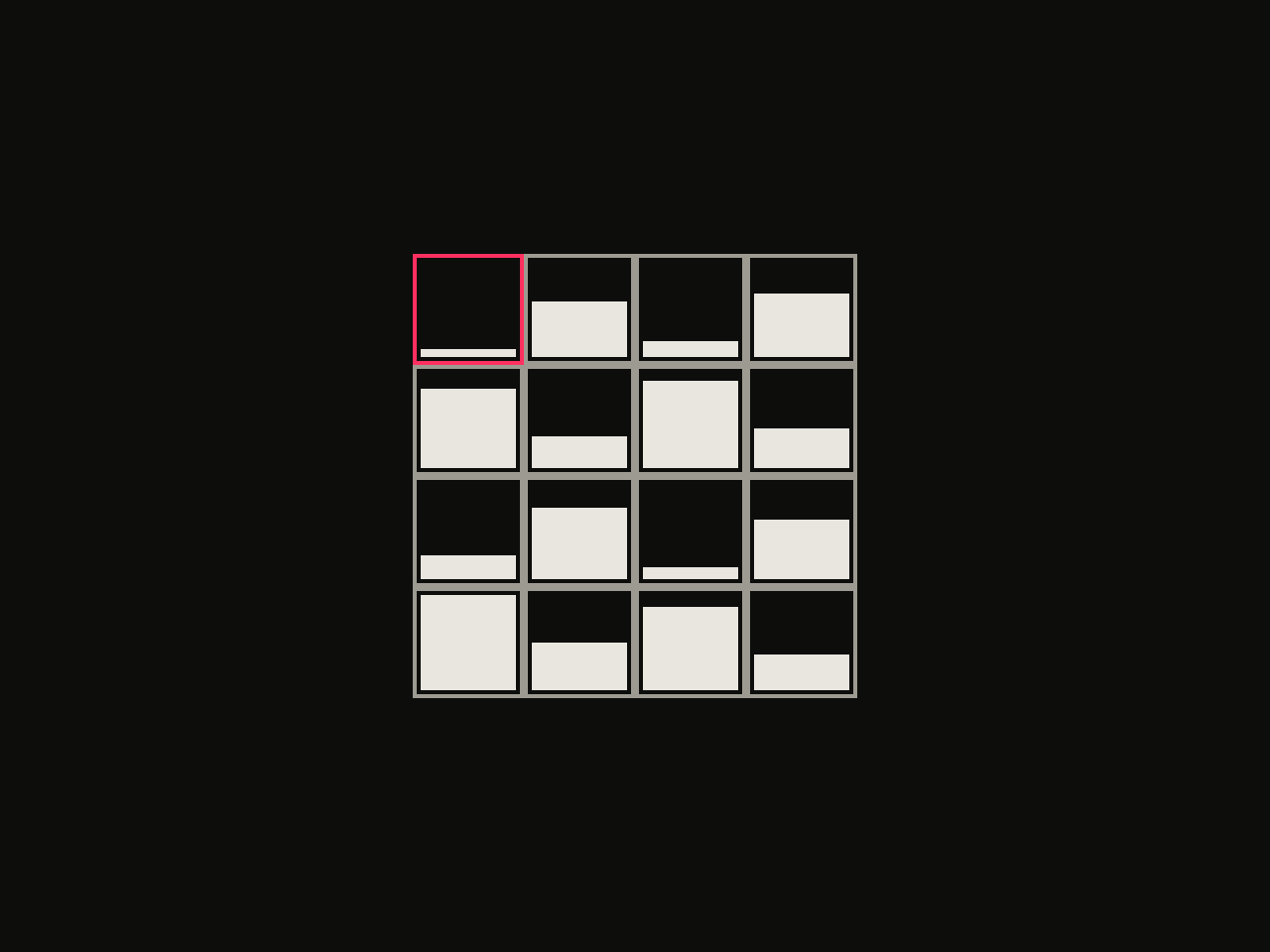 diagram · 4x4 Bayer threshold matrices; bar height is each cell's threshold rank; outlined cell: the first threshold · seed 118000
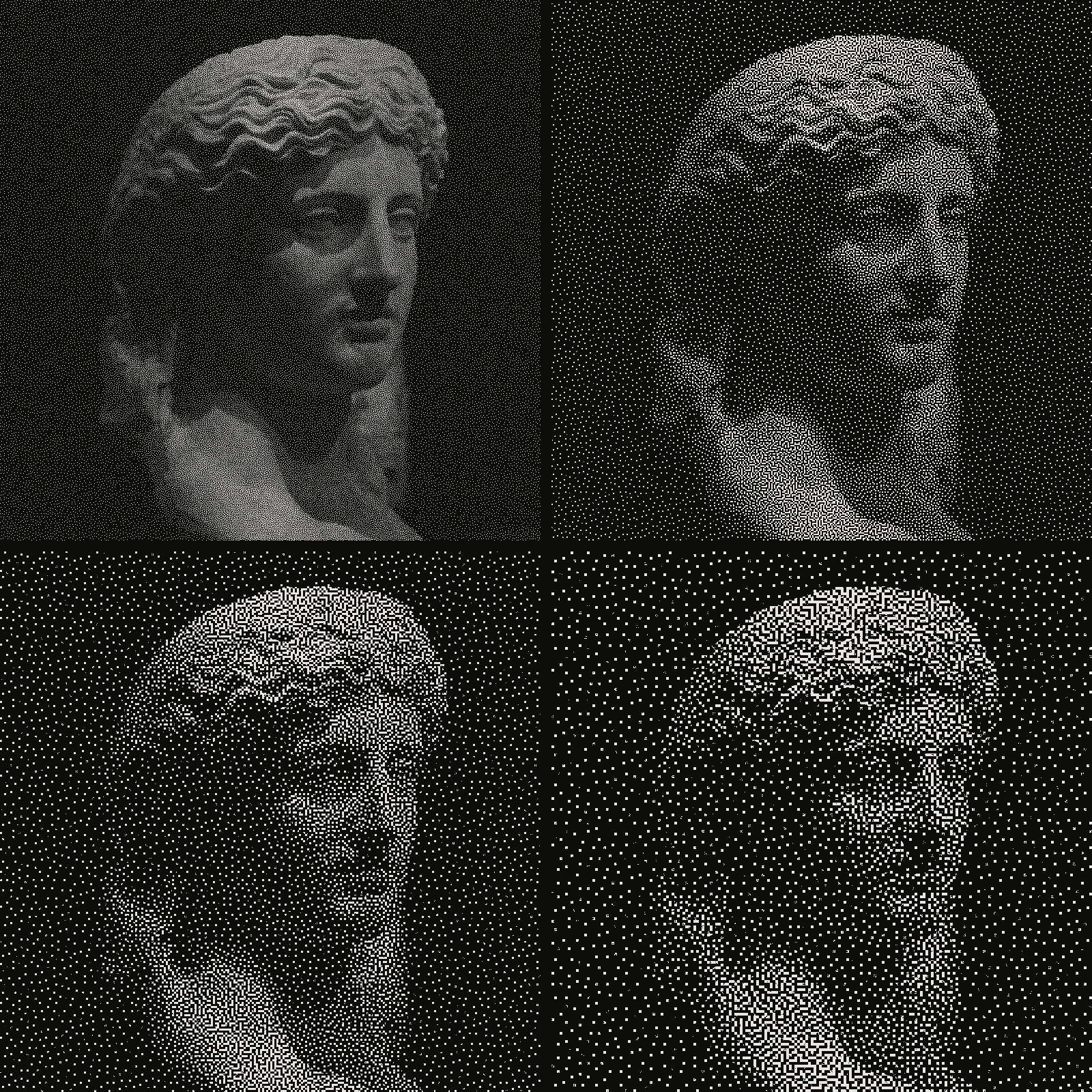 subject: greek statue · look: blue-noise · threshold 0.50 · reading order: 1px / 2px / 3px / 4px · Image made with kott.io
The blind spot every grid controller shares
A lit pad tells you a clip slot is occupied. It doesn't tell you what's in it. Zero visual identification of clip content -- so you're either memorizing your bank layout before doors open, or glancing down at the laptop mid-transition, which is exactly the moment you don't want to look away from the crowd. Some VJs bolt on a Stream Deck running thumbnail previews as a secondary surface. That's a workaround, not a fix to the grid controller itself.
Who should buy a grid controller
Running a large clip bank and want scene-standard mapping with RGB feedback that reads clearly in a dark room? Start here. If clip variety matters more than parameter riding for your first rig, a grid controller comes first.
Fader/knob controllers: Launch Control XL, MIDI Fighter Twister, nanoKONTROL2
Fader/knob banks are mixer-style surfaces built for effect-parameter and layer-opacity control, not clip triggering. The Novation Launch Control XL 3 ($250) gives you 24 endless encoders with an OLED readout showing the parameter name and current value. Endless encoders matter for one specific reason: a physical pot jumps to its own position the instant you touch it after a scene change, while an endless encoder just picks up from wherever the software's value already sits -- no jump, no zipper noise in the effect. The MIDI Fighter Twister ($182) uses high-resolution 14-bit encoders in a compact metal chassis built for the road. At the budget end, the Korg nanoKONTROL2 and Akai MIDImix (both under $90) pack buttons, knobs, and faders into one unit that covers the basics without a second controller.
Fader quality is the real differentiator across every price tier -- not the encoder count on the spec sheet. Cheap linear potentiometers, the kind found in budget DJ-style controllers, introduce resistance and inaccurate value recording. In practice that shows up as a fader that doesn't track smoothly, or a crossfader that jumps instead of gliding. Check that one component in a review before you check anything else.
A concrete build using this class of controller: a working nanoKONTROL2 mapping that runs an audio-reactive rig at 60fps end to end. On the software side, a MIDI and beat-detection setup in TouchDesigner shows the same class of controller mapped into a node-based engine instead of a clip-grid one.
Who should buy a fader/knob bank
Pick a fader/knob bank if live parameter mixing matters more to your set than clip count -- or if you already own a grid controller and just need the second half of a complete rig.
iPad + TouchOSC: build your own control surface
TouchOSC turns an iPad or iPhone into a fully custom control surface. You design the faders, XY pads, buttons, and page layout yourself, and it costs nothing beyond the app and a device you probably already own. The common setup for VJ software like Resolume runs over OSC on a shared WiFi network rather than MIDI over USB: TouchOSC's outgoing port and the VJ software's incoming port both get set to 7000, both devices join the same network, and clips, layer mixing, and crossfading map to a five-page layout with no MIDI-learn step required.
The tradeoff
Removing the cable removes the tactile feedback that comes with it. Every control on a glass screen needs your eyes, whereas a physical fader needs only your fingers -- a real cost the moment the room goes dark and the crowd is in front of you instead of your lap. This shows up in practice, too: one widely-used TouchOSC-to-Resolume layout has a documented quirk where the resync/BPM button registers on release rather than on first touch. Small gap. Real gap. A physical button on dedicated hardware doesn't have it.
Who should buy an iPad + TouchOSC setup
Want a portable secondary surface for deck selection, or a layout no off-the-shelf hardware offers? TouchOSC is the right call -- but as an addition, not your first or only controller. It fills a specific gap in an existing rig; it doesn't replace one.
Grid vs fader bank vs iPad, side by side
| Controller type | Best for | Tactile feedback | Portability | Typical price | Example models |
|---|---|---|---|---|---|
| Grid / pad | Clip triggering, deck switching | Yes -- physical pads, RGB feedback | Moderate (dedicated unit) | $88-$650 | Novation Launchpad, Akai APC40 mkII, Akai APC64 |
| Fader / knob bank | Effect parameters, layer opacity | Yes -- physical faders/encoders | Moderate to high | $88-$250 | Korg nanoKONTROL2, Akai MIDImix, Novation Launch Control XL 3, MIDI Fighter Twister |
| iPad + TouchOSC | Custom layouts, deck selection, secondary control | No -- glass screen, needs eyes | High (uses existing device) | $0 (app) + device you own | iPad or iPhone running TouchOSC |
Which one should you buy first?
Budget the only constraint? A Korg nanoKONTROL2 or Akai MIDImix alone -- both under $90 -- gets you buttons, knobs, and faders in a single box, and clip triggering can wait until you add a grid controller later. Ready to build a working two-controller rig instead? A Launch Control XL 3 paired with a MIDI Fighter Twister lands around $430 and covers full parameter control, with room to add a grid controller once clip count starts to matter. Running large clip banks from day one, with parameter riding as the secondary concern? Start with an APC64 or APC40 mkII, then add a fader bank once you actually know which parameters you reach for live.
None of this locks you into a piece of software -- controller choice and software choice are separate decisions. Still deciding on the software side? Picking your first VJ software walks through Resolume, HeavyM, and TouchDesigner against the same buyer questions. And if the controller is only half your hardware question, what hardware you need to VJ covers the GPU and laptop side of the same decision.
Frequently Asked Questions
Do I need a Launchpad AND a fader controller, or just one?
Most working VJs end up with two: a grid controller for clip triggering and a fader/knob bank for parameters, because no single controller shape does both well. If you can only buy one, start with a fader/knob bank -- a Korg nanoKONTROL2 or Akai MIDImix is cheaper, and clip triggering can live on your keyboard until you add a grid controller.
Is TouchOSC on an iPad a real replacement for hardware?
It replaces a fader bank's flexibility -- you design the layout yourself -- but not its tactile feedback. You have to look at the glass to hit a control, which costs you real time mid-set in a dark room. Treat an iPad running TouchOSC as a supplementary surface for deck selection or secondary parameters, not your only controller.
What's the cheapest way to start VJing with real hardware control?
A Korg nanoKONTROL2 or Akai MIDImix, both under $90, cover buttons, knobs, and faders in one compact unit. Pair either with your VJ software's built-in MIDI learn function and you have a working rig before you spend a cent on a dedicated grid controller.
Does the controller I pick lock me into one VJ software?
No. Launchpad, Launch Control XL, MIDI Fighter Twister, and generic MIDI fader banks all speak standard MIDI, and Resolume, TouchDesigner, and HeavyM all support MIDI learn or OSC mapping. The controller shape is a workflow choice, not a software lock-in.
Conclusion
There's no single "best" VJ controller. There's a controller shape that matches the job in front of you. Grid controllers win at clip triggering, fader/knob banks win at parameter riding, and an iPad running TouchOSC wins when you need a layout no hardware maker sells -- and most working rigs end up combining two of the three rather than settling on one. Whichever shape you map, test it live in kott with an audio-reactive effect preloaded and feel how it actually responds under your hands before you commit to a full rig.
Images in this article were made with kott.io.
02/ OUT
Every setting described above is a real control. Open your own image and sweep it.
kott next to Resolume, VDMX, TouchDesigner and the rest, with real prices and when to buy the other one: browser VJ software compared.
All journal entries