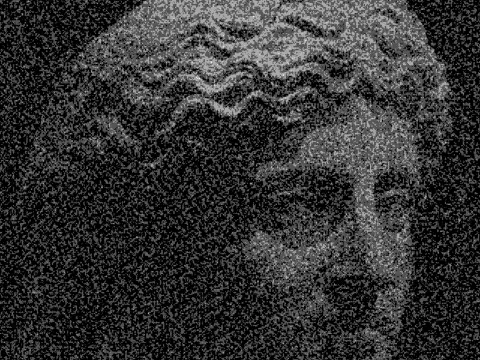
vignette effect

 SourceEffect
01/ ORIGIN
Vignetting is what a lens does when the barrel, the hood or the aperture itself blocks light heading for the corners of the frame. It is worst on wide lenses and worst wide open, and early and cheap optics had it badly. Photographers then reproduced it on purpose in the darkroom by burning the edges of a print, because a darkened border holds a viewer's eye in the middle. The defect and the technique have coexisted for well over a century.
02/ SWEEP
AMOUNT sweep



03/ SPEC
A vignette multiplies image brightness by a radial falloff curve, darkening or lightening the frame toward its edges. AMOUNT runs from -1 to 1 with a default of 0.5: positive values darken the edges as a lens does, and negative values invert it, brightening the border for a washed or overexposed border effect. RADIUS from 0.2 to 1.5 sets how far from the centre the falloff begins, and SOFTNESS from 0.05 to 1 controls how abrupt that transition is. In kott the falloff is computed per pixel against frame aspect, so it stays circular rather than stretching on a wide export.
it can move to the music
Every control of this effect can follow a track. Pick a signal in the studio’s audio panel (the beat, the downbeat, a build, the bass, or an EQ band you set yourself), point it at amount or any other control here, and set how far it moves. The sound comes from your microphone, a browser tab or a file you load, and it is analysed on your own machine.
how the audio routing works04/ FAQ
- What is a vignette effect?
- A vignette effect darkens an image toward its edges, reproducing what a lens does when its barrel or aperture blocks light reaching the corners. It holds a viewer's attention near the centre.
- How do I make a vignette look natural?
- Keep AMOUNT near 0.3 to 0.5, RADIUS high so the falloff starts well out from the centre, and SOFTNESS above 0.4. A hard-edged vignette reads as a filter rather than as optics.
- Can a vignette brighten the edges instead?
- Yes. AMOUNT accepts negative values down to -1, which inverts the falloff and lightens the border. It reads as overexposure or as a faded print rather than as a lens.