Ben-Day Dots: What Lichtenstein Really Painted and How to Set the Look
Ben-Day dots are uniform dots on a regular grid from 1879. Lichtenstein painted his own, bigger version. Here is the difference and the kott settings for the…
01/ ARTICLE
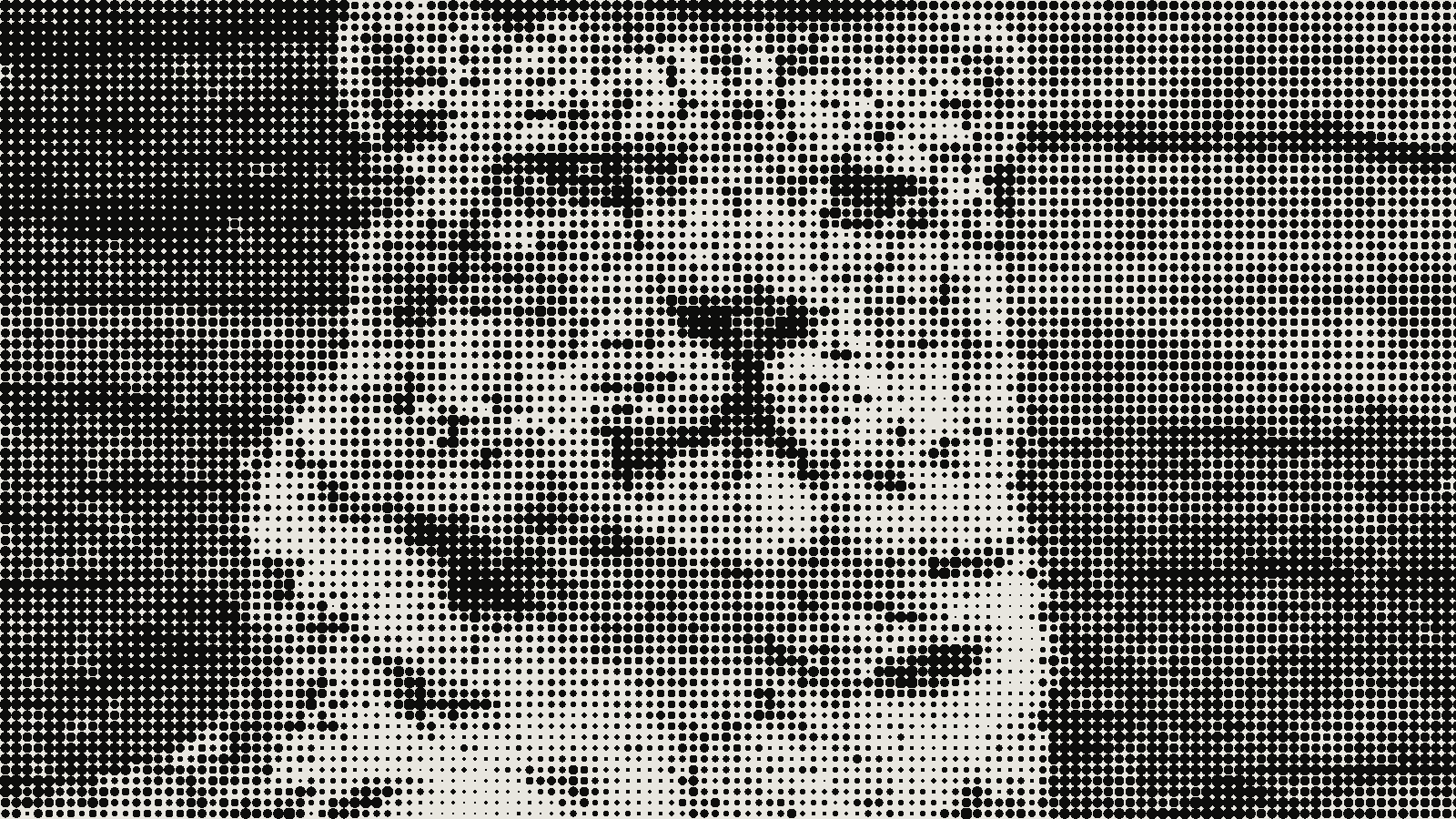 subject: snow leopard · look: halftone · cell 12px · angle 45° · shape circle · Image made with kott.io
What are Ben-Day dots?
Ben-Day dots are a printing technique that fills an area with dots of equal size and even spacing, developed by the illustrator and printer Benjamin Henry Day Jr. in 1879. The tone of an area comes from how far apart or how overlapped the dots are, not from how big each dot is.
The process was practical. Artists cut shapes from transparent overlay sheets that came in many dot sizes and distributions, and the sheet was photographed as a line cut for letterpress. The cut-out areas printed as tone. That made shading and secondary colours cheap, which is why 1950s and 1960s pulp comics used cyan, magenta, yellow and black dots for greens, purples and oranges. Widely spaced magenta dots read as pink, and interleaved cyan and yellow dots read as green.
What is the difference between Ben-Day dots and halftone?
Ben-Day dots keep one dot size and change the spacing. Halftone dots keep one spacing and change the size. That's the whole difference, and it decides how each one looks on a photograph.
A halftone screen turns a photo's smooth tones into dots that swell in the shadows and shrink in the highlights, which is why halftone dots vary in size and are usually made from photographs. Ben-Day dots sit in flat areas of line art, so you get a fixed dot texture inside a shape. The same split matters for AM halftone screening, where dot size carries the tone.
| Look | Dot size | Tone comes from | Typical source |
|---|---|---|---|
| Ben-Day dots (1879 process) | Constant in an area | Spacing and overlap | Overlay sheets on line art |
| AM halftone | Varies | Dot size | Photographs |
| Lichtenstein's painted dots | Large, even, hand-set | Flat colour areas | Paint on canvas |
| kott POP-ART DOTS | Grows with darkness | Dot size, one ink over light paper | Any image |
| kott COMIC | Grows with ink value | Dot size, four CMYK inks | Any image |
Keep the last two rows in mind. kott's effects are halftone interpretations of the look, which is worth knowing before you start.
Did Lichtenstein copy Ben-Day dots?
No. Lichtenstein enlarged and exaggerated comic dots, and by Public Delivery's account he painted his own rather than reproducing the printed ones. The same source quotes the line "Roy never painted Ben-Day dots; instead, he painted his own dots."
Its example is Sleeping Girl (1964), set against John Romita's 1961 comic panel in Heart Throbs no. 70: the two do not look alike. The painted dots were pushed toward hexagons and triangles instead of a tidy square grid. Andy Warhol's early 1960s Most Wanted Men dots are a different thing again, since they come from halftone screening.
For a designer, the useful reading is simple. The famous pop-art look is big, regular, even dots in flat ink, drawn larger than any press would print them. You're chasing a painted style, so there's no single correct grid to match.
How do you set the Ben-Day look in kott?
Use POP-ART DOTS for the single-ink painted look and COMIC for four-colour comic print. Both are in the halftone category of the kott® studio.
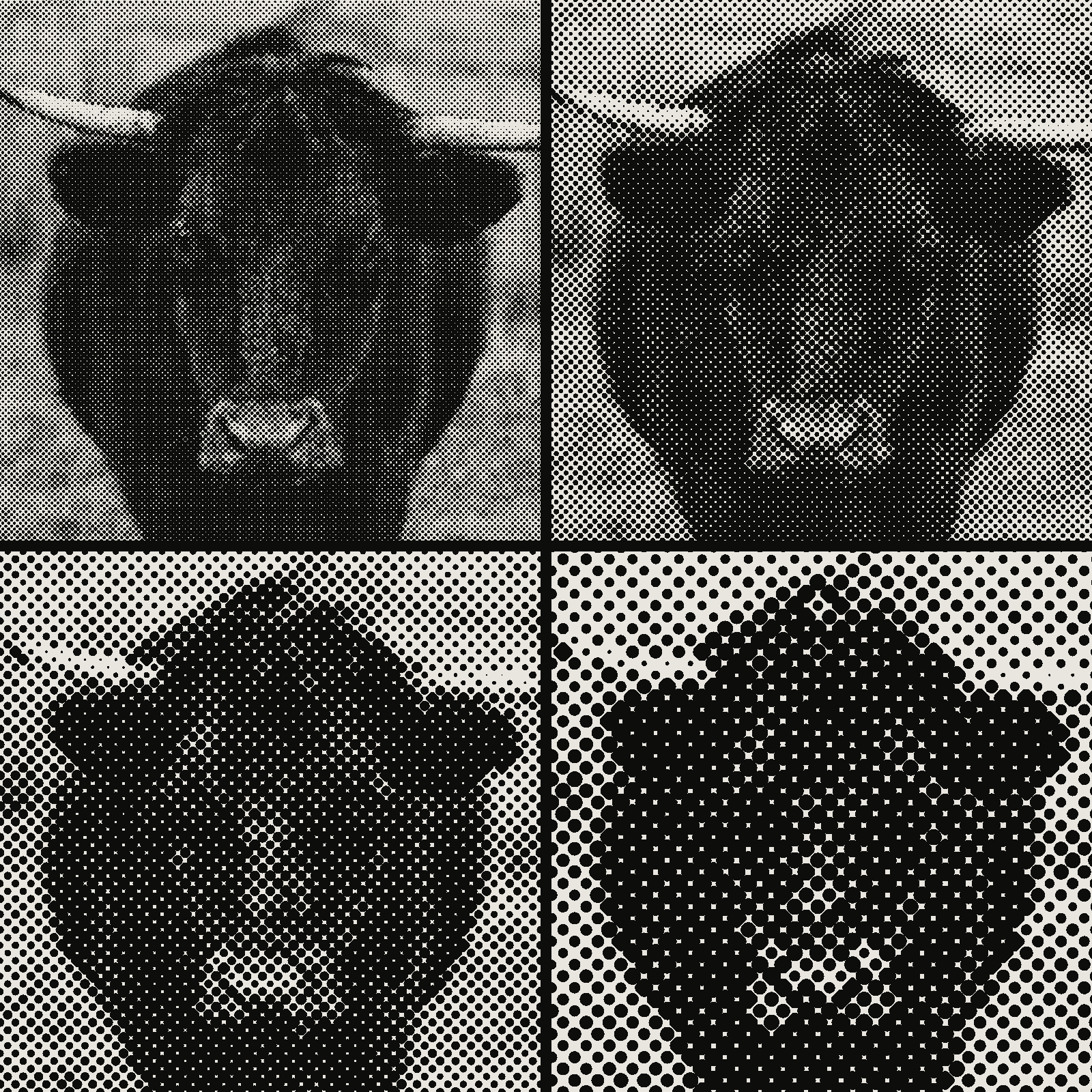 subject: bull · look: halftone · angle 0° · shape circle · reading order: cell 6px / cell 10px / cell 16px / cell 24px · Image made with kott.io
How do you set single-ink pop-art dots?
POP-ART DOTS has two parameters. DENSITY runs 0 to 99 percent with a default of 50, and sets the grid fineness: cell size goes from 28 px at 0 to 6 px at 99. VARIATION runs 0 to 89 degrees with a default of 0, and sets the grid angle. Each cell samples the image, quantises its colour, and draws a dot whose radius grows as the cell darkens.
Start at DENSITY 30, which gives a cell of about 21 px, for big painted dots. DENSITY 50 gives 17 px and DENSITY 80 gives about 10 px. Leave VARIATION at 0 for a square, axis-aligned grid, or set 45 for a diagonal one.
How do you set CMYK comic print?
COMIC has three parameters. CELL runs 2 to 32 px with a default of 6, and the shader multiplies it by 1.6 internally. LEVELS runs 3 to 8 with a default of 4, and posterises the colour before it is split into inks. CONTRAST runs 0.2 to 3 with a default of 1.1.
| Effect | Parameter | Range | Default | Start here for the comic look |
|---|---|---|---|---|
| POP-ART DOTS | DENSITY | 0 to 99 % | 50 | 30 |
| POP-ART DOTS | VARIATION | 0 to 89 ° | 0 | 0 or 45 |
| COMIC | CELL | 2 to 32 px | 6 | 10 to 14 |
| COMIC | LEVELS | 3 to 8 | 4 | 4 |
| COMIC | CONTRAST | 0.2 to 3 | 1.1 | 1.3 |
The starting values are suggestions from the parameter ranges, not figures from a source. Raise CELL for dots you can see at thumbnail size, and keep LEVELS low so the colour areas stay flat. For separating those inks for a press, colour separation for riso covers the layers.
Why do stacked CMYK dots need different angles?
Each ink gets its own screen angle so the four dot grids interleave instead of landing on top of each other. COMIC uses 15 degrees for cyan, 75 for magenta, 0 for yellow and 45 for black. If every ink shared one angle, the dots would stack in the same places and the secondary colours would shift and band.
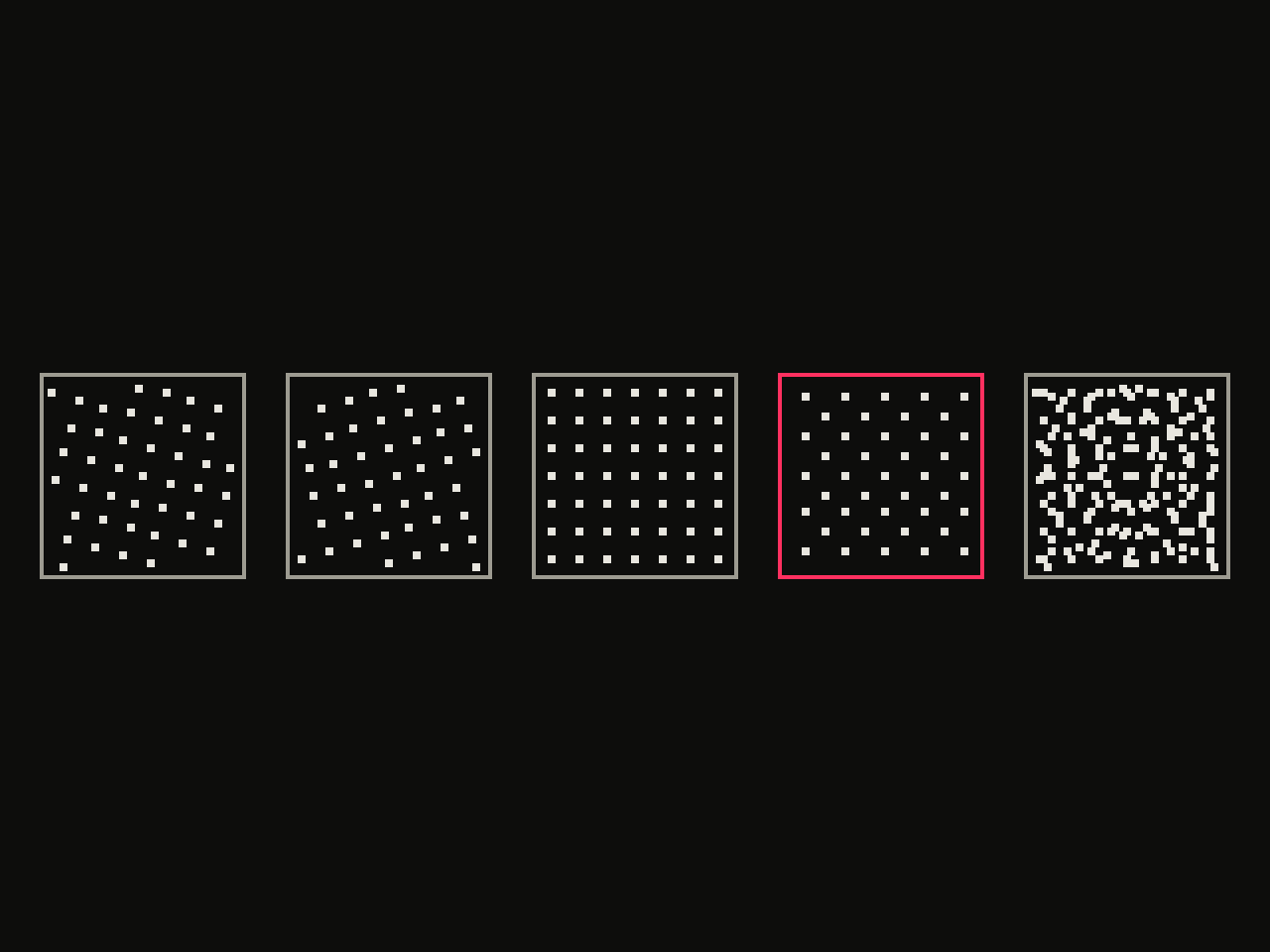 diagram · halftone screens at 15°, 75°, 0°, 45° and their overlay (last panel); outlined: the 45° screen · seed 15
Angles that sit too close produce a visible woven pattern, the effect described in halftone moire. COMIC's four angles are fixed, so you control the pattern through CELL, not through the angles.
What breaks, and what is the honest caveat?
The main caveat is that neither kott effect makes constant-size Ben-Day dots. Both scale the dot radius with tone, so a dark area gets large dots that can touch and a light area gets small ones. That is halftone behaviour. At normal viewing size it still reads as pop art. A purist reproduction of an 1879 overlay sheet needs uniform dots drawn by hand or in a vector tool.
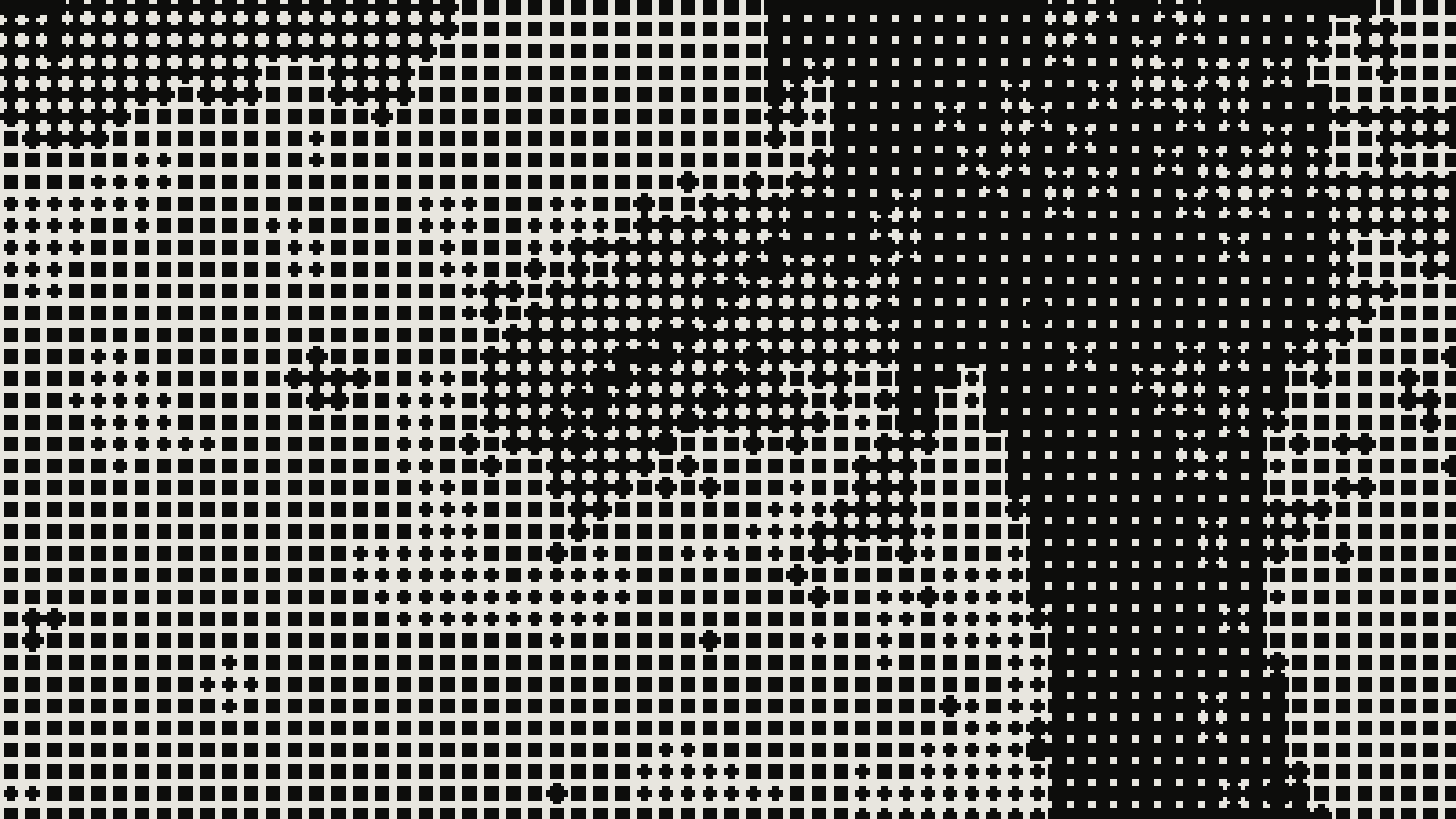 subject: mandarin fish · look: halftone · cell 6px · angle 45° · shape circle · centre crop enlarged 4x, nearest-neighbour · Image made with kott.io
Other failures are easy to spot. A small CELL on a small image turns dots into noise, and dark regions fill in solid. A very fine grid can alias against your screen's pixels and show moire on screen that is not in the file. A large CELL on a busy photo loses the subject, so pick images with big, simple shapes. If you need a true constant-dot pattern, an overlay-style pattern fill in Illustrator or Photoshop is the better tool, and kott is the faster route when you want the look from a photo.
Which setting should you try first?
Start with POP-ART DOTS at DENSITY 30 and VARIATION 0 for the painted look, then try COMIC at CELL 12 if you need four-colour print. Ben-Day dots are uniform dots on a grid, Lichtenstein painted his own bigger ones, and kott gives you a halftone version of both. You can run it on your own image in the kott studio with the effect preloaded.
Frequently Asked Questions
Did Roy Lichtenstein use Ben-Day dots?
He used the look, not the process. Public Delivery quotes the line that he never painted Ben-Day dots but painted his own, enlarged and exaggerated, sometimes as hexagons and triangles rather than a square grid.
Are Ben-Day dots the same as halftone dots?
No. Ben-Day dots are uniform in size within an area, and tone comes from spacing or overlap. Halftone dots vary in size to render gradations and are usually made from photographs.
What colours were Ben-Day dots printed in?
Cyan, magenta, yellow and black. Interleaved cyan and yellow dots read as green, and widely spaced magenta dots read as pink.
Which kott effect is closest to Ben-Day dots?
COMIC for CMYK comic print and POP-ART DOTS for the single-ink Lichtenstein look. Both scale dot size with tone, so they are halftone interpretations of the look, not constant-size Ben-Day dots.
Images in this article were made with kott.io.
02/ OUT
Every setting described above is a real control. Open your own image and sweep it.
All journal entries