DTF and DTG Halftone LPI: The Range and Underbase Choke That Stop the Halo
DTF/DTG halftone LPI by design type, the two causes of a white halo, and why a choke fixes one and not the other.
01/ ARTICLE
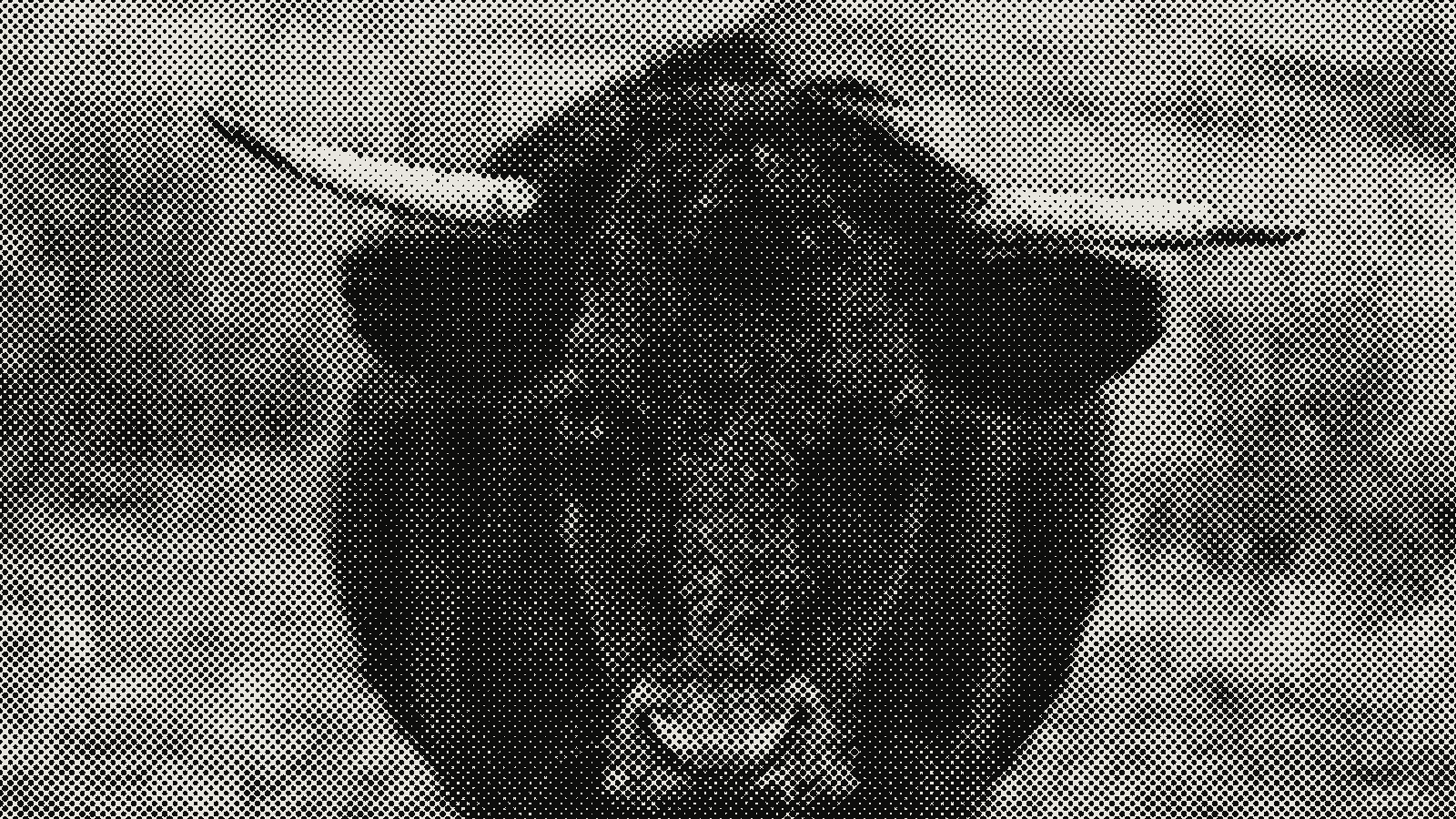 subject: bull · look: halftone · cell 8px · angle 0° · shape circle
What LPI should you use for DTF and DTG halftones?
Pick your LPI by what the design actually is, not by habit. Vintage or distressed work holds up at 25-35 LPI. A standard graphic sits comfortably at 35-45 LPI. Photo-realistic art needs 45-55 LPI, or detail flattens into mush. Don't know which bucket you're in yet? Start at 40 LPI.
| Design type | LPI range | Why |
|---|---|---|
| Vintage / distressed | 25-35 LPI | Coarser dots are part of the look -- don't fight it |
| Standard graphic | 35-45 LPI | 40 LPI is a solid default |
| Photo-realistic | 45-55 LPI | Past ~55-60 LPI, registration risk outweighs any detail gained |
White gets screened on its own, separate from color. A white underbase typically runs 30-40 LPI with an 85-90% ink limit -- noticeably lower than the 90-95% limit color can take. White fills in faster at high coverage, and the pattern goes flat when it does. Want to see a given LPI on your own art before you commit a design to press? Our free halftone generators comparison runs several tools against a real print job so you can preview the dot pattern first.
Why do DTF/DTG prints get a white halo around the design?
A DTF white halo is either a registration problem or an alpha problem, and the fix for one does nothing for the other.
 diagram · 4x4 Bayer threshold matrices; bar height is each cell's threshold rank; outlined cell: the first threshold · seed 118002
Registration halo: the white underbase prints slightly outside the edge of the color layer sitting on top of it. The two layers just didn't land in the same place, so white peeks out around the artwork. Alpha halo is a different animal entirely. Anti-aliasing fades every curve and letterform into a band of partial-opacity pixels instead of a hard edge, and DTF printers treat any pixel that isn't fully transparent as something to print white underneath. Both show up as a faint white ring around your design. That's exactly why they get mistaken for the same problem when they're not.
Diagnose first, fix second. Get the diagnosis wrong and the halo won't move no matter what you adjust.
What underbase choke actually fixes (and what it doesn't)
Choke pulls the white underbase inward relative to the color fill sitting on top of it, tucking the white behind the artwork instead of letting it poke out. A 2-5 pixel choke -- roughly 0.2-0.3mm -- is the practical range most shops land on. And DTG tolerates far less slack than screen printing does: a DTG underbase layer runs 6-12 microns thick against 30-40 microns for a screen-printed layer, so even 0.1mm of misalignment can show up as a visible ghost around fine detail. If you've worked with flat spot-color art before, like a 1-bit risograph file, you already know clean edges have to exist before any trapping setting can do its job.
Here's where choke stops helping, though: the alpha halo. One DTF shop's troubleshooting notes put it bluntly -- adjusting choke will not fix a halo caused by semi-transparent pixels. Choke only resizes the white underbase relative to solid color. It never touches, let alone deletes, the actual pixel data in the file. Already choked the white layer 2-5px and the halo's still sitting there? You're looking at the other problem now.
How do you fix the semi-transparent-pixel halo anti-aliasing causes?
Every design app softens curves and type the same way: fading the edge through a few steps of partial opacity instead of jumping straight from solid to transparent. That's what makes a circle look round on screen instead of jagged. The RIP software reading your file at print time has no "almost transparent" setting. A pixel either gets ink or it doesn't, and anything above zero opacity gets treated as "print it."
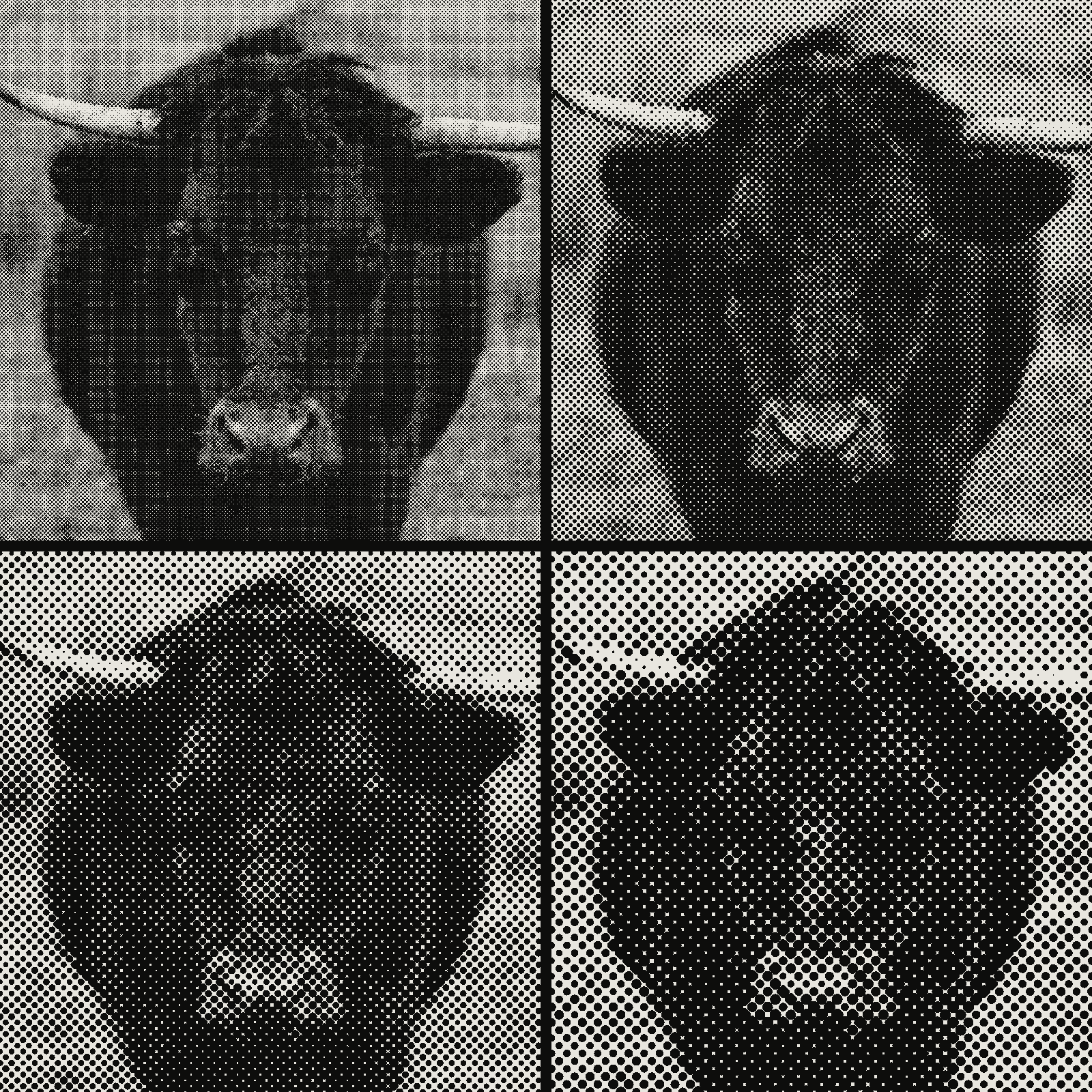 subject: bull · look: halftone · angle 0° · shape circle · reading order: cell 4px / cell 8px / cell 12px / cell 16px
| Alpha value | What prints |
|---|---|
| 0 | Fully transparent -- no ink |
| 1-119 | Partial halo |
| 120-200 | Still risky near edges |
| 255 | Prints exactly as designed |
The fix is an alpha threshold: force every pixel above a cutoff to fully opaque, and every pixel below it to fully transparent, so nothing's left in between. A threshold around 120-200 works for most art -- 144 is a common default, with 120 and 200 as gentler and more aggressive presets. Did your halftone art start life as a vector run through Photoshop's Color Halftone filter rather than a dedicated halftone tool? Check the exported edges for this before blaming the print shop. Some export paths leave more semi-transparent fringe than others.
How does dot gain affect your halftone settings?
Dot gain is ink spreading past the size of the halftone dot in the file, which makes the printed pattern look darker and more saturated than what you designed. It's a press and substrate effect, not a design mistake. So the fix lives in your RIP settings or halftone dot size, not in redrawing the art. Pull the halftone size, screen frequency, or RIP compensation curve down slightly to account for the spread, rather than second-guessing the original file.
Frequently Asked Questions
What LPI is too high for a DTF print?
Past roughly 55-60 LPI on most DTF/DTG setups the dots get smaller than the printer and film combination can hold registration on, so detail that looked fine on screen turns into a muddy, slightly off-register blob once pressed. Photoreal work tops out around 45-55 LPI for that reason -- going higher doesn't add visible detail, it just adds registration risk.
Does a white underbase choke fix a halo on DTF transfers?
Only if the halo is a registration halo -- white underbase printing slightly outside the color layer's edge. A 2-5px (roughly 0.2-0.3mm) choke pulls the white back in for that case. If the halo instead comes from semi-transparent edge pixels left by anti-aliasing or a sloppy background removal, choke does nothing: it only resizes the underbase relative to solid color, it never deletes the faint alpha data the RIP is reading as printable.
Why does my DTF print have a halo even after I choked the white layer?
Because choke solves registration, not alpha. Zoom into the art's edges at the pixel level -- if any pixel isn't fully opaque or fully transparent, that's anti-aliasing or a background remover's leftover, and the RIP will still lay full-strength white under it no matter how much you choke. Run an alpha threshold (120-200, a common default is 144) to force every edge pixel to one state or the other, then reprint.
What's a safe white ink limit for a DTF or DTG underbase?
85-90% is the commonly cited ceiling for white, lower than the 90-95% used for color. White ink is more prone to dot fill-in at high coverage, which flattens the halftone pattern and can show through as a slightly grey cast instead of clean white.
Should white underbase use the same LPI as the color layer on top?
No -- screen white separately, typically 30-40 LPI, rather than matching it to a photoreal color layer running 45-55 LPI. Matching the two tends to produce visible interference between the dot patterns at the edges of shapes.
Try it on your own file
LPI, choke, and alpha threshold are all settings you can see the effect of before you ever send a file to a press. Load the halftone effect in the studio with your own art and dial LPI up or down until it matches the design type you're actually printing.
02/ OUT
Every setting described above is a real control. Open your own image and sweep it.
All journal entries