ZX Spectrum Attribute Clash: Why Each 8x8 Cell Gets Only Two Colours
Attribute clash is the ZX Spectrum's rule that every 8x8 pixel cell holds two colours from one brightness half. Here is how the screen memory works and how…
01/ ARTICLE
 subject: snow leopard · look: pixelate · scale 8px · Image made with kott.io
What is attribute clash on the ZX Spectrum?
Attribute clash is what happens when a ZX Spectrum picture needs more than two colours inside one 8x8 pixel cell: the third colour overwrites one of the first two. Wikipedia puts it as the result of trying to add a third colour in an 8x8 area.
The screen is 256 x 192 pixels at one bit per pixel, a 6144-byte bitmap. Colour lives in a separate block: a 32 x 24 grid of attribute bytes, one per cell, 768 bytes in all. Together that is 6912 bytes. A bitmap bit says "ink or paper"; the attribute byte for that cell says which colour ink is and which colour paper is.
Each attribute byte holds three bits of ink, three bits of paper, one bright bit and one flash bit. In bit order from the least significant end, that is the sequence the graphic modes article gives. Flash swaps ink and paper about every 0.64 seconds.
Why are there only two colours per cell?
Memory, mostly. Sinclair stored the bitmap and the colour data separately to save RAM and to suit text display, where a character cell wants one foreground and one background. The layout was kept in later models, including the +3, for backward compatibility, even though those machines had 128 KiB.
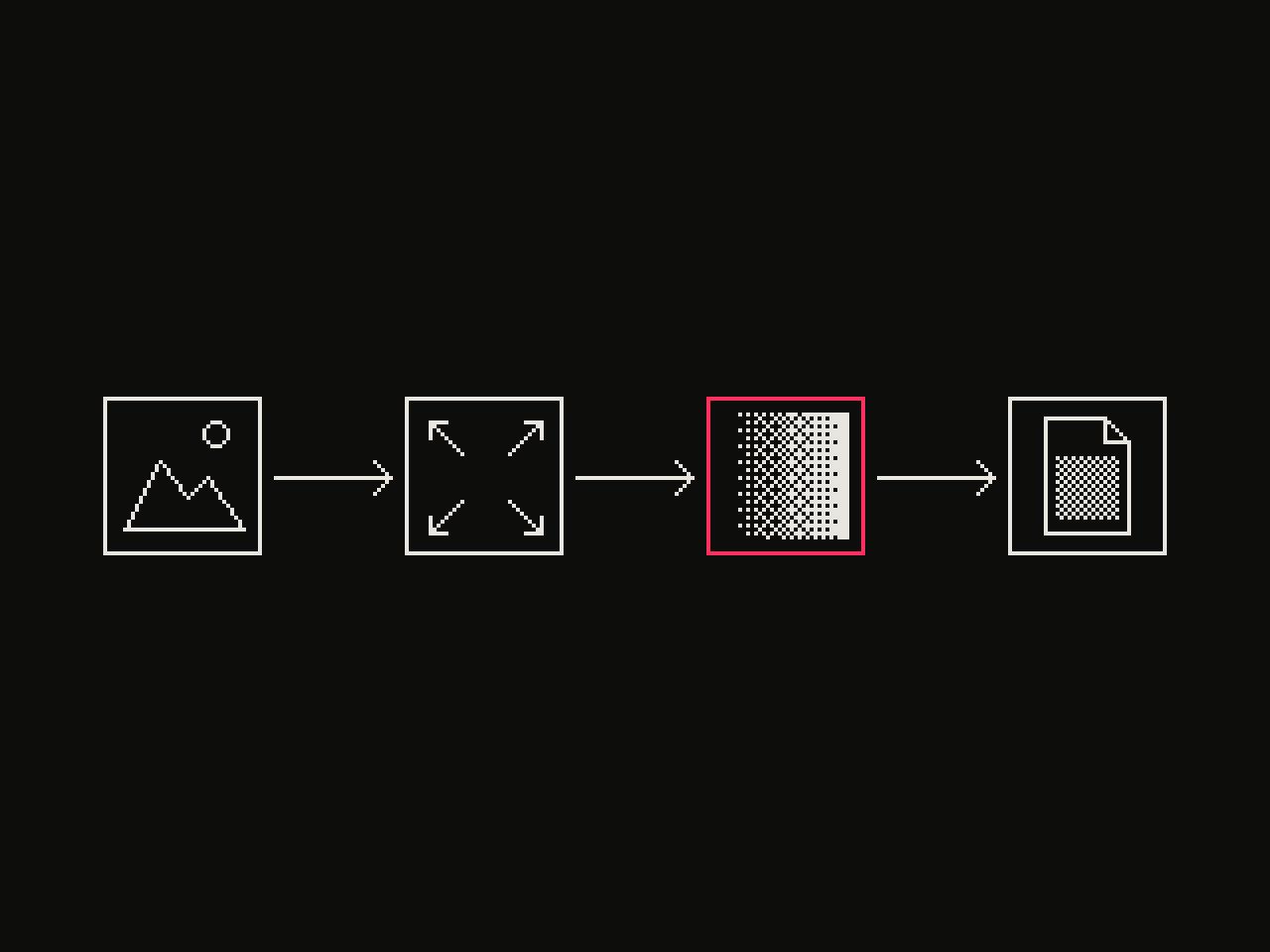 diagram · left to right: source, resize, dither, output · seed 1
The single bright bit shapes the whole palette. Eight hues at two brightness levels would make 16, but black is the same at both, so you get 15. Brightness is one bit per cell, so ink and paper must share it. A bright yellow ink on a normal-brightness blue paper is not available in a single cell. A converter has to respect that rule, and it's why a Spectrum picture never looks like a plain 15-colour image.
The border is a separate thing: one colour, from the eight basic hues only.
The Game Boy Camera filter works on a similar logic: a fixed hardware palette decides the look more than any slider does. The Spectrum adds a spatial rule on top.
What does attribute clash look like in practice?
In a still image you lose fine colour detail. Anything smaller than a cell can only change the cell's ink or paper, not add a third colour. In animation it is worse: recolouring one pixel can change the colour of its whole block, which leaves colour fringes that follow moving objects.
Other machines had the same idea at different block sizes.
| Platform | Colour block | Colours per block |
|---|---|---|
| ZX Spectrum | 8x8 pixels | 2, from one brightness half of 15 |
| MSX 1 and other TMS9918 systems | 8x1 pixels (row of eight) | 2 of 16 |
| Commodore 64, NES | Attributes, block size varies | Varies |
Hardware sprites avoid the problem, which is why machines that had them did not suffer the same fringing.
How did games work around attribute clash?
Most games before 1987 ignored it. Others designed around the grid:
- Full-colour static borders with a monochrome central play area.
- Knight Lore's Spectrum version (1984) used monochrome graphics.
- Double Dragon used monochrome sprites that stand out against full-colour backgrounds.
- Light Force constrained sprites and their movement to 8x8 boundaries.
- Don Priestley drew large cartoon-style sprites meant to span whole character blocks.
- Knight Tyme and Three Weeks in Paradise let the player choose a mode that prioritises character colours.
Altered Beast's Spectrum conversion went full colour and shows considerable clash. For a designer the takeaway is that the constraint became a style. Monochrome art on a colour backdrop is a recognisable Spectrum look.
How do you convert a photo to Spectrum attribute rules?
The Image Spectrumizer by Jari Komppa shows the order of operations. Its pipeline, as the page describes it:
- Map each pixel to the closest of the 15 palette colours by Euclidean distance.
- For each 8x8 cell, decide whether most pixels are bright or dark.
- Remap each pixel to the closest colour inside that brightness set.
- Find the two most common colours in the cell.
- Remap each pixel to whichever of those two is closer.
Step 2 sits before step 4 on purpose. Pick the two commonest colours first and you can land on a bright colour and a dark one, a pair the attribute byte can't store. Choosing the brightness set first guarantees a valid pair.
Where it breaks: a cell that holds three strong colours loses one of them, and the loss shows as a visible block seam against the next cell. The tool has options for this: restrict the output to only dark or only bright colours, which avoids clashes between bright and dark attributes, or force a background colour so more cells share paper. Resize the source to 256 x 192 first, otherwise the grid will not line up with your image's features.
If the pure two-level side of retro looks interests you, the 1-bit Macintosh look is the monochrome counterpart. There the pixel resolution and the colour resolution are the same; on the Spectrum the colour resolution is eight times coarser in each direction.
Can you beat the 8x8 limit?
Not in the standard mode, but there are ways to cheat. Changing attribute memory while the picture is being drawn allows smaller cells. The Spectrumizer can generate 8x4, 8x2 or 8x1 attribute cells for this. The Colorator fork called clash-colorator has a hi-colour mode that uses 8x1 cells in the central 112 x 192 pixel area, with the rest of the screen on standard 8x8 attributes. The technique is timing-critical, so it was used mostly for special effects and in the demoscene.
How do you get the look in kott, and what can't it do?
Here is the split. kott does not ship a Spectrum effect and has no per-cell two-colour rule, so it cannot apply the attribute step above. For that step use a dedicated converter such as the Spectrumizer, or edit by hand in Colorator.
What kott can do is the palette half of the look. Build a custom palette from the 15 Spectrum colours and run the ordered palette effect to map your image onto it with a 4x4 or 8x8 threshold pattern; see the 4x4 versus 8x8 Bayer matrix comparison for how those differ, and the dither tool for the basics. The pixelate effect with its block size set to 8, on an image sized 256 x 192, shows you the cell grid your composition has to live in. It averages each block to one colour, which is not the Spectrum rule, but it tells you where your edges will fall.
A dedicated converter wins on accuracy. kott wins when you want the dithered palette look inside a larger piece, or want to play with the palette live. To try the palette mapping on your own image, open the ordered palette effect in the kott® studio.
Frequently Asked Questions
How many colours can a ZX Spectrum show at once?
The palette has 15 colours: eight hues at two brightness levels, with black the same in both. Any one 8x8 cell can show only two of them, and both must come from the same brightness half.
What is the ZX Spectrum screen resolution?
256 x 192 pixels at one bit per pixel, which takes 6144 bytes. A 32 x 24 grid of attribute bytes adds 768 bytes of colour data, 6912 bytes in total.
Does attribute clash happen on other computers?
Yes. The Commodore 64, MSX and NES also stored colour as attributes, with different block sizes. MSX 1 and other TMS9918 machines allow two of 16 colours per row of eight pixels, which is a milder limit.
Can you remove attribute clash?
Not in the standard screen mode. Changing attribute memory while the picture is drawn can give 8x1 or 8x4 cells, but it is timing-critical and was mostly used in special effects and demos.
Images in this article were made with kott.io.
02/ OUT
Every setting described above is a real control. Open your own image and sweep it.
All journal entries