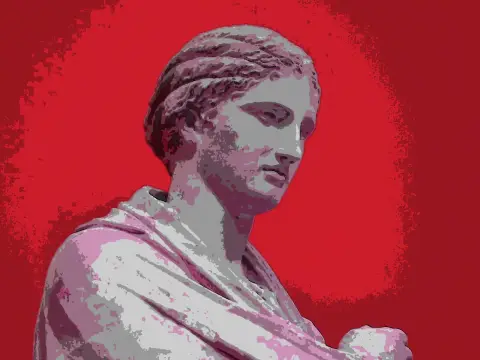
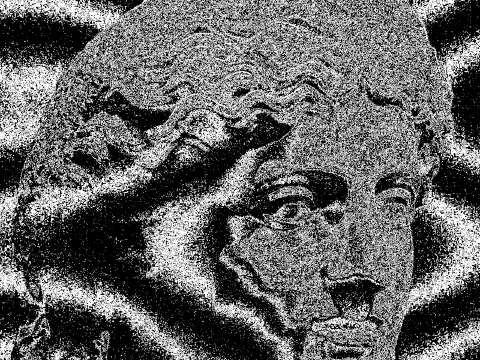
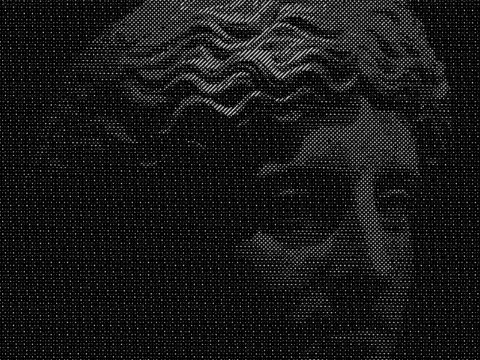
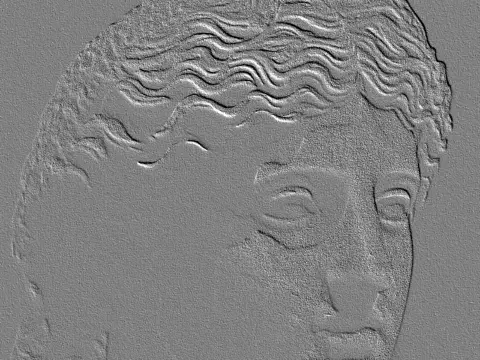
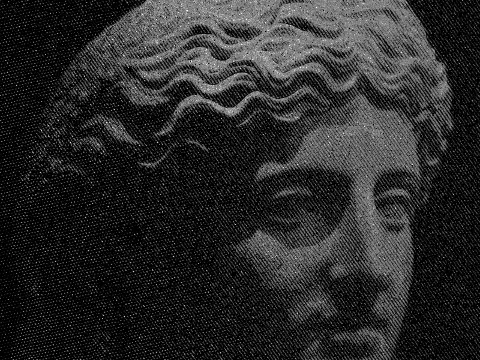
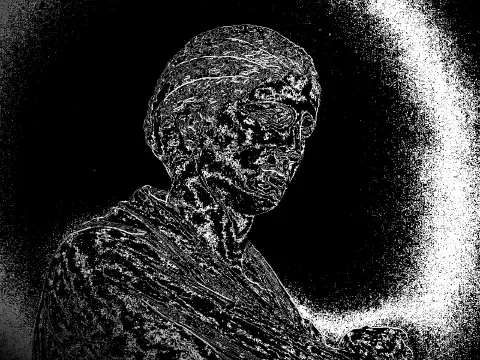
ascii art effect
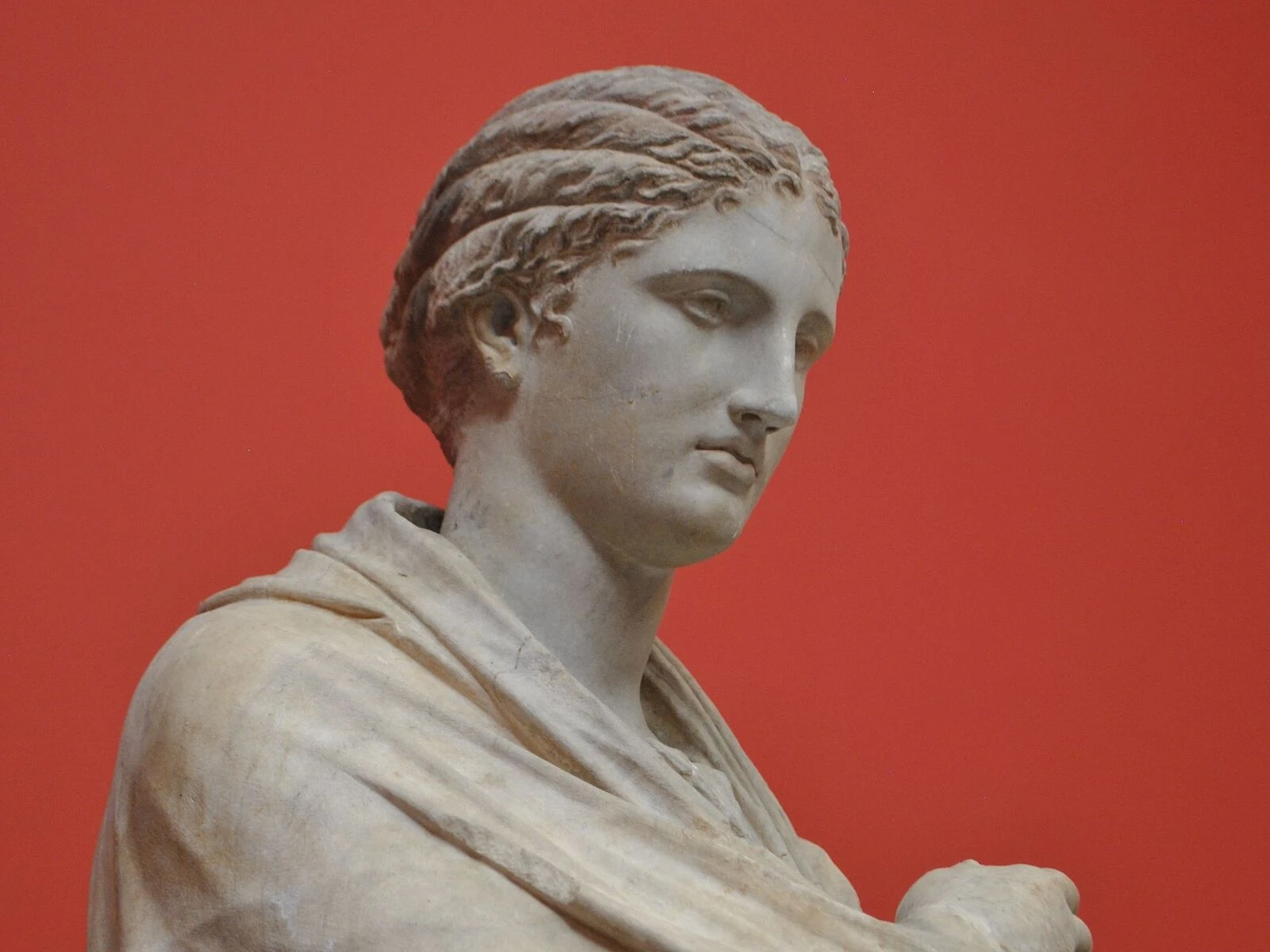
 SourceEffect
01/ ORIGIN
Making pictures out of type is older than the computer: typewriter artists were doing it in the nineteenth century, and radio operators sent images over teleprinters long before screens could hold one. The ASCII character set was standardised in 1963, and through the 1970s and 1980s the technique became the default way to move an image across a network that could carry only text, on early bulletin boards and in printer margins. It was a workaround first. The look came afterwards.
02/ SWEEP
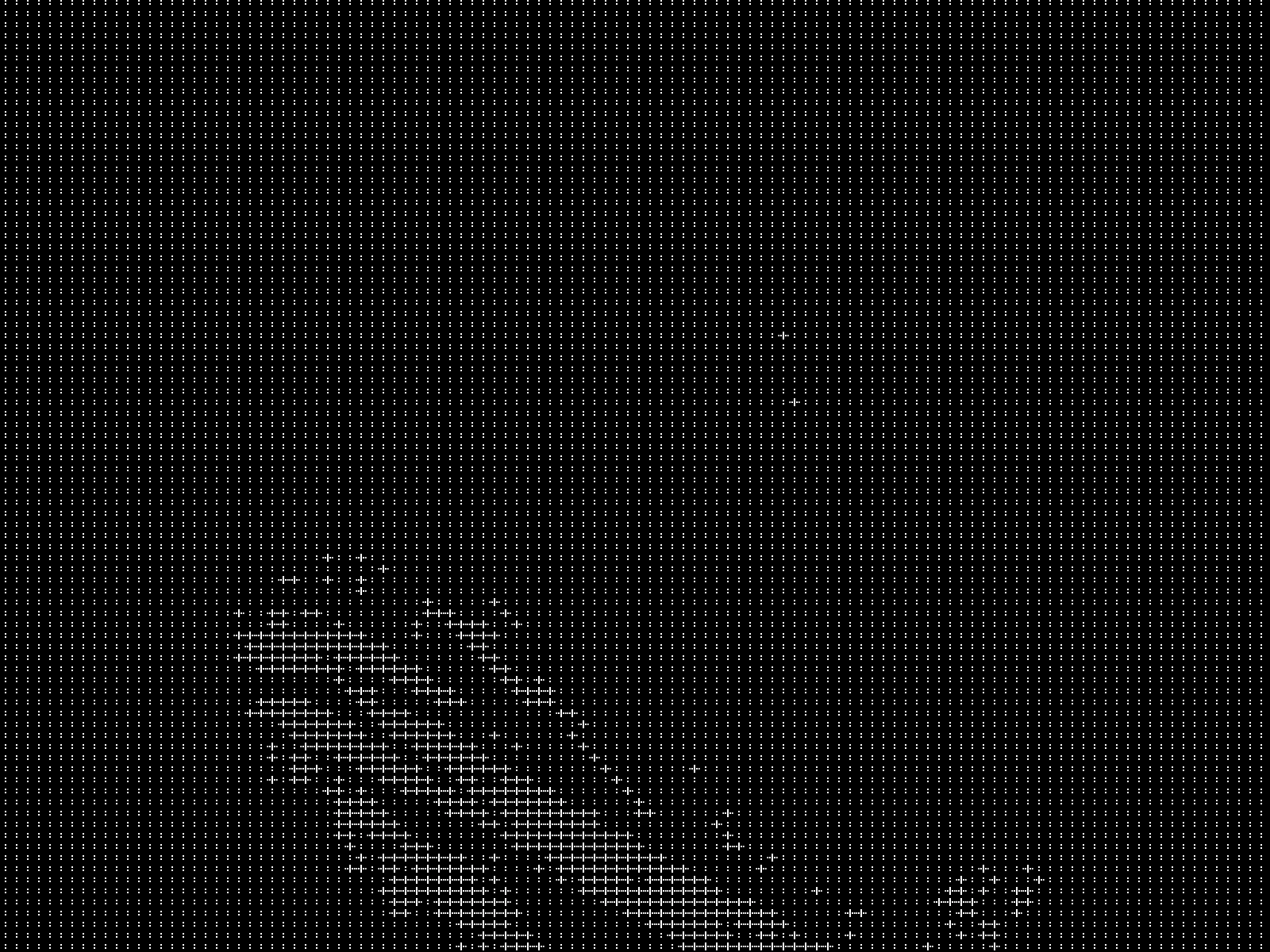
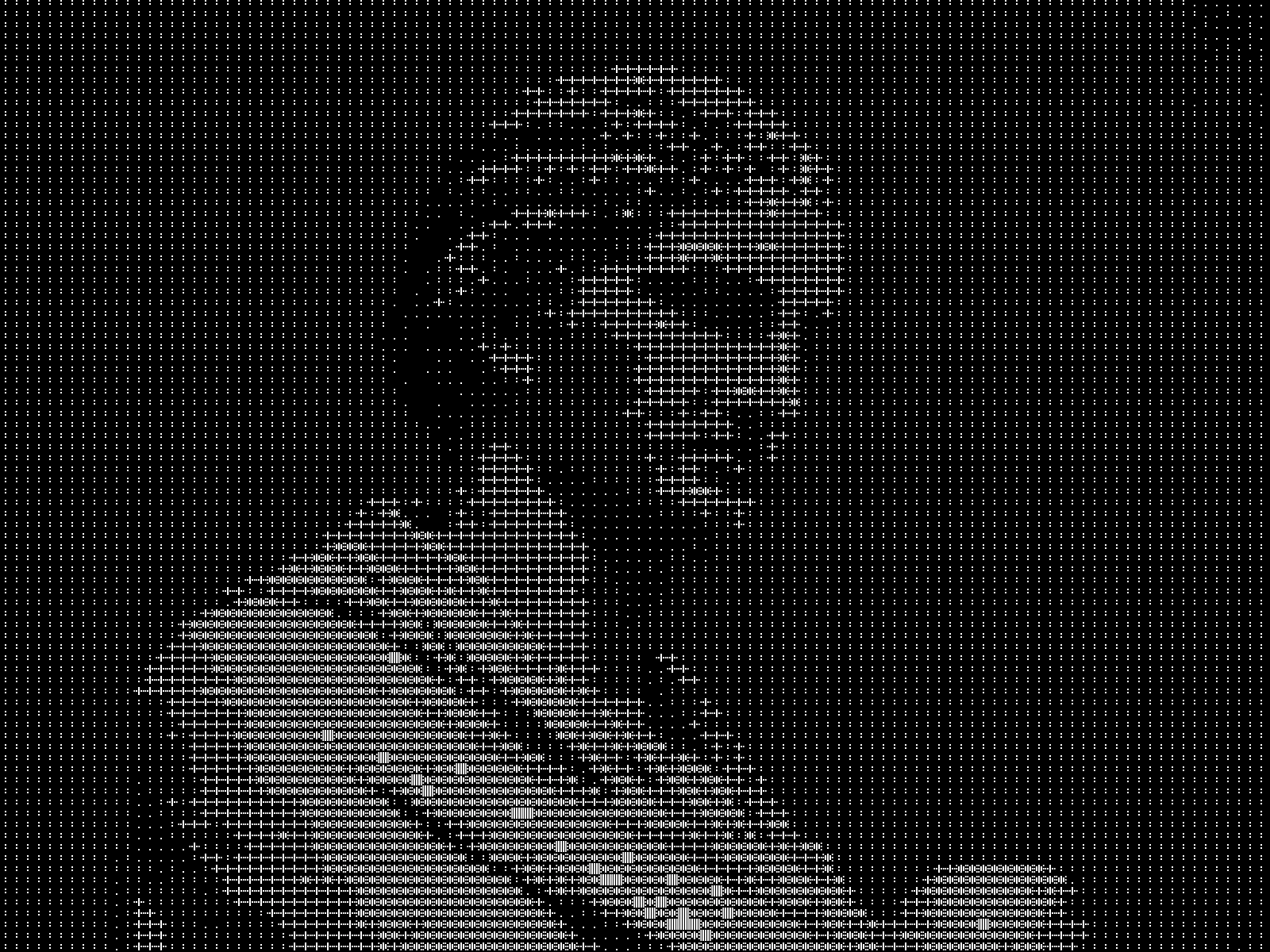
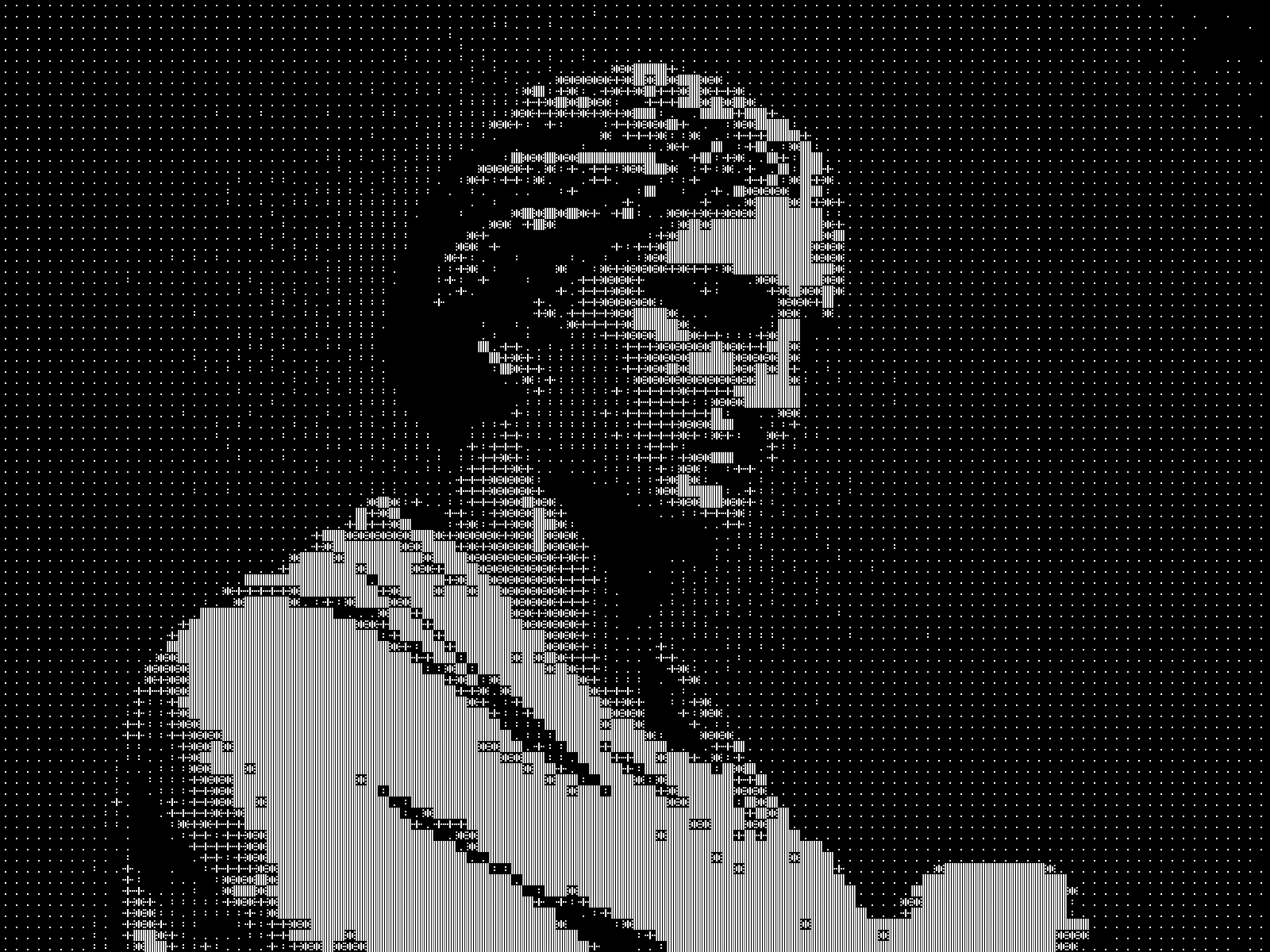
CONTRAST sweep
03/ SPEC
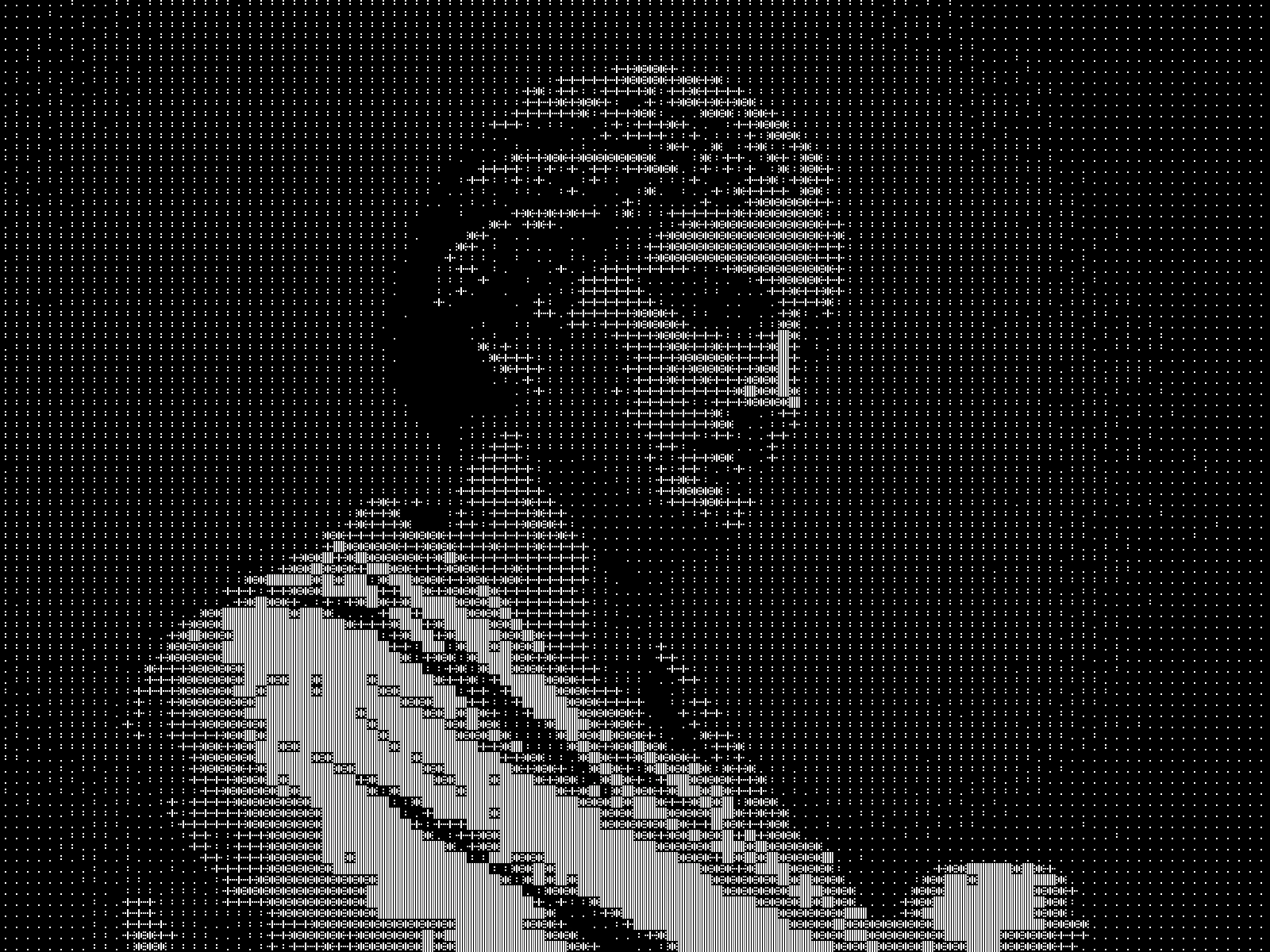
ASCII conversion maps blocks of pixels to characters ranked by ink coverage, from a space for white through to a solid block for black. CELL sets the block size from 4 to 24 pixels, default 8, and directly controls output resolution: small cells preserve detail, large cells give the coarse terminal look. CONTRAST runs from 0.2 to 3.0, default 1.2, and expands midtones before glyph matching, which matters because a low-contrast source maps to a narrow band of the ramp. The previews here use CELL 14 and CONTRAST 1.8 rather than those defaults, because eight-pixel glyphs across a 1600 pixel export read as grain instead of as characters. COLOR selects MONO or SOURCE, the latter tinting each character from the pixels underneath. kott rasterises a glyph atlas on the GPU rather than laying out selectable text, so the export is an image. High-contrast and graphic subjects survive best.
it can move to the music
Every control of this effect can follow a track. Pick a signal in the studio’s audio panel (the beat, the downbeat, a build, the bass, or an EQ band you set yourself), point it at contrast or any other control here, and set how far it moves. The sound comes from your microphone, a browser tab or a file you load, and it is analysed on your own machine.
how the audio routing works04/ FAQ
- What is an ASCII art effect?
- An ASCII art effect rebuilds an image out of text characters, choosing each one by how much ink it covers, from a space for white through to a solid block for black.
- Can I copy the ASCII output as text?
- No. kott rasterises a glyph atlas on the GPU rather than laying out selectable text, so the export is an image. That is what allows per-pixel colour sampling and real-time performance.
- Why does my photo turn into grey mush?
- A low-contrast source maps onto a narrow band of the character ramp, so most cells pick similar glyphs. Raise CONTRAST above the 1.2 default, or start from a higher-contrast image.