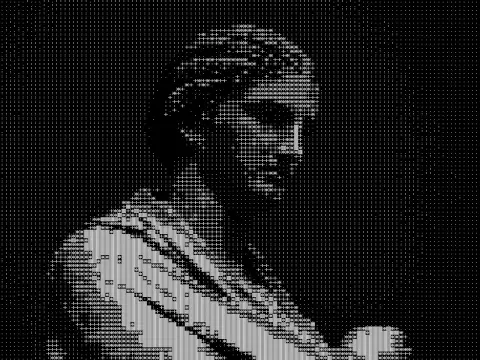
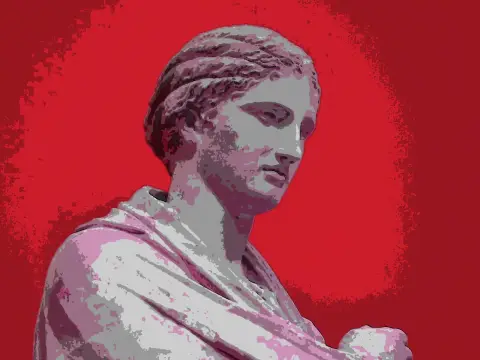
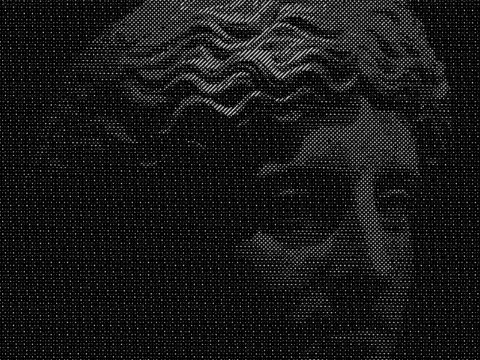
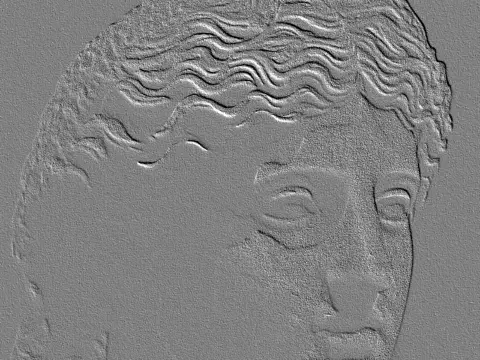
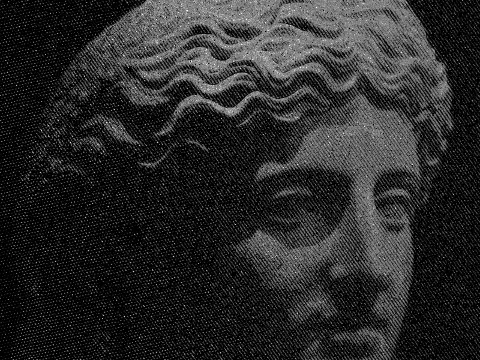
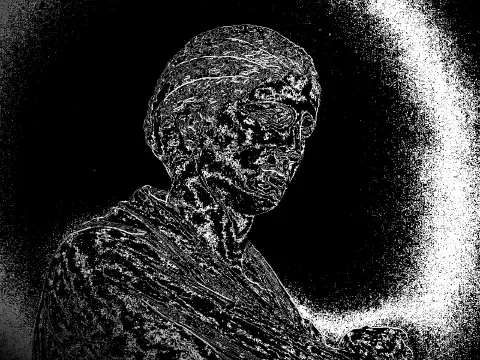
contour line effect
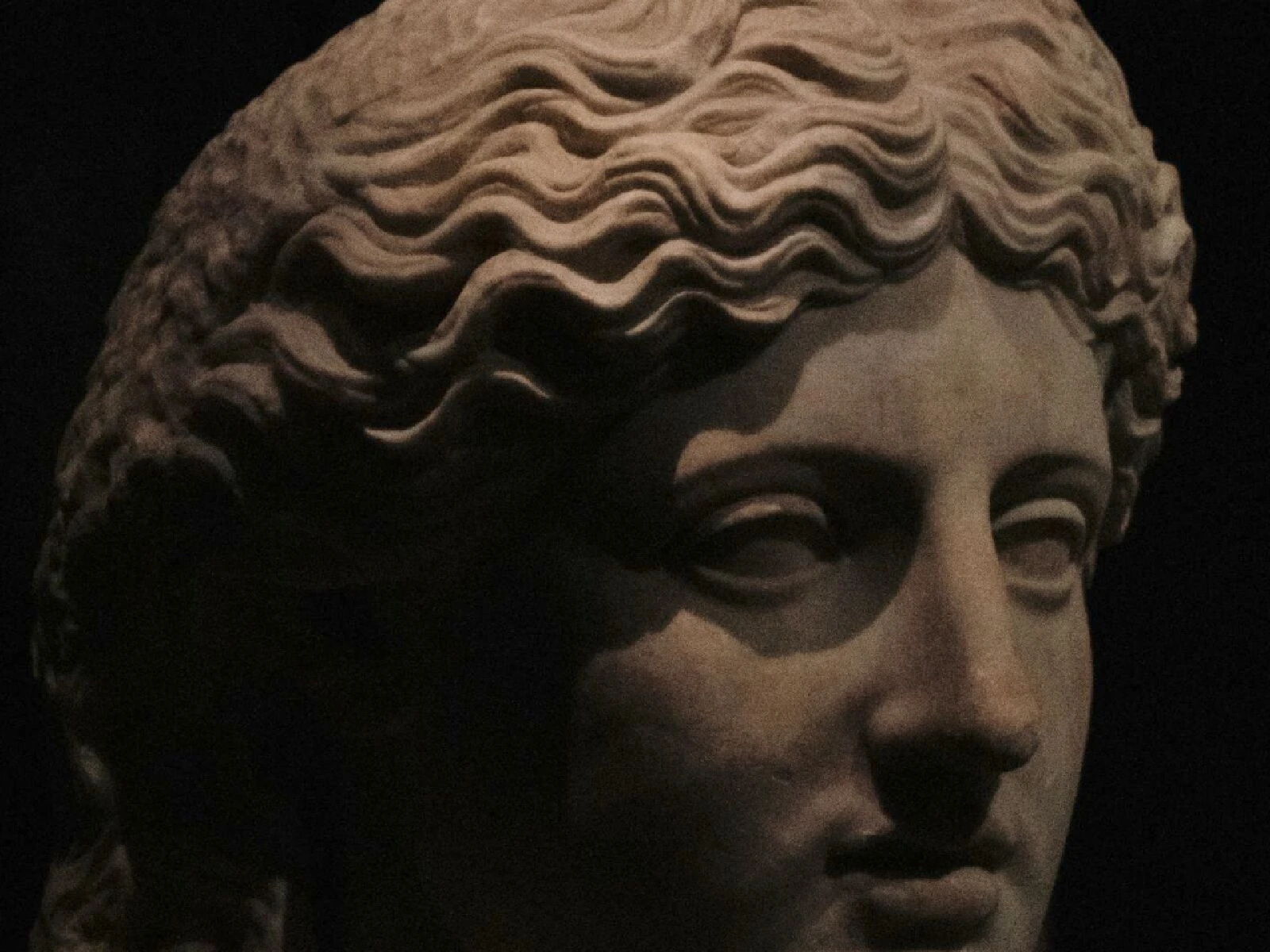
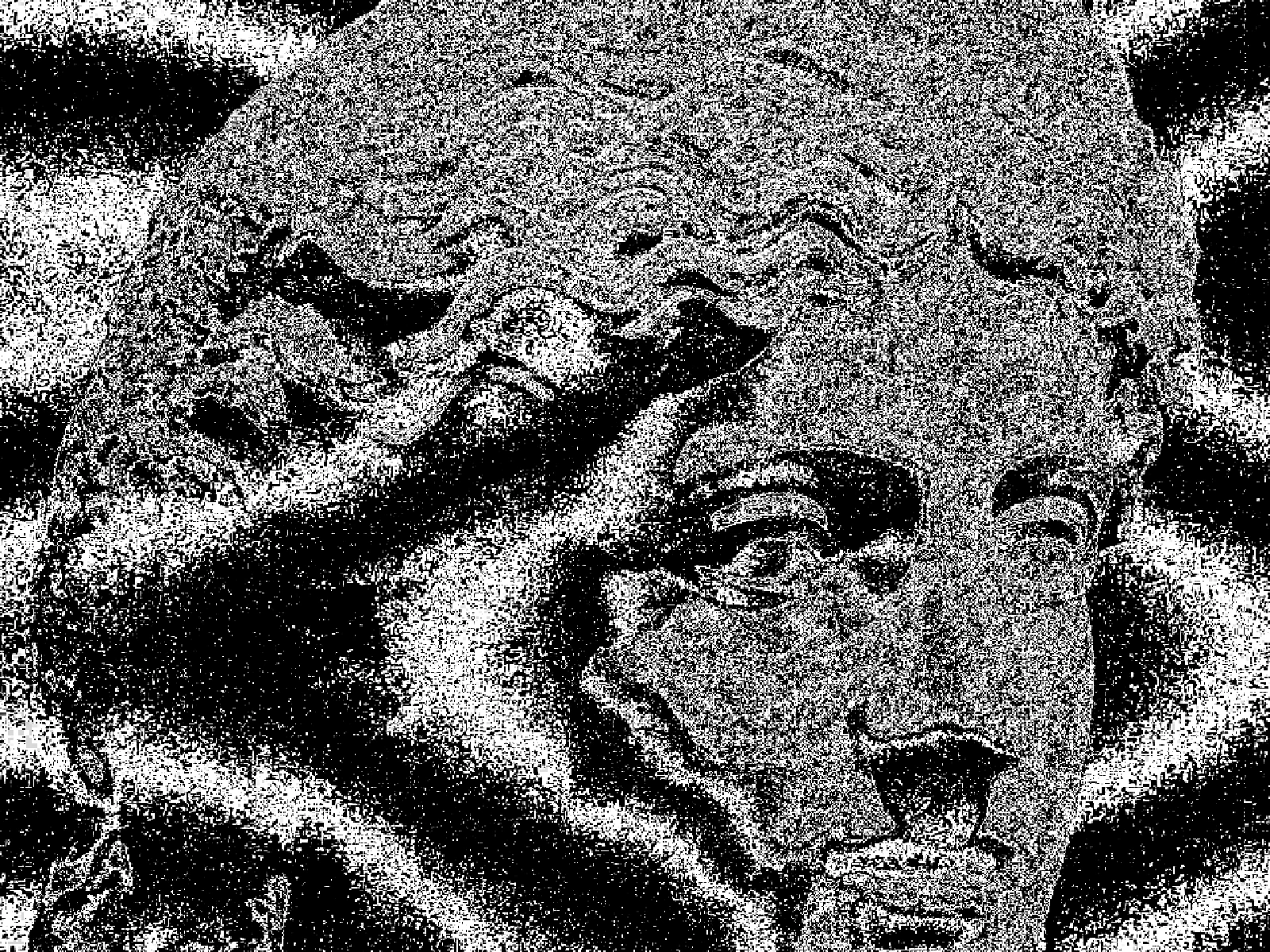 SourceEffect
01/ ORIGIN
Contour lines came from hydrography before they reached dry land: Dutch surveyors were drawing lines of equal depth on harbour charts by the seventeenth century, because a captain needs to know where the bottom is. Applying the same idea to elevation followed, and by the nineteenth century national surveys had standardised the convention. It works because a line of constant value tells you the shape of a surface without describing any point on it.
02/ SWEEP
LEVELS sweep
03/ SPEC
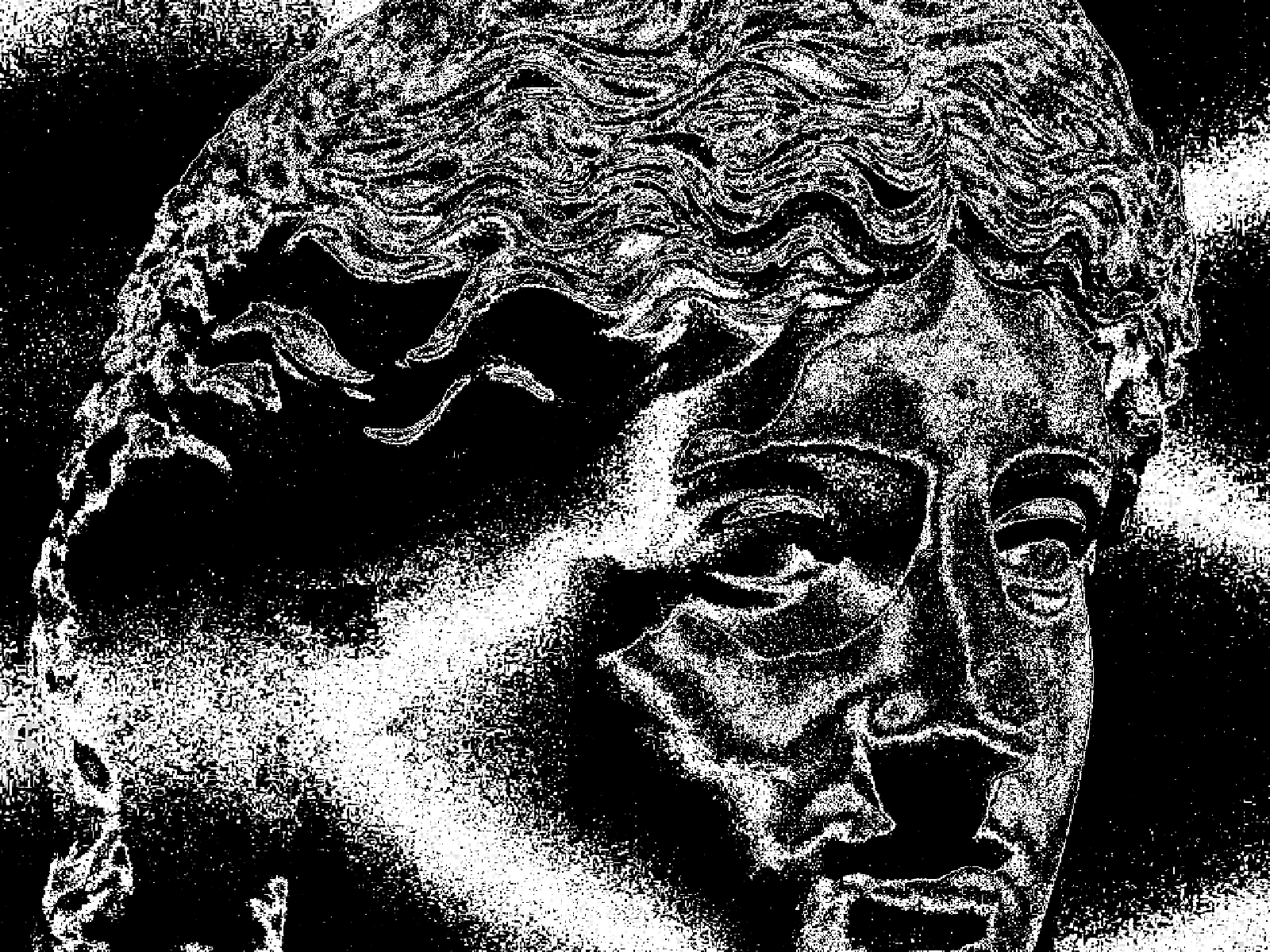
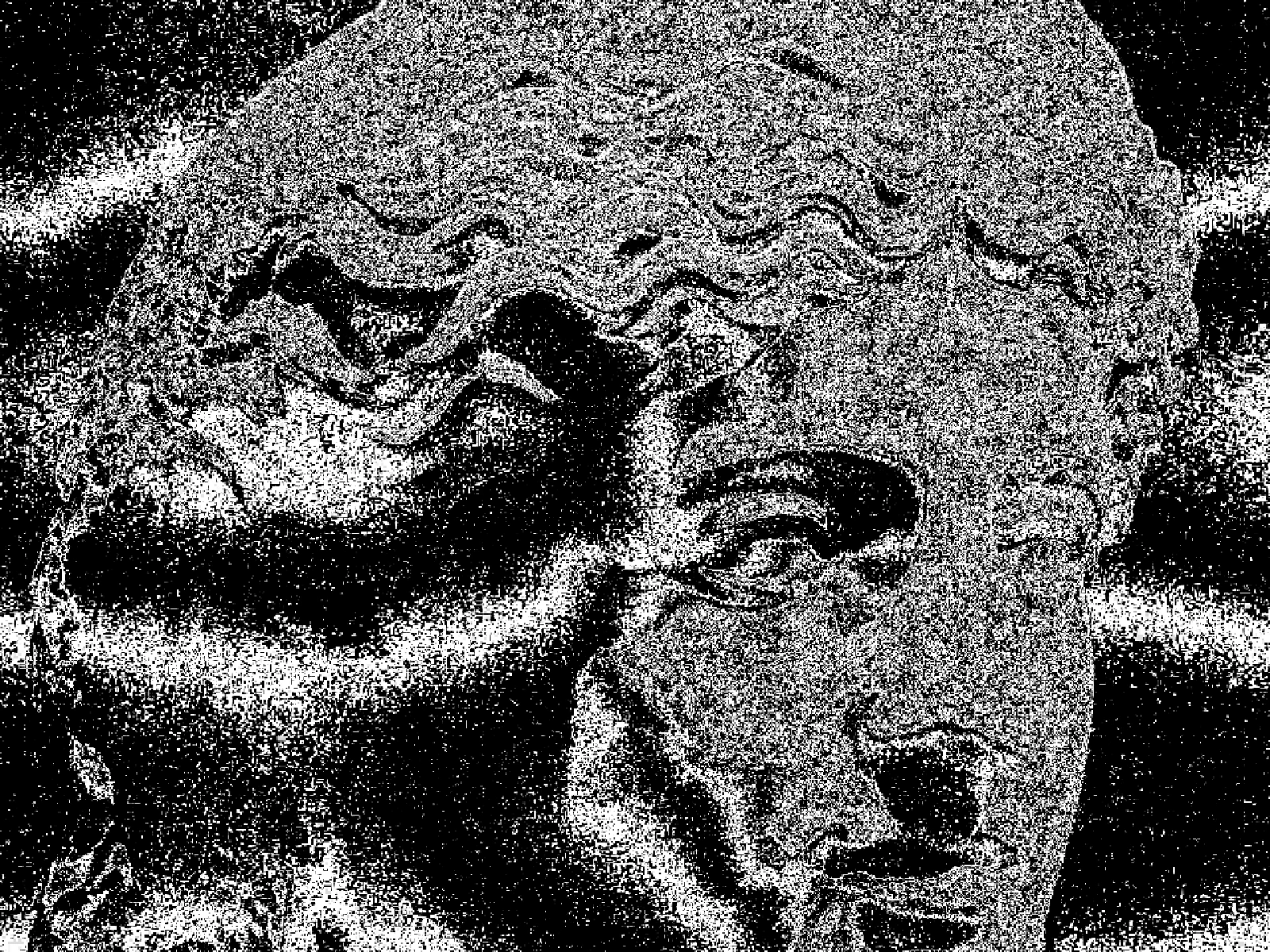
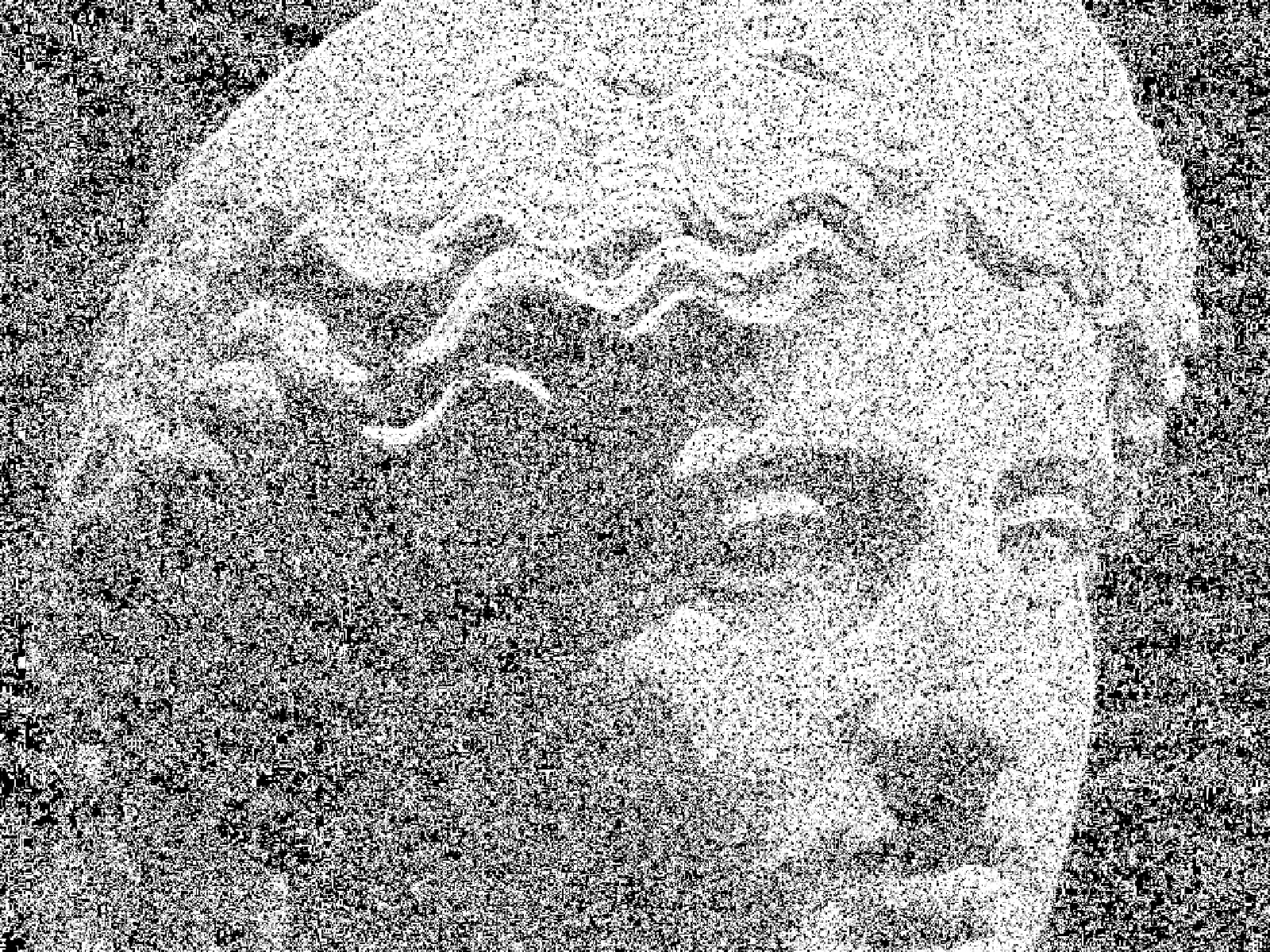
This effect slices the image into bands of equal brightness and draws a line at every boundary, which is topographic contouring applied to tone rather than to elevation. LEVELS runs from 6 to 40 with a default of 12 and sets how many bands the range is cut into, so it directly controls line density. WARP from 0 to 10 displaces the bands before they are traced, which breaks the mechanical regularity that makes a plain threshold look like a chart. LINE WIDTH sets stroke weight from 0.02 to 1. In kott the lines are generated per pixel, so they stay hairline at export size.
it can move to the music
Every control of this effect can follow a track. Pick a signal in the studio’s audio panel (the beat, the downbeat, a build, the bass, or an EQ band you set yourself), point it at levels or any other control here, and set how far it moves. The sound comes from your microphone, a browser tab or a file you load, and it is analysed on your own machine.
how the audio routing works04/ FAQ
- What is a contour line effect?
- A contour line effect draws a line wherever image brightness crosses a fixed step, producing the concentric bands of a topographic map. It describes shape through lines of constant value.
- What LEVELS value should I use for contours?
- The default of 12 keeps the form readable. Below 8 only the largest tonal shifts get traced, and above about 30 the lines crowd together and the subject disappears into them.
- Why does WARP matter for a contour effect?
- Without it, contours follow tone exactly and read as a machine-generated chart. WARP displaces the bands slightly so the lines look drawn rather than computed.