frosted glass effect

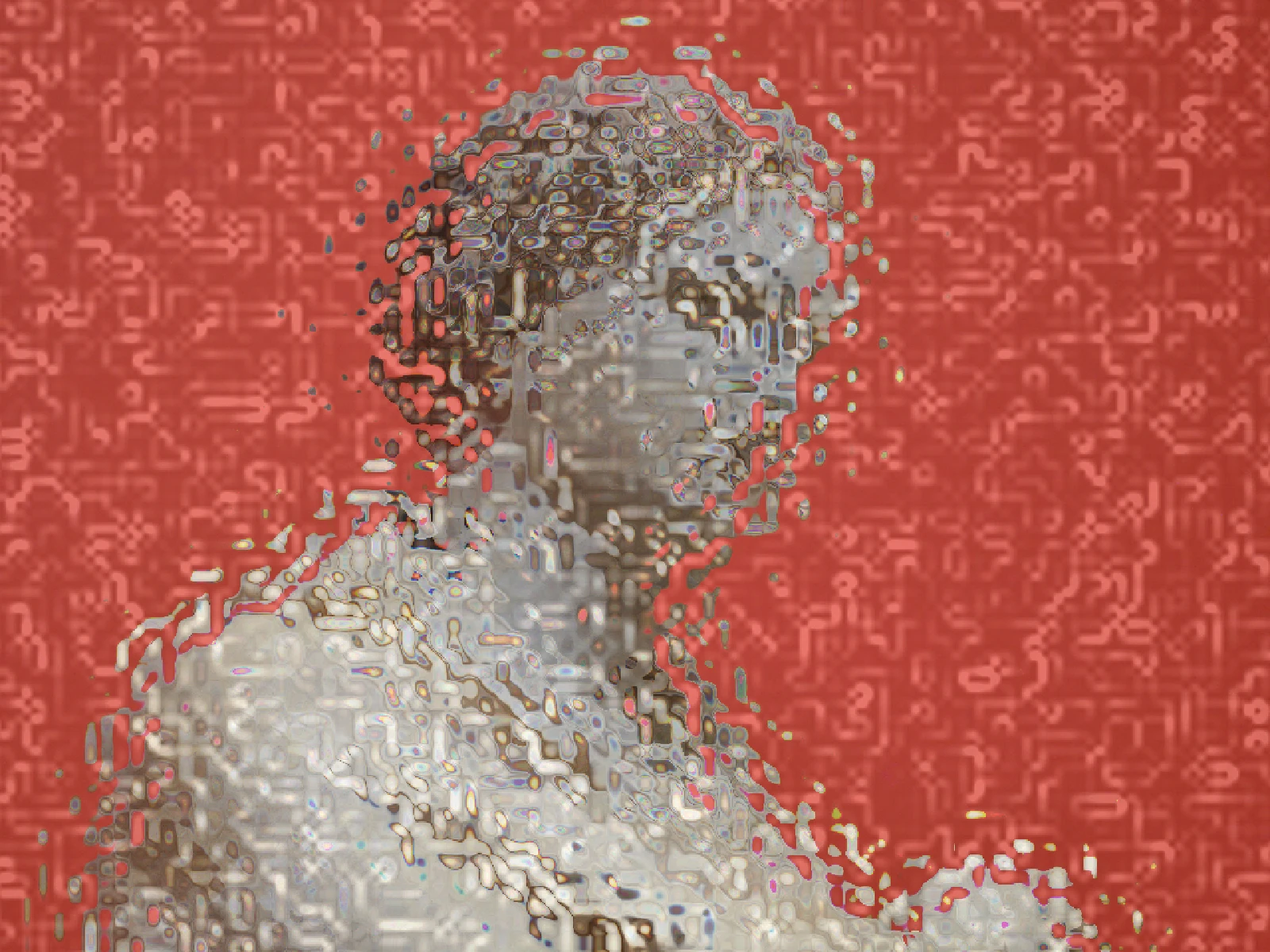 SourceEffect
01/ ORIGIN
Frosting is a surface treatment, not a material: acid or abrasive roughens one face of otherwise clear glass so light scatters on its way through. Nineteenth century builders used it wherever a room needed light without a view, in bathroom windows, office partitions and shop doors. The important property is that it never stops being transparent. It only destroys the ordering of what passes, which is why a shape pressed against it resolves and a shape a foot away does not.
02/ SWEEP
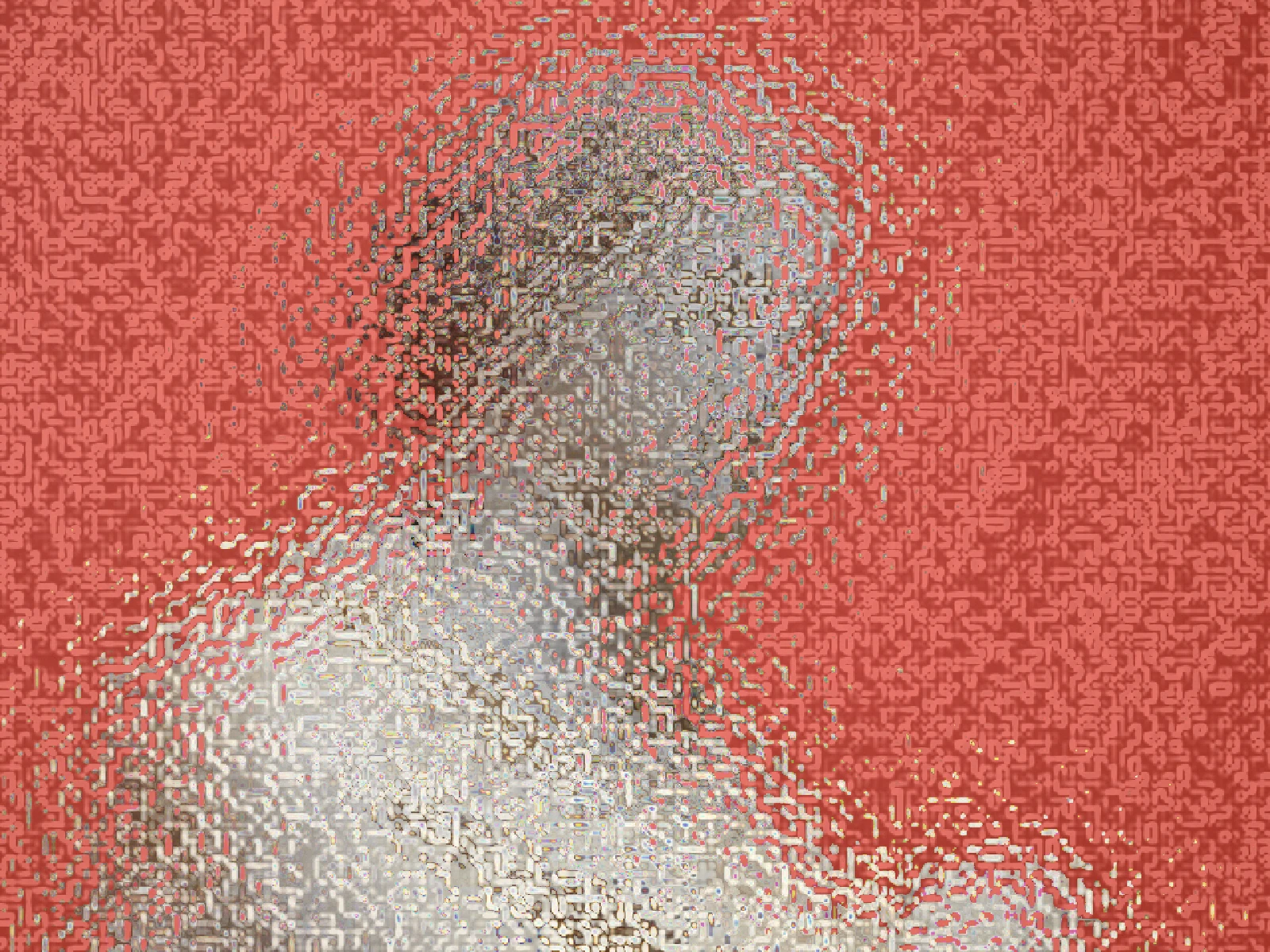
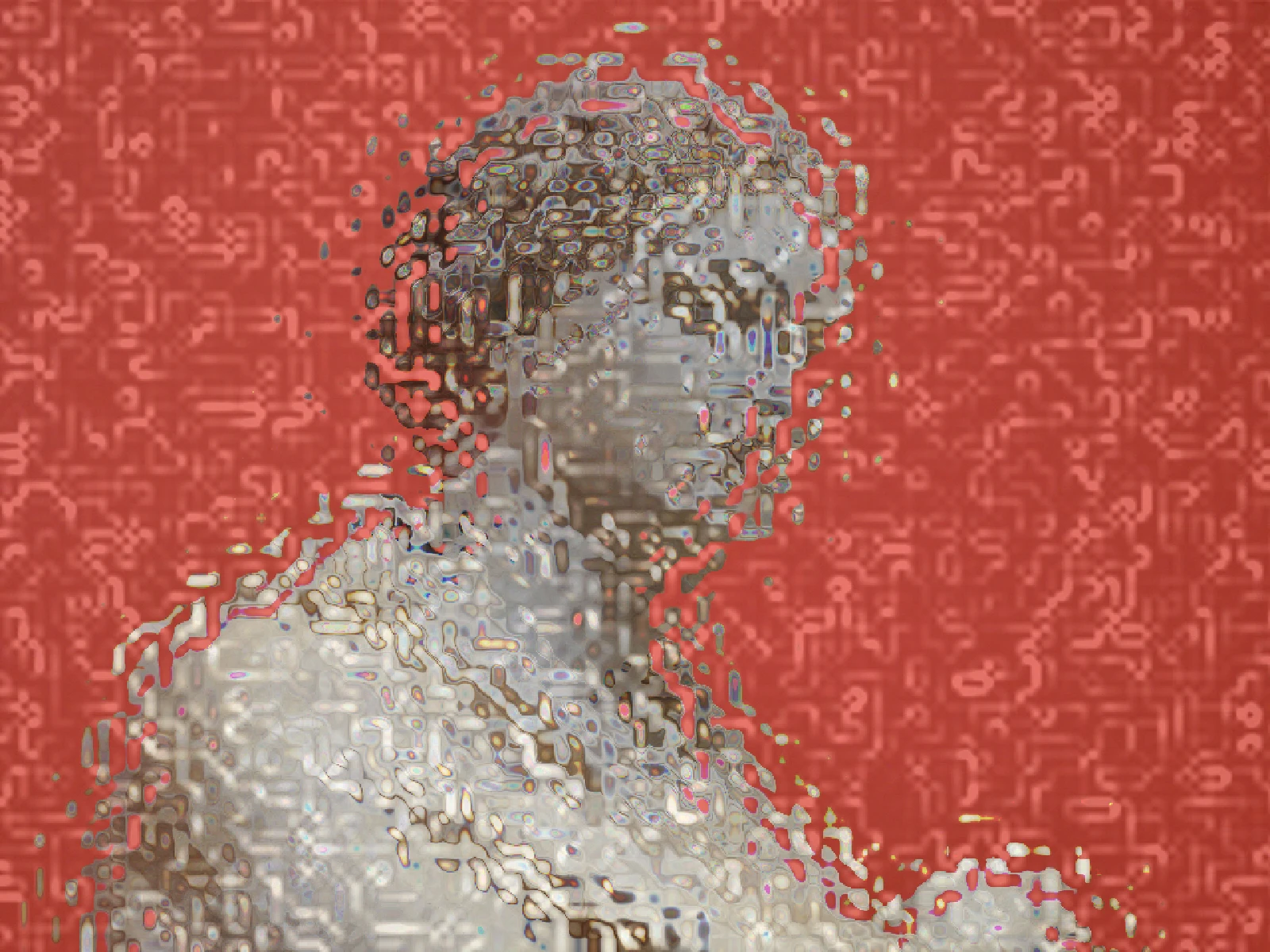
SCALE sweep

03/ SPEC
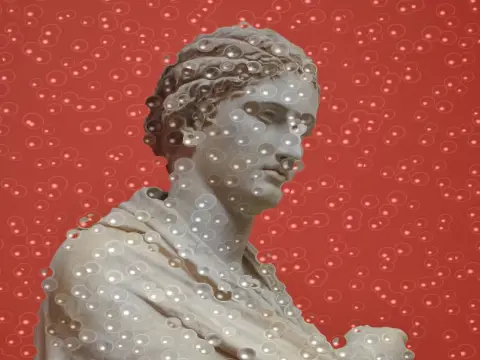
This effect displaces each pixel by a randomised local offset and blends the result, imitating refraction through a roughened surface rather than simply blurring. SCALE runs from 1 to 8 pixels with a default of 2 and sets the size of the surface perturbation, which controls how far detail is scattered and therefore how obscured the subject becomes. REFRACT from 0 to 1 sets displacement strength, and DISPERSION is an advanced control that splits the offset per channel for a prismatic edge. In kott it renders in natural colour so scattered hue stays visible.
it can move to the music
Every control of this effect can follow a track. Pick a signal in the studio’s audio panel (the beat, the downbeat, a build, the bass, or an EQ band you set yourself), point it at scale or any other control here, and set how far it moves. The sound comes from your microphone, a browser tab or a file you load, and it is analysed on your own machine.
how the audio routing works04/ FAQ
- What is a frosted glass effect?
- A frosted glass effect displaces pixels by randomised local offsets, imitating light scattering as it passes through a roughened but still transparent surface.
- What is the difference between frosted glass and blur?
- A blur averages neighbouring pixels, losing light information. Frosting displaces them, so all the light still arrives but in the wrong order, which is why edges pressed close still resolve.
- How do I keep the subject recognisable?
- Keep SCALE at 1 or 2 and REFRACT below 0.5. Larger perturbations scatter facial features past recognition, which is often the point in real architectural glass.