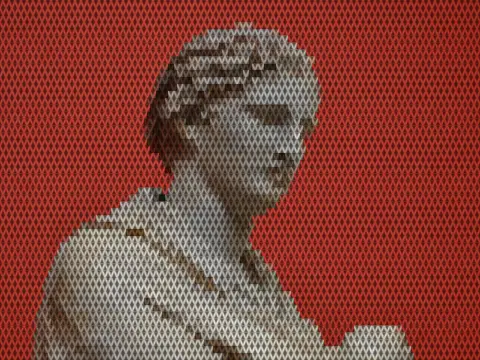
unsharp mask
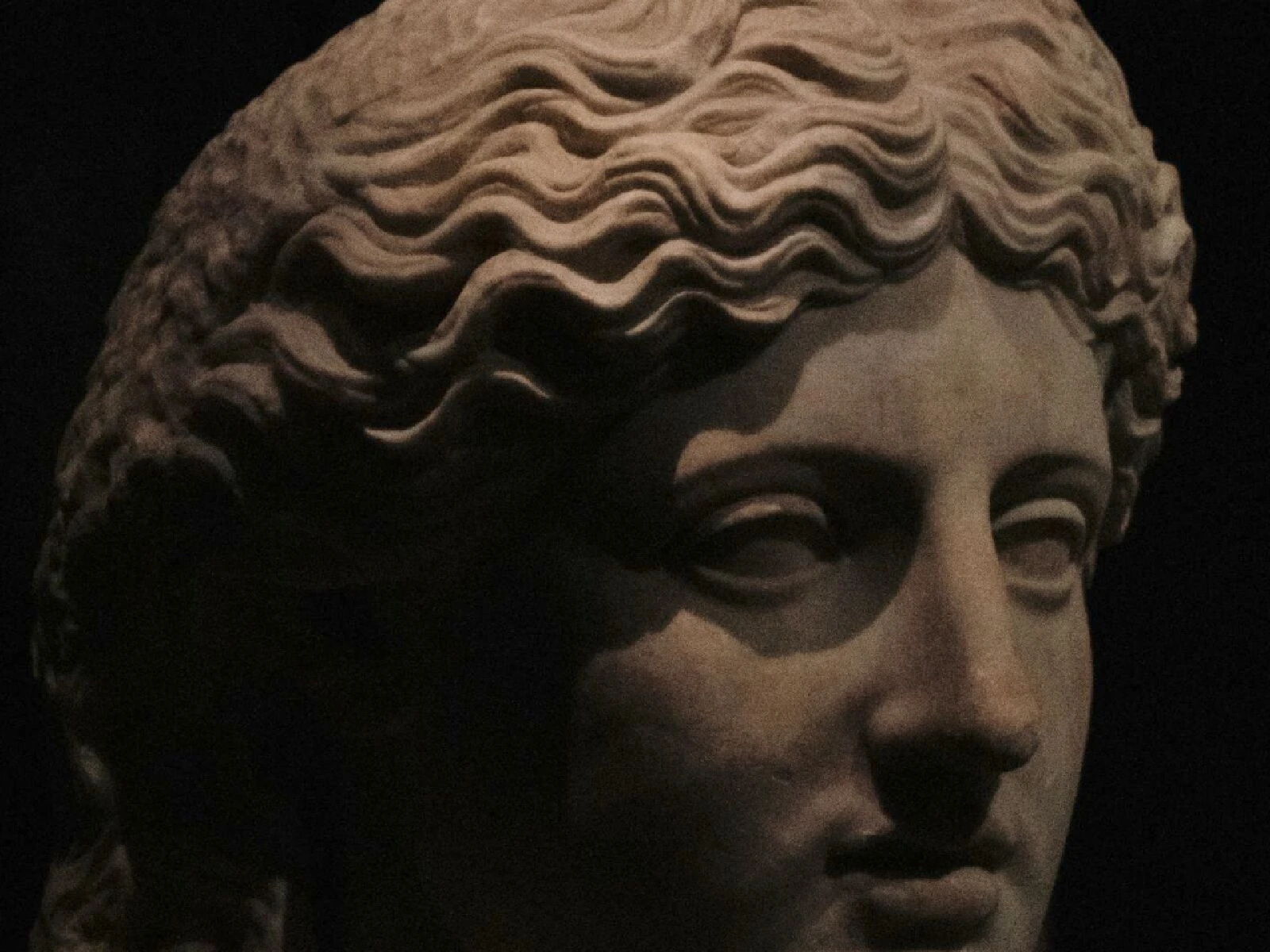
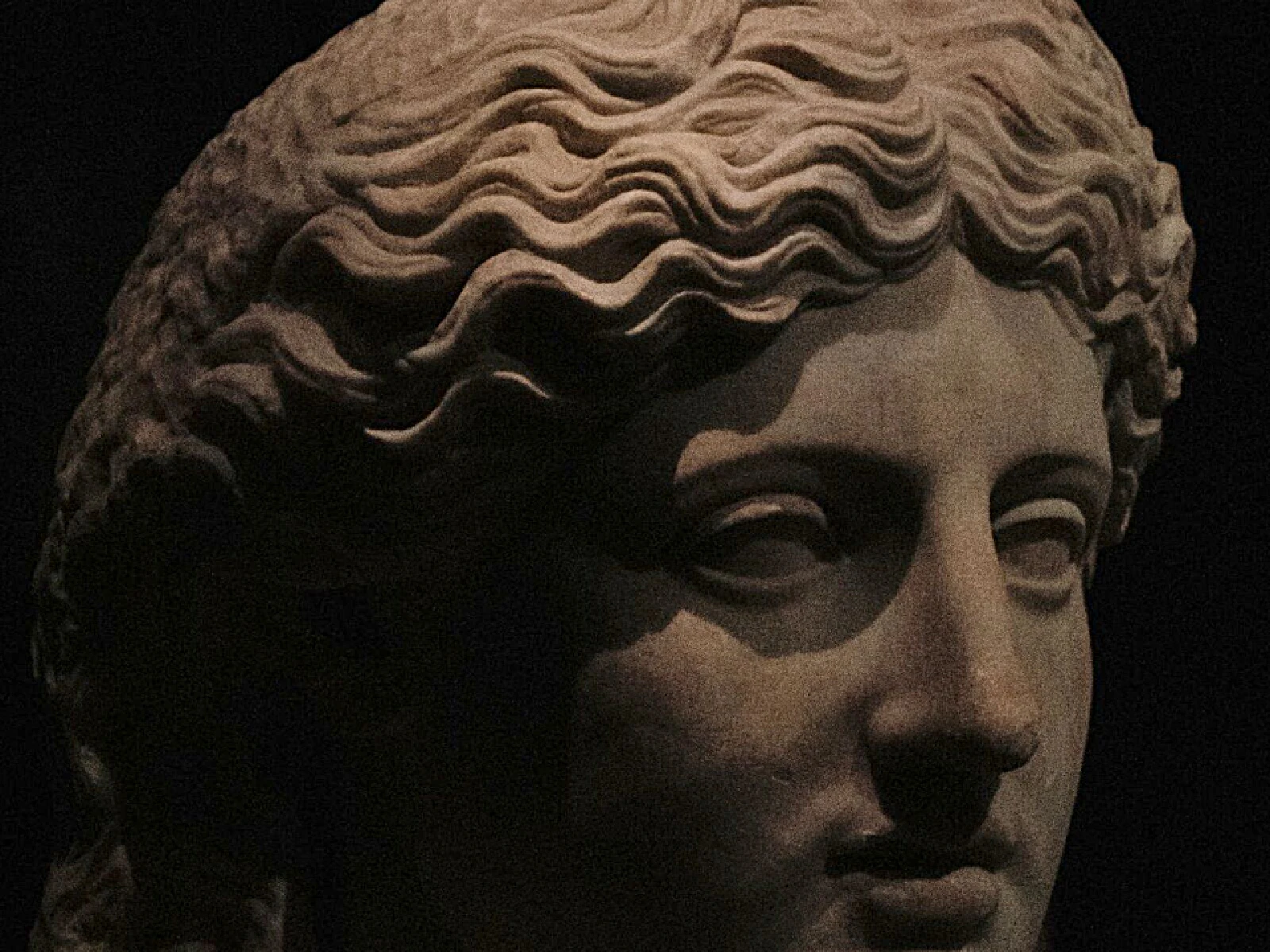 SourceEffect
01/ ORIGIN
The name is literal and comes from the darkroom. A blurred, low-contrast negative copy, the unsharp mask, was sandwiched with the original during printing so that the two cancelled in flat areas and diverged at edges, which made the print look sharper than the negative was. Lithographers were doing this in Germany in the 1930s. The digital operation performs the same subtraction arithmetically, which is why it kept a name that describes a physical piece of film.
02/ SWEEP
AMOUNT sweep
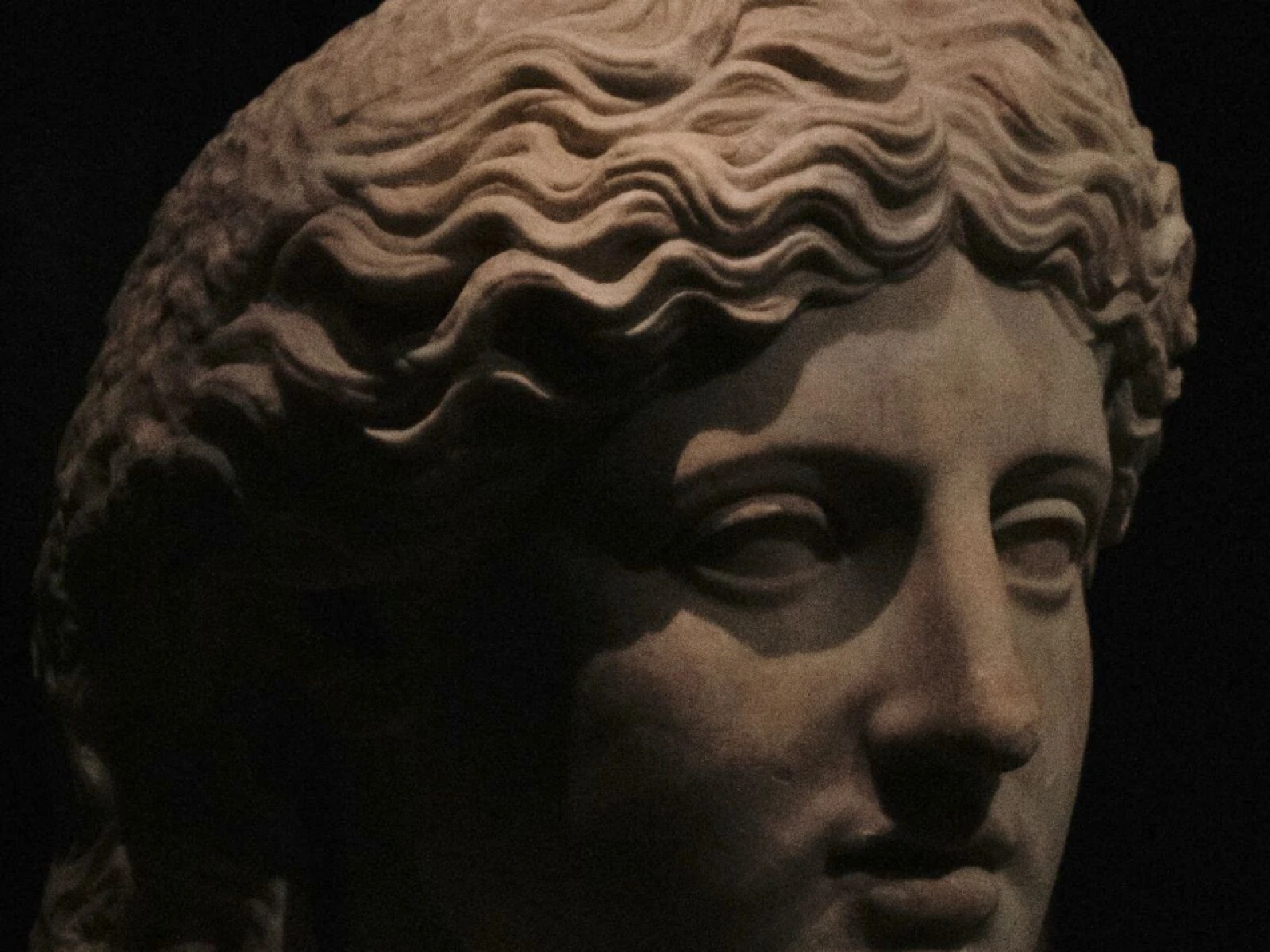
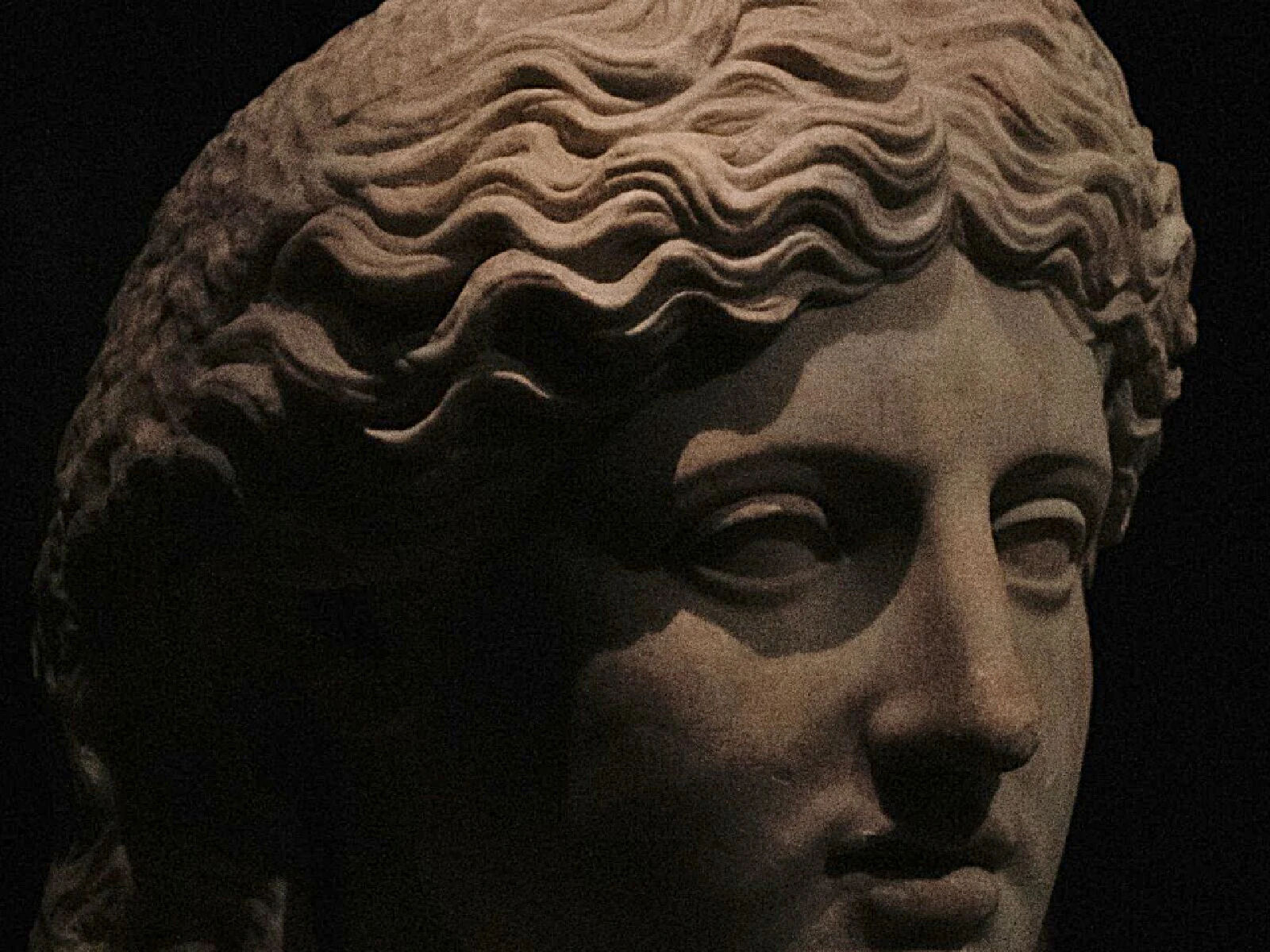
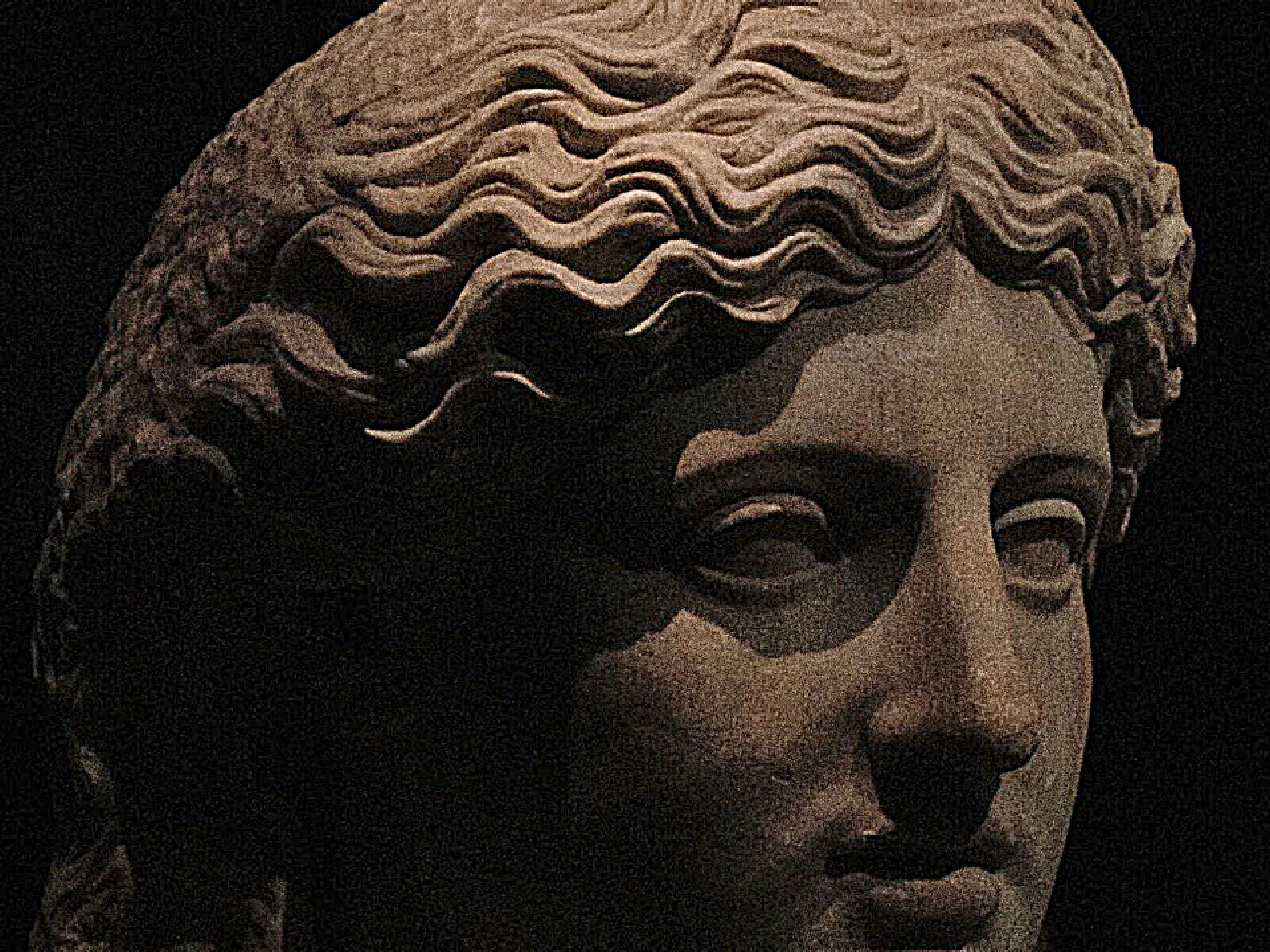
03/ SPEC
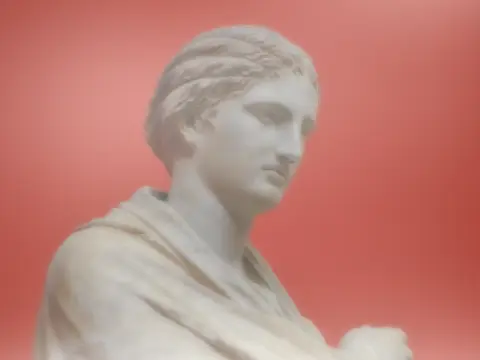
Unsharp masking subtracts a blurred copy of the image from the original and amplifies the difference, which increases local contrast at edges without adding any detail that was not present. AMOUNT runs from 0 to 3 with a default of 0.8 and scales how strongly that difference is applied, where 0 is a pass-through and values above 2 produce visible halos. RADIUS from 0.5 to 6 pixels sets how blurred the subtracted copy is, which decides whether the effect crisps fine texture or exaggerates broad shapes. In kott both are computed per pixel, so a large export sharpens at the scale you set rather than at preview scale.
it can move to the music
Every control of this effect can follow a track. Pick a signal in the studio’s audio panel (the beat, the downbeat, a build, the bass, or an EQ band you set yourself), point it at amount or any other control here, and set how far it moves. The sound comes from your microphone, a browser tab or a file you load, and it is analysed on your own machine.
how the audio routing works04/ FAQ
- What is an unsharp mask?
- An unsharp mask sharpens by subtracting a blurred copy of an image from the original and amplifying the difference, which raises local contrast at edges. The name comes from the darkroom technique it imitates.
- What RADIUS should I use for sharpening?
- Around 1 to 1.5 pixels crisps fine detail on a large image. Larger values above 3 raise broad local contrast instead, which looks like added punch rather than added sharpness.
- Why does sharpening create halos?
- Amplifying the difference between the image and its blurred copy overshoots on both sides of a hard edge, leaving a bright and a dark fringe. Lower AMOUNT below 1 to avoid it.