Datamoshing Explained: What Deleting an I-Frame Actually Does
Datamoshing edits the codec, not the pixels. What deleting an I-frame does to the decoder, the melt and bloom techniques, the encoder settings, and what a…
01/ ARTICLE
Datamoshing deletes the I-frame at a cut, so the P-frames that follow apply the new shot's motion to the old shot's pixels. The old image gets dragged and smeared by footage it was never part of. If you have only worked with pixel sorting, this is a different kind of glitch: it does not change pixels, it breaks the compression that sits between frames.
This one is for the VJ who wants the look on a screen and has to decide whether to bake it or fake it. Below: the mechanism, the two classic techniques, the encoder settings that keep the file playable, and a straight account of what a live shader can and can't do.
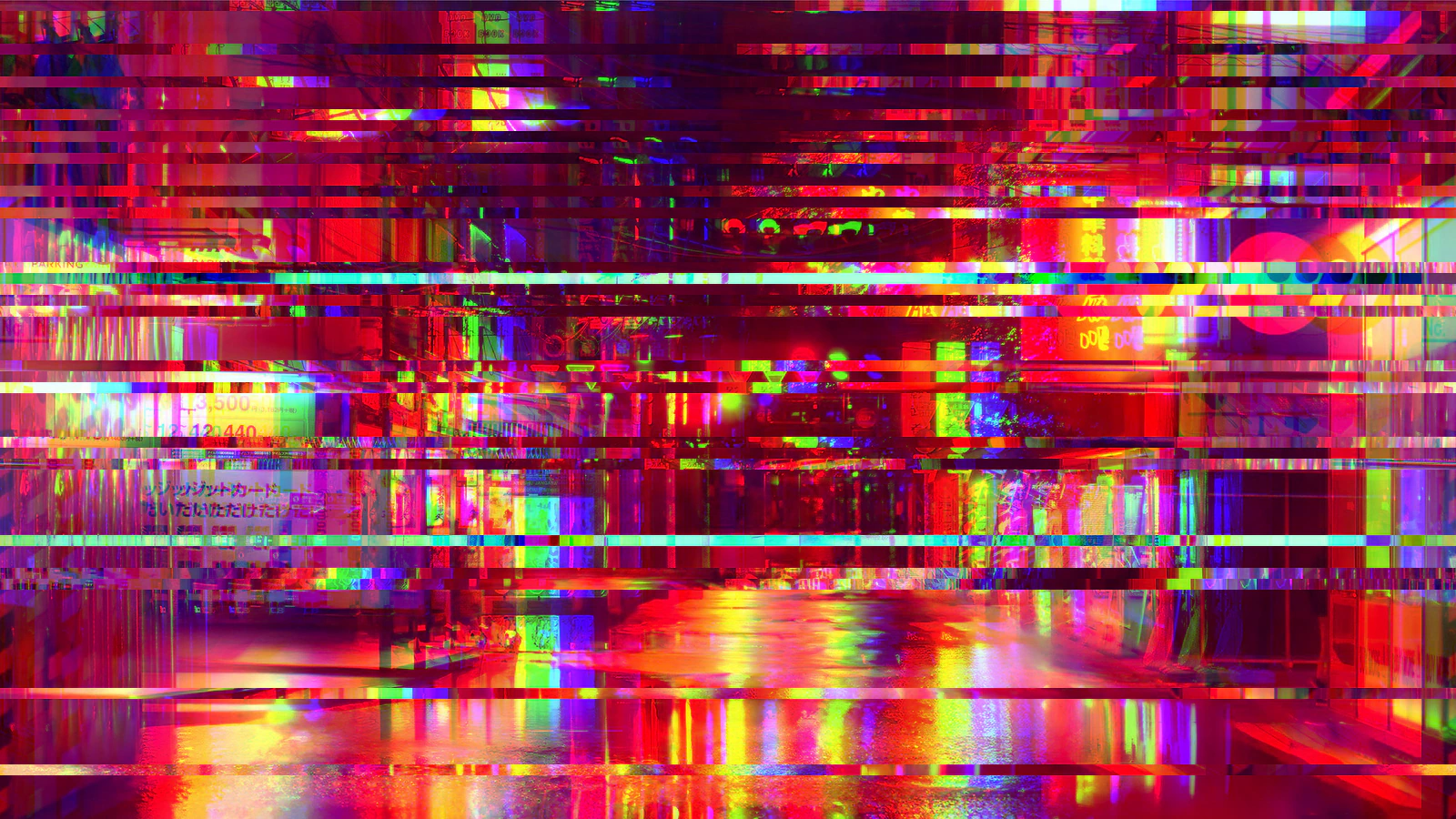 subject: neon street · look: glitch · amount 0.5 · band 12px · Image made with kott.io
What is datamoshing?
Datamoshing is a glitch technique that edits a compressed video stream so the decoder predicts frames from the wrong reference image. It depends on how codecs such as H.264, H.265 and MPEG-4 ASP (Xvid) save space, as Glitchology's guide describes:
- I-frames are complete, self-contained images that serve as reference points. Every group of pictures (GOP) starts with one.
- P-frames store only the changes from the previous frame: motion vectors (a block of pixels moved 3 pixels right and 2 down) plus residual colour corrections. They are much smaller than I-frames.
- B-frames reference both past and future frames. Most datamosh workflows avoid them.
In MPEG, independently compressed frames are called I-frames, where "I" stands for intra, according to Wikipedia's article on compression artifacts. That article dates the technique back to 2006, when Bertrand Planes and Christian Jacquemin pioneered datamoshing with DivXPrime, and notes its wider reach in 2009 with Nabil Elderkin's video for Kanye West's "Welcome to Heartbreak". Glitchology adds Chairlift's "Evident Utensil" (2008), directed by Ray Tintori.
What does deleting an I-frame actually do?
Deleting the I-frame at a hard cut removes the reference the next P-frames were built on, so the decoder keeps predicting from stale pixels. Here is the sequence at a cut from shot A to shot B:
- Shot A plays normally. Its last frames are P-frames predicted from A's I-frame.
- At the cut, shot B would normally begin with its own I-frame, a full picture of B.
- You delete that I-frame. The first P-frame of B arrives with motion vectors that describe B's movement, but no picture of B to apply them to.
- The decoder looks back for a reference and, as Glitchology puts it, uses the leftover pixel data from the previous shot. B's motion is applied to A's pixels.
What you see is A's image, warped and shoved around by B's movement. Someone walking in B drags A's colours and shapes along with them. The P-frames keep stacking changes on a picture that was already wrong.
It ends when the next I-frame arrives and restores a clean image. That is also why the same effect shows up as transmission glitches: the Wikipedia article notes that a transmission error can produce ghost-image effects until the next independently compressed frame arrives.
Melt or bloom: which datamosh technique do you want?
There are two classic techniques. Both are edits to the stream, and both are saved with video output set to Copy so the codec never re-encodes your damage away.
| I-frame removal ("melt") | P-frame duplication ("bloom") | |
|---|---|---|
| What you edit | Delete the I-frame at a hard cut between two clips | Duplicate one high-motion P-frame |
| How many | One I-frame | 20 to 50 copies |
| Result | Shot A's pixels get dragged by shot B's motion | Trails and pulsing inside a single shot, the same motion applied again and again |
| What controls length | The GOP length: the melt lasts until the next I-frame | The number of duplicates |
| Best for | Transitions between two clips | Holding one moment in a smeared loop |
For a melt, join the two clips with a hard cut first. For a bloom, pick a P-frame with strong motion, because repeating a frame with almost no movement gives you almost no effect.
How do you datamosh with Avidemux or ffmpeg?
The working recipe encodes to MPEG-4 ASP (Xvid) with a very high maximum I-frame interval, edits the frame sequence, and saves with Copy. Glitchology lists these tools:
- Avidemux is a free, visual frame-by-frame editor. Set Xvid's maximum I-frame interval under the Motion & Misc tab, use the AVI muxer, delete the I-frame at the cut, and set video output to Copy. For a bloom, paste copies in small batches of 5 to 10 frames, because it can crash on large pastes.
- ffmpeg gives you command-line control of the GOP. Glitchology's example flags are
-c:v mpeg4 -vtag xvid -g 9999 -bf 0: MPEG-4 encoder, Xvid tag, a GOP of up to 9999 frames, and no B-frames.ffprobelists each frame's type so you can find the I-frame at your cut. If you already use ffmpeg for video to GIF work, the same command line carries over. - FFGlitch is a purpose-built command-line tool that runs JavaScript functions on motion vectors and quantization data during decode and encode.
The long interval matters. With frequent I-frames the stream restores a clean picture within moments, and the melt is gone almost as soon as it starts.
Two things go wrong most often: B-frames (leave them off) and a short GOP (the smear gets cut off early). If Avidemux crashes, you pasted too many frames at once.
Can you fake datamoshing in a shader?
You can fake the look, not the mechanism. Glitchology notes that editors such as After Effects, Premiere Pro and DaVinci Resolve can approximate the result with displacement maps, time remapping and blending, but they do not manipulate the codec.
kott's datamosh effect is the same kind of approximation, built for live use. It has no prediction chain and no reference frames. Read from the effect's source, each frame it does this:
- It splits the image into square tiles whose edge is BLOCK times 8 px, so the default BLOCK of 3 gives 24 px tiles.
- It picks which tiles to corrupt, re-rolling 6 times a second. About 0.85 times AMOUNT of the tiles are hit.
- Some corrupted tiles freeze, holding their random seed for several steps, which reads as stuck blocks.
- Each corrupted tile is displaced by a random vector, scaled by DISPLACE, with a small chroma offset so red and blue separate at the edges.
- A few tiles are crushed to fewer colour levels (CRUSH), and the rest of the frame passes through.
| Parameter | Range | Default | What it changes |
|---|---|---|---|
| AMOUNT | 0 to 1 | 0.8 | Share of tiles corrupted and strength of the bleed |
| BLOCK | 1 to 8 (px, tile edge is BLOCK x 8) | 3 | Tile size |
| DISPLACE | 0 to 1 | 0.7 | How far each tile is pushed |
| CRUSH | 2 to 32 (advanced) | 6 | Colour levels in crushed tiles |
Here's the honest comparison. A real mosh smears the previous shot through the next one, and the result depends on the footage. The shader corrupts whatever is on screen right now. What you get is a look you can ride on a fader at 60fps without encoding anything, and it works on live input. If you need the genuine melt between two baked clips, use Avidemux or ffmpeg. For a related approach to faking a medium's damage, see the VHS glitch look, which does the same job for tape.
Which should you use?
Bake a real mosh for clips and transitions where the smear of one shot into another is the point. Use a shader when you need the look live, on any source, with parameters you can move. Try the shader side in kott's datamosh effect with the settings above.
Frequently Asked Questions
Is datamoshing a pixel effect?
No. A pixel effect changes pixel values inside a frame. Datamoshing edits the compressed stream, so the decoder applies motion data to the wrong reference image.
Why does the file still play after deleting an I-frame?
The clip is encoded with a very high maximum I-frame interval, so the stream does not depend on frequent I-frames, and the edit is saved with video output set to Copy so nothing is re-encoded.
How long does a melt last?
Until the next I-frame arrives and restores a clean image. The length of the group of pictures sets the duration, which is why the encode uses a very long one.
Can After Effects or Premiere datamosh for real?
They can approximate the look with displacement maps, time remapping and blending, but they do not manipulate the codec, so the result is a simulation of the smear rather than the real thing.
Images in this article were made with kott.io.
02/ OUT
Every setting described above is a real control. Open your own image and sweep it.
All journal entries