Do Dithered Images Load Faster Than WebP? Byte Counts From Two Rival Posts
Dithered images rarely load faster than a plain lossy WebP. Published byte counts for JPG, PNG, WebP and AVIF, and the narrow cases where dithering still pays…
01/ ARTICLE
Dithered images generally do not load faster than a plain lossy WebP of the same photo. In the one set of side-by-side tests that compares them, every dithered version was larger than the WebP, and a dithered JPG was between roughly 5 and 54 times larger than the original JPG.
This is written for the designer deciding whether dither is a performance decision or a style decision. Two published posts argue opposite sides. Below are both sets of byte counts, why the numbers come out this way, and the narrow cases where dithering still earns its place. kott did not re-run these tests, so every figure is attributed to the post that measured it.
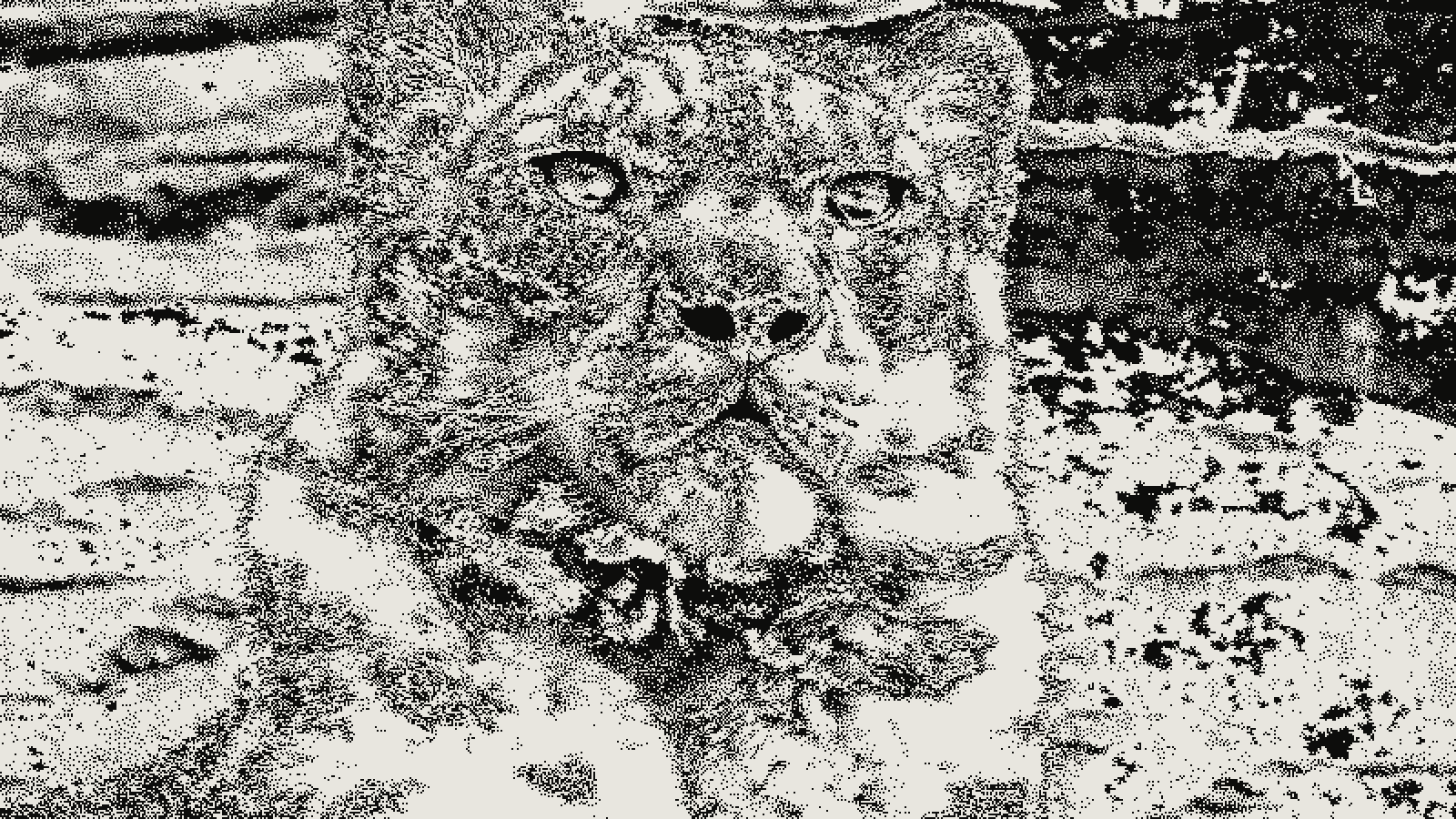 subject: snow leopard · look: atkinson · threshold 0.50 · 2px · Image made with kott.io
Do dithered images load faster than WebP?
Dithering is a way to approximate shades you have removed from an image by arranging the few remaining colours in a pattern of dots. It cuts the number of colours, not the amount of detail the encoder has to describe.
That distinction decides the file size. A smooth photo is cheap for a lossy codec because neighbouring pixels are similar. A dithered photo is a field of isolated black and white pixels whose arrangement changes everywhere, so a lossy codec sees noise and a lossless one sees little to reuse. The next section has the numbers.
What do the measured byte counts say?
Austin Carr at Simple Thread tested four large Unsplash photos, unedited: a complex and a simple black and white one, and a complex and a simple colour one. These are his results at full size.
| Format | B&W complex | B&W simple | Colour complex | Colour simple |
|---|---|---|---|---|
| Original JPG | 1.53 MB | 3.50 MB | 1.69 MB | 552 KB |
| Dithered JPG | 16.1 MB | 16.4 MB | 24.7 MB | 29.9 MB |
| Dithered PNG | 2.73 MB | 2.27 MB | 4.63 MB | 4.25 MB |
| Original, lossy WebP (quality 75) | 384 KB | 1.74 MB | 660 KB | 240 KB |
| Original, AVIF (quality 30) | 126 KB | 982 KB | 358 KB | 85.5 KB |
Only one dithered file beat its original JPG: the simple black and white photo saved as PNG, 35% smaller. Every other dithered file grew. Plain lossy WebP of the original beat the original JPG in all four cases, by roughly 50% to 75% by our arithmetic from his table.
Dithering tools often resize the image too, so he repeated the test on the simple colour photo at 500 pixels wide.
| Format at 500px wide | File size |
|---|---|
| Original JPG | 133 KB |
| Dithered JPG | 354 KB |
| Dithered PNG | 53.4 KB |
| Dithered lossless WebP | 30.1 KB |
| Original, lossy WebP | 6.31 KB |
| Original, AVIF | 3.12 KB |
Here the dithered PNG is about 60% smaller than the JPG, and lossless WebP trims it further. But the plain lossy WebP of the undithered photo is still under a quarter of the dithered lossless WebP's size.
One caveat: this is one author, four photos and one dither tool's settings. Treat it as a strong data point, not a law. A different palette or algorithm will move the numbers, which is why the next post matters.
What is the case for dithered images?
The opposing post, Why your site should be using dithered images on dev.to, reports small files from a single dog photo. The original JPEG is 123 KB. Resized to 200 pixels it is 30 KB. The dithered versions come in at 8 to 17 KB depending on palette and method, and the author says the outputs are PNG or WebP.
Those numbers don't contradict the Simple Thread table. Look at where the savings come from. The same post lists a black and white PNG of the photo without dithering at 15 KB, and the dithered black and white PNG at 48 KB. The dither made that file three times bigger. The saving came from cutting the palette and shrinking the image, and a palette cut can be done without dither, with banding as the price.
The dev.to post also does not compare against a lossy WebP of the resized original, which is the comparison that matters. Simple Thread's 500px figure, 6.31 KB for lossy WebP, suggests that comparison would not favour the dither.
Why does a dithered JPEG come out so much bigger?
JPEG splits an image into small blocks and stores each as a sum of smooth wave patterns, throwing away the finest ones. Dither is mostly the finest patterns: alternating pixels at the highest frequency the grid allows. JPEG either keeps them at a high cost in bytes or discards them and smears the dither. We cover the visual damage in why dithered images break under JPEG and video compression.
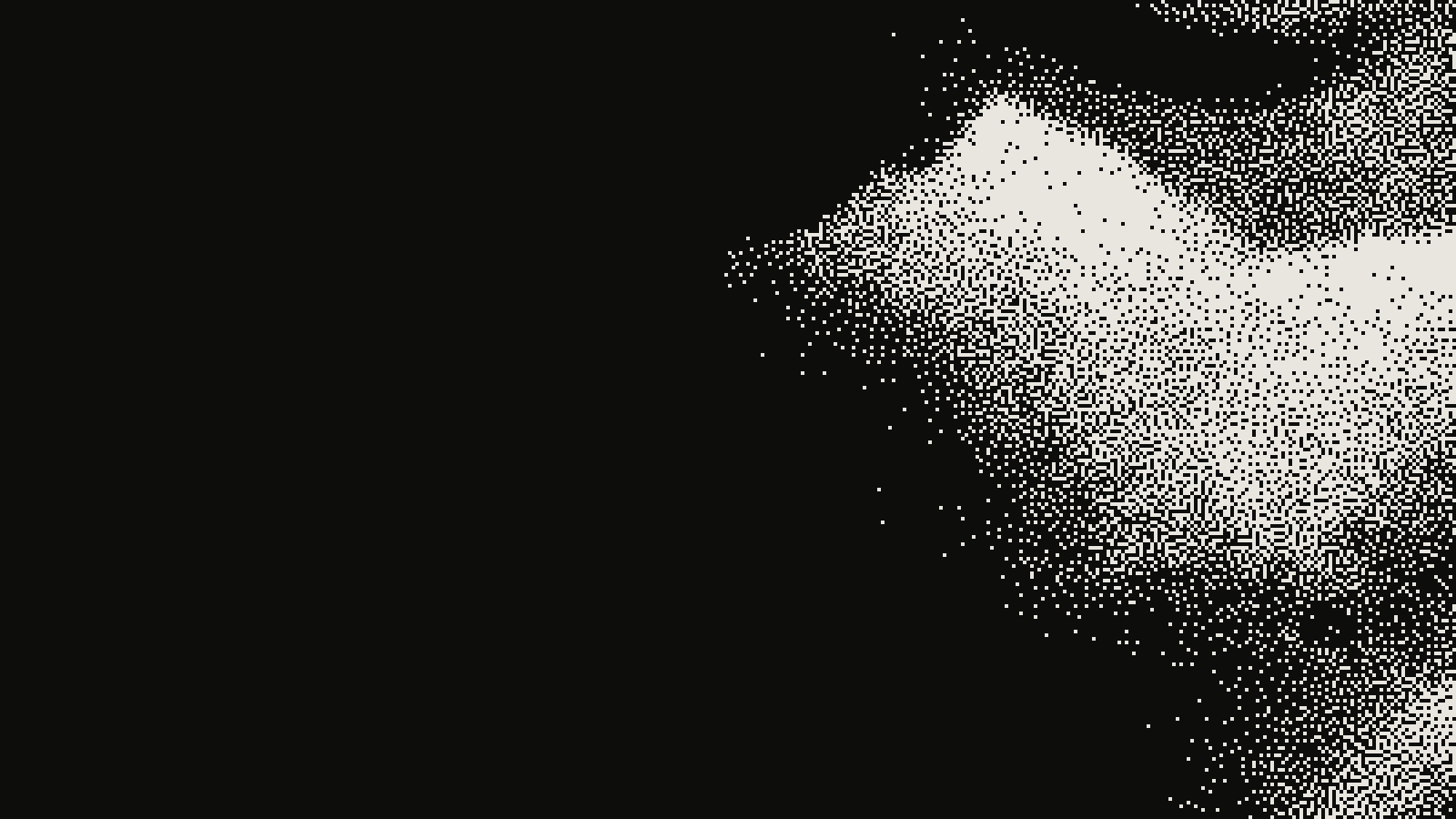 subject: greek statue · look: atkinson · threshold 0.50 · 1px · centre crop enlarged 4x, nearest-neighbour · Image made with kott.io
PNG and lossless WebP work differently: they look for repeats. Google's WebP documentation says lossless WebP reuses already seen image fragments to rebuild new pixels, and that lossless WebP files are 26% smaller than PNGs. Ordered dithering, such as a Bayer matrix, repeats a tiny tile across the whole image, so it suits that approach. Error diffusion, such as Floyd-Steinberg or Atkinson, scatters pixels with no fixed tile and compresses worse. That's an expectation from how the codecs work. Neither post measured it.
Google also states that lossy WebP is 25% to 34% smaller than comparable JPEG images at the same SSIM quality index. That lines up with the full-size table above, where the plain lossy WebP beat the original JPG by a wide margin.
When is dithering still a defensible choice?
Choose dither when the grain is the design. A 1-bit or four-colour look is a visual decision, and nobody should justify it with a kilobyte count. Choose it when an image truly needs to be a few flat colours at a small size, like a decorative header, a favicon-scale illustration or an e-paper panel, and it will be saved losslessly.
If you do ship dither on the web, follow this checklist:
- Resize to the displayed size first. Dither at the final pixel size, never scaled afterwards, or the pattern blurs.
- Pick the palette before the dither. See choosing a palette before you dither.
- Prefer an ordered pattern such as Bayer when file size matters, for the repeating tile.
- Save as lossless WebP or PNG. Never JPEG. For animation, see GIF export settings that avoid banding.
- Export a lossy WebP of the undithered image at the same size, at quality 75, and compare. If the WebP is smaller and you do not need the look, ship the WebP.
So should you dither for performance?
No. For page weight, resize and use WebP or AVIF; both beat every dithered file in the published tests. For the look, dither and export losslessly. To compare both options on your own image, load it in the kott studio with dither preloaded, export it and check the byte count against a WebP before you decide.
Frequently Asked Questions
Do dithered images load faster than WebP?
Not in the published tests. A plain lossy WebP of the original photo was smaller than every dithered version, both at full size and at 500px wide.
Which format is best for a dithered image?
Lossless WebP or indexed PNG, because both exploit repeated pixel runs. JPEG is the worst choice: in one test a dithered JPG was between roughly 5 and 54 times larger than the original JPG.
Is dithering ever worth it for page weight?
Rarely. It makes sense when the grainy look is the goal, or when an image must be a handful of colours at a small size. Export it losslessly and compare it against a lossy WebP before you commit.
Images in this article were made with kott.io.
02/ OUT
Every setting described above is a real control. Open your own image and sweep it.
All journal entries