Faking a Riso Print Without a Press, and Where the Fake Shows
You can get the risograph effect digitally with one grayscale layer per ink, a coarse round-dot halftone and Multiply. Here are the settings and the tells.
01/ ARTICLE
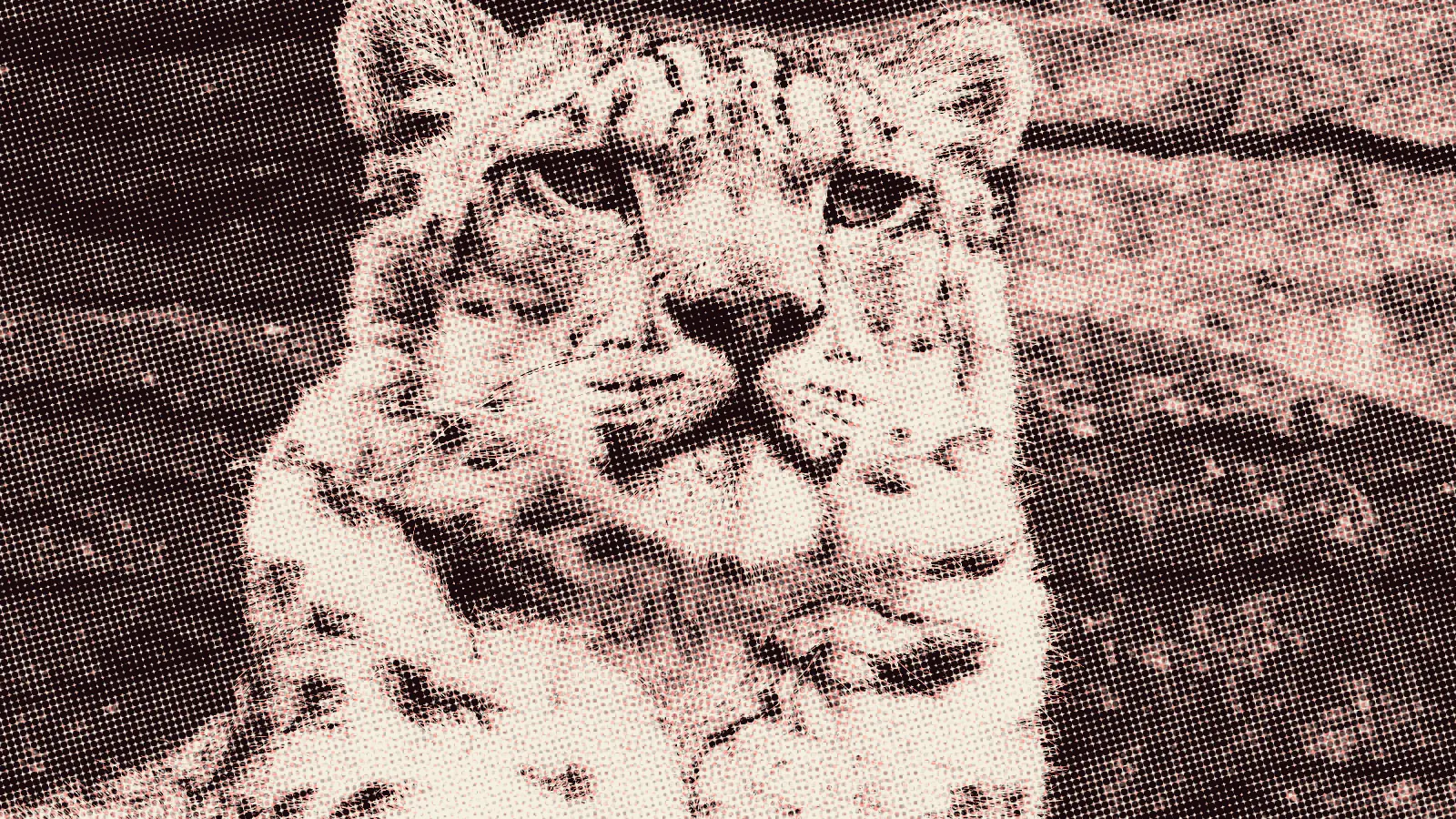 subject: snow leopard · look: riso · cell 4px · threshold 0.45 · misregistration 0.1 · Image made with kott.io
How do you fake a riso print without a press?
Separate the image into one grayscale layer per ink, turn each layer into a coarse round-dot halftone at its own angle, tint it, and set it to Multiply. That gets you the look on screen or on an inkjet. It won't get you the way a real drum print goes wrong, and that's where the fake shows.
A risograph print is a stencil-duplicated print in which each spot-ink colour is a separate pass of translucent ink on paper. Every property of the look follows from that sentence: flat colours, dot texture, overlaps that darken, and layers that never line up quite perfectly.
This guide is for designers who want the look and have no duplicator to hand. The settings below come from riso prep guides and from people who have faked the effect in Photoshop. Where they disagree, the table says so.
How do you build a fake riso print layer by layer?
Start with one grayscale layer for each ink. Liz Nugent's method uses three, blue, red and yellow, and converts each with Image > Mode > Grayscale and then Image > Mode > Bitmap, choosing the halftone option. She then deletes the white with the magic wand at tolerance 0, recolours each layer with locked transparency, and sets every layer to Multiply.
Grayscale is also how the real thing is specified. At Risolana, each file's percentage of black sets the ink amount: 100% black prints as 100% of whichever colour you are printing. So a layer you build this way is a faithful stand-in for the file a studio would receive. Separating a photo into those layers is its own job, covered in separating a file into riso ink layers.
For colour, the Envato Tuts+ tutorial maps its blue layer with a gradient from a dark royal blue (2f3450) to an aqua (56d5ff), and its red layer from pure red (dd0000) to a light pink (ffc8c8). Those are one illustrator's choices, not riso standards. Pick colours from the ink chart of the studio you are imitating.
What halftone settings does a real riso use?
Real riso prep uses a coarse screen. Studio ITY's prep guide gives 43 to 55 lpi, with a round dot as the safe default and a square dot for a more graphic look. If the midtones turn muddy, it says to drop to 43. Its angles are 15 degrees for the first colour, 75 for the second and 45 for the third, which keeps the grids from producing moiré where inks overlap.
The fake tutorials don't agree with that or with each other, so check them against the print you're copying.
| Source | Frequency | Angles | Dot |
|---|---|---|---|
| Studio ITY riso prep guide | 43 to 55 lpi | 15, 75, 45 | Round (square for a graphic look) |
| Liz Nugent's Photoshop fake | 150 on the darkest layer, "lower for web" | 15, 75, 90 | Round |
| Code simulation at yichenlab | Cell size 60 to 80 for crisp dots, 20 to 40 for heavy spots | About 15.5, -15.5, 0, 44.7 | Not stated |
The 150 in the middle row is the first tell. A screen that fine reads as offset print. If the fake is meant to be mistaken for a drum print, stay near the guide's range and let the dots be visible at normal viewing size. For vector versions of these screens that a screen printer can output, see vector halftones for a screen printer, and for the case where dots are the wrong tool, stochastic screening versus halftone.
Does a grain overlay make it look like riso?
A grain overlay helps, but it won't carry the look alone. The Tuts+ tutorial defines a square-grid pattern, sets it to Overlay, puts a paper texture on its own layer set to Multiply, and adds Camera Raw grain at 36 and vignetting at -25. Nugent masks each ink layer with a screenprint-style texture and offsets each mask so the textures do not line up.
Offsetting each mask is the right instinct. If the same texture sits identically on every layer, the grain looks like one effect applied to a picture, not like three separate passes of ink.
The yichenlab simulation shows the usual shortcut. It adds coverage noise of ±6% with a spatial hash and surface grain of about ±2%, applied across the whole render. Its own explanation is that this stands in for drum screens holding slightly different amounts of ink per square millimetre and for paper fibres scattering droplets. The page gives no measured figures for how much a real machine varies, so treat these as plausible defaults, not as data.
Where does a fake riso give itself away?
It gives itself away in four places, and none of them is the grain.
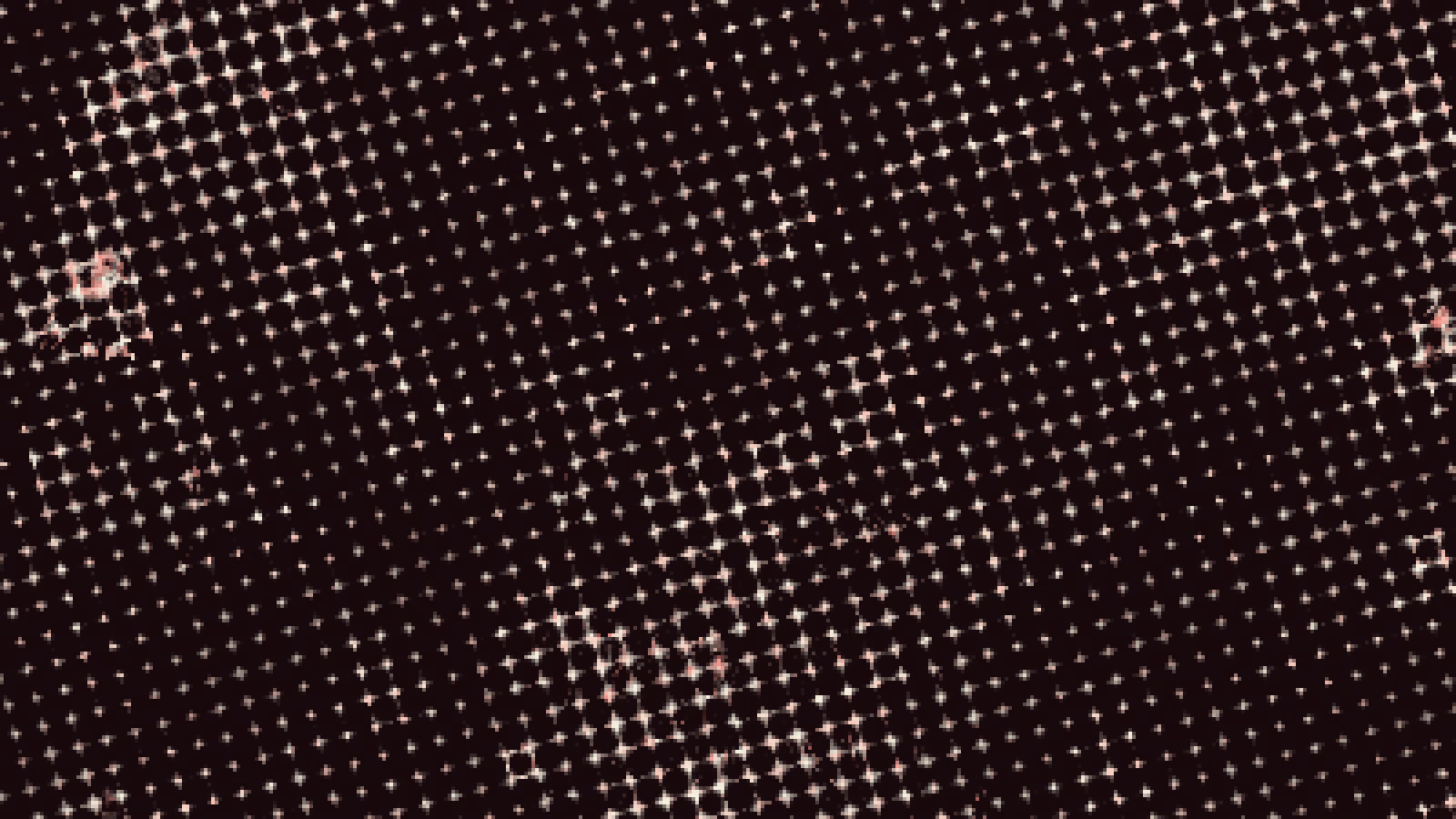 subject: bull · look: riso · cell 4px · threshold 0.45 · misregistration 0.1 · centre crop enlarged 4x, nearest-neighbour · Image made with kott.io
Misregistration that is too tidy. Most fakes nudge each layer by a small fixed amount or a random amount. The yichenlab simulation does exactly that with a fixed per-plate offset, and it contradicts itself on size: the body says fractions of a millimetre, the FAQ says 1 to 2 millimetres. The same page attributes real drift to grip slip, friction variation, humidity and paper stretch, which happen on each pass. That is mechanical error, not noise, so it tends to be consistent in direction within a print and different between prints. On the press it shows up as gaps, which is why Risolana recommends trapping, slightly enlarging shapes so colours overlap.
Perfect solids. The same studio advises keeping large solid areas to 80% coverage at most, or breaking them up so they print at 100%, and notes roller marks from solids run through repeatedly. A flat, even 100% fill across a big shape is a screen habit, not a press result.
Dots that are too fine. At 150 lines the picture reads as offset. At 43 to 55 it reads as riso.
A white background. Riso ink is translucent, so paper colour changes the result. A fake on pure white Multiply hides that. Put a paper tone under it.
Overprint is the last thing to check. Multiply gives you overprint everywhere, which is correct for most overlaps. A real file decides per layer which colours overprint and which knock out, so if an area should be a pure spot colour, cut the layers beneath it.
How do you get the riso look in kott?
kott's riso-print effect exposes misregistration and grain as controls alongside cell size and dot shape, so you can test the manual method above against a preset on the same photo. The Photoshop route is fully reproducible without it, and Photoshop is the better choice if you need to hand-edit individual dots or paint the masks yourself. To compare your layered fake with the effect on your own image, open the riso effect in the kott® studio.
Frequently Asked Questions
What lpi should a fake riso halftone use?
Riso file-prep guidance runs about 43 to 55 lpi with a round dot, dropping to 43 if midtones look muddy. One tutorial uses a frequency of 150 and says to go lower for web. Finer screens look like offset print, not riso.
Should I use Multiply or Overlay for riso layers?
Use Multiply for the ink layers, because riso ink is translucent and layers darken where they overlap. The Envato Tuts+ tutorial uses Overlay only for the grain pattern, not for the inks.
Is riso misregistration random?
Not according to the sources. One attributes drift to grip slip, friction, humidity and paper stretch on each pass, and studios treat the resulting gaps with trapping. A random nudge is a simplification.
Images in this article were made with kott.io.
02/ OUT
Every setting described above is a real control. Open your own image and sweep it.
All journal entries