Why Your Visuals Moire on the LED Wall: Pixel Pitch Against a Camera Sensor
LED wall moire is a beat between the wall's pixel grid and the camera sensor's. What pitch, distance and lens change, why shutter fixes a different problem…
01/ ARTICLE
Moire on an LED wall is the slow interference pattern that appears when a camera sensor samples a regular LED grid at a spacing close to its own. You don't see it standing in the room. The camera sees it, so the stream, the IMAG screen and the venue's phone footage all show rippling bands that your clip never contained.
This is written for the VJ who sends content to a wall they don't control. Below: what moire is, how to tell it from scan lines, what pixel pitch really decides, what the camera operator can change, and what you can try in the clip itself.
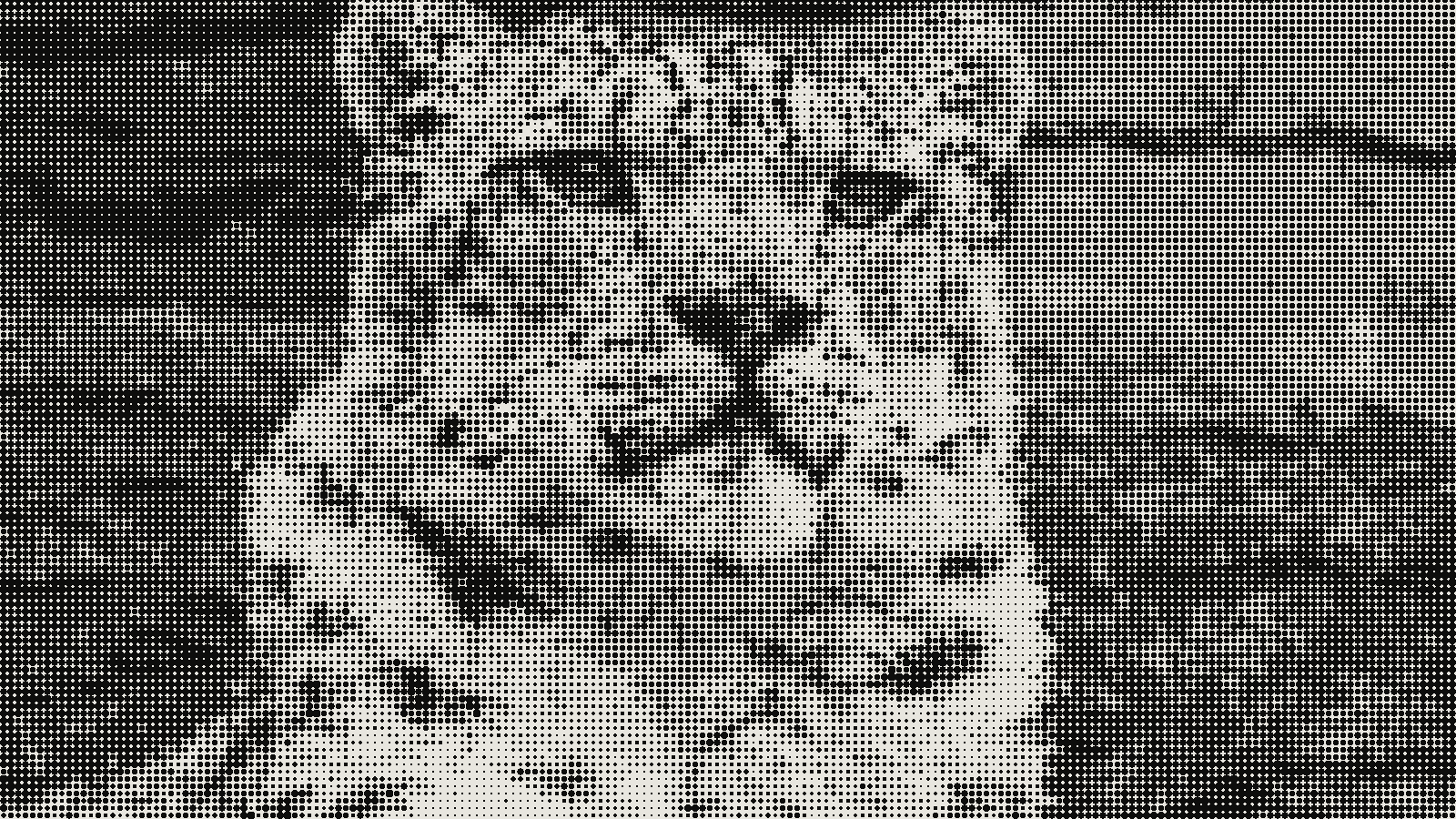 subject: snow leopard · look: halftone · cell 8px · angle 45° · shape circle · Image made with kott.io
Why does an LED wall moire on camera?
Moire is a beat between two regular patterns. As Wikipedia's article on moire patterns describes it, two periodic variations with close frequencies produce an envelope whose frequency is half the difference of the two, far lower than either grid. It is the same idea as two nearly identical musical tones producing a slow wobble. The article also places aliasing in sampled signals under the same paradigm.
On a wall, the first grid is the LEDs. The second is the camera sensor's pixel grid. When the spacing of one, as projected onto the other, is close to a multiple of the other's, the camera records a slow ripple that exists in neither. DOIT VISION's guide to filming LED screens describes the result as irregular patterns that shift when the camera moves or its settings change. That article comes from an LED manufacturer, so treat its numbers as vendor claims rather than independent tests.
Your eye doesn't sample the wall on a regular grid, so the room looks clean. Aliasing needs something that samples.
Is it moire or scan lines?
People mix them up constantly, and the fixes differ. Scan lines are evenly spaced horizontal black bars. The same vendor source ties them to a mismatch between the wall's line-by-line refresh and a rolling shutter, and gives roughly 1000 Hz or higher as the refresh to aim for with cameras shooting at 1/50 or 1/60 s. Moire is a rippling pattern that drifts as the camera moves.
| Moire | Scan lines | |
|---|---|---|
| What it looks like | Rippling bands, rainbow edges, shifts with camera movement | Even horizontal black bars |
| Cause | LED grid against sensor grid | Wall refresh against rolling shutter |
| Shutter helps? | No | Yes, when matched to refresh |
| Who fixes it | Camera position, lens, aperture; you with content | Wall processor settings, camera operator |
| Your move as VJ | Test your clip, ask for a different camera angle | Tell the tech what you see; clip content won't fix it |
A shutter change fixes bands and leaves moire exactly where it was. If someone offers you a shutter fix for a rippling pattern, they are solving the wrong artefact.
Does pixel pitch decide whether it moires?
Pitch is the centre-to-centre distance between neighbouring LEDs. CTS AVL notes that pitch runs from about 0.9 mm to over 20 mm. A finer pitch lowers the odds, and the vendor source recommends P1.2 or finer for camera work. You almost never choose the wall, though, and many venue walls are coarser than that.
Distance matters as much. The vendor source says that moving a camera from 4 m to 6 m changes how LED pixels map onto the sensor, so the same wall can ripple from one position and be clean from another. Its own case study reports the moire vanishing at 2 m. Those are single unnamed examples, not a rule.
CTS also gives a viewing rule of thumb: pitch in millimetres times three gives the minimum viewing distance in feet, so a 4 mm wall wants about 12 ft. It adds that this does not guarantee the effect goes away. It is a starting point for people in the room, not for a lens.
What can the camera operator change?
Ask for these, politely, because they cost the operator something. The values below are the vendor source's claims:
- Angle. A camera square to the wall makes the grids resonate. Tilting 5 to 10 degrees breaks the alignment, but it doesn't remove the problem and it changes the shot.
- Aperture. F2.8 to F4 blurs LED pixel edges and weakens the grid. F8 and smaller apertures sharpen it. The price is depth of field.
- Lens. Telephoto magnifies the LED pattern. 24 to 50 mm spreads it.
- Distance. Moving the camera, even a metre or two, can change the result.
None of these is yours to set, and none of them is guaranteed. Lighting interacts with all of this. CTS notes that brighter light lets the iris close down, while dim light forces it open, which pulls against the aperture advice above. Settle the setup with the camera team, not from a list.
What can you change in the clip itself?
Start with what is and isn't known. No source here measures how dither cell size or pattern orientation changes moire at a given pitch, lens and distance, so there is no table of safe values to give you. What CTS does say is that colours and patterns in the content strongly influence the effect, and that content which looks good on a phone may not translate to a large LED wall, so it should be checked on the actual wall.
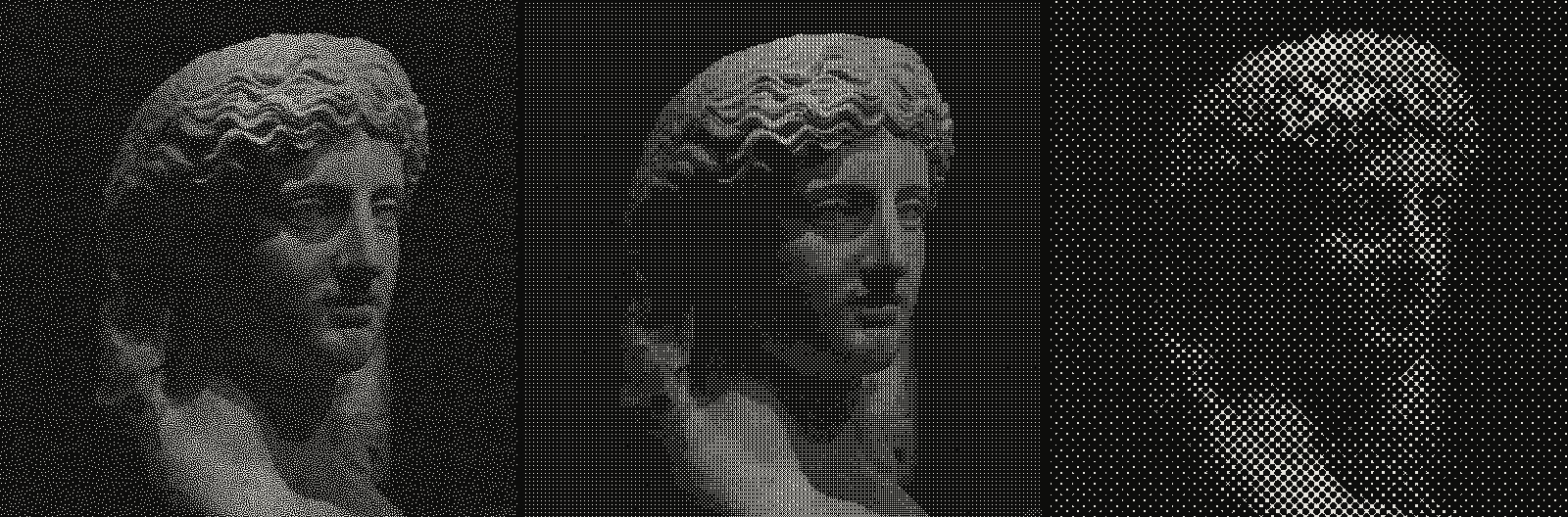 subject: greek statue · look: blue-noise / bayer / halftone · reading order: blue-noise threshold 0.50 1px / bayer 4x4 matrix threshold 0.50 1px / halftone cell 8px angle 0° shape circle · Image made with kott.io
The beat explanation points at a hypothesis worth testing, not a rule. Fine, regular patterns such as dither matrices, halftone dots and line grids are periodic, so they can sit near the wall's own period and the sensor's. An irregular pattern has no single period to beat against, and a softer or larger cell changes the spacing the sensor sees. In stochastic screening against halftone the same trade shows up in print, where regular dot rosettes interfere and random dots do not. A wall is a different medium, so don't assume it carries over.
To make test variants quickly, load the same source in the kott® studio with halftone loaded, and export the same clip with a 4px, 8px and 16px cell, plus a blue-noise and a Bayer version. If you animate the dots, animating halftone without flicker covers what moves and what shouldn't.
How do you test it before the show?
Treat it as a soundcheck item. Run this once, at the real wall, with the real camera:
- Play each variant full screen for ten seconds.
- Have the operator shoot from the position they will use, then walk the camera a metre each way.
- Note which variants ripple, and whether the ripple moves with the camera or stays put.
- Ask the tech whether any scan-line bands showed. Those are theirs to fix.
- Keep one soft, irregular clip as a fallback, on a pad you can hit without searching. Compared VJ controllers helps with where to put it.
CTS recommends involving the AV partner early, including on content. Sending your clips a day ahead gets you a real-wall test instead of a guess.
Bottom line
Moire is a camera-and-wall problem you can only partly influence from the clip. Fix the shutter question first so you aren't chasing the wrong artefact, ask for a different angle or lens if it ripples, and test fine regular patterns against irregular ones on the actual wall. Then keep a fallback clip ready. To build the test variants, open the kott studio with halftone loaded.
Frequently Asked Questions
Does a faster shutter fix moire on an LED wall?
No. Shutter and refresh timing cause scan-line bands, which are a different artefact. Moire comes from the LED grid beating against the sensor grid, so it responds to distance, angle, lens, aperture and content.
What pixel pitch avoids moire on camera?
No pitch avoids it on its own. A vendor source recommends P1.2 or finer for camera work, but venue walls are often coarser, so you work with distance, lens and content instead.
Can I fix moire in the visuals I send to the wall?
You can change how likely it is, but nobody can promise a fix. Content colours and patterns influence the effect, so test the clip on the real wall through the real camera.
Why does the wall look fine in the room but bad on the stream?
Your eye does not sample the wall on a regular grid, and a sensor does. The interference only exists once a camera samples the wall.
Images in this article were made with kott.io.
02/ OUT
Every setting described above is a real control. Open your own image and sweep it.
In kott, the beat, the bass or an EQ band you define can move any control of any effect: how the audio routing works.
All journal entries