The Xerox Photocopy Effect: Threshold, Toner Grain and Generation Loss
The xerox photocopy effect is a hard threshold plus copier flaws, not a filter. Here is the Photoshop recipe, the settings kott uses, and how to get…
01/ ARTICLE
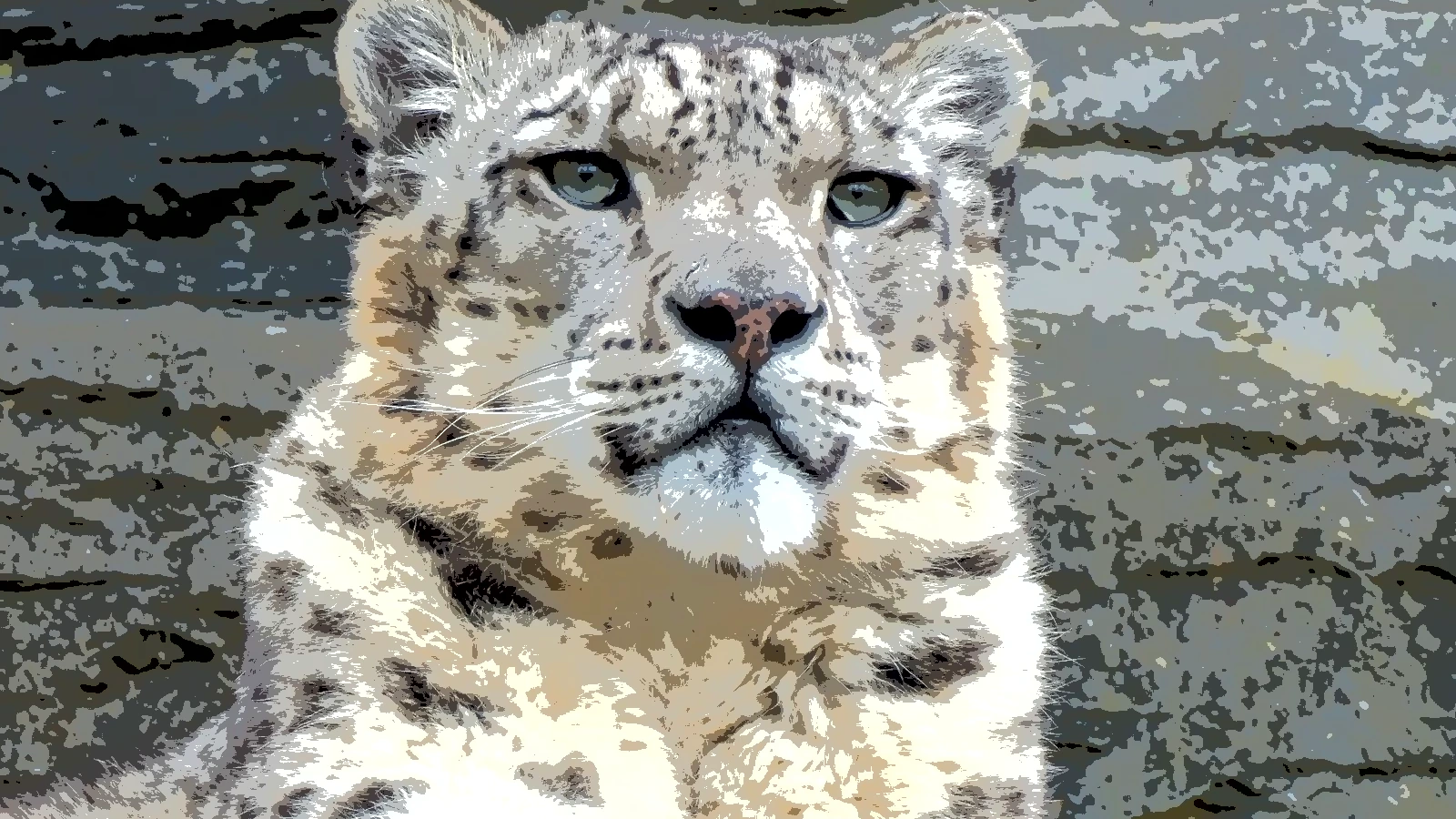 subject: snow leopard · look: posterize · levels 4 · Image made with kott.io
What is the xerox photocopy effect?
The xerox photocopy effect is a 1-bit black-on-white rendering where a hard threshold removes the midtones and copier flaws supply the texture. It comes from a short chain of operations, not a single filter, so you can tune each step on its own.
The lineage is documented. Charles Arnold Jr. of the Rochester Institute of Technology made what Wikipedia describes as the first photocopies with artistic intent in 1961, and Barbara T. Smith leased a Xerox 914 in 1967 and 1968 to make thousands of copies for sculptures, artist's books and collages. The same article notes that copy shops let artists make books and magazines cheaply and without censorship, which is the print culture the zine look comes from. It does not cover zines directly, so treat that link as context, not a citation.
Why does a hard threshold look like toner?
Toner is either on the paper or it is not. A threshold does the same thing to a picture: every pixel becomes black or white, and the midtones are forced to pick a side. That binary call is most of what reads as photocopied.
The catch: a threshold needs detail to cut into. A photo with a wide tonal range loses faces and fur to solid black or white. So you flatten first. The Photoshop Roadmap tutorial uses a high Shadows/Highlights shadow value, around 100, to flatten the tonal range before the threshold step. You end up with fewer extremes, so the cut lands on texture instead of one big dark blob.
If you like the two-tone logic, the 1-bit Macintosh look runs the same hard decision with a different goal: crisp pixels instead of paper and ink.
How do you fake a photocopy in Photoshop?
The manual method is five moves. The tutorial lists these settings, and it is honest about what it leaves out: it gives no threshold level and no opacity percentage, so you set those by eye.
| Step | What it does | Setting from the tutorial |
|---|---|---|
| Convert to Smart Object | Keeps every filter editable | None |
| Shadows/Highlights | Flattens the tonal range | Shadow value around 100 |
| Median | Softens fine detail like copy degradation | 1 to 2 px |
| Reticulation | Adds a clumped, grainy texture | Density 20 to 22, foreground and background levels at 0 |
| Threshold | Forces black and white | Level not given; combine with reduced layer opacity |
Work in that order. Shadows/Highlights comes before threshold because the threshold can't be undone gracefully. Keep the median small: at 1 to 2 px it takes the digital sharpness off, and past that the picture goes soft in a way a real copy never does.
Photoshop does this well. Smart Object filters stay editable, and you control every value by hand. What the manual route does not give you is structure in the noise, which is the next section.
What gives toner its grain?
Copier flaws are structured, not random. That's what separates a photocopy from a photo with noise sprinkled on it. kott's XEROX effect is built around that idea, and its source describes the result as crushed 1-bit toner with per-row gain bands, speckle, roller streaks and a wandering misfeed skew.
These are the parts, taken from the effect's code:
- Soft threshold edge. Ink is a smoothstep between threshold plus 0.07 and threshold minus 0.07, so the black-to-white decision has a narrow ramp instead of a razor edge.
- Row gain bands. Each row's brightness is multiplied by a value between 0.9 and 1.1, which makes density vary row by row, like uneven exposure.
- Speckle. Isolated specks of ink land on white areas.
- Roller streaks. Narrow vertical streaks thin the ink and dim the paper slightly.
- Misfeed skew. Rows shift sideways by a small noise-driven amount, controlled by the SKEW parameter.
Uniform noise is the usual mistake. It reads as film grain or a cheap texture overlay. A photocopy has rows, streaks and clumps, which is why the effect uses all four instead of one.
What does copying a copy do?
Copying a copy degrades the image a little more each time. Wikipedia lists this as "degeneration" among the named copy-art techniques: copies of copies that progressively degrade the image.
Digitally, you feed the result back in. Export the first pass, load it, and run the effect again. One pass is a copy. Five passes is a decayed one, with the speckle compounding and thin lines breaking up. The loss only appears when you copy the copy, so no setting on a single pass will fake it.
The analogue-video cousin is the VHS glitch look, which degrades tape signal instead of toner on paper. The mechanics differ, but the repeated loss works the same way.
How do you build the xerox look in kott?
kott® ships the chain as one effect called XEROX. It has two parameters, taken from the effect source:
| Parameter | Range | Default | What it does |
|---|---|---|---|
| THRESHOLD | 0 to 1 | 0.5 | Where midtones flip to ink or paper |
| SKEW | 0 to 1 | 0.3 | Size of the row-by-row misfeed shift (advanced) |
Start at the default threshold of 0.5 and move in steps of 0.05. A lower threshold gives a denser, blacker copy, and a higher one gives a thin, washed-out copy. Leave SKEW alone until the tones look right, then raise it for a crooked, misfed page.
For generation loss, export the result and load it back in as the source. Compare each pass with the last one to judge how much decay you want.
What breaks in the xerox look?
Soft gradients collapse first. Skin and sky have no edges for the threshold to find, so they turn into one black patch or one white one. Flatten the range before thresholding, as above, and the damage drops.
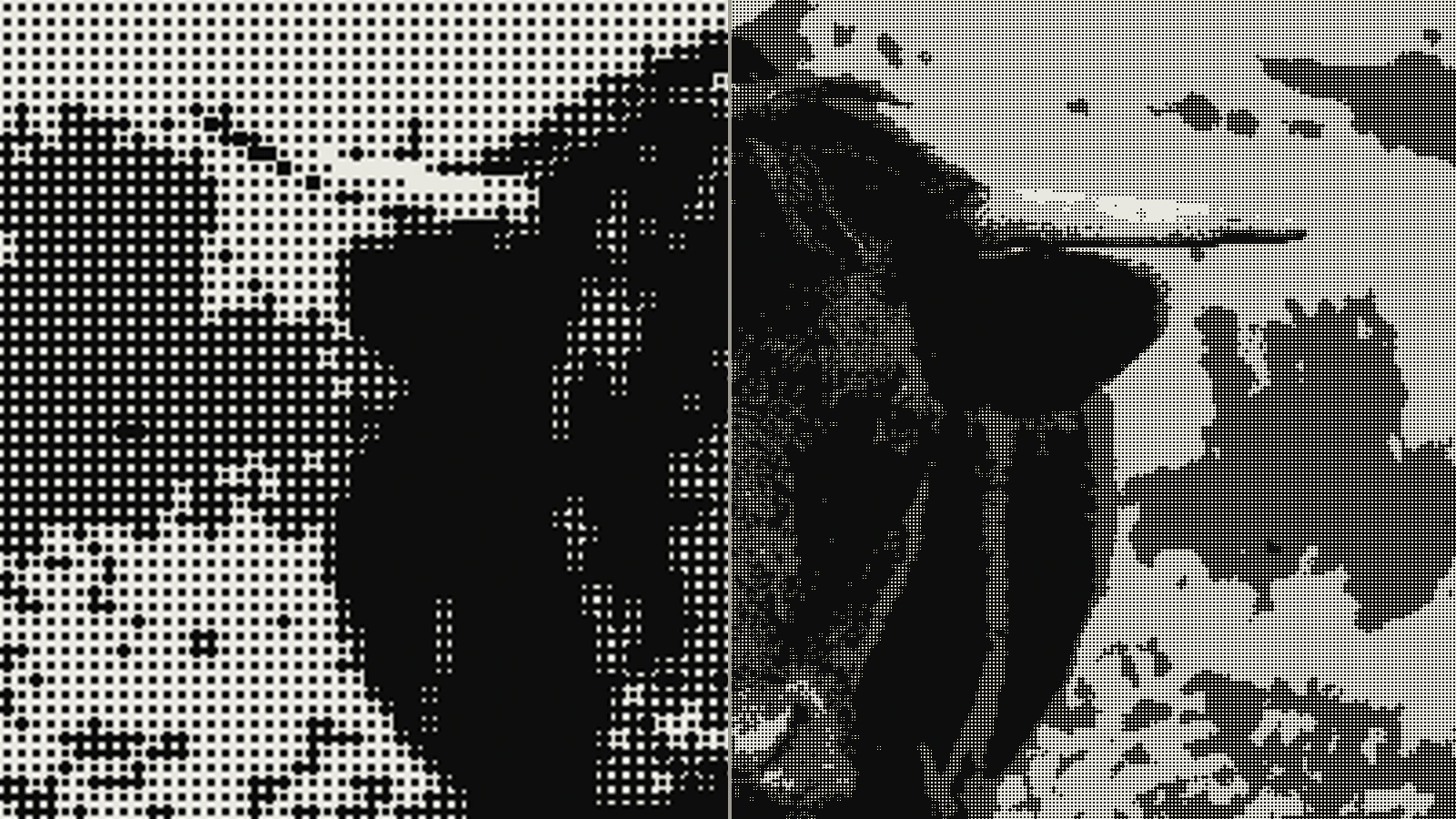 subject: bull · look: halftone · cell 4px · angle 45° · shape circle · left: dithered at 400x224 then bicubic-upscaled to 1600x900 · right: dithered at 1600x900 · Image made with kott.io
Set the threshold too low and the page floods with black. Set it too high and the subject vanishes into white paper. Move it a little at a time and watch the face or main shape.
Scale is the other trap. The grain is tied to pixel size, so enlarging a finished 1-bit file turns crisp specks into soft blobs. If the copy is headed for a poster or a large sheet, render at final size, and read taking 1-bit artwork to A1 first.
Conclusion
The photocopy look is a recipe: flatten the range, threshold, soften slightly, add structured flaws, and copy the copy if you want decay. Photoshop gets you most of the way by hand, and the details that sell it are the row bands, streaks and speckle. You can test the whole chain on your own photo with the effect preloaded in the kott® studio.
Frequently Asked Questions
What is the xerox photocopy effect?
It is a treatment that reduces a picture to black toner on white paper. A hard threshold kills the midtones, then copier flaws such as speckle, streaks and uneven density supply the texture.
Is the photocopy look a filter?
No. It is a short chain of operations: flatten the tonal range, threshold, soften with a small median, then add noise. Run it as a chain and you can tune each step.
What threshold gives the best photocopy look?
Start in the middle of the range. kott's XEROX effect defaults to a threshold of 0.5 on a 0 to 1 scale. Lower it for a denser, blacker copy and raise it for a thinner, washed-out one.
How do you get generation loss in a digital file?
Export the result and run it through the effect again. The loss only shows up when you copy the copy, so a single pass will not match a fifth-generation photocopy.
Images in this article were made with kott.io.
02/ OUT
Every setting described above is a real control. Open your own image and sweep it.
All journal entries