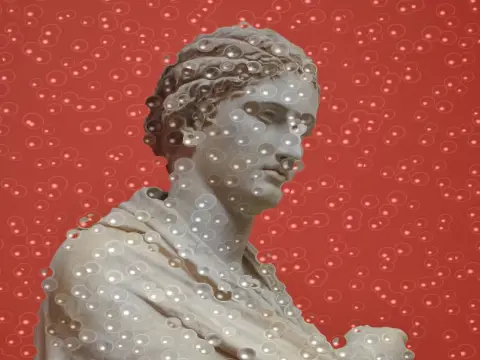
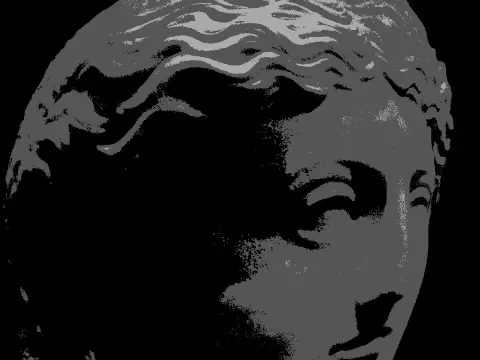
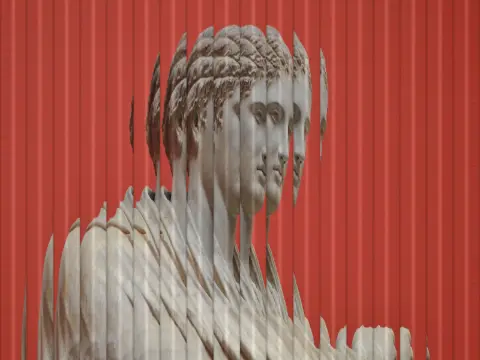
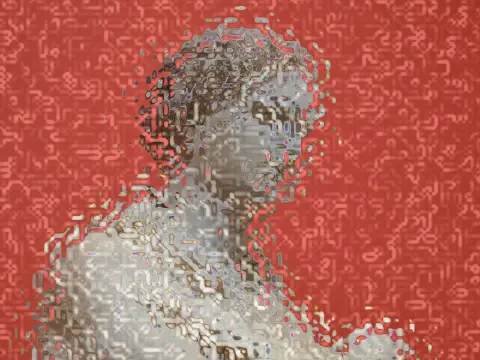
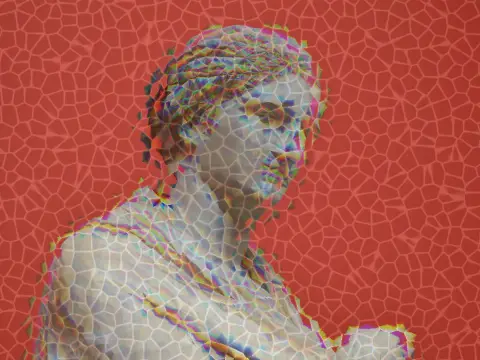
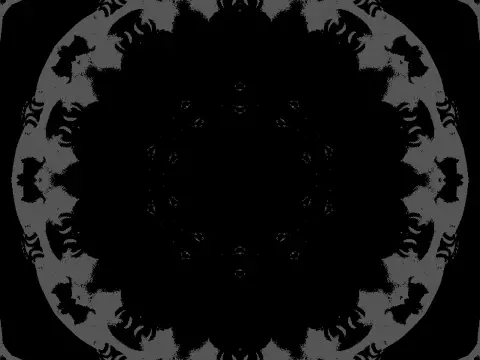
twirl effect
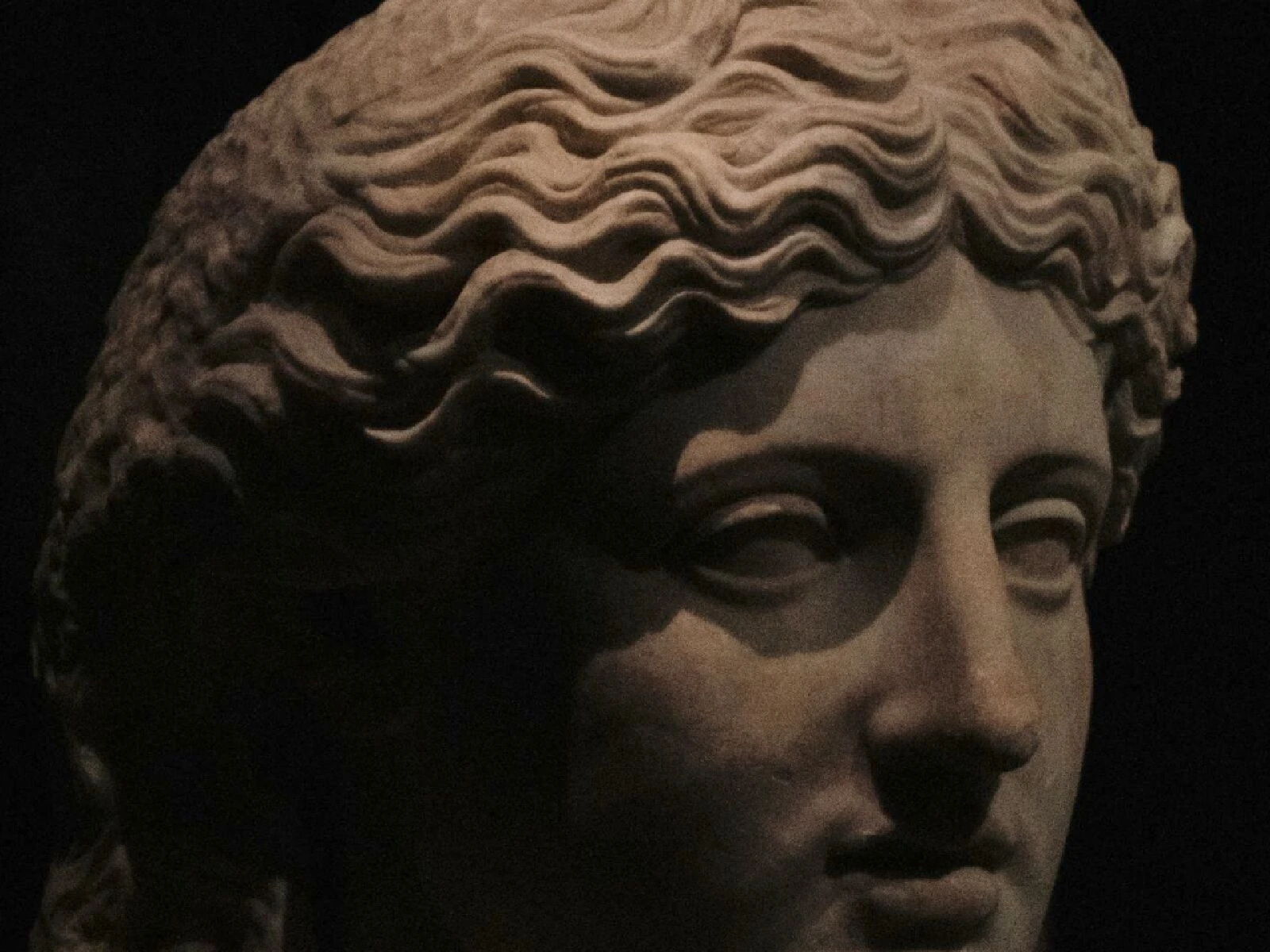
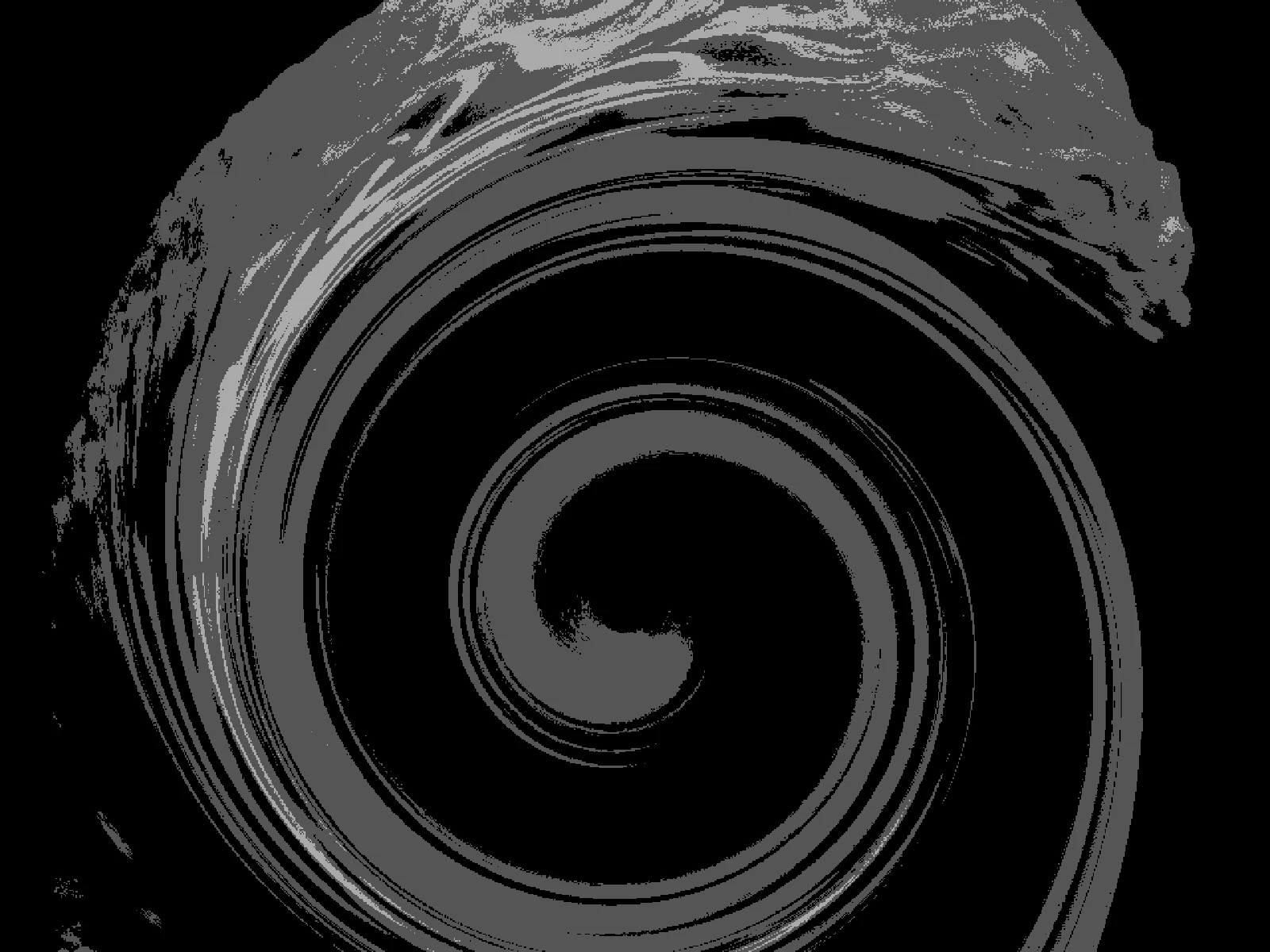 SourceEffect
01/ ORIGIN
The twirl is native to image processing rather than borrowed from optics: no lens does this, and no film ever did it by accident. It arrived with raster editing, when displacing a pixel by an angle proportional to its distance from a chosen centre became a cheap arithmetic operation. Photoshop shipped a Twirl filter in its earliest versions, and it became one of the small set of transforms that defined what people expected a digital image editor to do.
02/ SWEEP
TWIST sweep
03/ SPEC
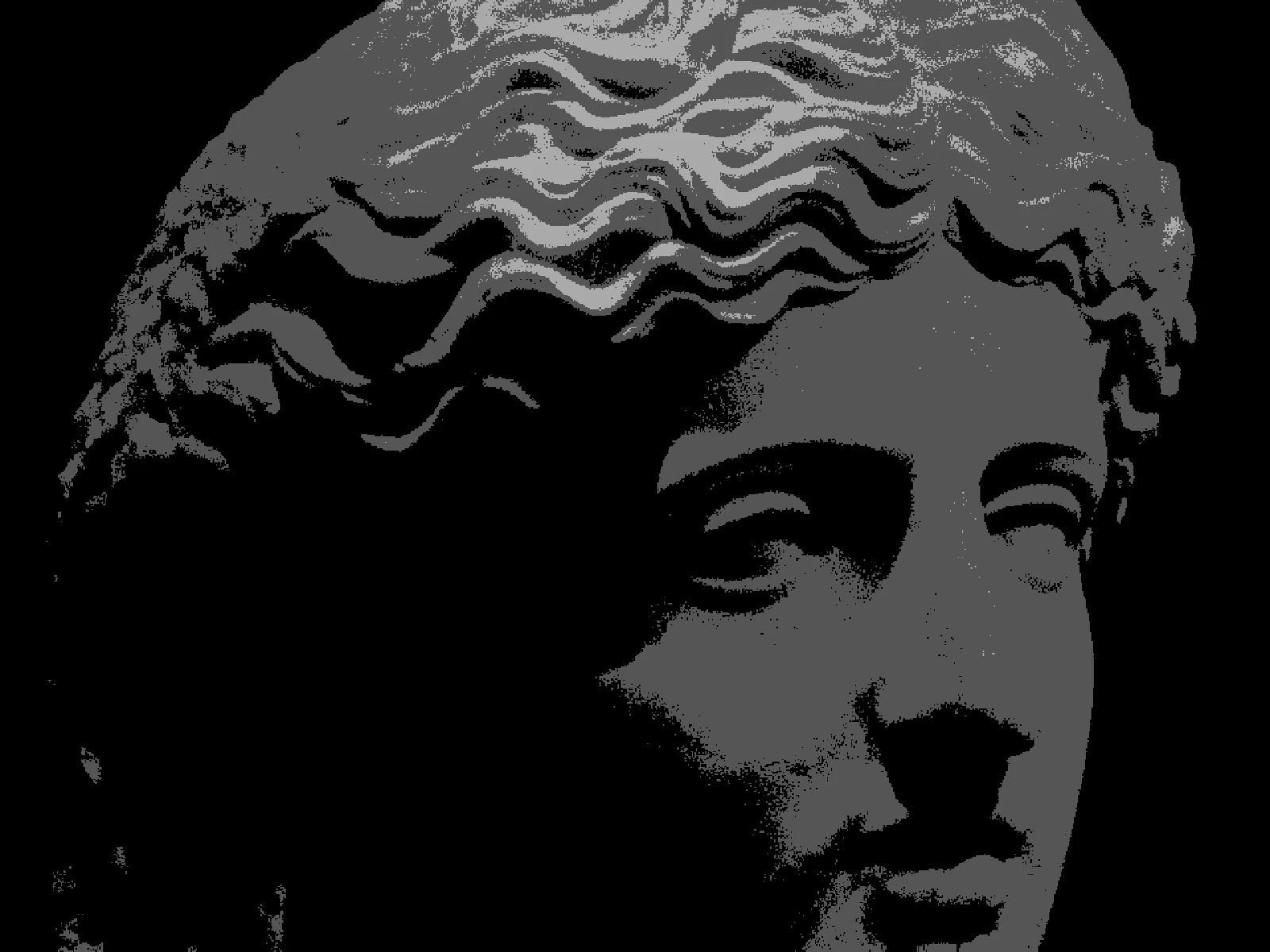
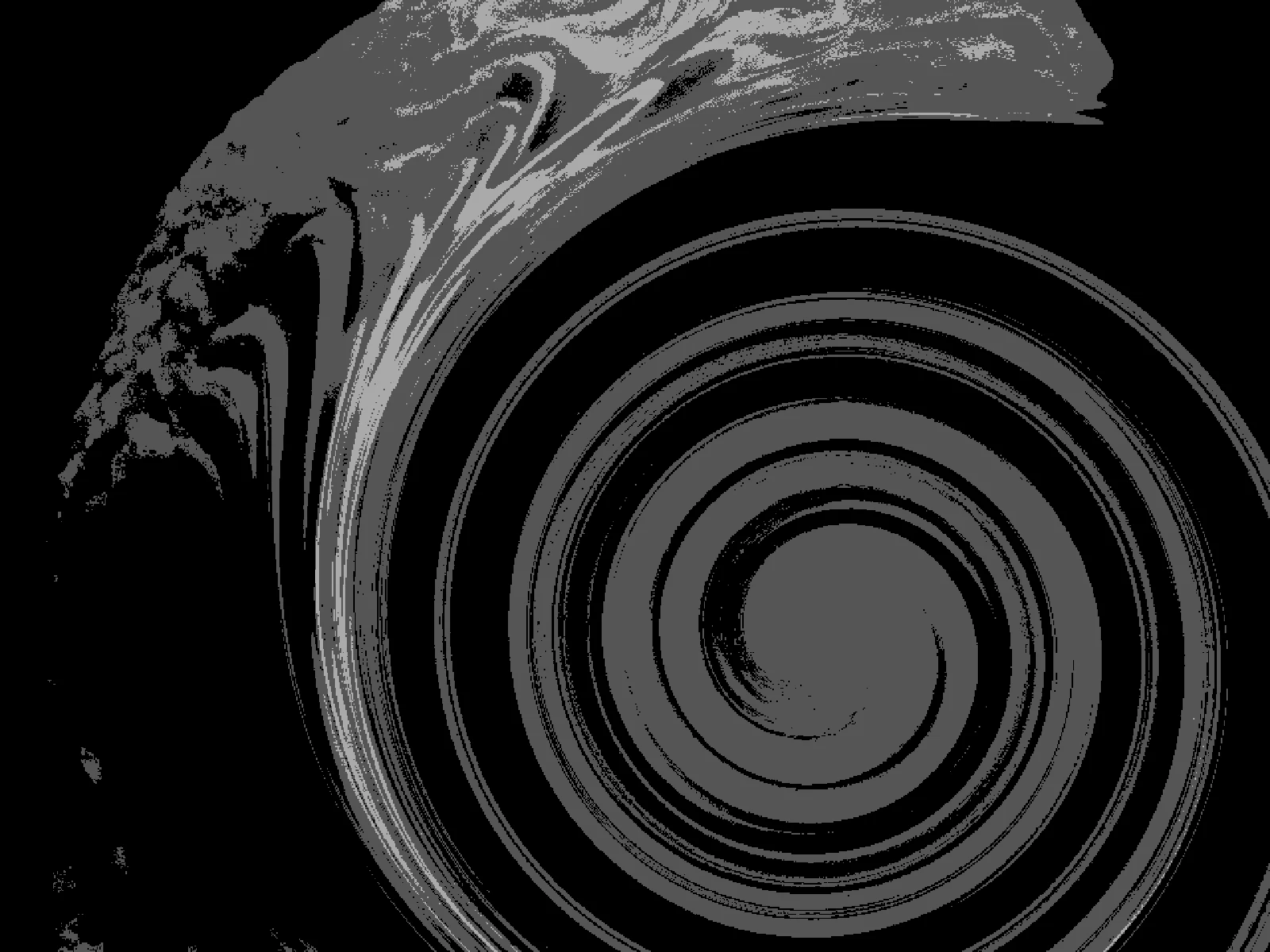
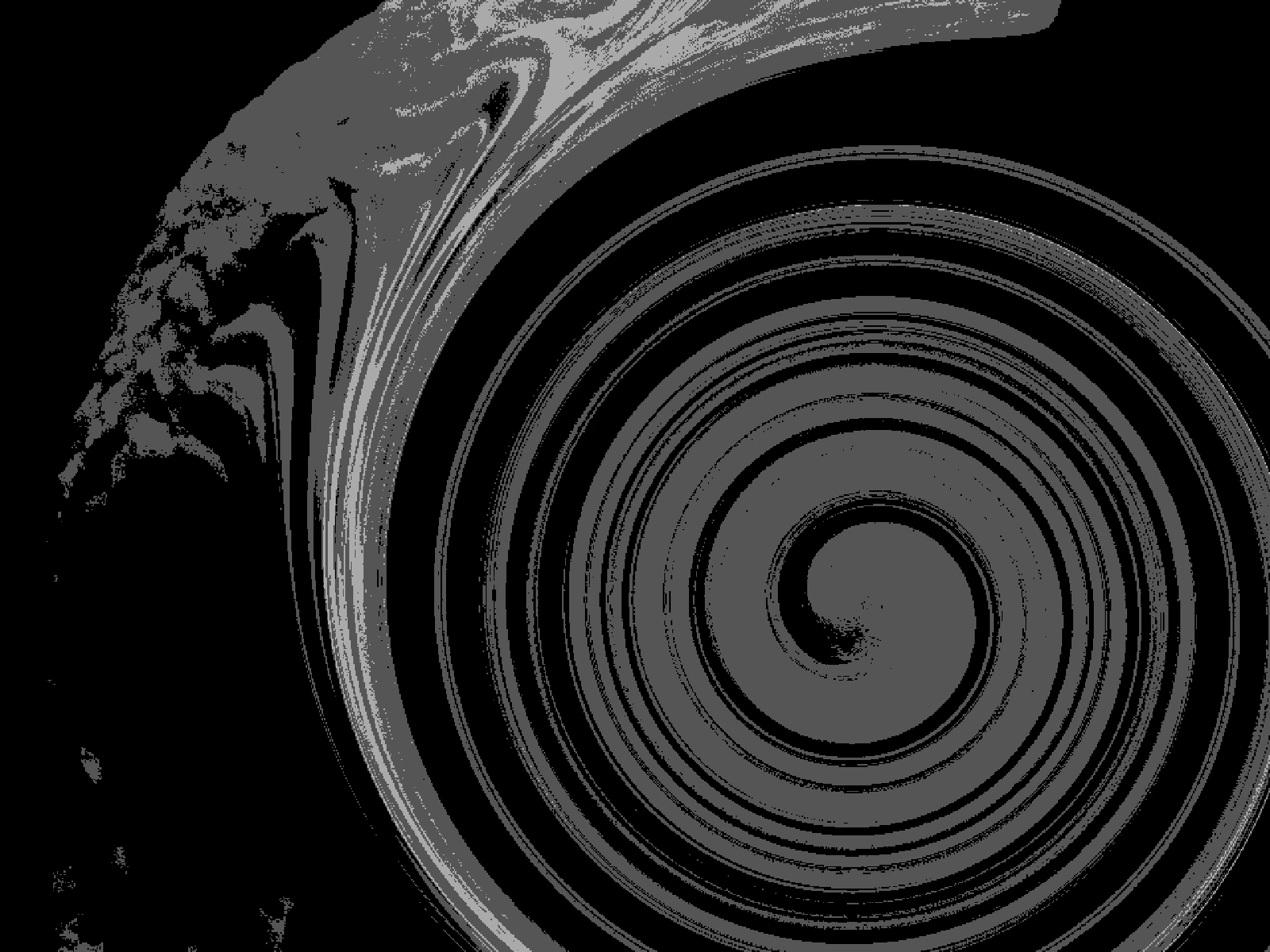
A twirl rotates each pixel around the frame centre by an angle that decreases with radial distance, so the middle turns furthest and the edge barely moves. TWIST sets the maximum rotation from 0 to 10 with a default of 4, where 0 is a flat pass-through. PINCH from 0 to 1 pulls pixels toward or away from the centre alongside the rotation, which is what stops the result looking like a plain spin. ABERRATION is an advanced control adding channel offset toward the edges. Because the centre is stretched most, in kott it is worth starting from the largest source you have.
it can move to the music
Every control of this effect can follow a track. Pick a signal in the studio’s audio panel (the beat, the downbeat, a build, the bass, or an EQ band you set yourself), point it at twist or any other control here, and set how far it moves. The sound comes from your microphone, a browser tab or a file you load, and it is analysed on your own machine.
how the audio routing works04/ FAQ
- What is a twirl effect?
- A twirl effect rotates pixels around a centre point by an angle that falls off with distance, so the middle of the frame turns further than the edges and the image shears into a spiral.
- How do I keep a twirl from destroying the subject?
- Keep TWIST below about 3 and raise PINCH slightly. A small rotation reads as motion or as heat distortion, while a large one reads as a spiral and loses the subject entirely.
- Why does the centre look soft after a twirl?
- The centre rotates furthest, so a small area of source is stretched across many output pixels. Start from the highest resolution image you have, and expect the middle to soften first.