Resize Before You Dither: Why Scaling a Dithered Image Wrecks It
Resizing a 1-bit dithered image turns it gray or cuts its pattern. Here are measured results for four filters at 75 and 50 percent, and the order that works.
01/ ARTICLE
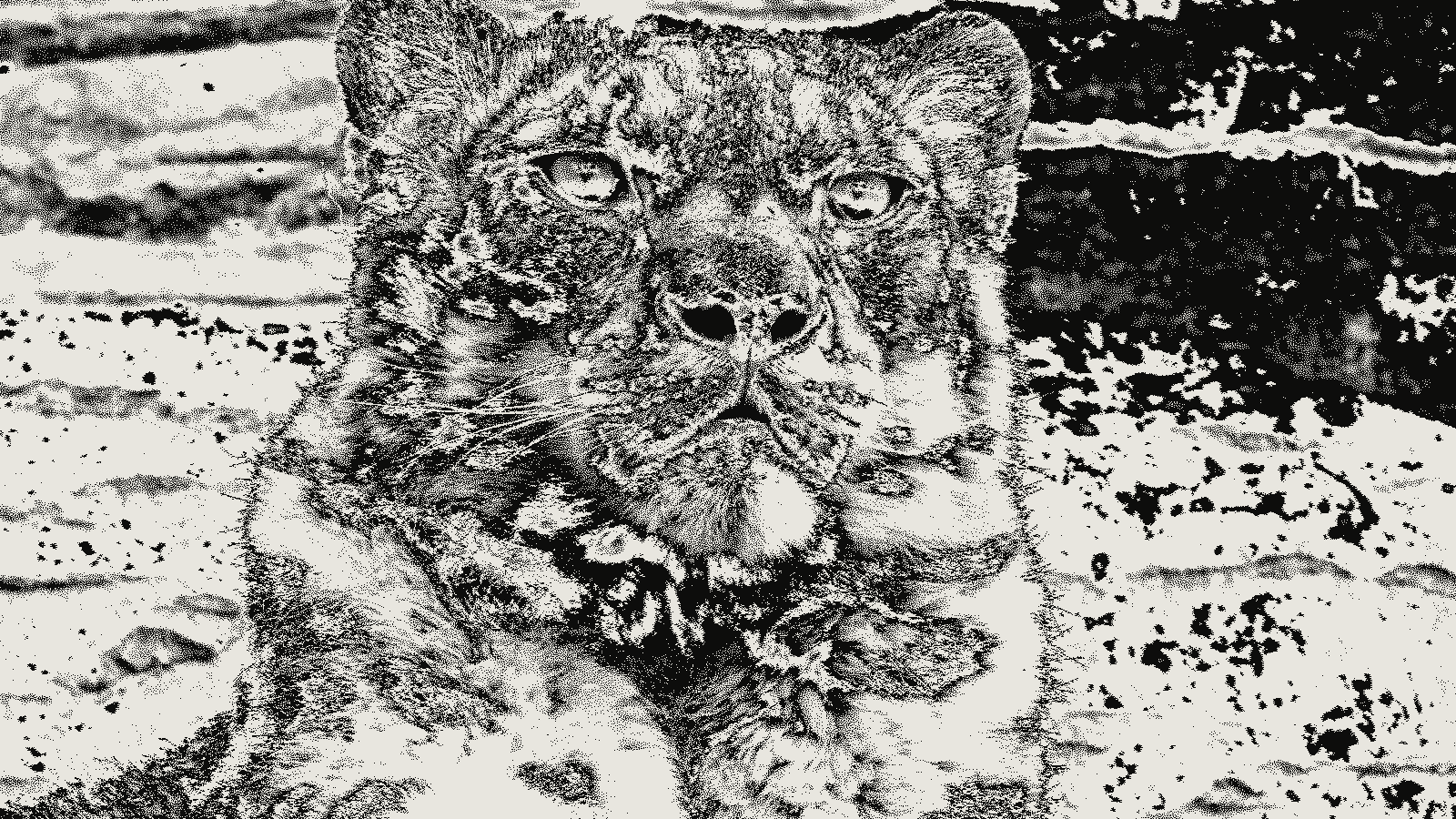 subject: snow leopard · look: floyd-steinberg · threshold 0.50 · 1px · Image made with kott.io
Should you resize a dithered image, or resize first and dither after?
Resize first, then dither. A dithered image is a picture whose gray levels are stored as the density of black and white dots on one exact pixel grid, so any resize that mixes neighbouring pixels breaks it. I ran Floyd-Steinberg on a gradient, resized the result four ways, and counted what was left. Smoothing filters turned a 1-bit file back into grays, and nearest neighbor kept two values but cut the pattern.
This is for anyone preparing 1-bit files for print, where a stray gray pixel can change how a plate or screen reads the file. The numbers come from my own test, described below. I didn't test photographs or colour palettes, so treat the percentages as one measured case.
Why does a dithered image fall apart when I resize it?
Dithering stores tone as dot density. Wikipedia describes the black-and-white case as making the density of black dots approximate the average gray level of the original. That density only means something at the pixel scale it was made for. Change the grid and the dots move off the spots the algorithm chose.
Error diffusion adds a second problem: each pixel's result depends on the pixels before it. Transloadit's glossary says Floyd-Steinberg is normally the final color-reduction step because later resampling can disturb the carefully distributed pattern. That's the whole reason for the order. Dither goes last. If you want the background on why error diffusion output looks the way it does, see error diffusion worm artifacts.
What happens to a 1-bit dither under bilinear, bicubic, Lanczos and nearest neighbor?
I built a 256x256 horizontal gradient from 0 to 255 and ran plain Floyd-Steinberg on it: threshold 128, left to right, weights 7/16, 3/16, 5/16 and 1/16. The result had exactly 2 values, 0 and 255, and a mean of 127.62 against 127.5 for the source. I then resized that dithered image with Pillow 12.3.0 to 75 percent and 50 percent of its size.
| Filter | Scale | Unique values | Pure black or white pixels |
|---|---|---|---|
| Nearest neighbor | 75% | 2 | 100% |
| Nearest neighbor | 50% | 2 | 100% |
| Bilinear | 75% | 156 | 17.2% |
| Bilinear | 50% | 113 | 8.6% |
| Bicubic | 75% | 256 | 19.0% |
| Bicubic | 50% | 256 | 9.3% |
| Lanczos | 75% | 256 | 17.4% |
| Lanczos | 50% | 256 | 8.4% |
Every smoothing filter ended with more than 80 percent of its pixels at some gray value. Averaging a 0 with a 255 gives a mid gray, and a dither is full of those neighbours by design. At 50 percent, bicubic and Lanczos reached all 256 levels. The file is no longer 1-bit, and if you threshold it again you are dithering a second time on top of damaged tones.
Can I resize a dithered image with nearest neighbor?
You can, but there's a catch. Nearest neighbor copies existing pixel values and never averages, so the test image stayed at exactly 2 values. What it does not protect is the arrangement. At 75 percent it throws away one pixel in four along each axis, and at other factors it repeats some pixels and not others. The error-diffusion pattern is cut up, and the dot density that stood for each gray changes in an uneven way. I counted values only, so I can tell you the file stayed 1-bit, not how the tones shifted.
The safe case is a whole-number enlargement, such as 2x or 3x. Every pixel becomes a square block, nothing is lost, and the dots simply get bigger. That suits a pixel-art look. It won't give you a finer dither at a larger size.
What order do I resize and dither in?
Resize the source, then dither at the final pixel size. For comparison I resized the gradient itself with Lanczos to 75 and 50 percent and then ran the same Floyd-Steinberg settings. Both outputs had exactly 2 values. The mean of the dither differed from the mean of the resized gray source by 0.14 at 75 percent and 0.21 at 50 percent, on a 0 to 255 scale. Tone survived because the algorithm saw the final grid.
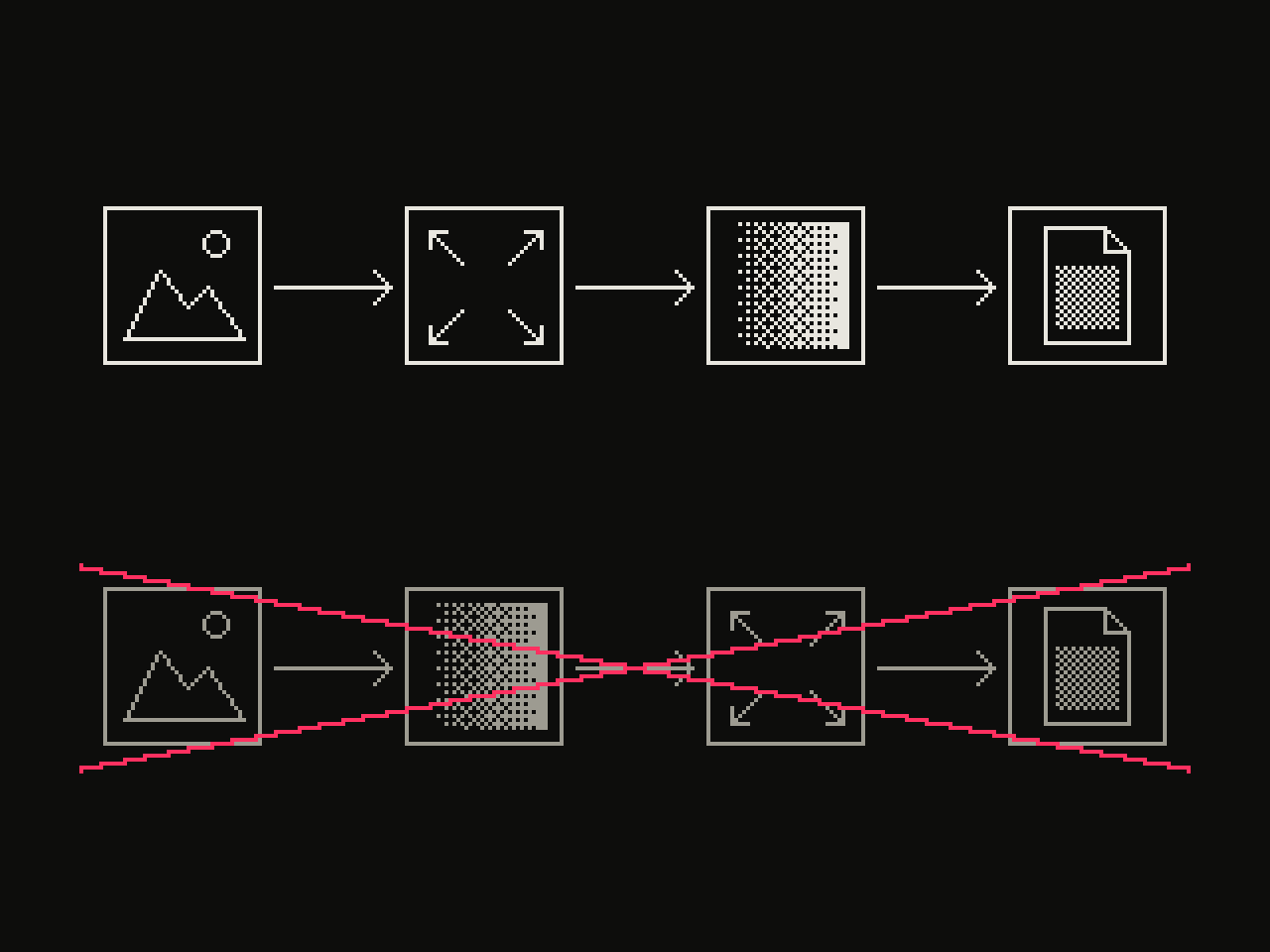 diagram · left to right: source, resize, dither, output; below, crossed out: source, dither, resize, output · seed 7
If your source is already in sRGB, also think about the colour space. How error is added in gamma-encoded values changes the result in shadows and midtones, which dithering in linear light covers in detail. The dither tool works on the image at its own size, so set the pixel size you want in the file before you dither.
Can I scale a 1-bit dither up for print?
Only by a whole number, or by going back to the source. If you still have the original, resize it to the print size and dither again. If you only have the 1-bit file, scale it by an integer factor with nearest neighbor and accept coarser dots. For files headed to big formats, taking 1-bit artwork to A1 covers what else goes wrong.
To try the order yourself, open the studio with the dither effect loaded, set the size first, then the algorithm.
Frequently Asked Questions
Should I resize before or after dithering?
Before. Resize the grayscale or colour source to its final pixel size, then dither. In the test above, every smoothing filter (bilinear, bicubic, Lanczos) turned a 1-bit Floyd-Steinberg image back into grays when applied after dithering.
Can I resize a dithered image with nearest neighbor?
It keeps the image 1-bit: the test gave 2 values and 100 percent pure black and white at both 75 and 50 percent. It also drops or repeats pixels, so the error-diffusion pattern is cut up. Whole-number scale-ups are the safe case.
How do I make a dithered image bigger?
Re-dither from the source at the larger size. If you only have the 1-bit file, scale by a whole number with nearest neighbor and accept that the dots get bigger.
Why did my dithered PNG turn gray after resizing?
Smoothing filters average neighbouring pixels. Averaging black (0) and white (255) produces grays, so the file is no longer 1-bit.
Images in this article were made with kott.io.
02/ OUT
Every setting described above is a real control. Open your own image and sweep it.
All journal entries