pixelate effect
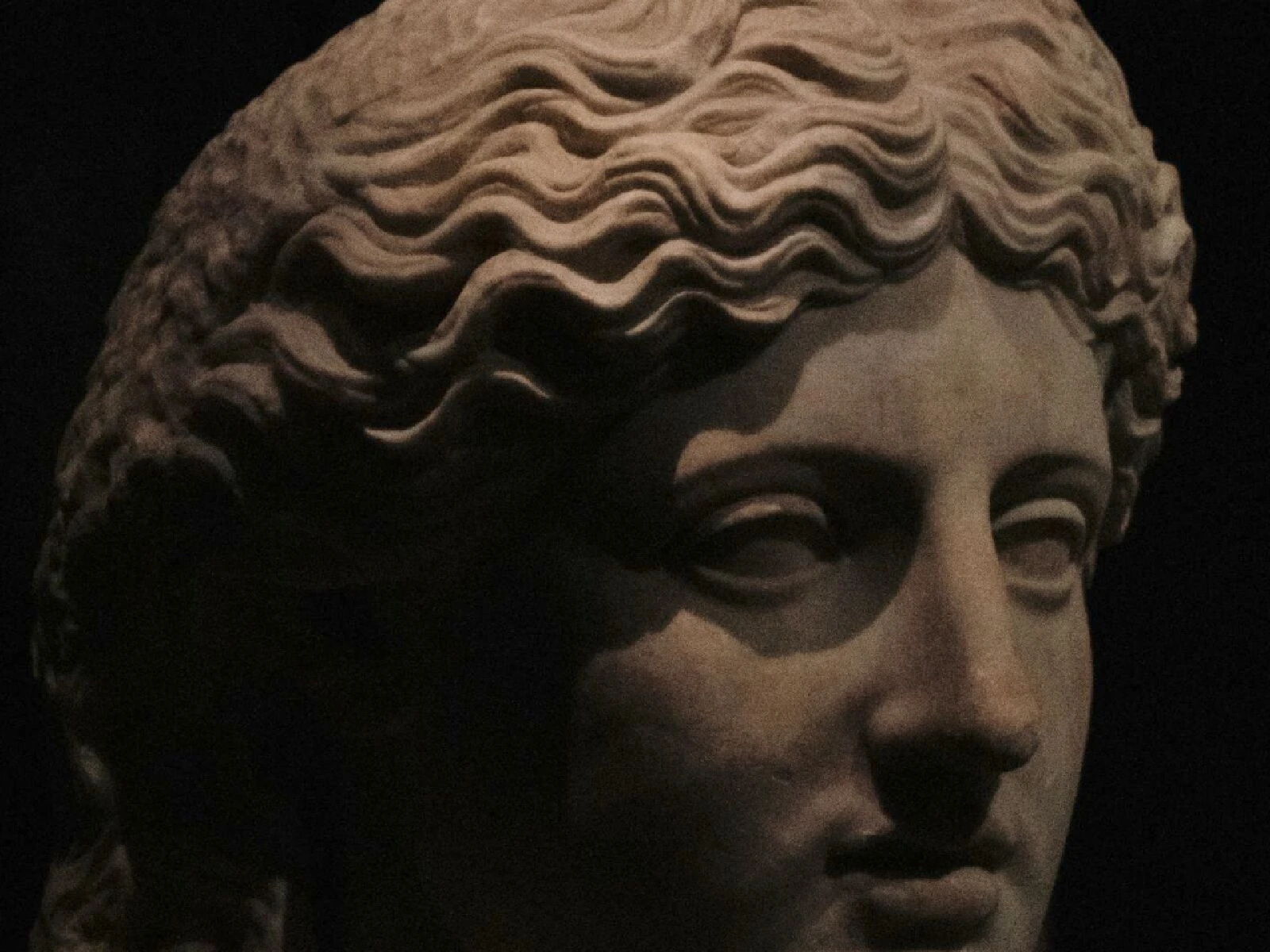
 SourceEffect
01/ ORIGIN
Pixelation became familiar as censorship rather than as style. Broadcasters began obscuring faces, plates and brand marks with coarse blocks once video could be processed electronically, and Japanese television and print adopted mosaic obscuring for material the law required to be hidden. The technique is honest about what it does: it removes information and shows you the removal. Decades of that use are why a blocked-out face still reads as anonymity rather than as decoration.
02/ SWEEP
BLOCK SIZE sweep
03/ SPEC
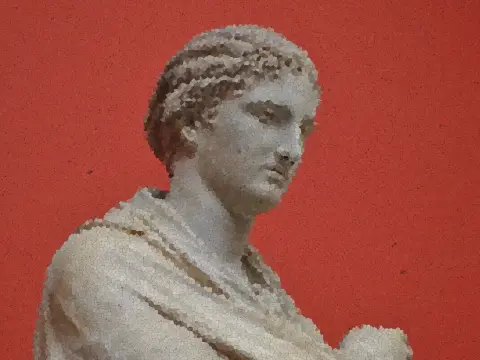
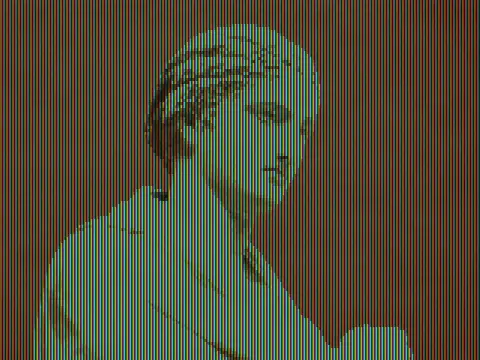
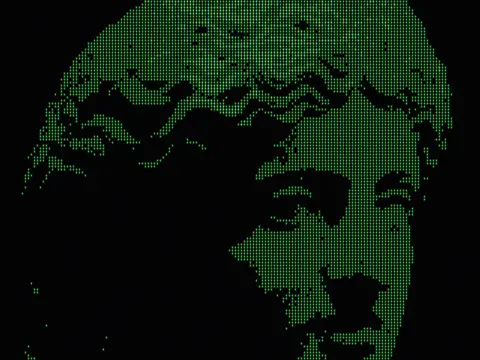
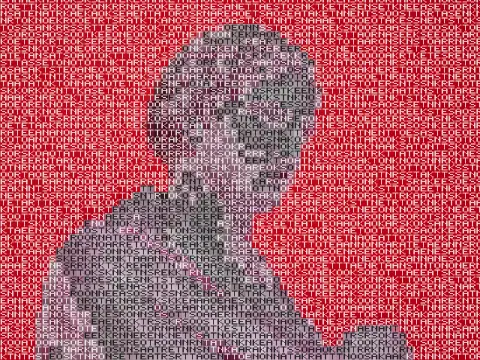
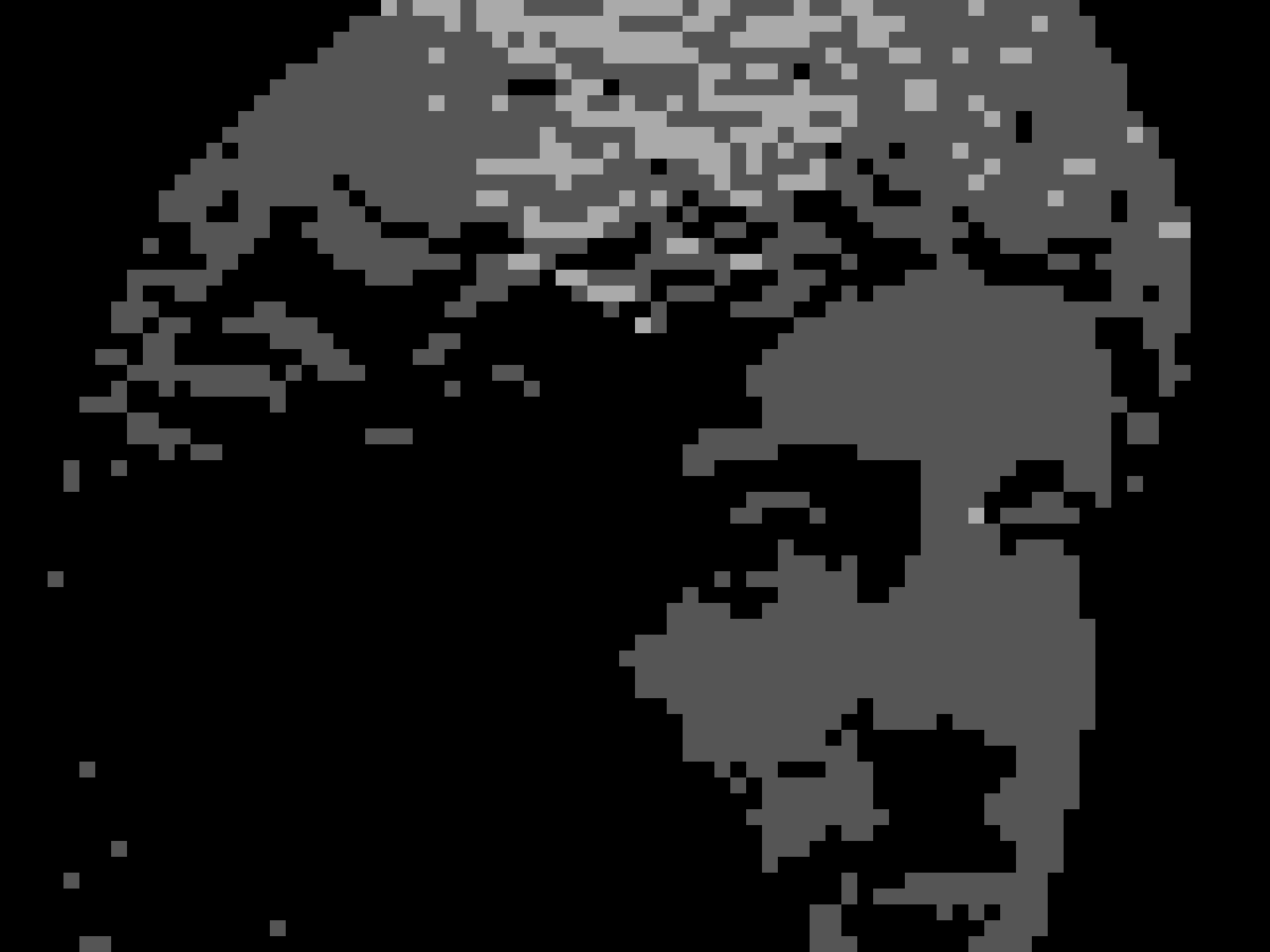
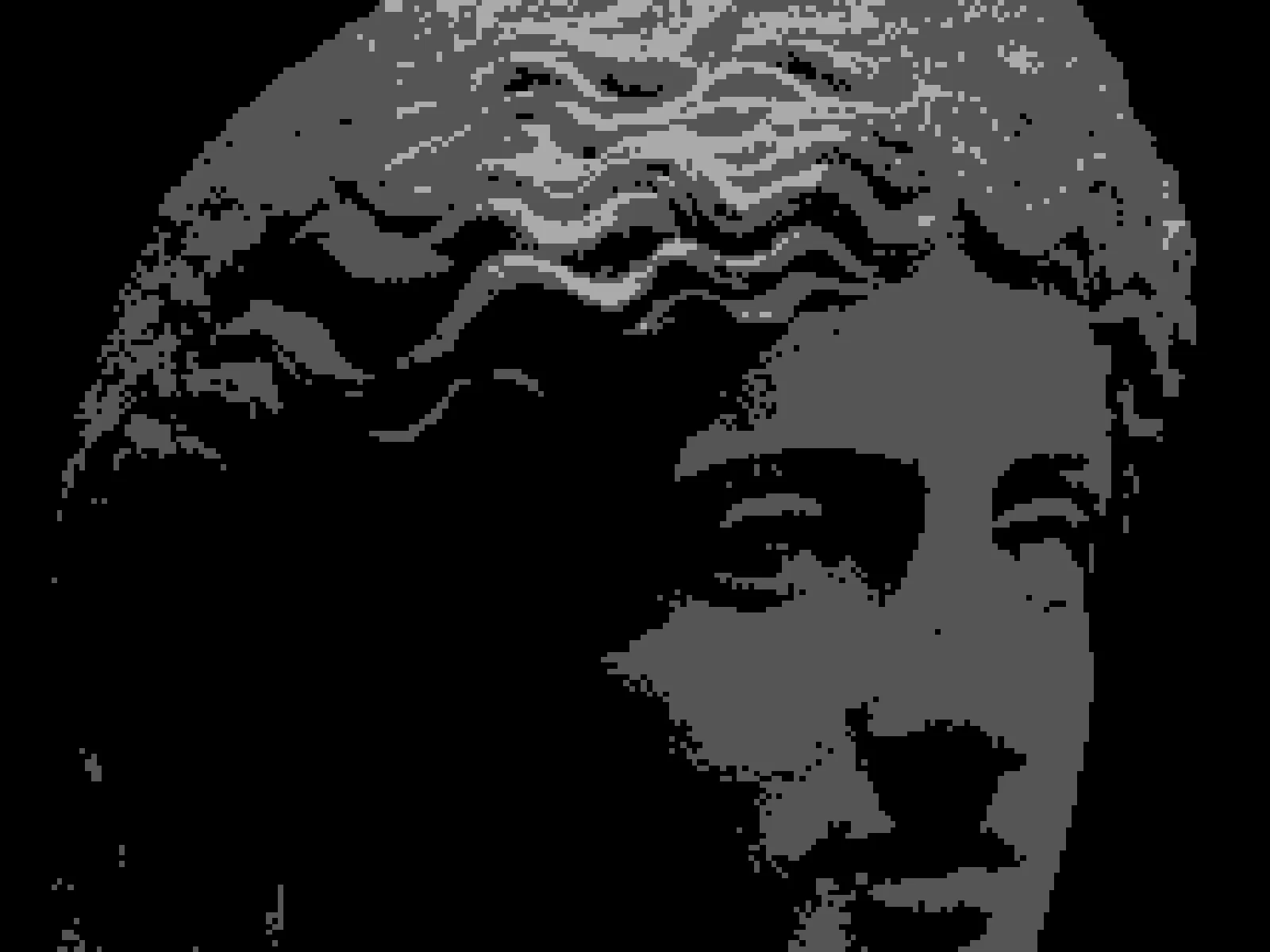
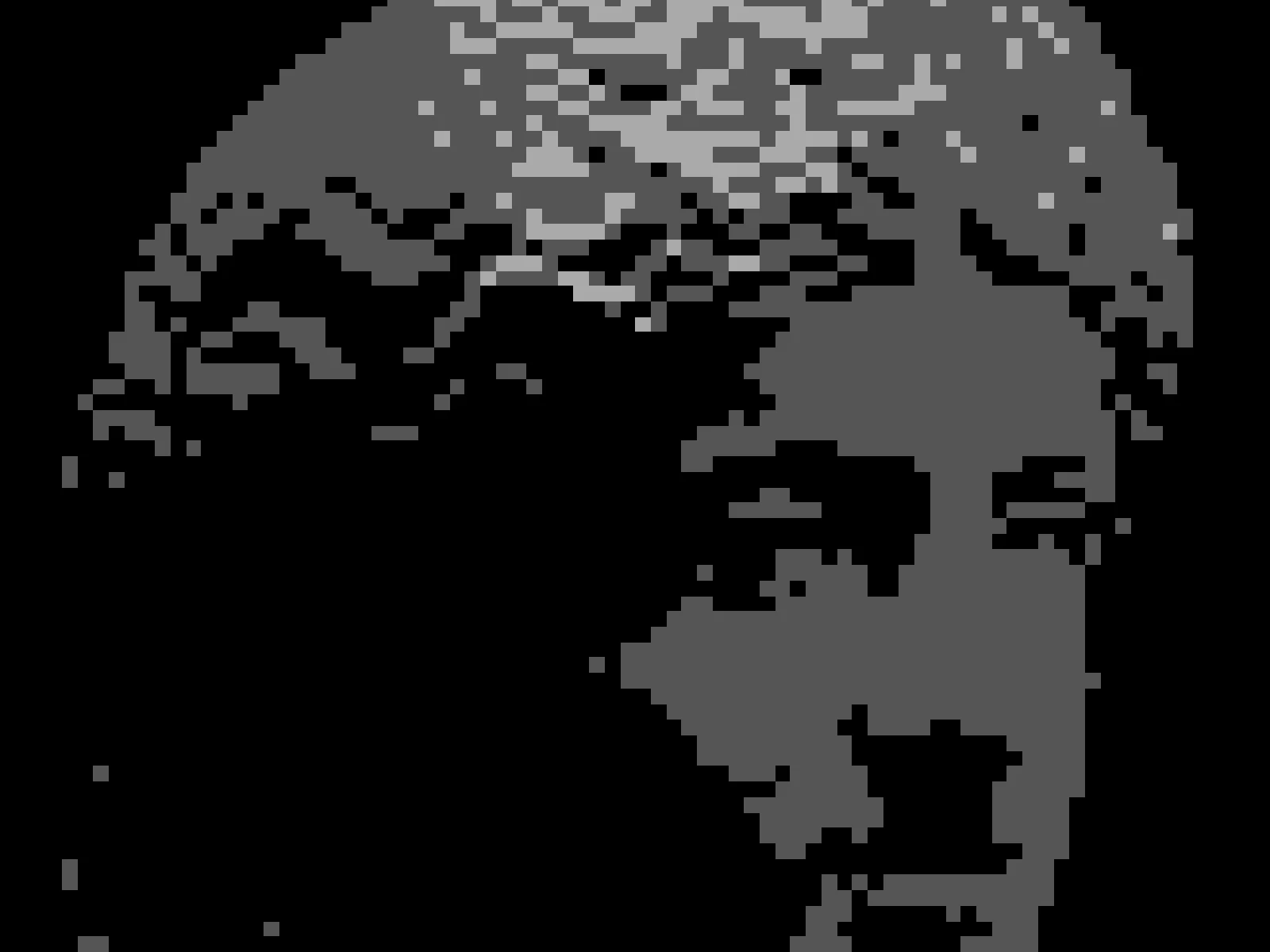
Pixelation divides the image into a grid and replaces each cell with the average colour beneath it, discarding all detail smaller than the cell. BLOCK SIZE is the only control, running from 1 to 16 pixels with a default of 3. At 1 the effect is a no-op, since one pixel averaged with itself is itself. Visible coarseness scales with the source resolution, so the same BLOCK SIZE looks far heavier on a small image than on a large one. In kott it runs on the GPU, so the grid recomputes as you drag rather than after you commit.
it can move to the music
Every control of this effect can follow a track. Pick a signal in the studio’s audio panel (the beat, the downbeat, a build, the bass, or an EQ band you set yourself), point it at block size or any other control here, and set how far it moves. The sound comes from your microphone, a browser tab or a file you load, and it is analysed on your own machine.
how the audio routing works04/ FAQ
- What is a pixelate effect?
- A pixelate effect divides an image into a grid and fills each cell with the average colour underneath, discarding finer detail. It is the standard way faces and text are obscured on television.
- What BLOCK SIZE should I use to anonymise a face?
- Large enough that no facial feature spans more than one block, which on a portrait usually means 12 or above. Pixelated text has been recovered by software in some cases, so err coarse.
- Why does pixelation look different on small images?
- BLOCK SIZE is measured in pixels rather than as a fraction of the frame, so the same value covers much more of a small image. Scale the value with the source resolution.