rgb split effect

 SourceEffect
01/ ORIGIN
Colour separation failure predates colour photography's success. A lens bends short wavelengths more than long ones, so early glass could not bring red and blue to focus in the same plane, and the achromatic doublet was invented in the eighteenth century specifically to correct it. Printing had the same trouble with misregistered plates, and early colour television with misconverged beams. Every one of those was a fault somebody was paid to remove, which is why the offset now reads as damage.
02/ SWEEP
SEPARATION sweep



03/ SPEC
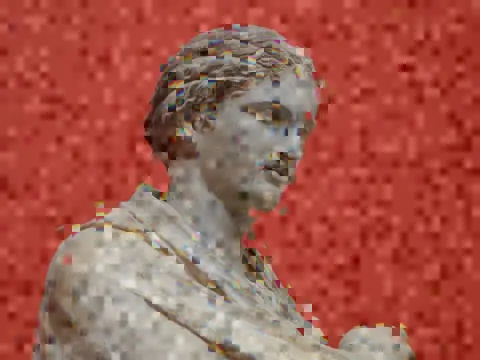
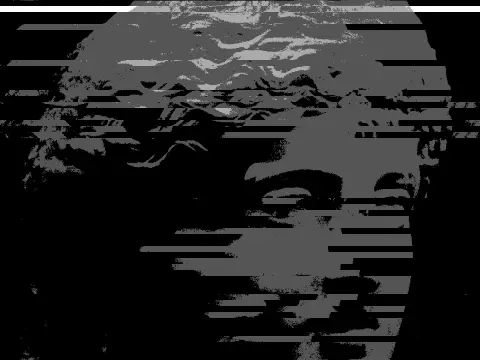
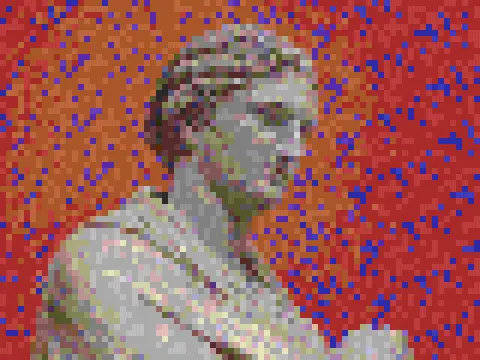
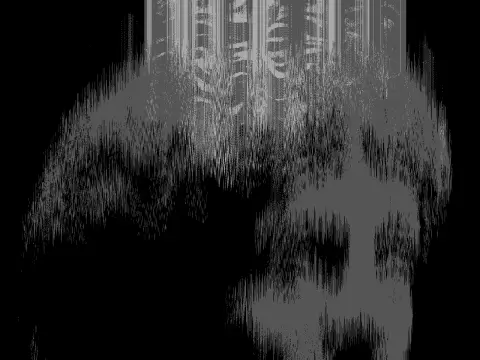
This effect displaces the red, green and blue channels independently, reproducing both optical chromatic aberration and the channel misregistration of misaligned printing or broadcast. SEPARATION sets the offset distance from 0 to 1 with a default of 0.4, where 0 is a clean pass-through. ANGLE rotates the direction of displacement through a full turn, so the split can run horizontally, vertically or diagonally. JITTER adds per-row variation, GHOST leaves a faint trailing copy, and SCANLINE and BLOCK add banded and blocky displacement. In kott the channels are sampled separately per pixel, so edges stay sharp within each colour instead of blurring together.
it can move to the music
Every control of this effect can follow a track. Pick a signal in the studio’s audio panel (the beat, the downbeat, a build, the bass, or an EQ band you set yourself), point it at separation or any other control here, and set how far it moves. The sound comes from your microphone, a browser tab or a file you load, and it is analysed on your own machine.
how the audio routing works04/ FAQ
- What is an RGB split effect?
- An RGB split effect offsets the red, green and blue channels away from each other, producing coloured fringes along edges. It imitates lens chromatic aberration and misregistered colour printing.
- What is the difference between RGB split and chromatic aberration?
- Chromatic aberration is the optical fault: strongest at the frame edges and radial in direction. An RGB split is a uniform offset in one direction, which is why it reads as a deliberate effect rather than as a lens.
- How do I keep an RGB split subtle?
- Keep SEPARATION below about 0.2 and leave JITTER at zero. Fringing on hard edges alone reads as optics, while visible displacement across flat areas reads as a filter.